
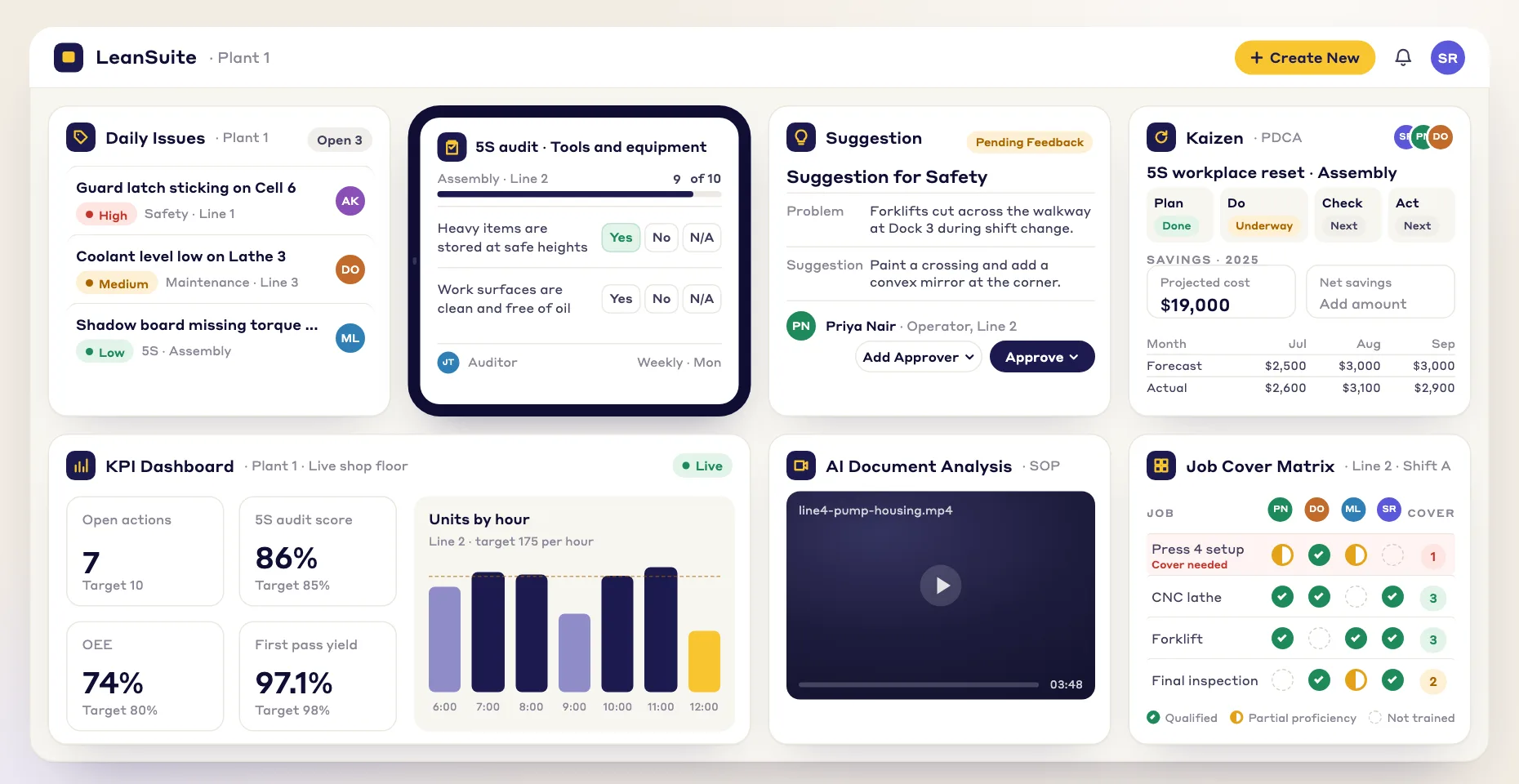
Streamlined production processes
Guide production teams through each step in order, so quality and output stay consistent from shift to shift.
Build, customize and share checklists that keep your operations safe, efficient and on standard.
Guide production teams through each step in order, so quality and output stay consistent from shift to shift.
Support quality control with checklists that help teams catch and fix defects early in the line.
Give workers checklists that spell out the safety procedures to follow, so you stay compliant with regulations.
Build maintenance checklists that keep machines running and cut downtime and costly repairs.
Here are some of the checklists teams build in the Lean Creator:
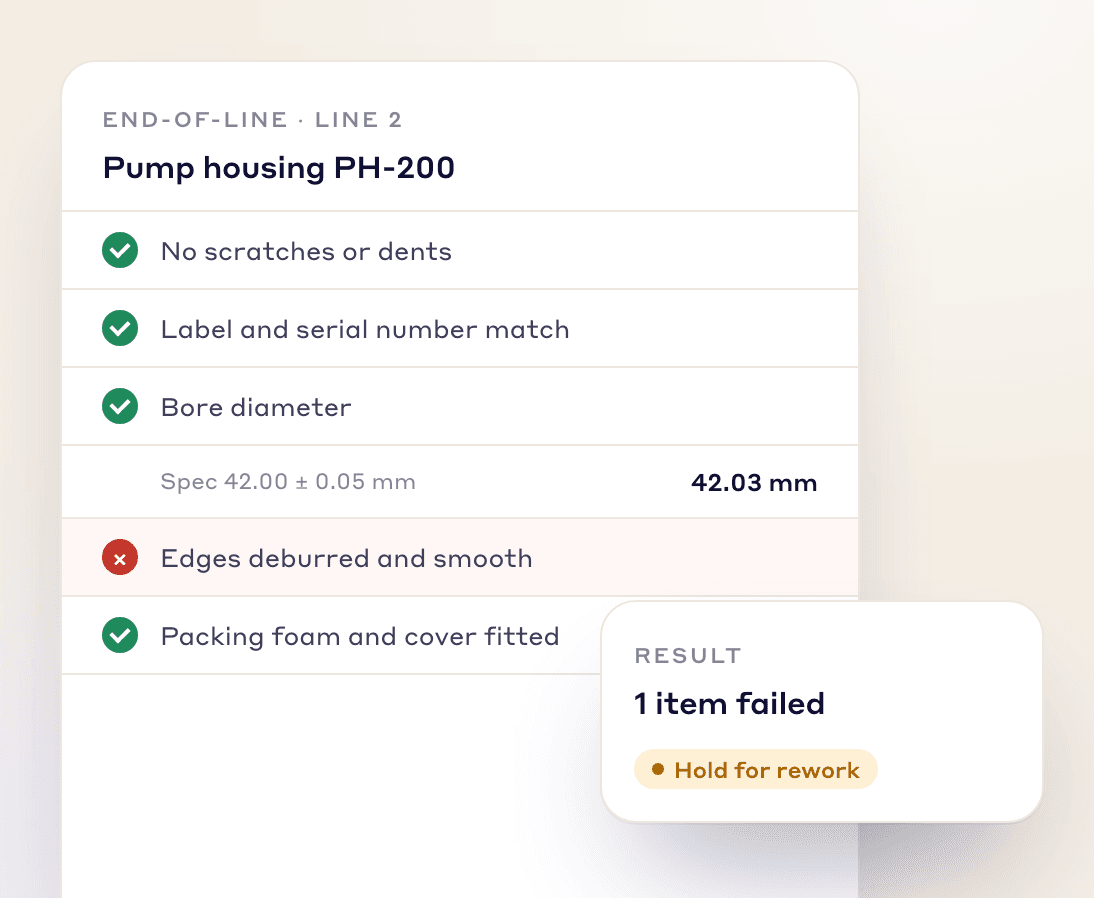
Build checklists with the quality parameters unique to your products, so every item is checked before it ships and fewer defects reach customers.
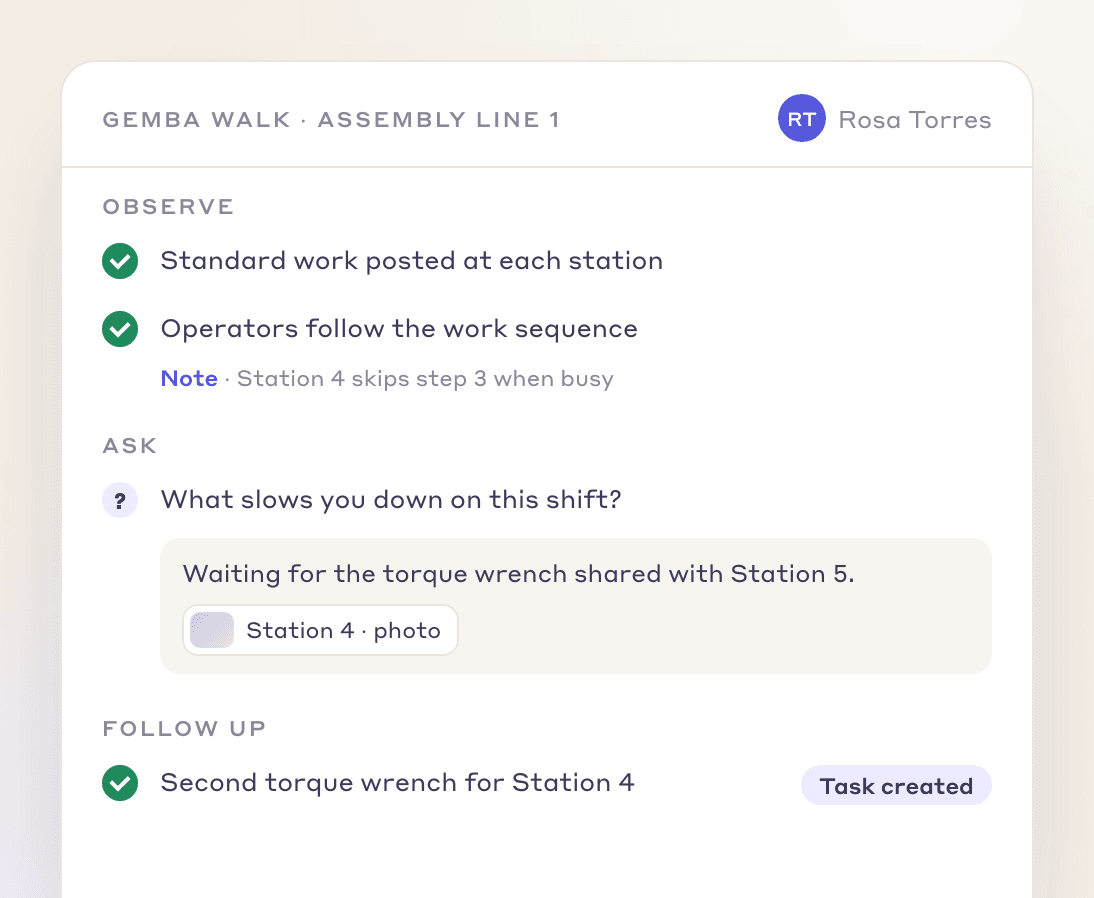
Build Gemba walk checklists that help managers and team leaders observe, ask questions and understand how the work is really done.
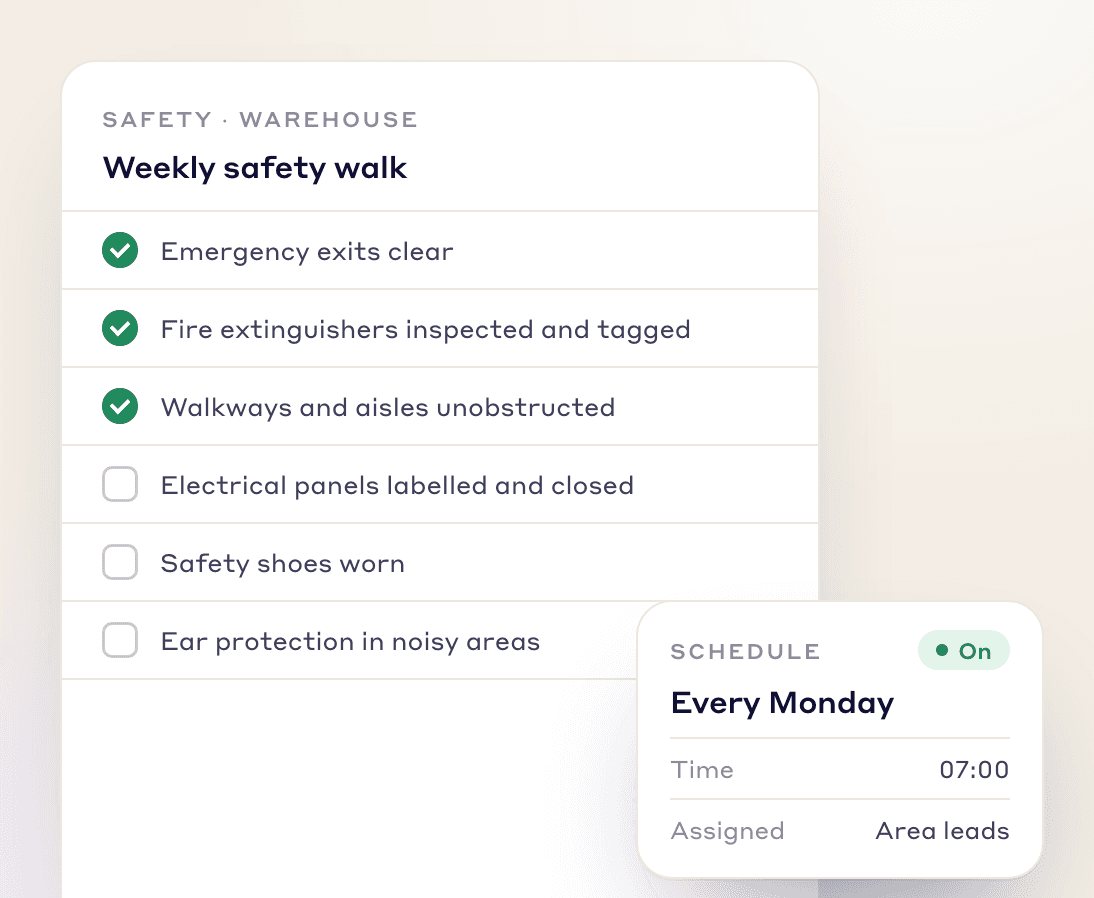
Build safety checklists for your facility and run them on a regular schedule to prevent accidents and stay compliant with safety regulations.
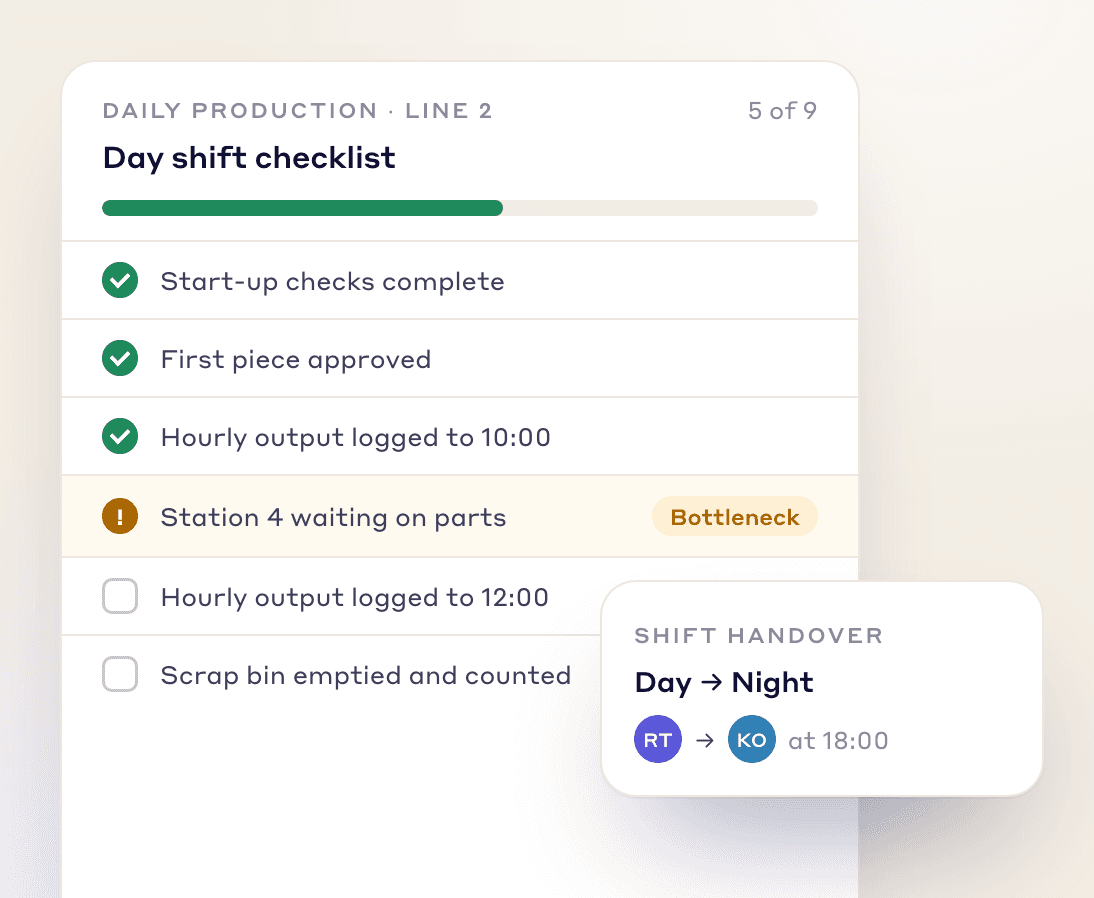
Build daily production checklists that track progress through the shift, flag bottlenecks and keep work flowing.
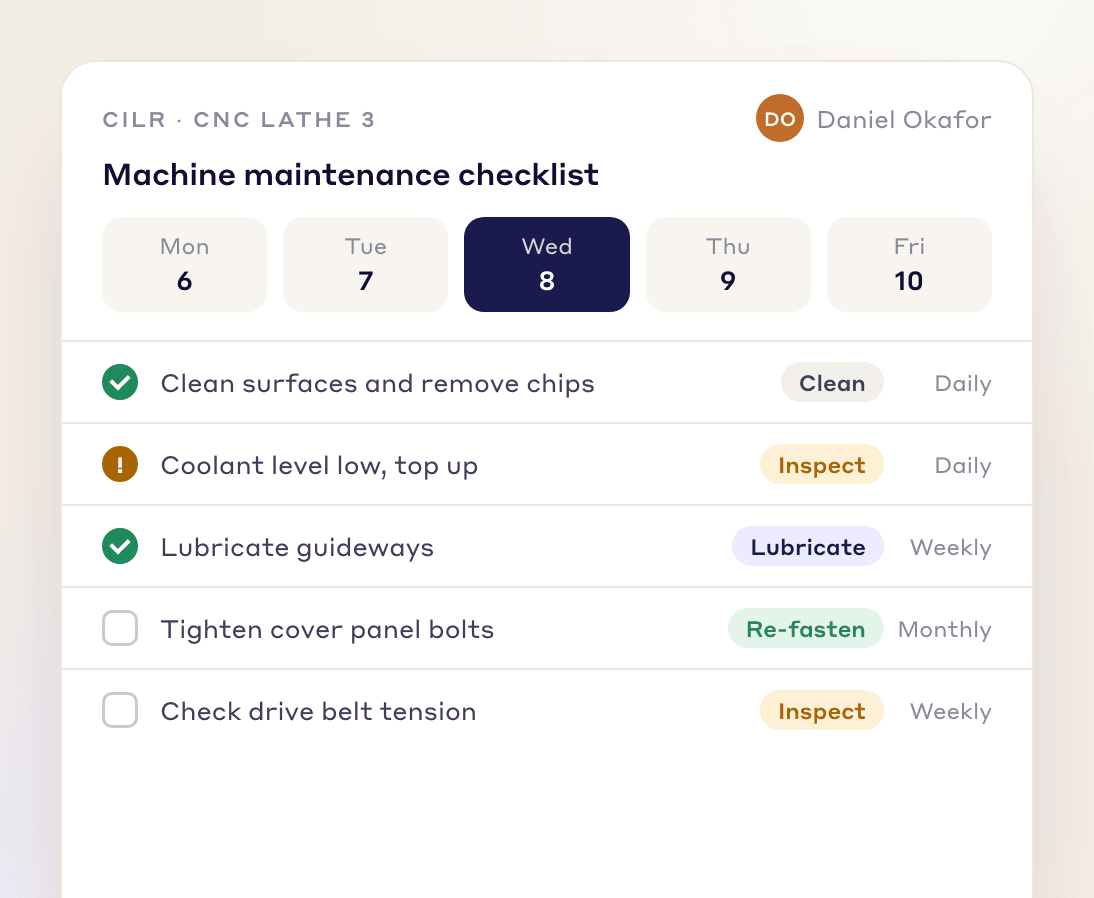
List every maintenance task, schedule each one at the right interval, and reduce downtime and repair costs.
Other document types
FAQs
A digital checklist is a checklist your team completes on a device instead of paper, so every check follows the same standard and the results are easy to share. In LeanSuite you build, customize and share digital checklists in the Lean Creator.
The Lean Creator is LeanSuite's manufacturing document builder. You use it to build checklists, inspections and audits, surveys and training materials in one place.
Teams build end of line quality checklists, Gemba walk checklists, safety checklists, production daily checklists and machine maintenance checklists, among others.
Yes. Daily Standard Work assigns a checklist to a person, a role or a machine and repeats it daily, weekly or monthly. People see it on their calendar and Kanban board, and missed checks show in red.
Production teams use them to work through each step in order, quality teams to catch defects early, safety teams to spell out procedures, and maintenance teams to keep machines running.
Yes. Add a rule to a critical check so it can't be submitted without a photo and a comment.
Yes. Clone a template from the Template Marketplace into your own templates, then edit, preview and assign it.
Build checklists for production, quality, safety and maintenance in one place with the Lean Creator.