
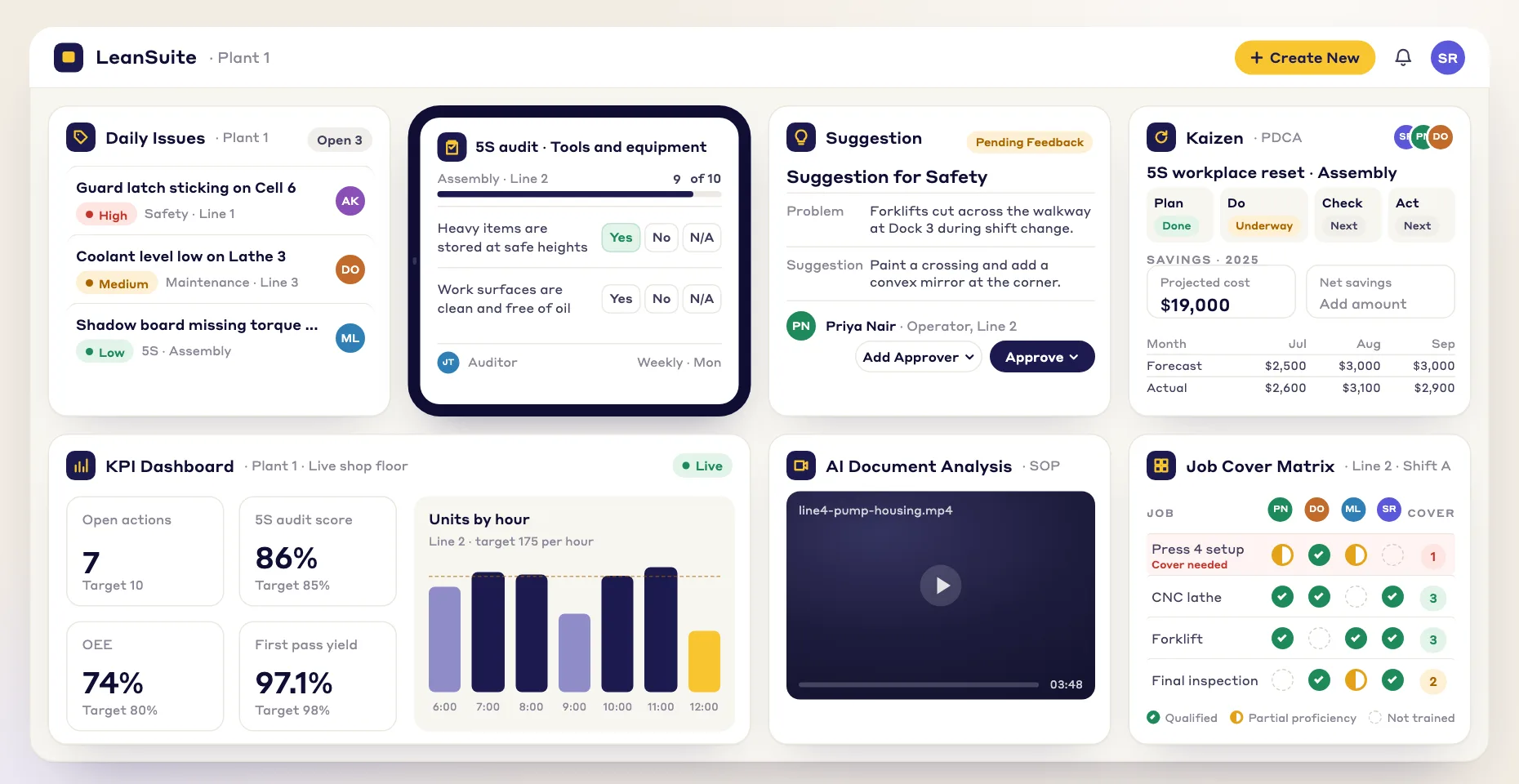
Versatile document creation
Build many kinds of training documents in the Lean Creator, each tailored to your manufacturing processes.
Build training quizzes, assessments and instructions tailored to how your operation works.
Build many kinds of training documents in the Lean Creator, each tailored to your manufacturing processes.
Assign and schedule training for your team as soon as it is ready, so everyone works from the latest version.
Standardized training documents help you stay compliant with industry standards, reduce errors and improve safety.
Use interactive quizzes and assessments to help employees remember what they learn and apply it on the job.
Here are some of the training materials teams build in the Lean Creator:
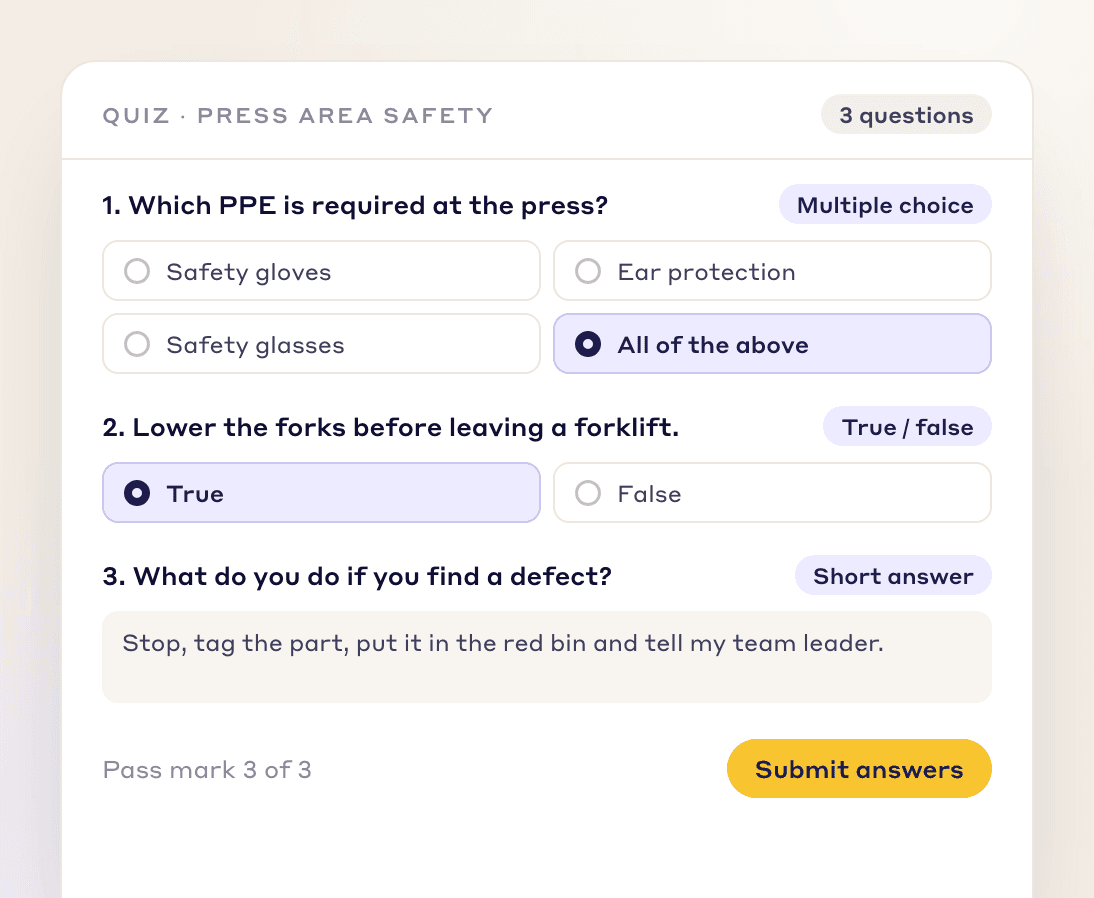
Build engaging quizzes with multiple choice, true/false and short answer questions.
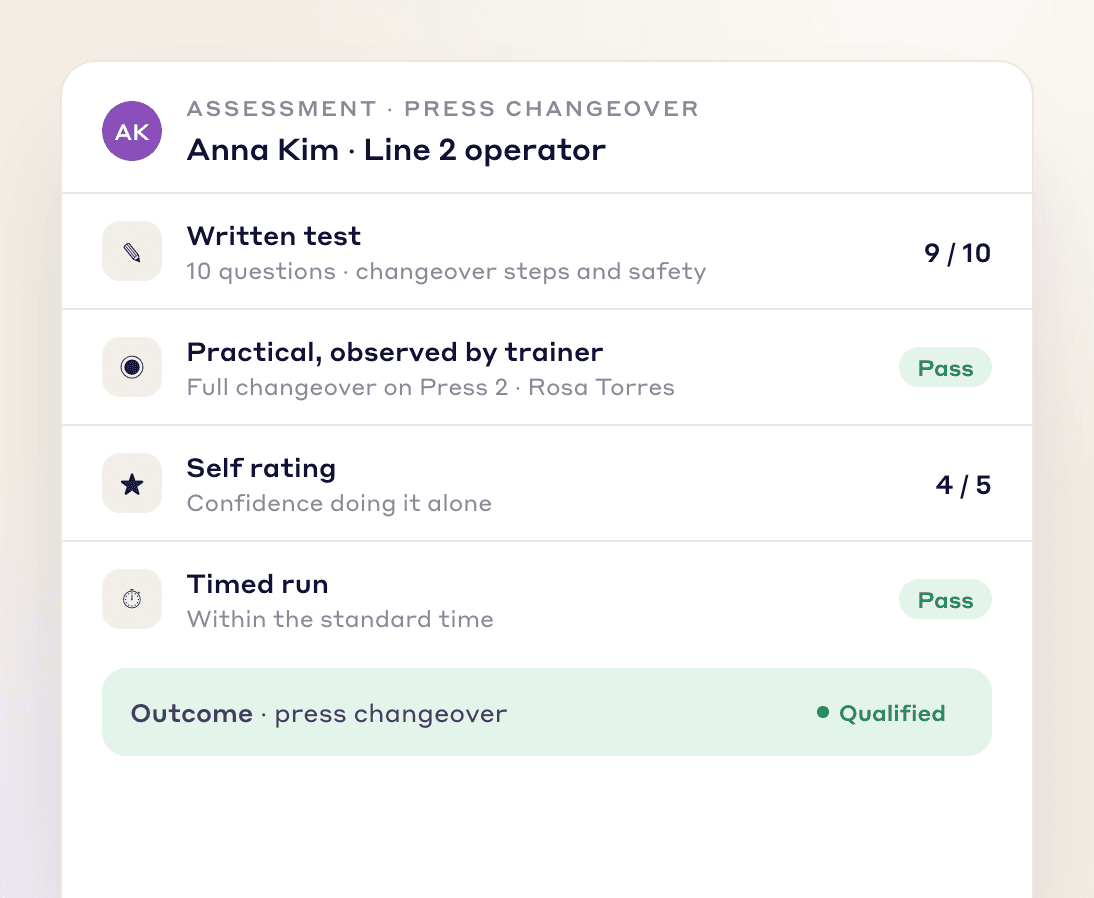
Build assessments in several formats, each tied to a specific outcome, to check an employee's knowledge and skills in full.
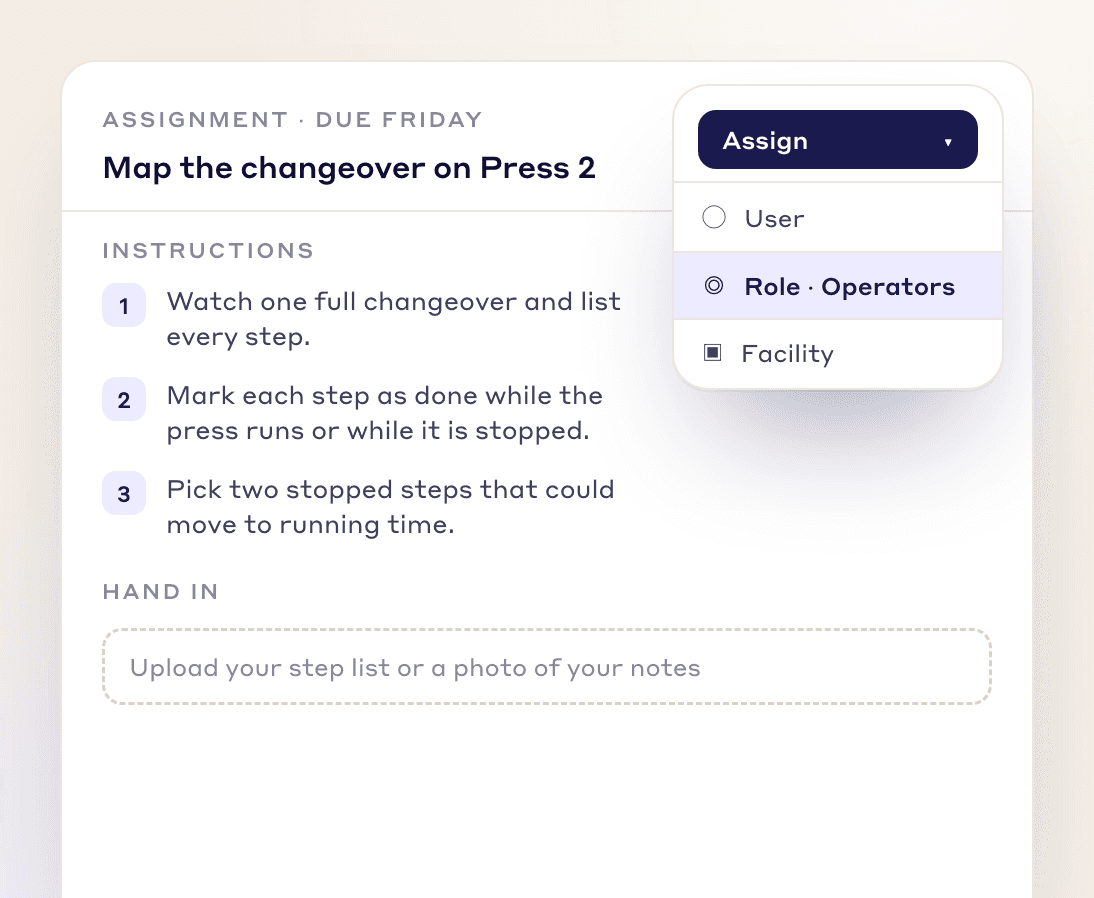
Write assignments with clear instructions that get people thinking and applying what they know.
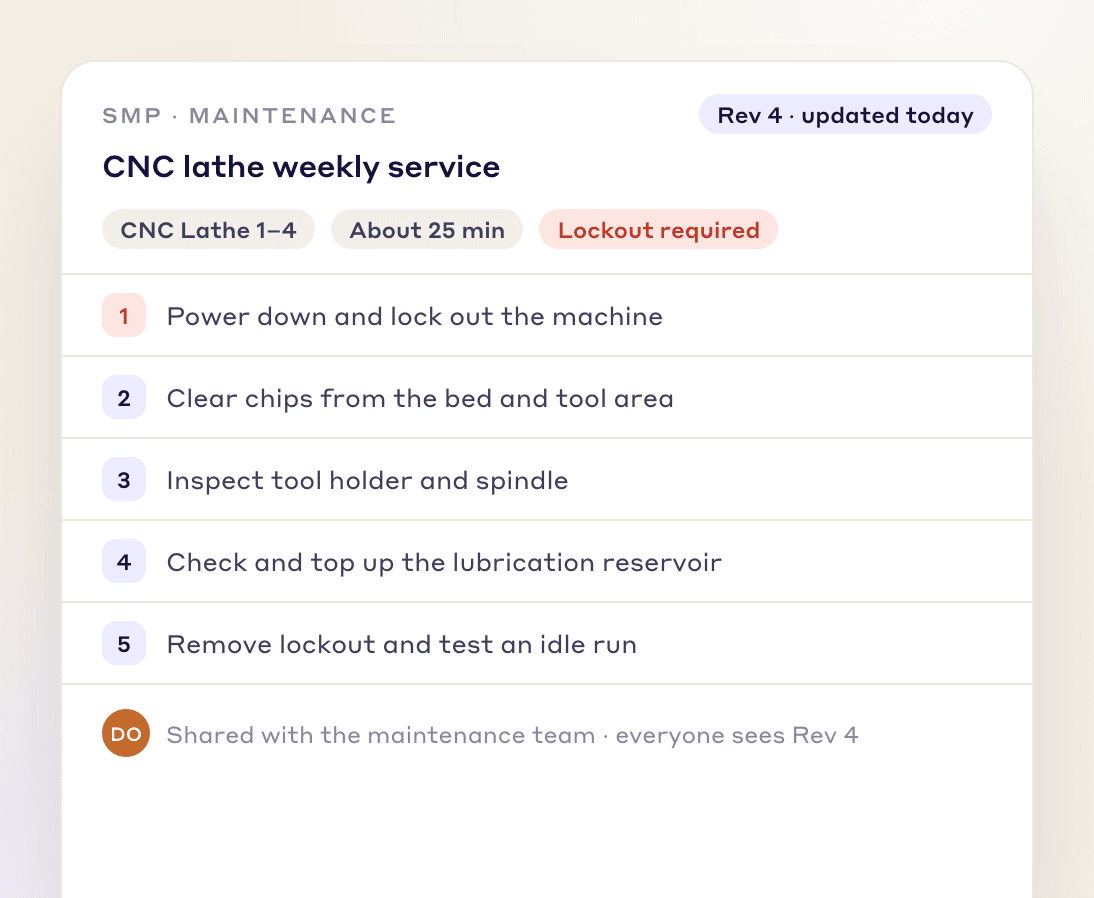
Write clear SMPs that are easy to share and update, so every technician follows the same, current procedure.
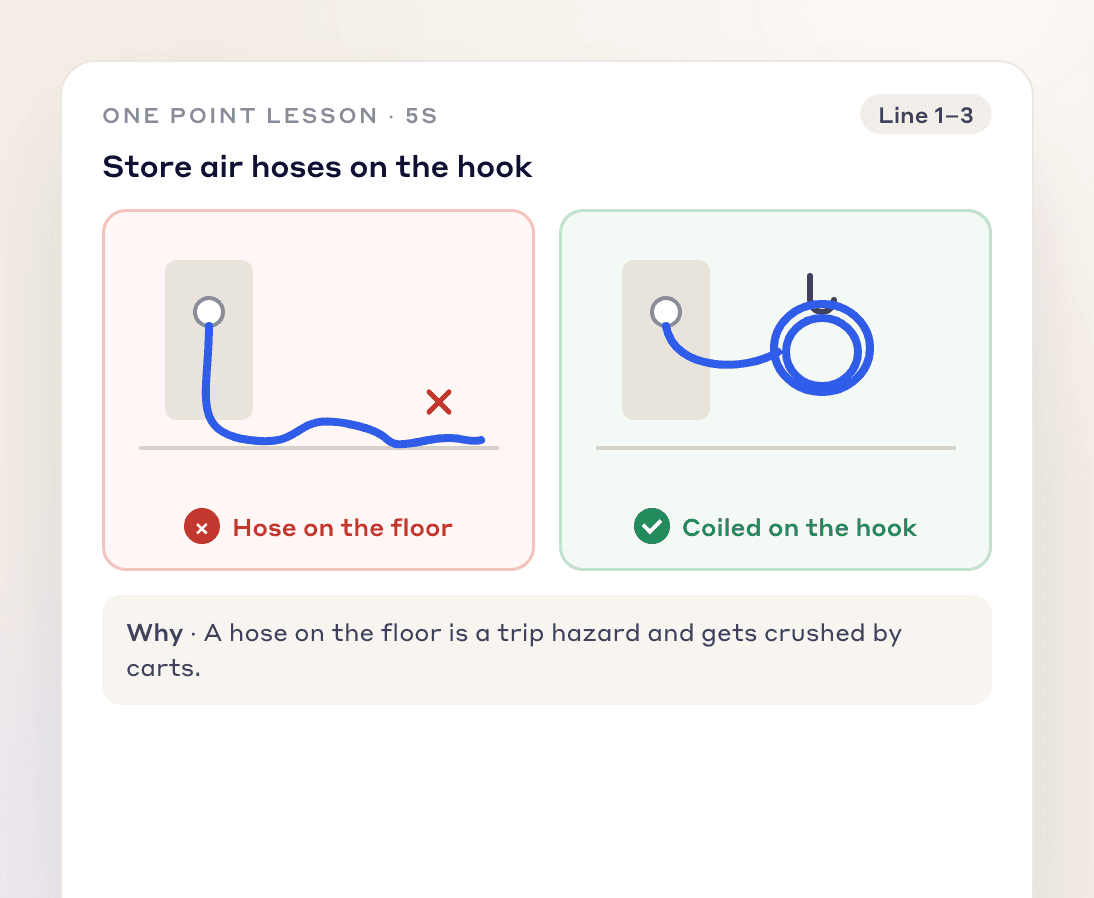
Make visual, easy-to-understand OPLs and share them quickly, so knowledge spreads across your workforce.
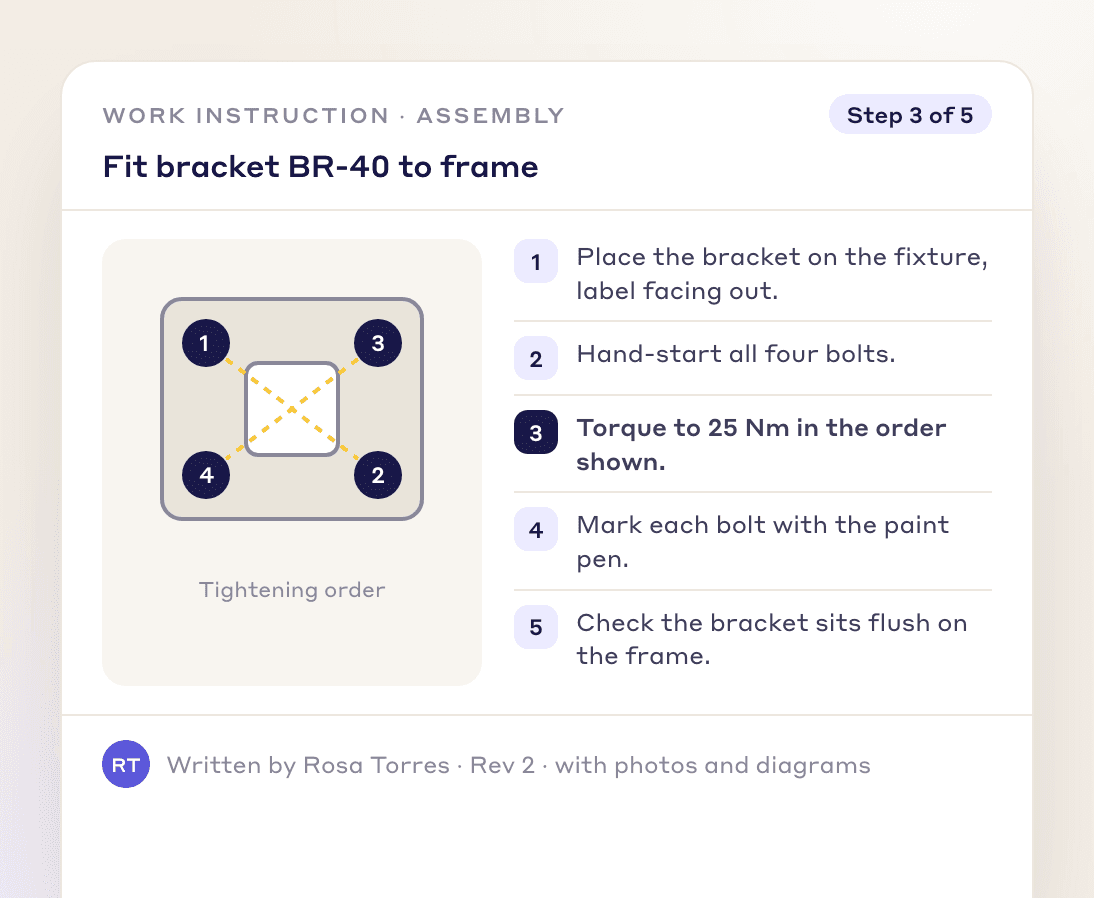
Build work instructions with text, images and diagrams, so employees can do each task accurately and efficiently.
Teach the task where it is done, with the real tools, parts and work instruction.
The trainer shows the task, the trainee does it, and the trainer checks it against the standard before signing off.
Keep who was trained, on which version and when, so the skills matrix and an audit read from the same record.
When a work instruction changes, the people trained on the old version need the new one.
Other document types
FAQs
A training document builder is a tool for creating quizzes, assessments, work instructions and other training material in one place. In LeanSuite this is the Lean Creator, where you build training materials tailored to how your operation works and assign them to your team.
Quizzes, assessments, assignments, standard maintenance procedures (SMPs), one point lessons (OPLs) and work instructions. The AI can draft an SOP from a video and an OPL from before-and-after photos.
Multiple choice, true/false and short answer questions.
Publish it and assign it to people, a role or an asset. Each person opens it, answers any questions and signs, and you can see who has completed it.
Yes. Work instructions can combine text, images and diagrams, so employees can do each task accurately.
Strengthen your training programs and prepare each learner for the demands of their role.