
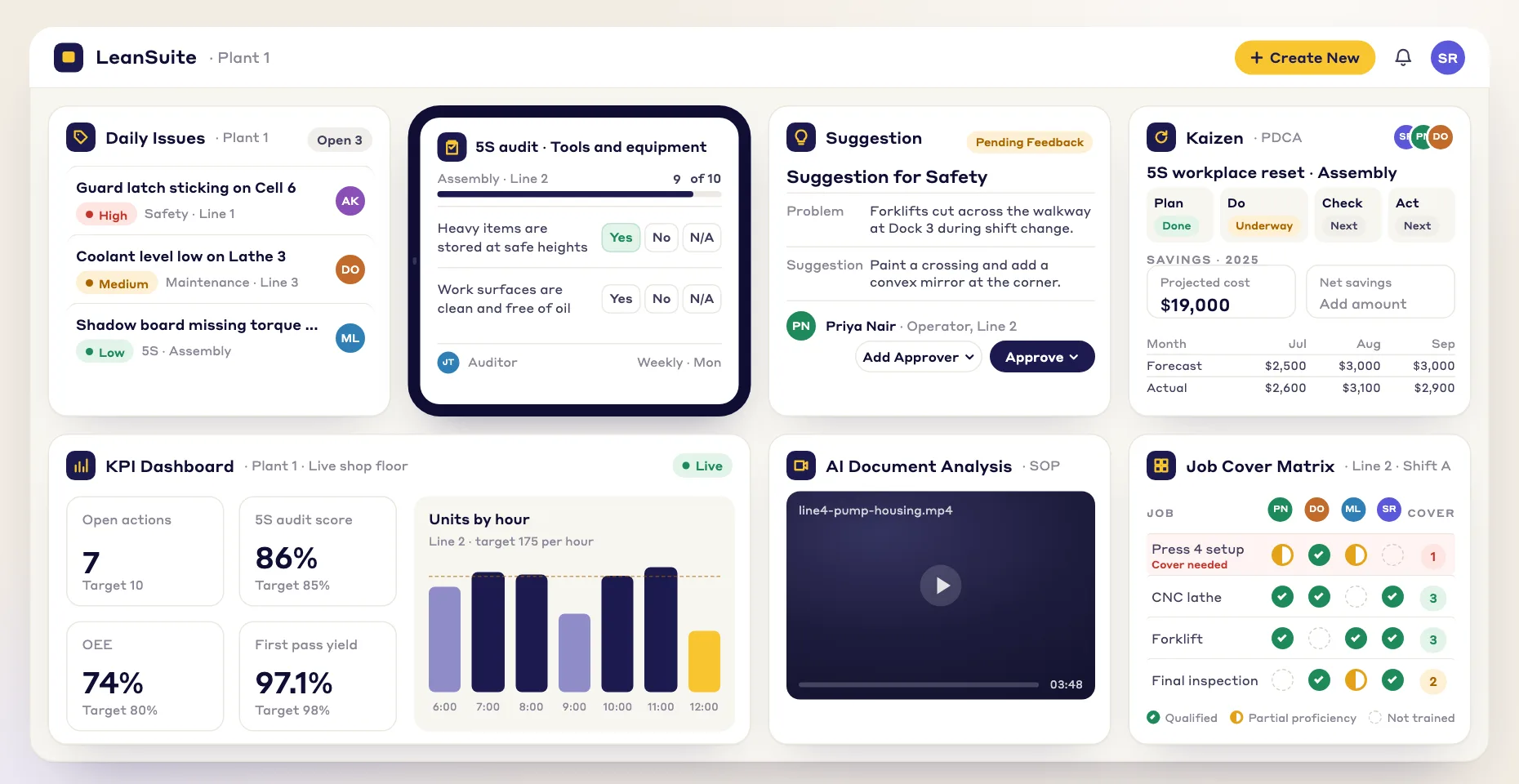
Less paperwork
Build forms quickly in a simple editor, so your time goes into the inspection itself rather than the paperwork.
Build, customize and share the inspection and audit forms your plant relies on.
Build forms quickly in a simple editor, so your time goes into the inspection itself rather than the paperwork.
Use the same form every time, so every inspection and audit is held to the same standard.
Share forms with team members so inspections and audits become shared work, not one person's job.
Assign each inspection and audit and schedule automated reminders, so the right person does it on time.
Here are some of the inspections and audits teams build in the Lean Creator:
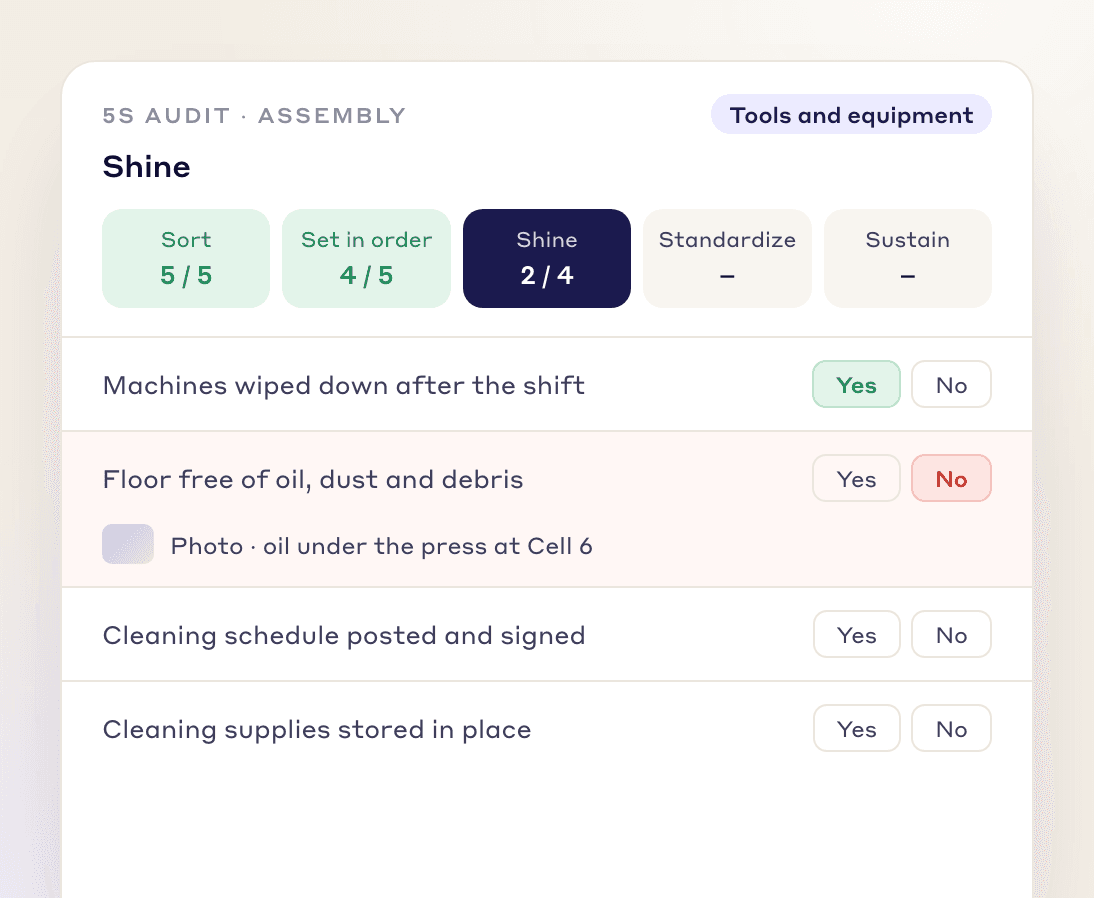
Check each of the 5S principles (Sort, Set in Order, Shine, Standardize and Sustain) in one audit to keep work areas organized, efficient and safe.
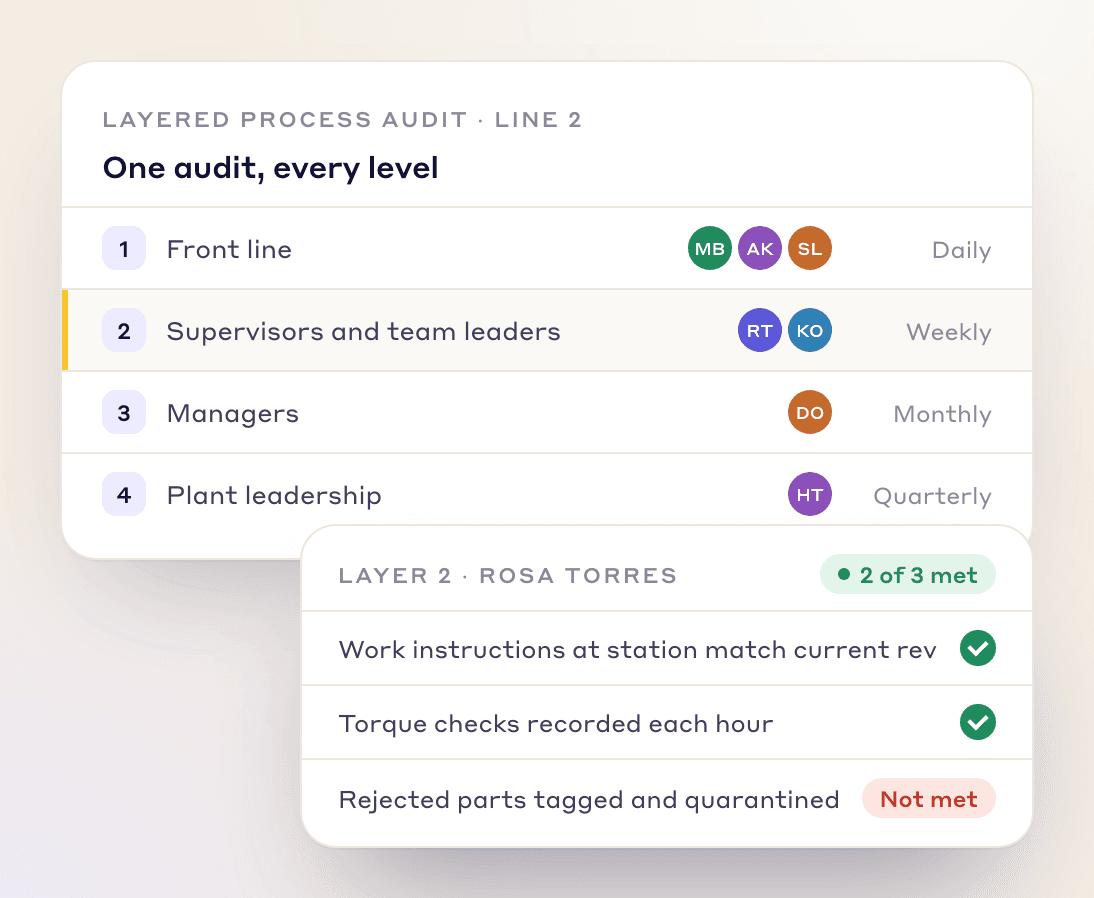
Build LPA forms that let teams at every level check the same process against its standard and spot where it can improve.
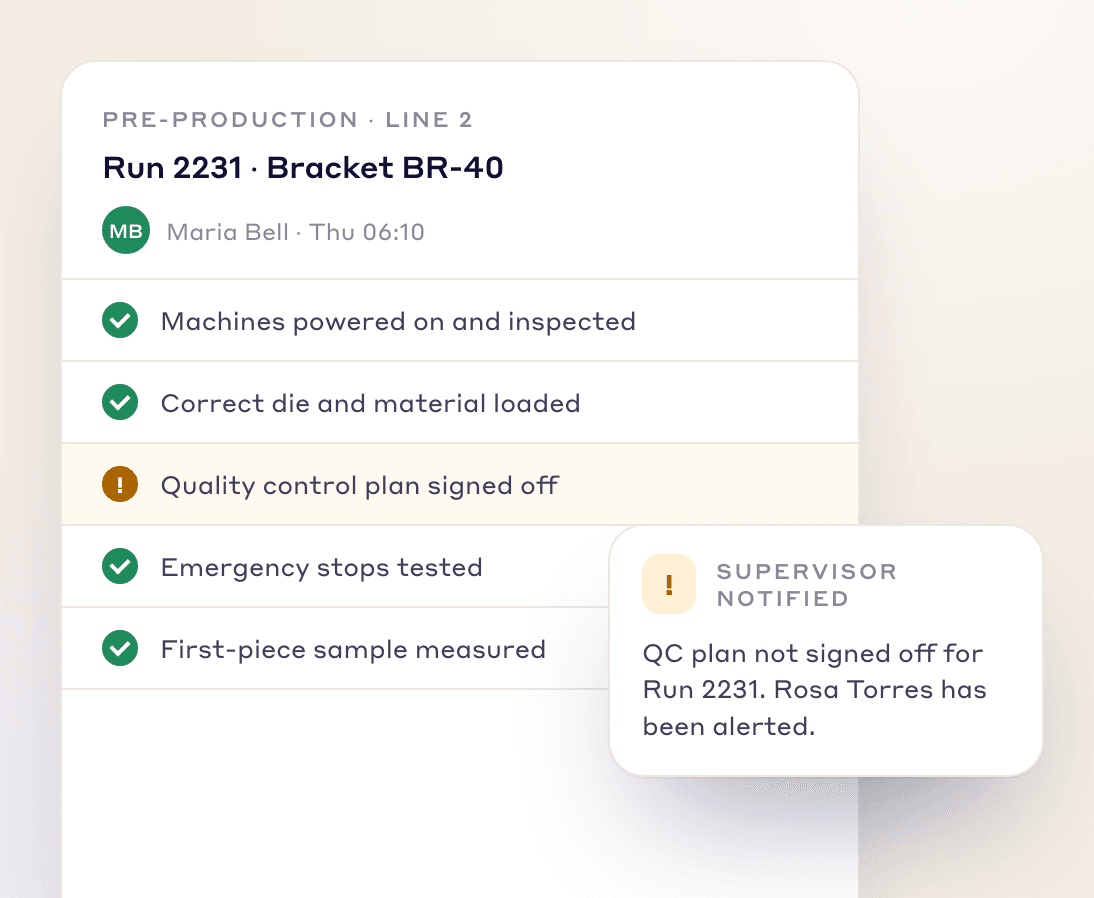
Cover every pre-production checkpoint, so each run is checked for quality and compliance before it starts.
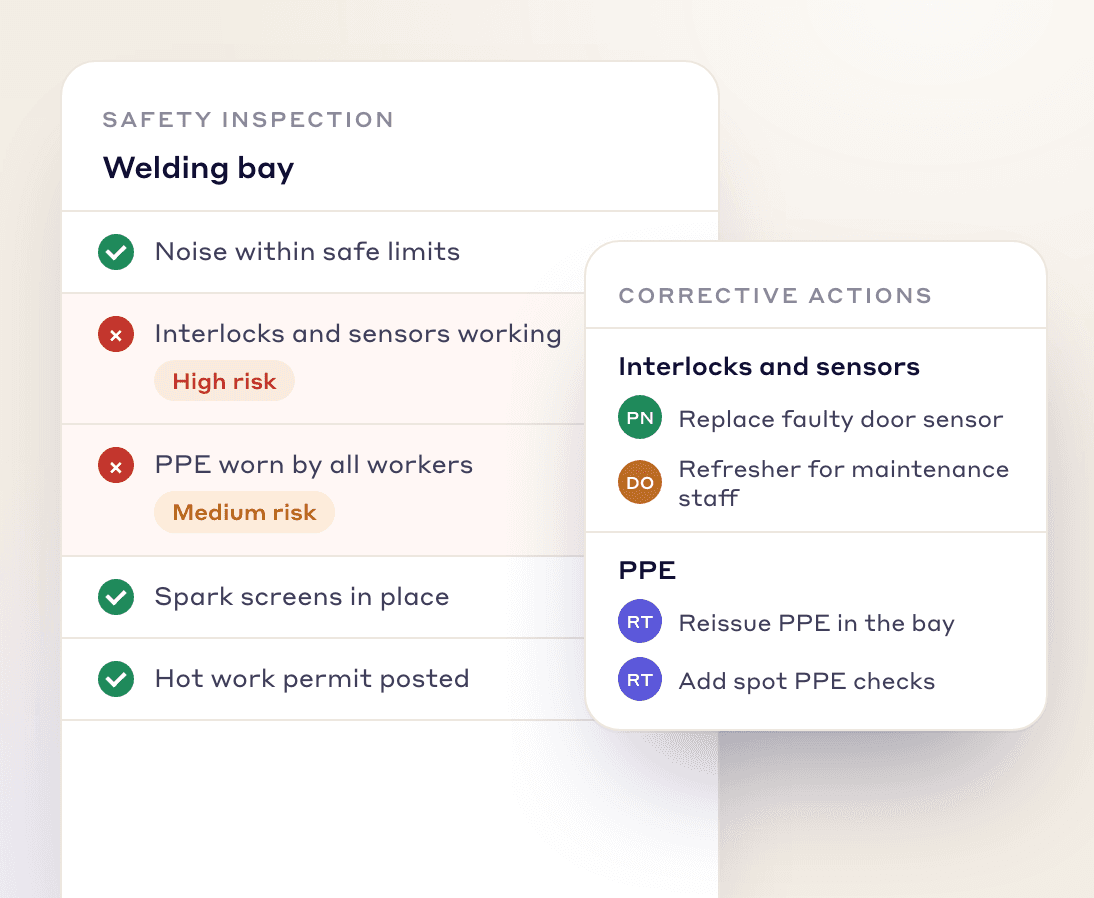
Build safety inspection forms that help you find hazards, rate the risk and assign corrective actions.
Write each item so the inspector knows what passing looks like, such as a gauge reading inside its range.
Ask for a photo when an item fails, so the person fixing it sees what the inspector saw.
A failed item becomes an action with a person and a due date, not a note on a sheet.
Different people auditing the same area notice different things.
Other document types
FAQs
Digital inspections and audits replace paper forms with forms completed and stored electronically, so every check is held to the same standard. In LeanSuite you build them in the Lean Creator, share them with your team, and assign each one with automated reminders.
A layered process audit has people at several levels of the organization check the same process against its standard. In the Lean Creator you build LPA forms that let teams at every level check the same process, so you can spot where it can improve.
Teams build 5S audits, layered process audits, pre-production inspections and safety inspections, among others.
Schedule each one in Daily Standard Work to a person, a role or an asset, with a repeat rule. Assignees get an email reminder before it is due, and missed inspections show in red.
Yes. Rules on an answer can flag it, require a photo and comment, or raise a tag, idea or Kaizen, so a failed check becomes a tracked action.
Yes. Give each answer points and set a pass mark; every submitted audit shows its score and pass or fail.
Start building your inspection and audit forms today.