

Safety poster
Updated · Free to print and share
Workstation ergonomics poster
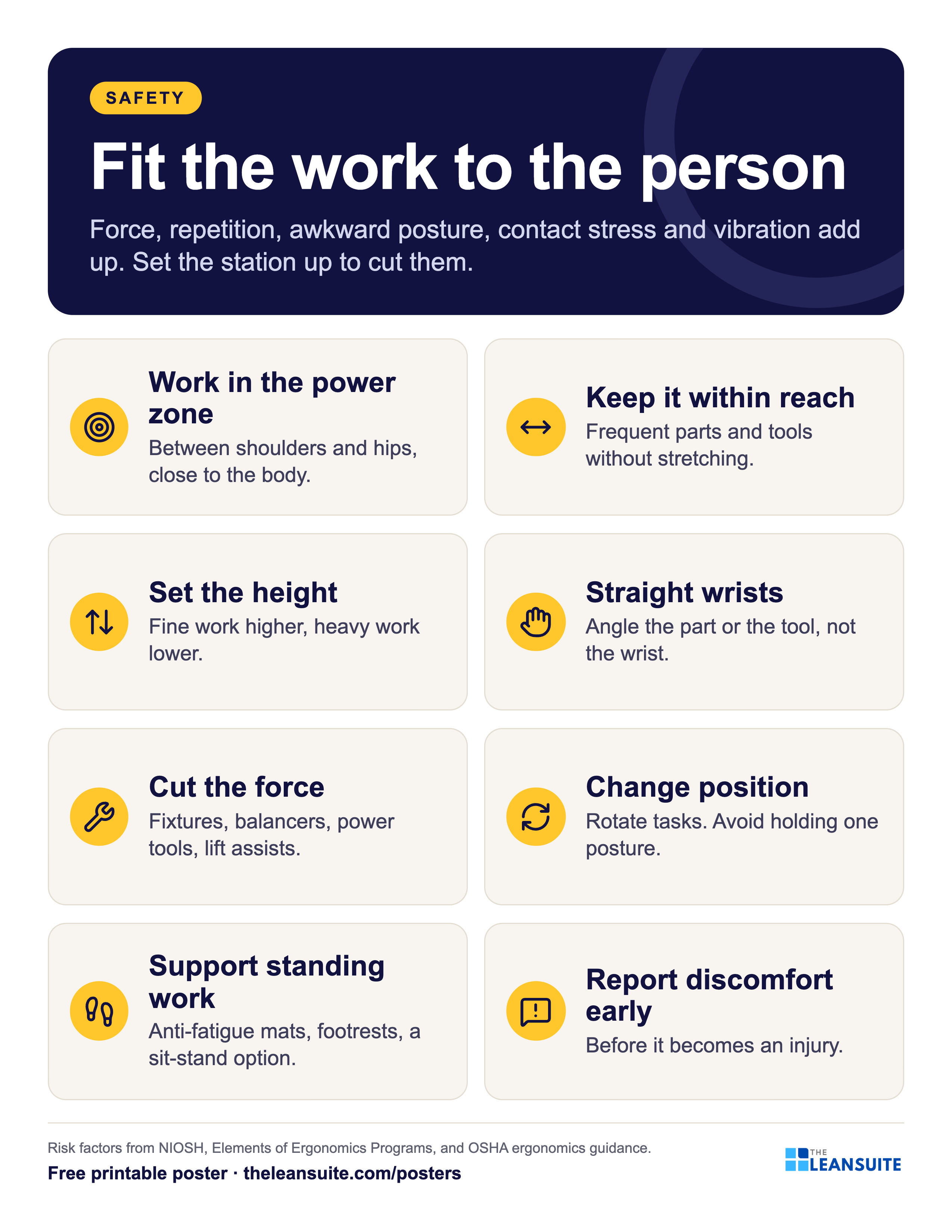
Ergonomics is fitting the work to the person, so that force, repetition and awkward posture don't wear people down into strains and musculoskeletal disorders. This poster names the main risk factors and gives eight ways to set up a workstation: work in the zone between shoulders and hips, keep frequent items within easy reach, set the height for the task, keep wrists straight, cut the force with tools and fixtures, change posture, support people who stand, and report discomfort early.
Download the poster
The PNG is free to download now. The print-ready vector PDFs open after a short form, once.
Free to print and share with your team. Enter your name and work email once to download.
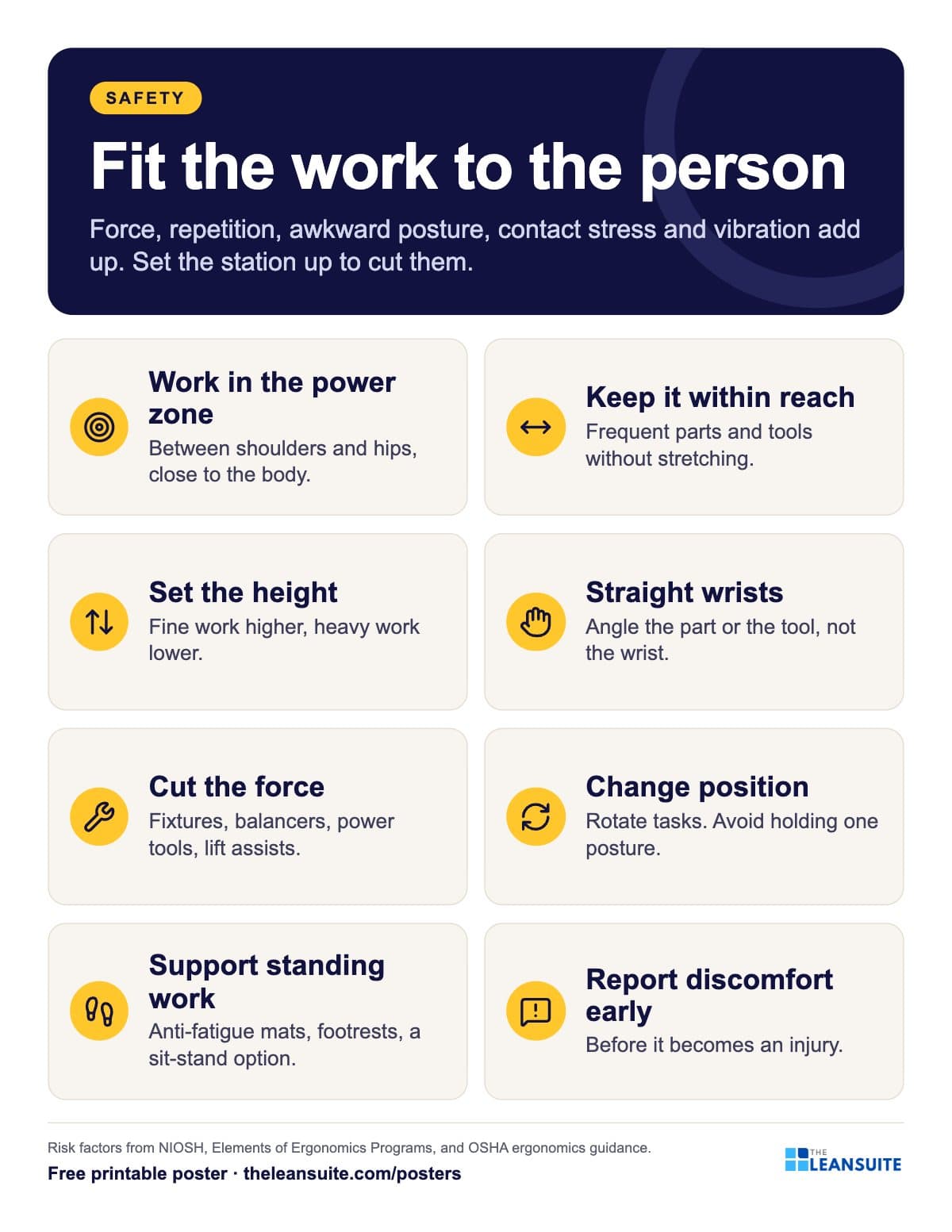 The risk factors and eight setup tips with icons, from working between shoulders and hips to reporting discomfort.
The words on the poster
Fit the work to the person
Force, repetition, awkward posture, contact stress and vibration add up. Set the station up to cut them.
- Work in the power zone Between shoulders and hips, close to the body.
- Keep it within reach Frequent parts and tools without stretching.
- Set the height Fine work higher, heavy work lower.
- Straight wrists Angle the part or the tool, not the wrist.
- Cut the force Fixtures, balancers, power tools, lift assists.
- Change position Rotate tasks. Avoid holding one posture.
- Support standing work Anti-fatigue mats, footrests, a sit-stand option.
- Report discomfort early Before it becomes an injury.
Risk factors from NIOSH, Elements of Ergonomics Programs, and OSHA ergonomics guidance.
On the floor
How to use it
Putting the Workstation ergonomics poster to work
- 1
Post it at assembly, packing and inspection stations.
- 2
Walk the station with the operator and the poster, and note each mismatch.
- 3
Treat early discomfort reports as near misses for strains.
- 4
Pair it with the safe lifting poster and the free ergonomic risk assessment checklist.
Which size to print
- 24 x 36 in or A2: a main wall or team board, read from a few metres away.
- 18 x 24 in or A3: a station or notice board. The A3 file also fits 11 x 17 in paper.
- Letter or A4: a clipboard, binder or handout, on any office printer.
Every PDF is vector, so it stays sharp at full size. Nothing runs to the edge of the page, so no bleed is needed.
Templates, decks and guides to go with it
- Ergonomic risk assessment checklistScreen a task for 21 ergonomic risk factors, score how long each lasts, and rank tasks so the worst get controls first.
- Job safety analysis (JSA) templateJob steps, hazards, risk scored before and after the controls, the hierarchy of controls, PPE and sign-off.
- Safety audit checklistThirty-four plant-wide safety checks answered Yes, No or N/A, scored by area, with a risk rating and an action for every No.
- Topic: Safety managementEvery guide we have on the subject, sorted.
- Topic: Standard work, SOPs and trainingEvery guide we have on the subject, sorted.
More safety posters
All posters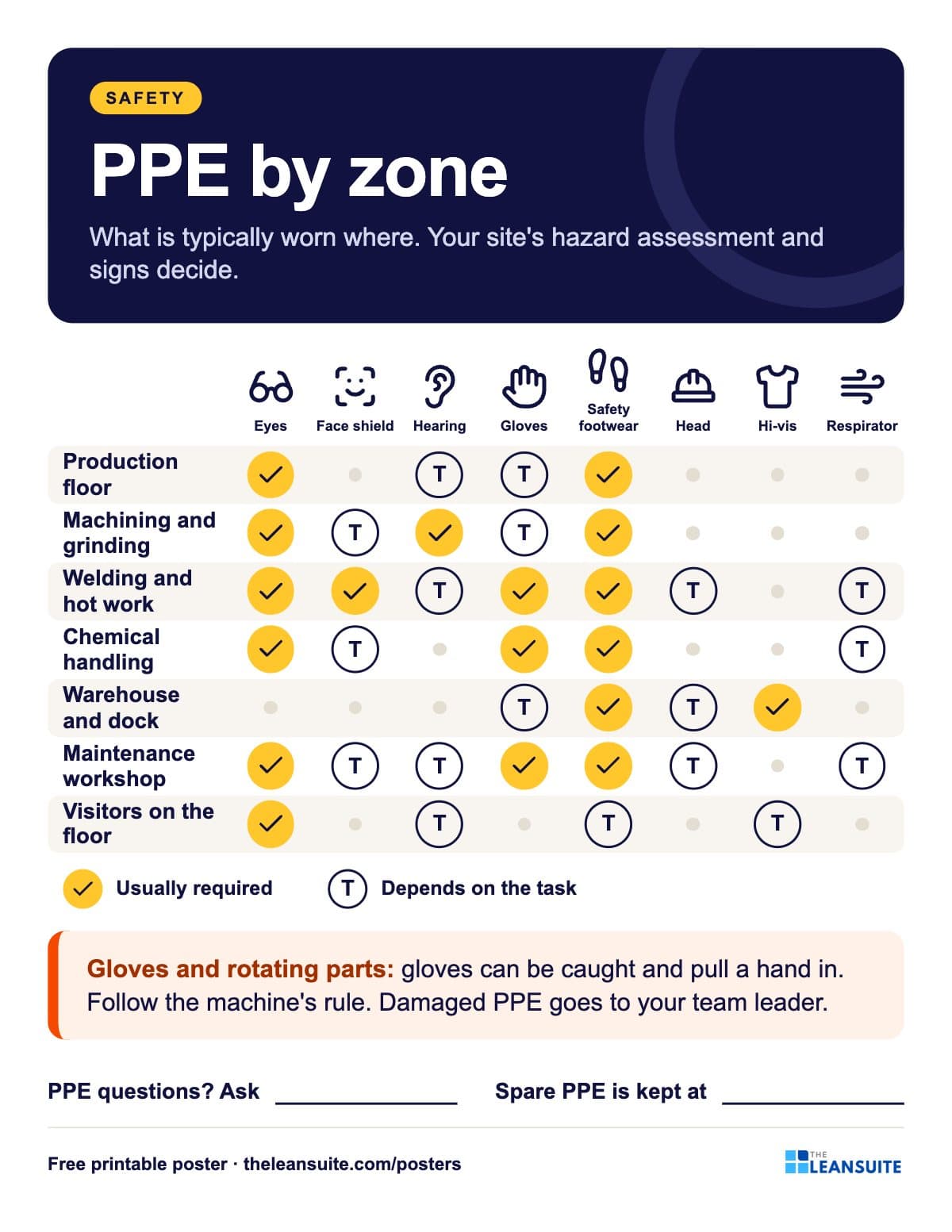 PPE by zone poster
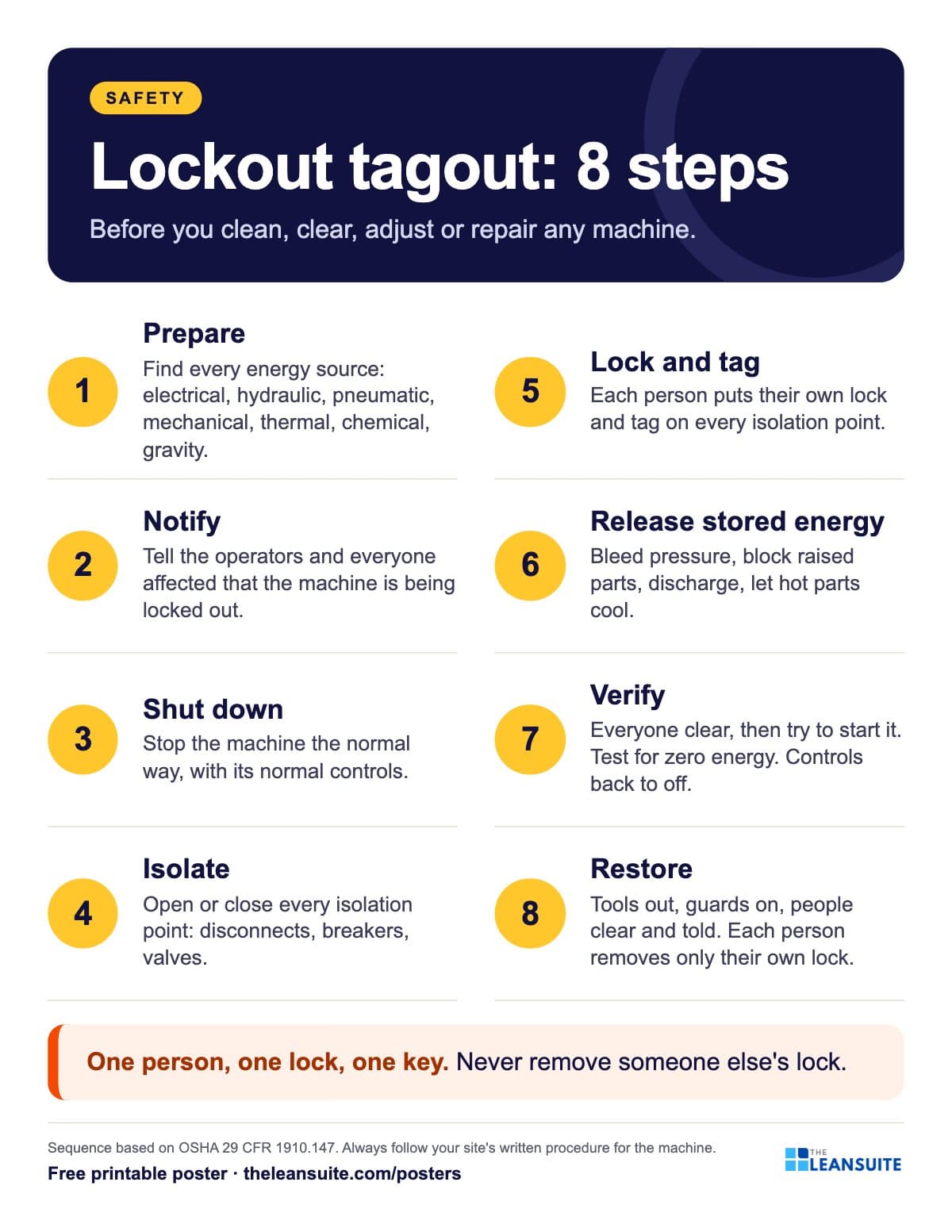 Lockout tagout (LOTO) steps poster
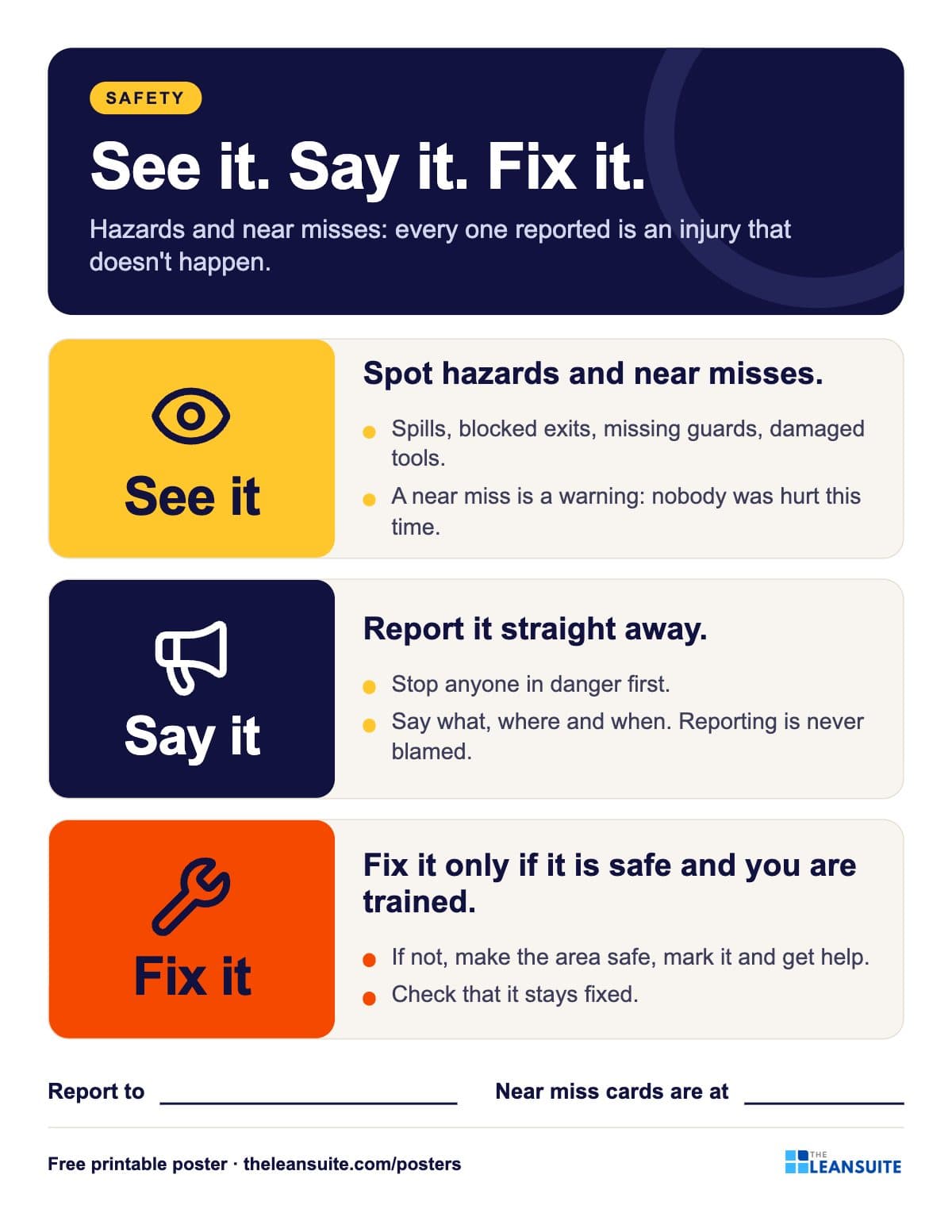 See it, say it, fix it safety poster
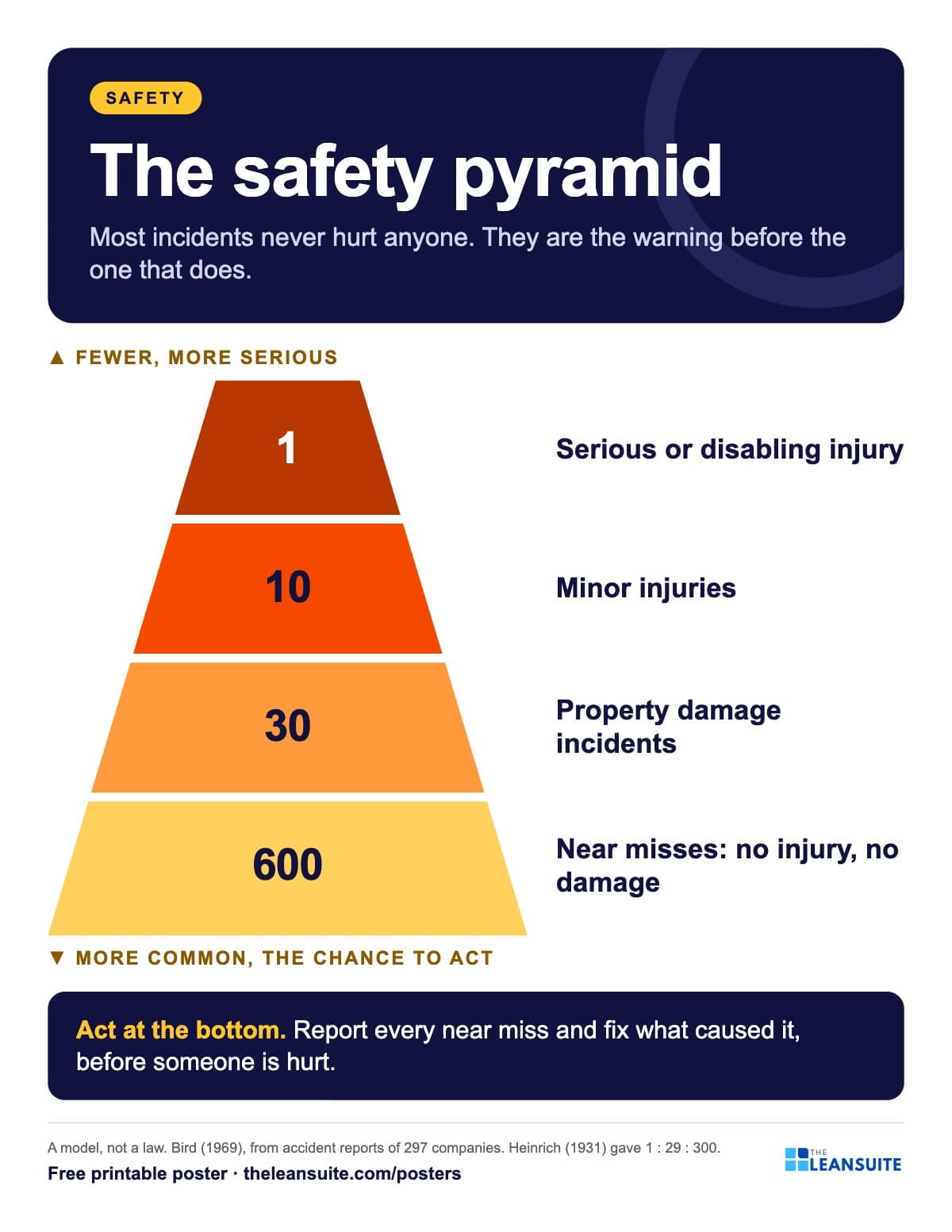 Safety pyramid poster (Bird's triangle)
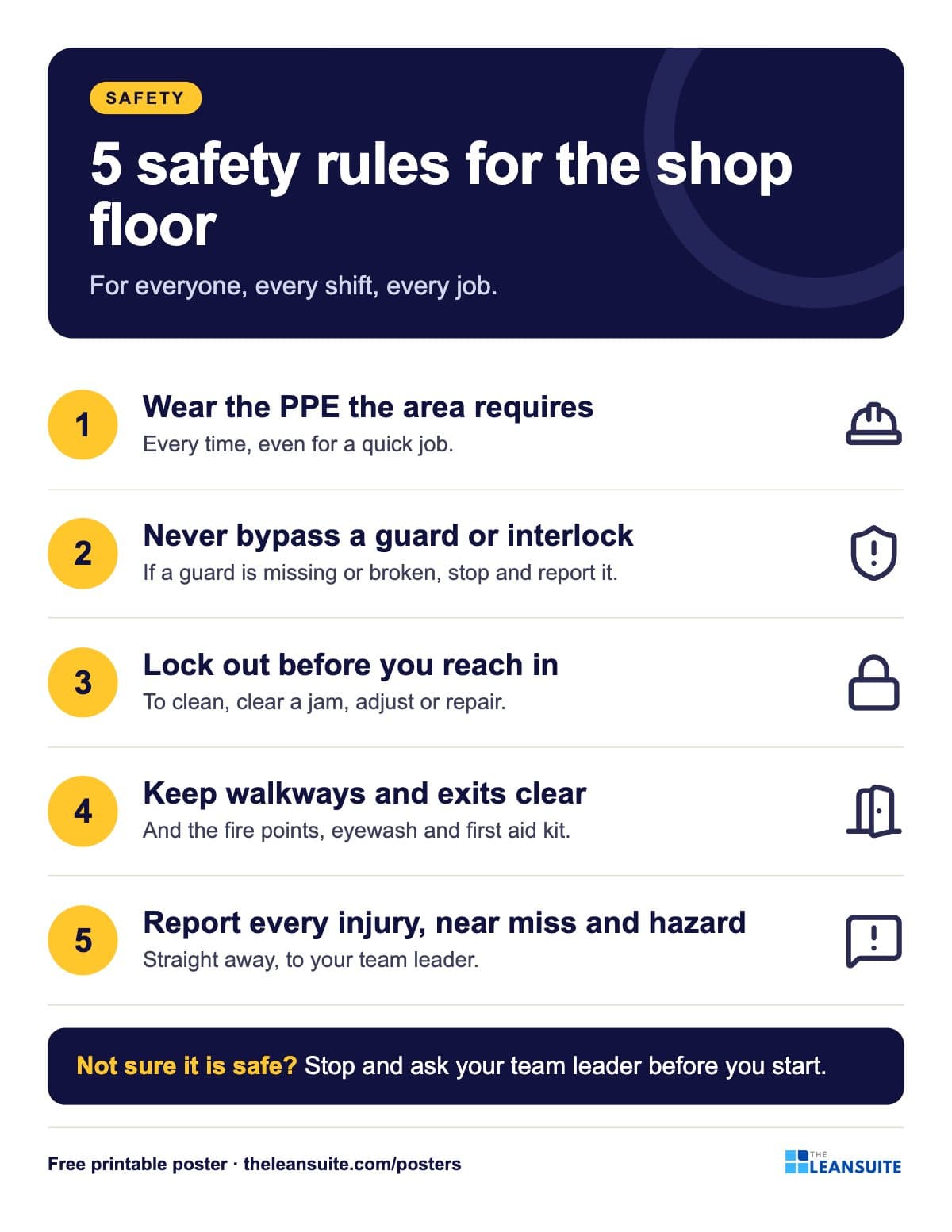 5 shop floor safety rules poster
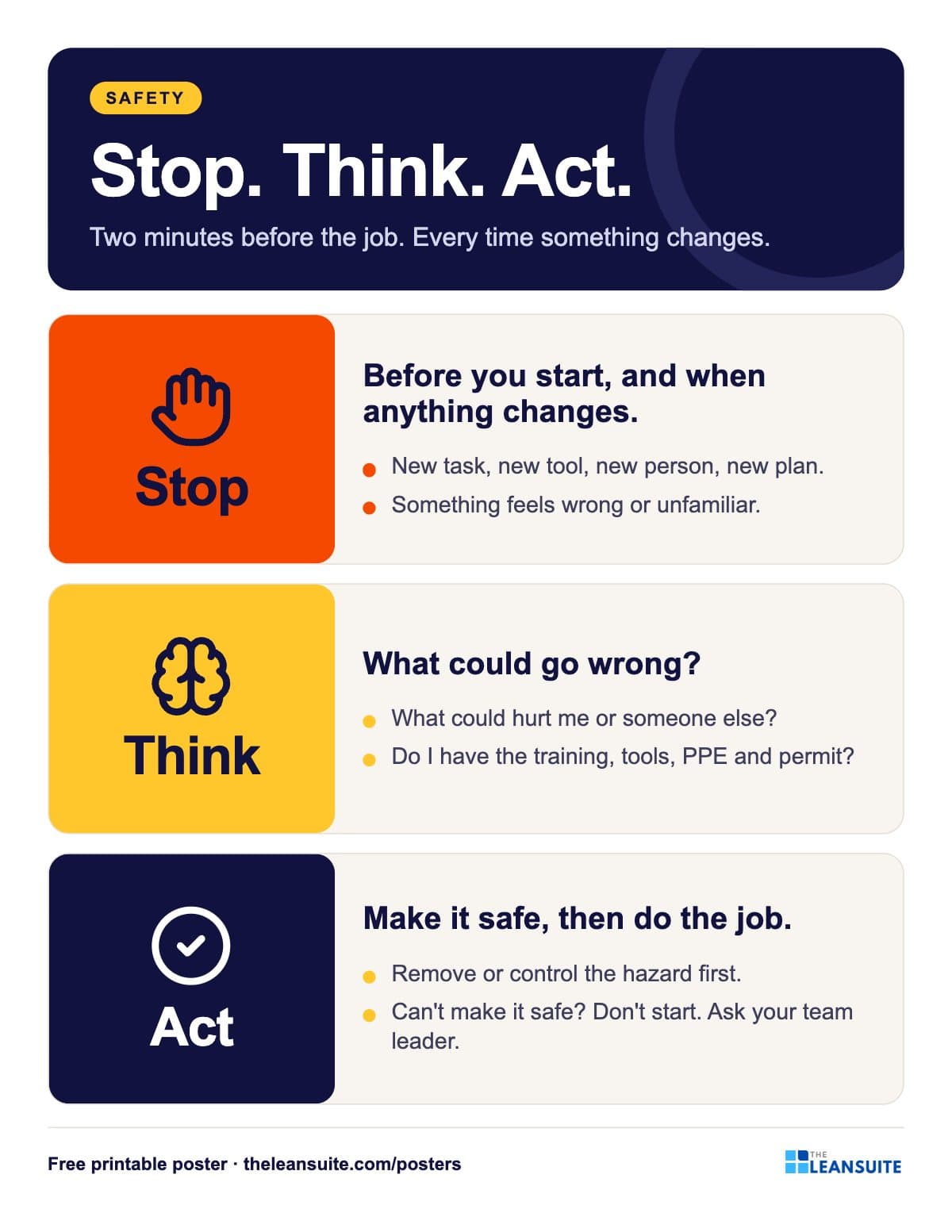 Stop, think, act safety poster
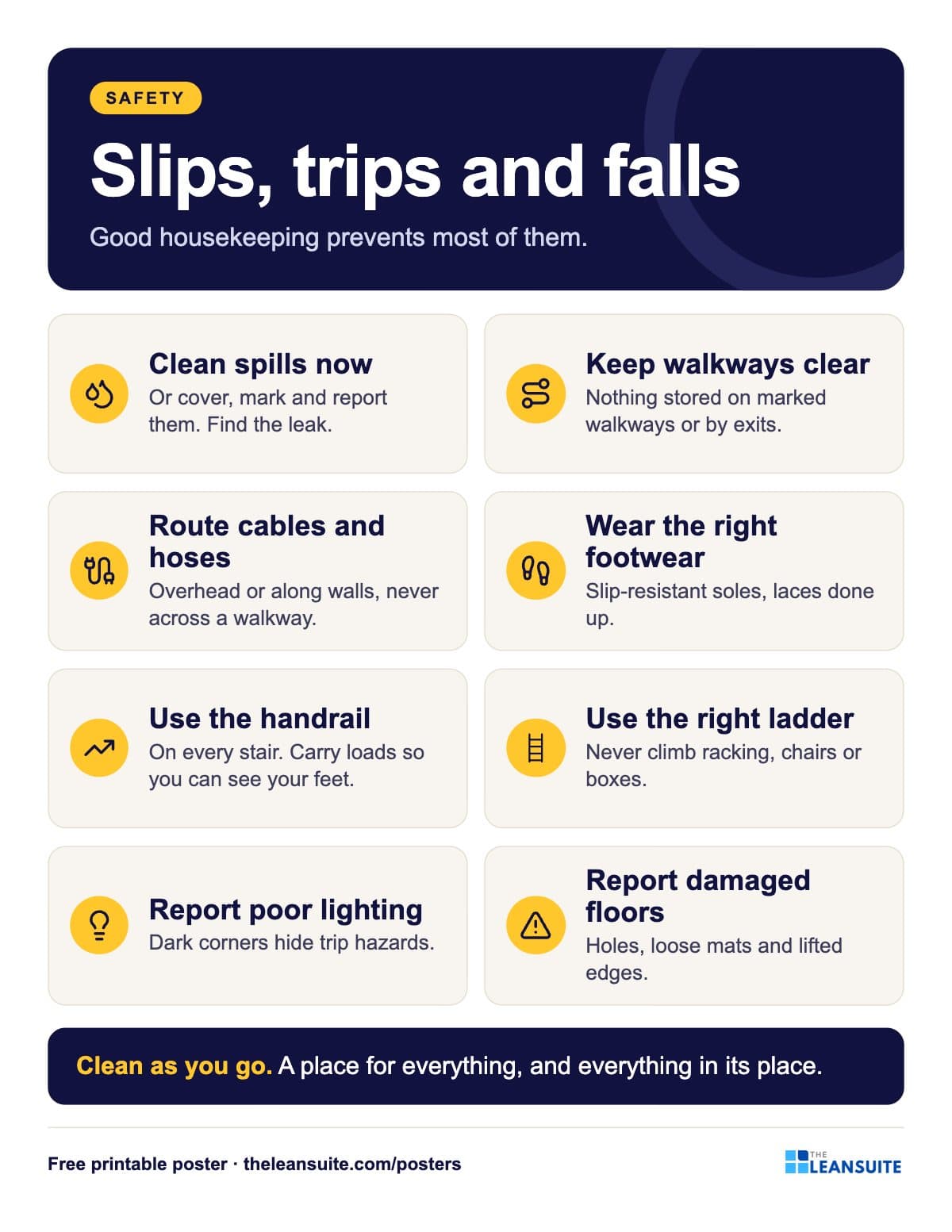 Slips, trips and falls housekeeping poster
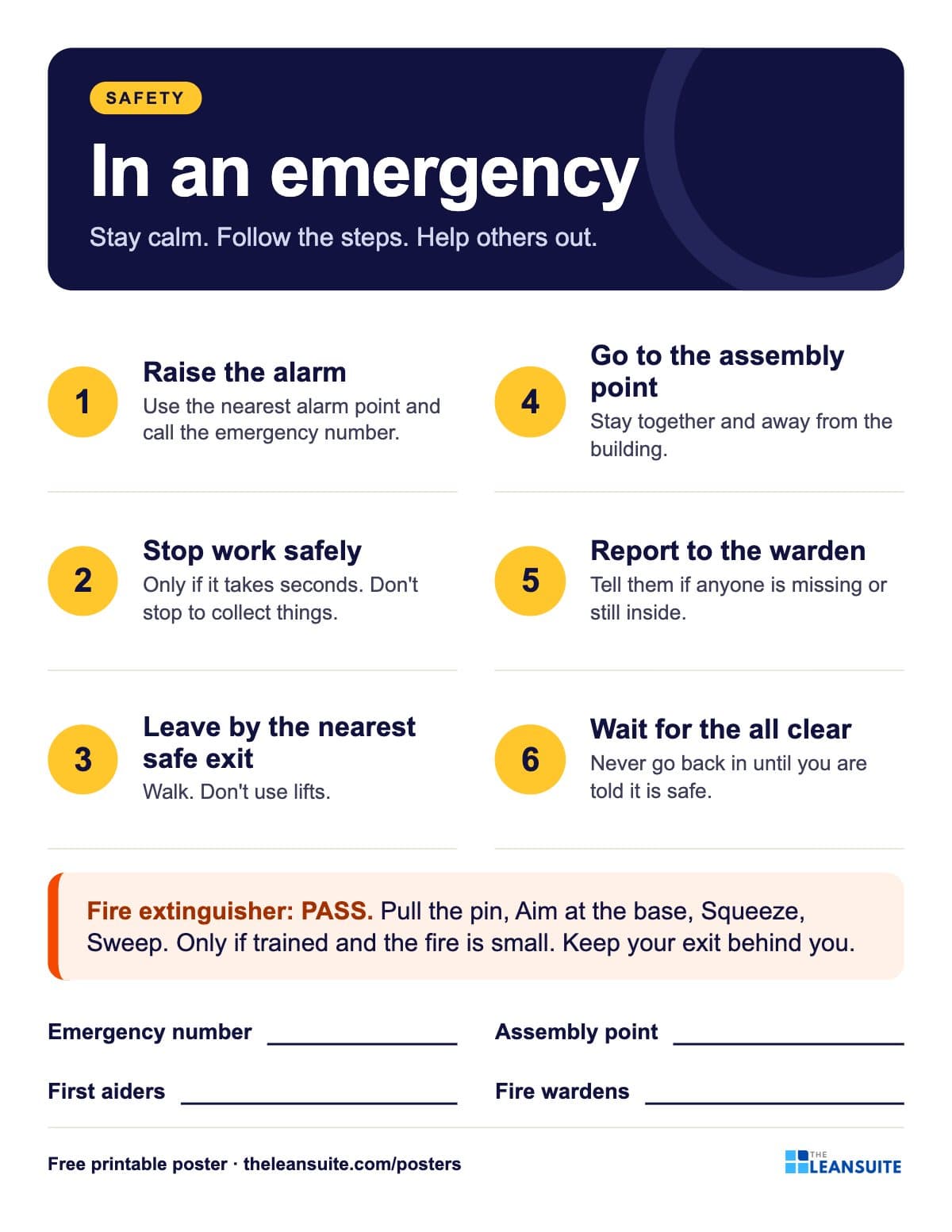 Emergency response poster
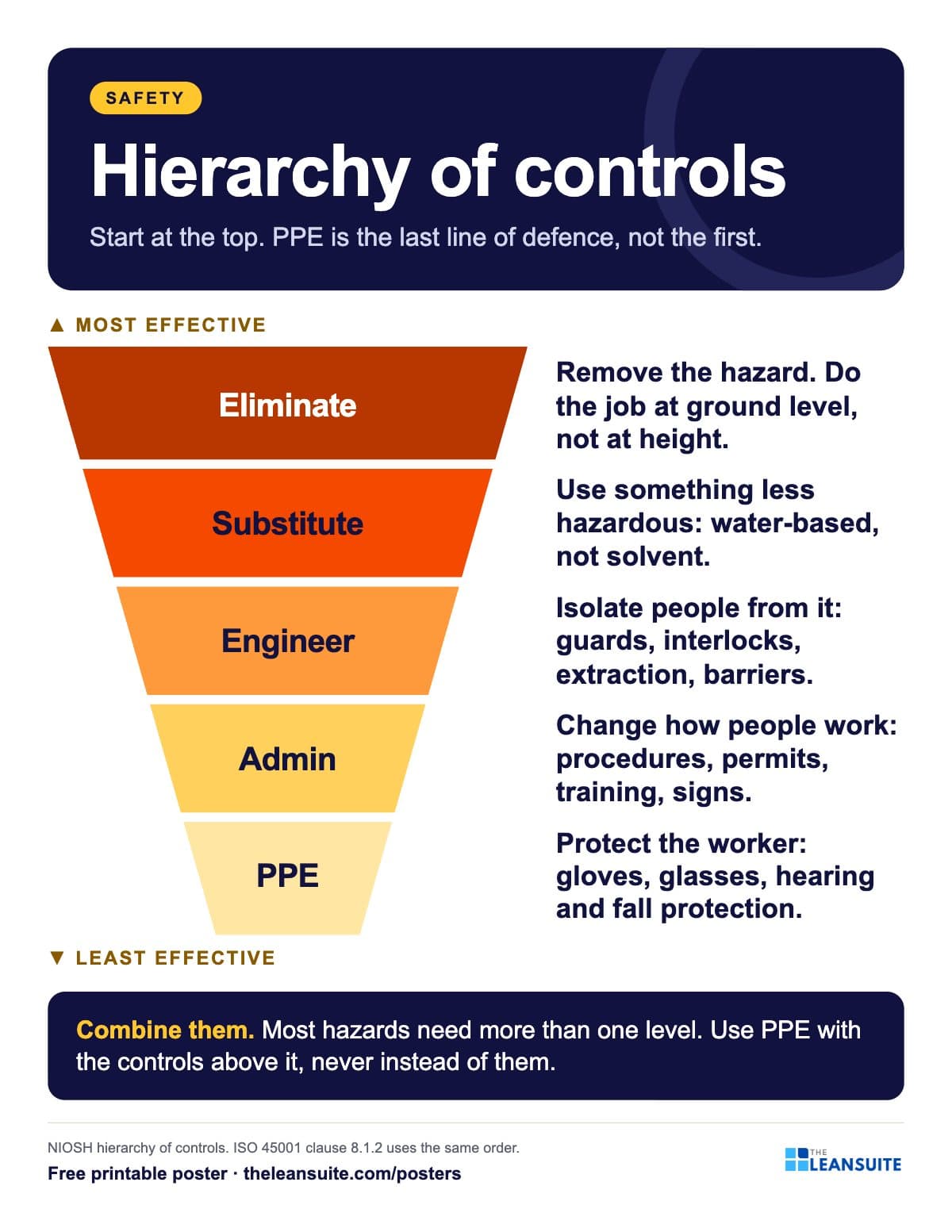 Hierarchy of controls poster
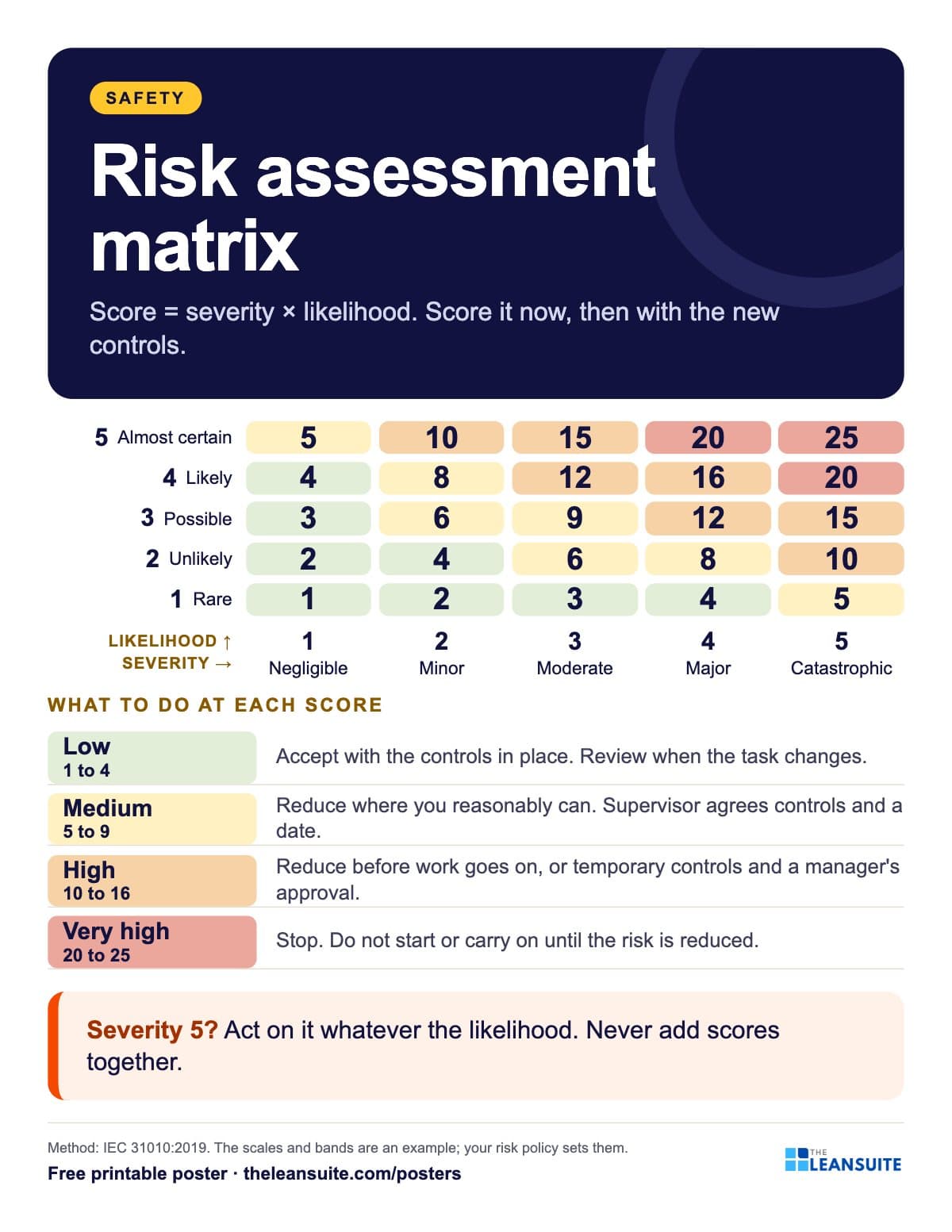 Risk assessment matrix poster (5 x 5)
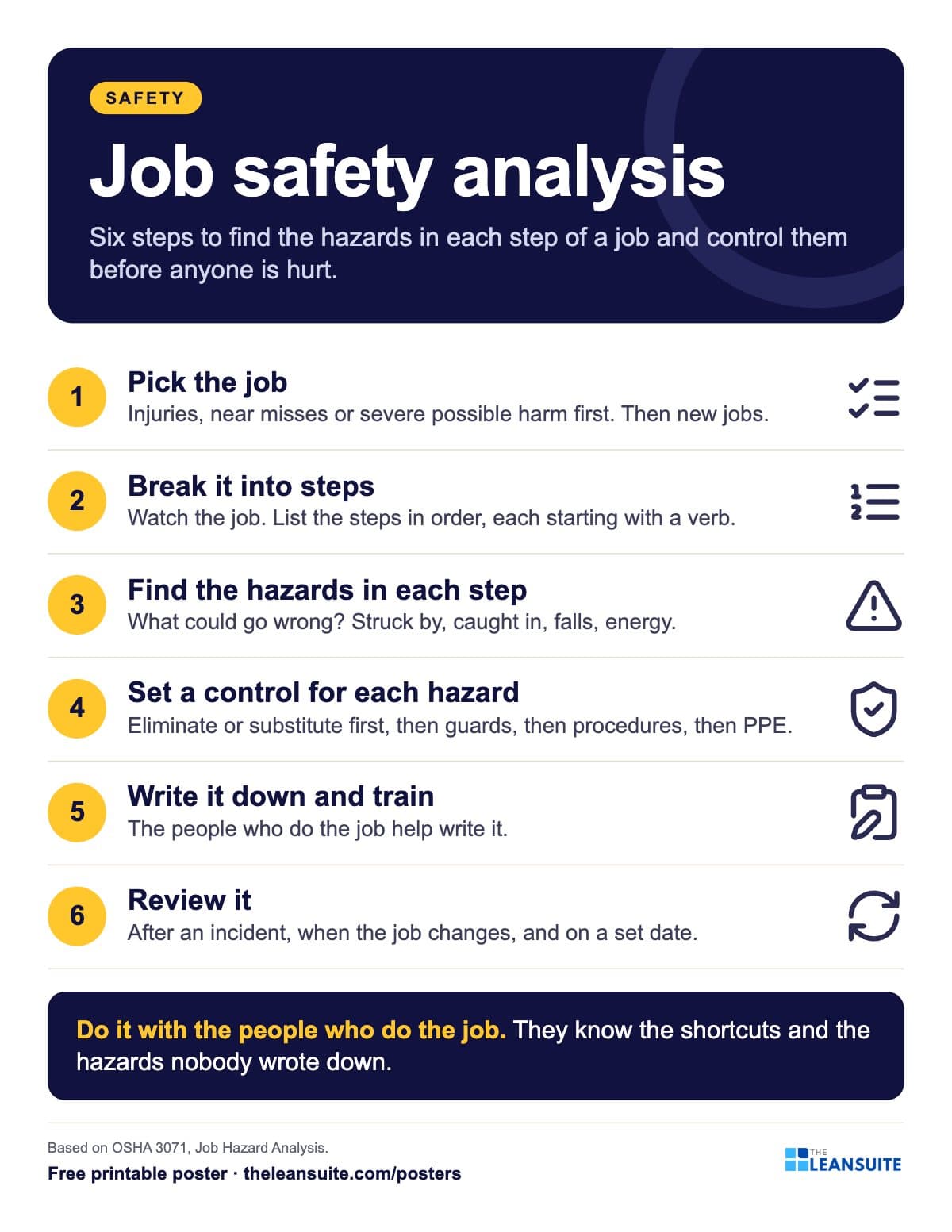 Job safety analysis (JSA) steps poster
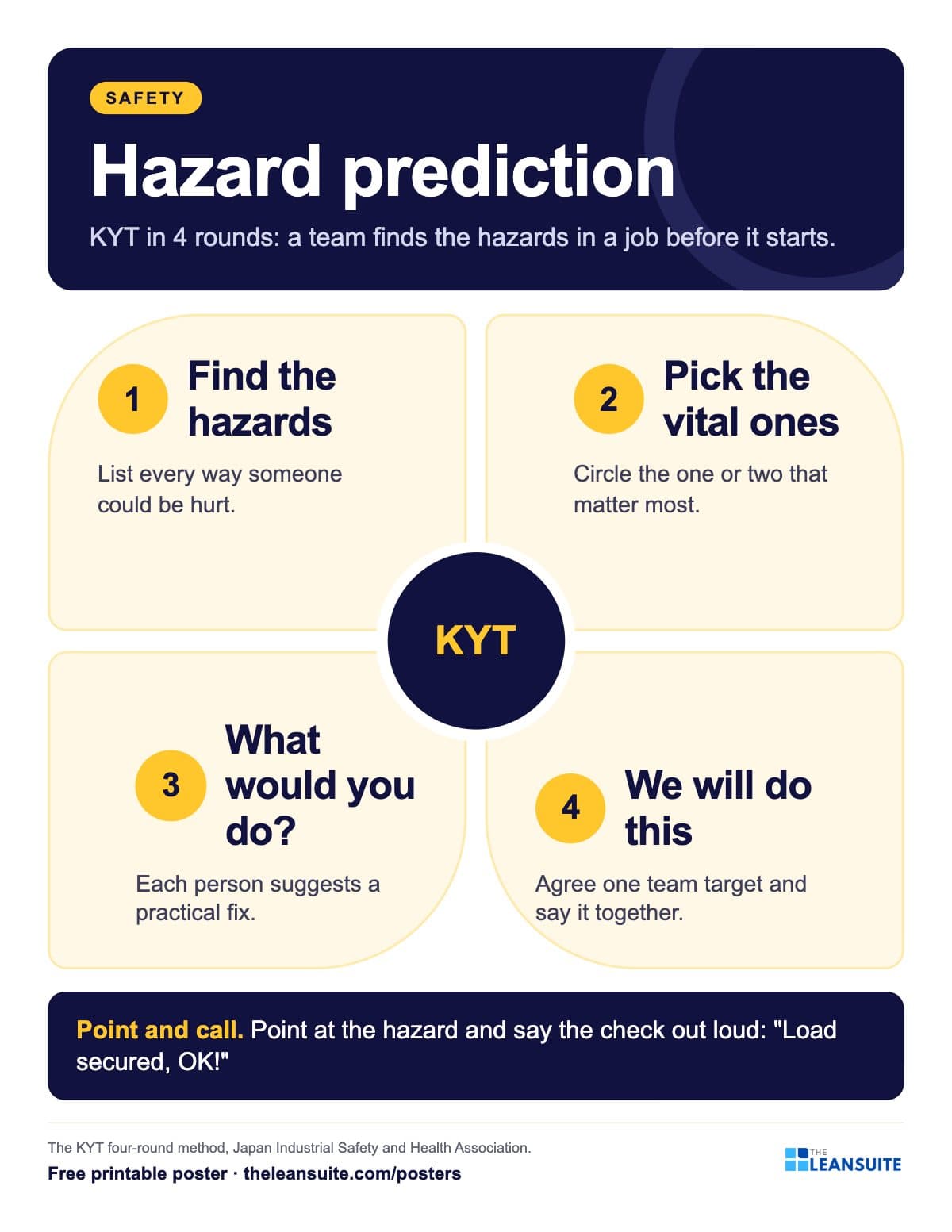 Hazard prediction (KYT) 4 rounds poster
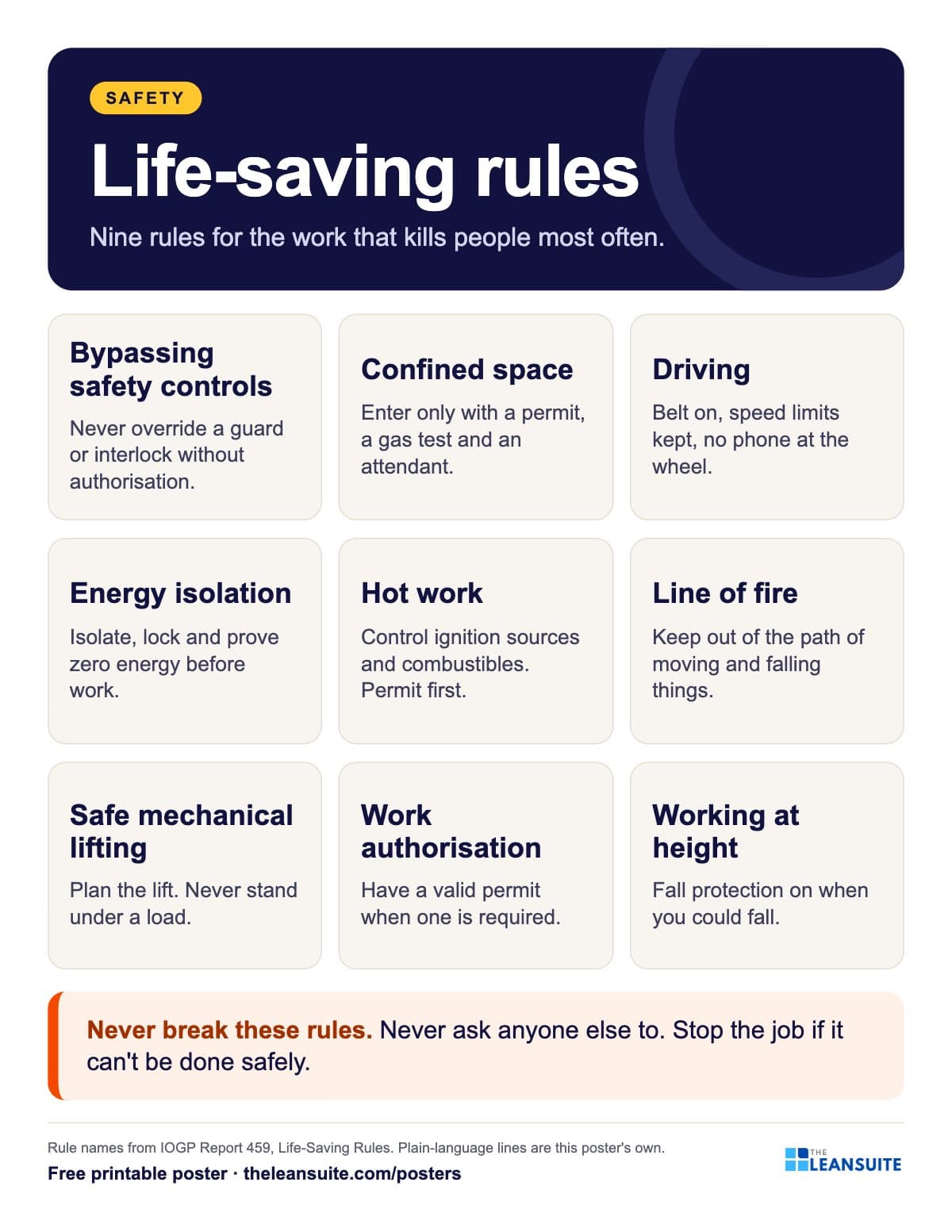 Life-saving rules poster
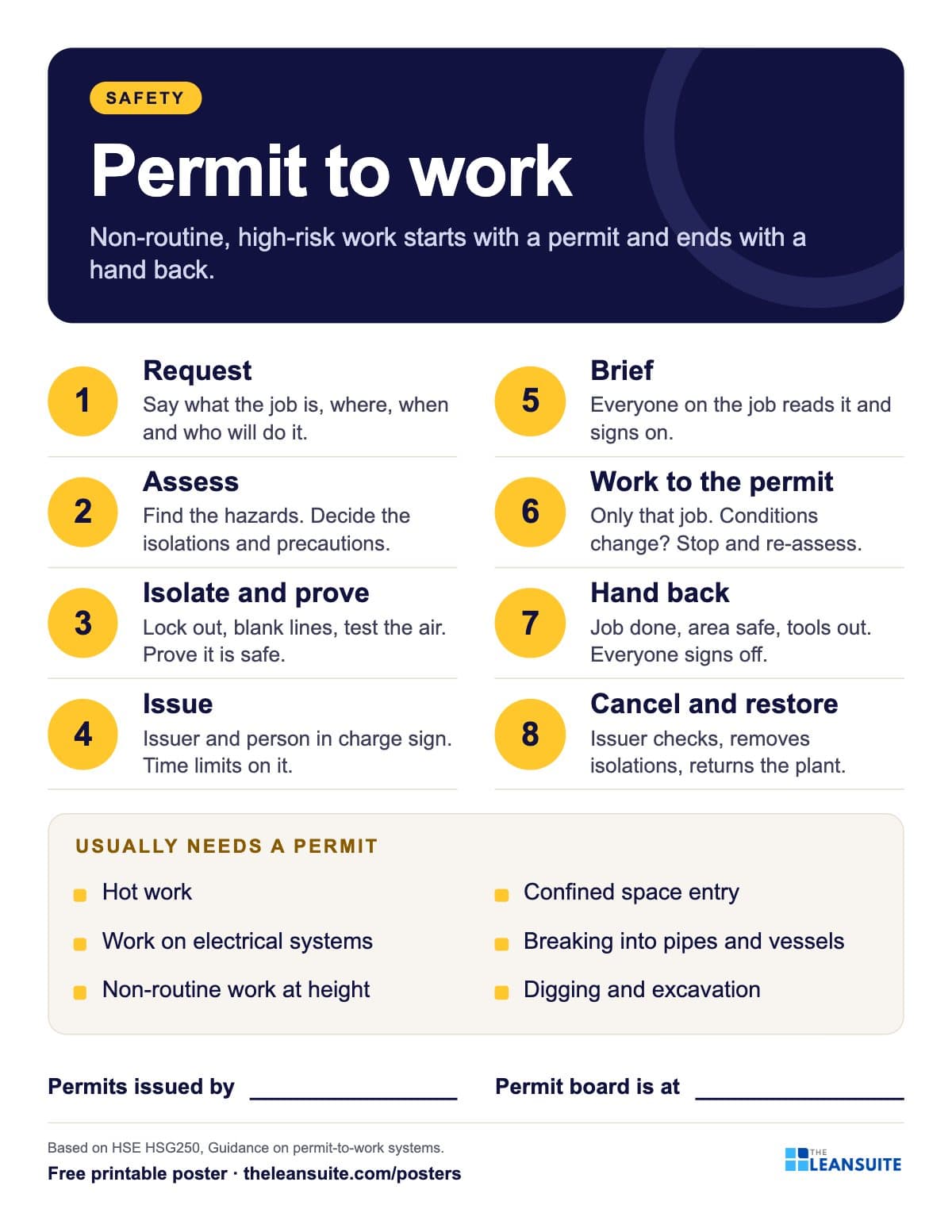 Permit to work poster
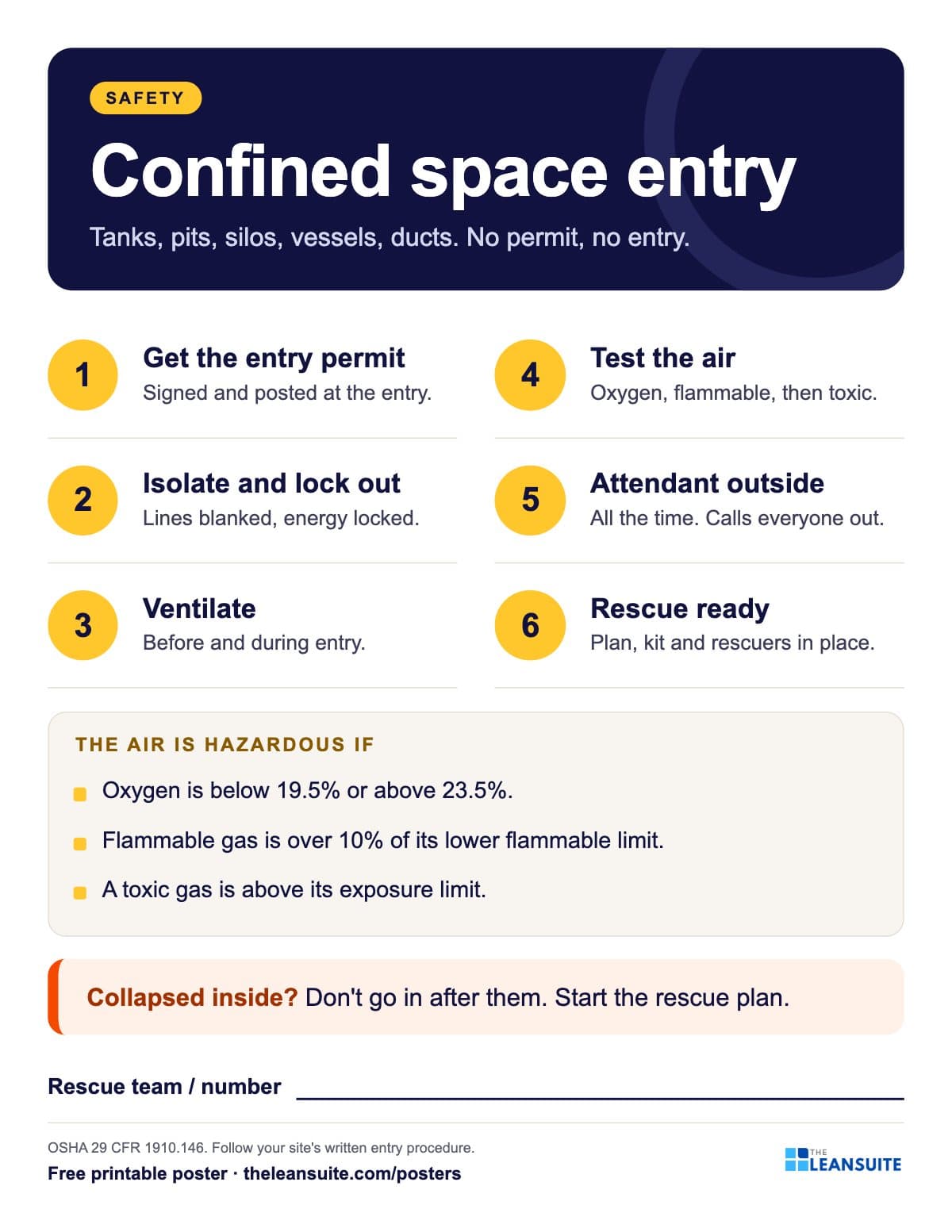 Confined space entry poster
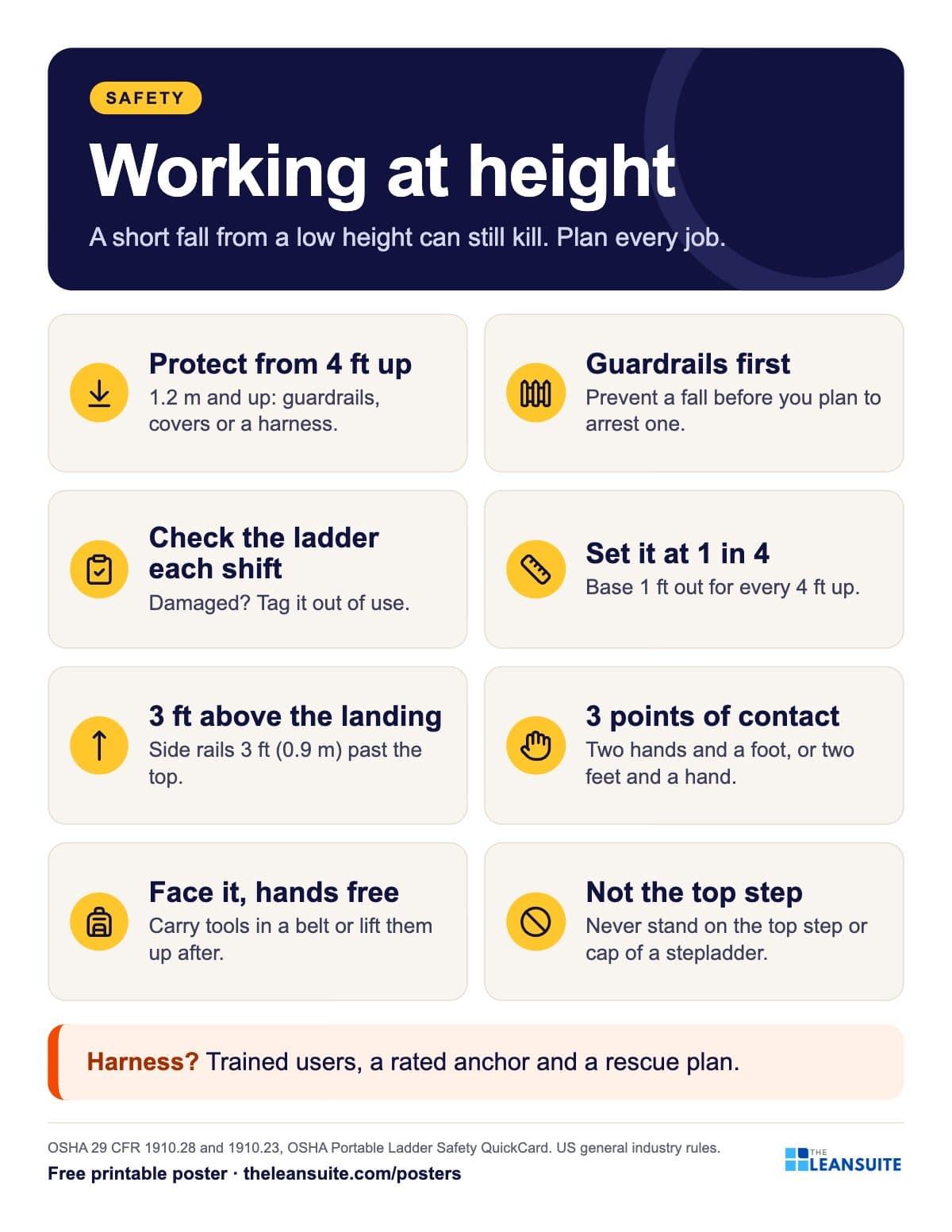 Working at height and ladder safety poster
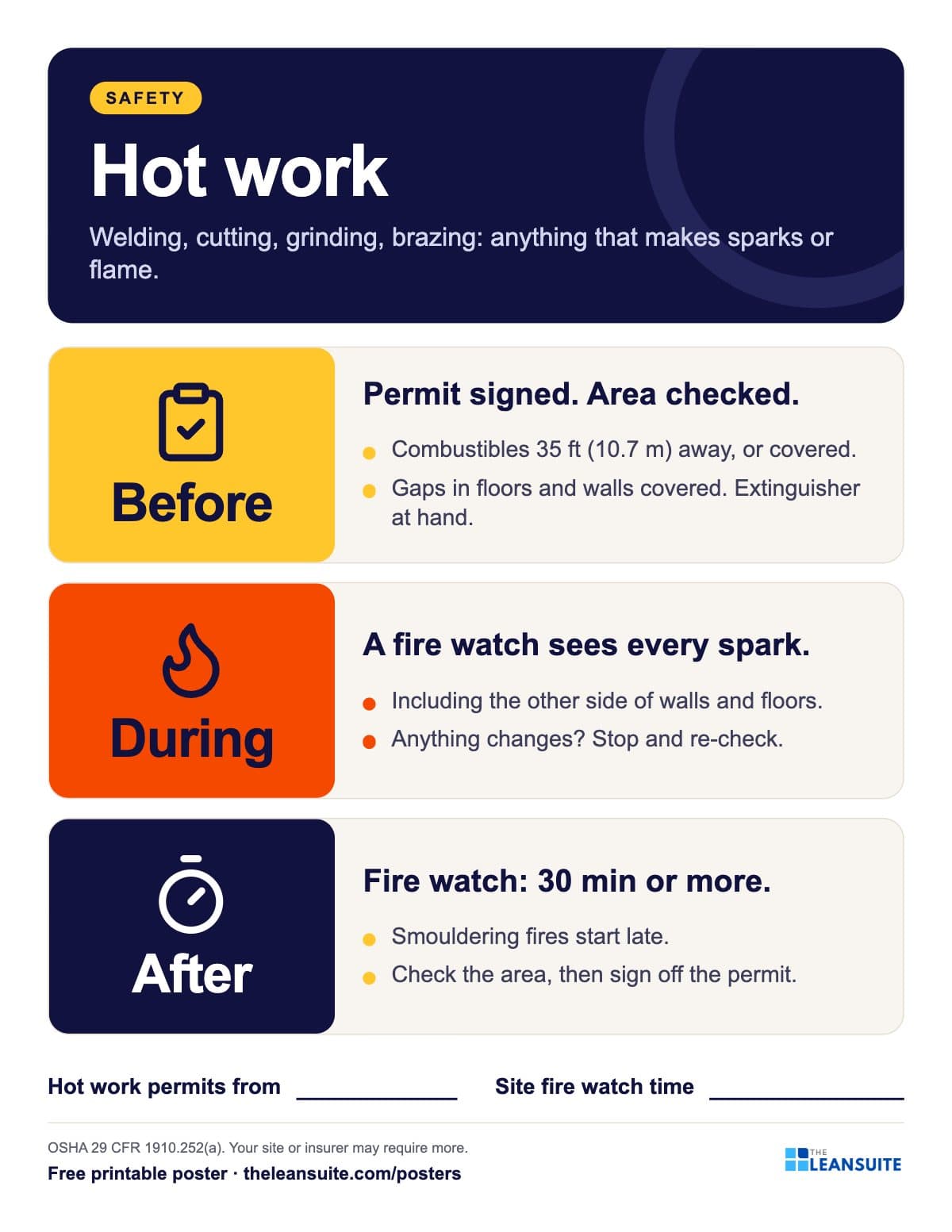 Hot work safety poster
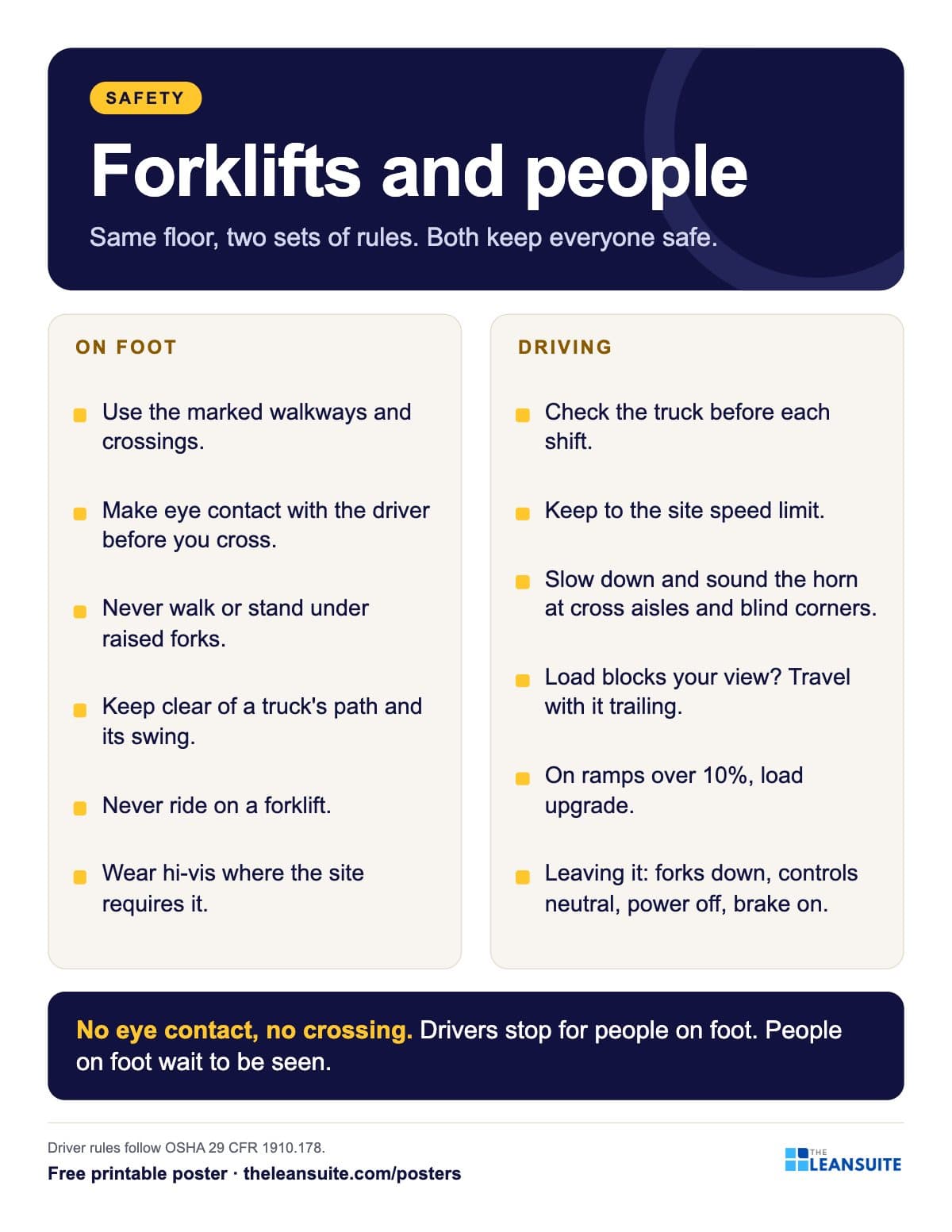 Forklift and pedestrian safety poster
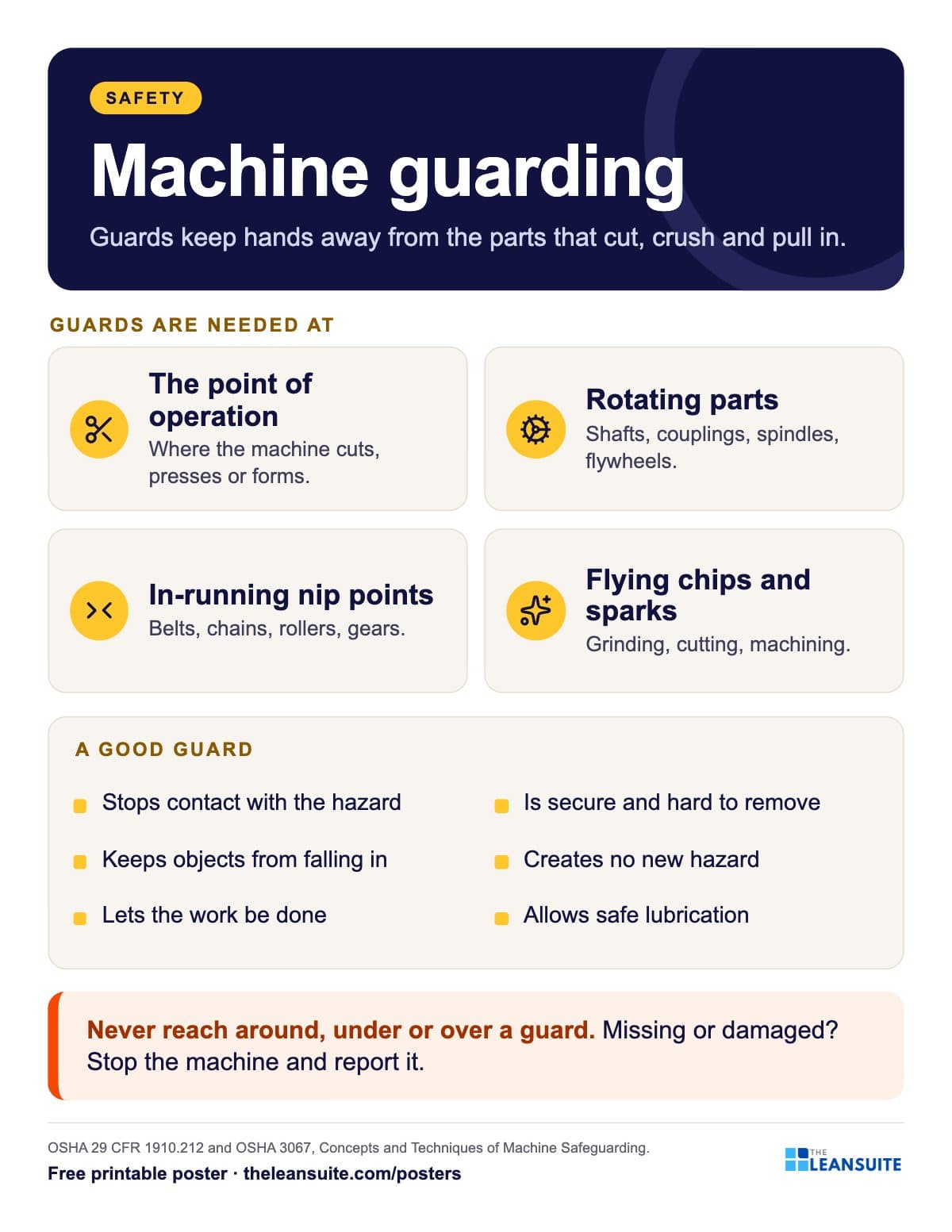 Machine guarding poster
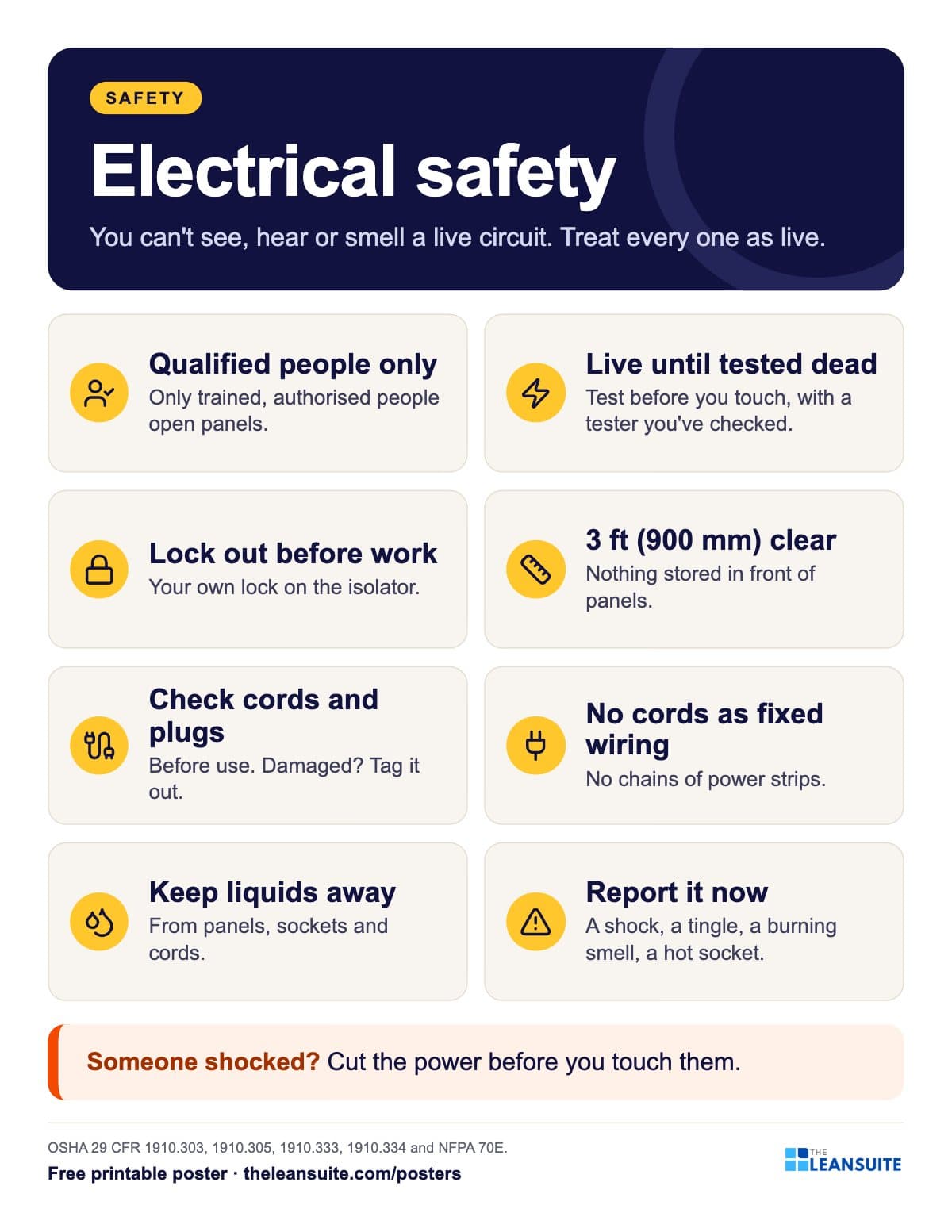 Electrical safety basics poster
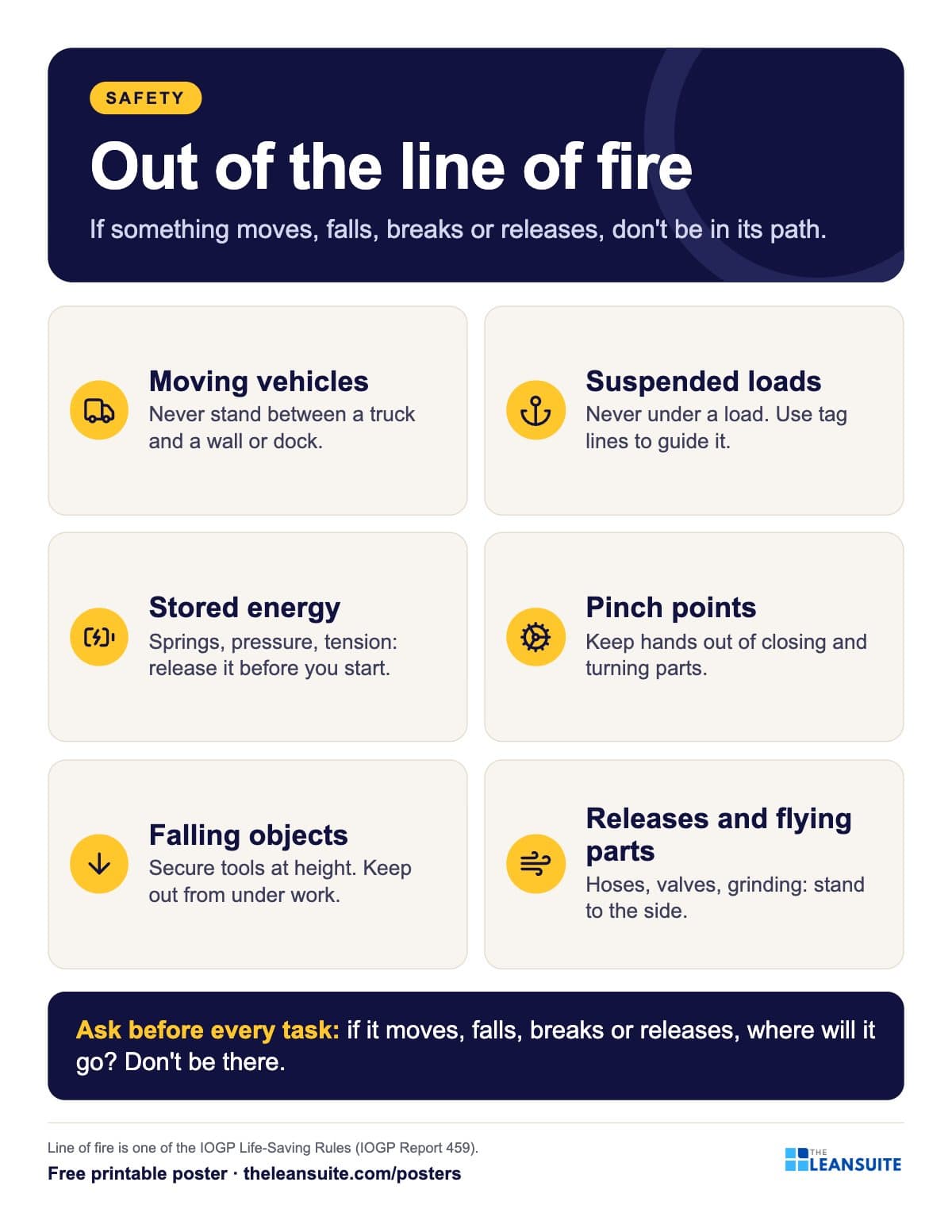 Line of fire poster
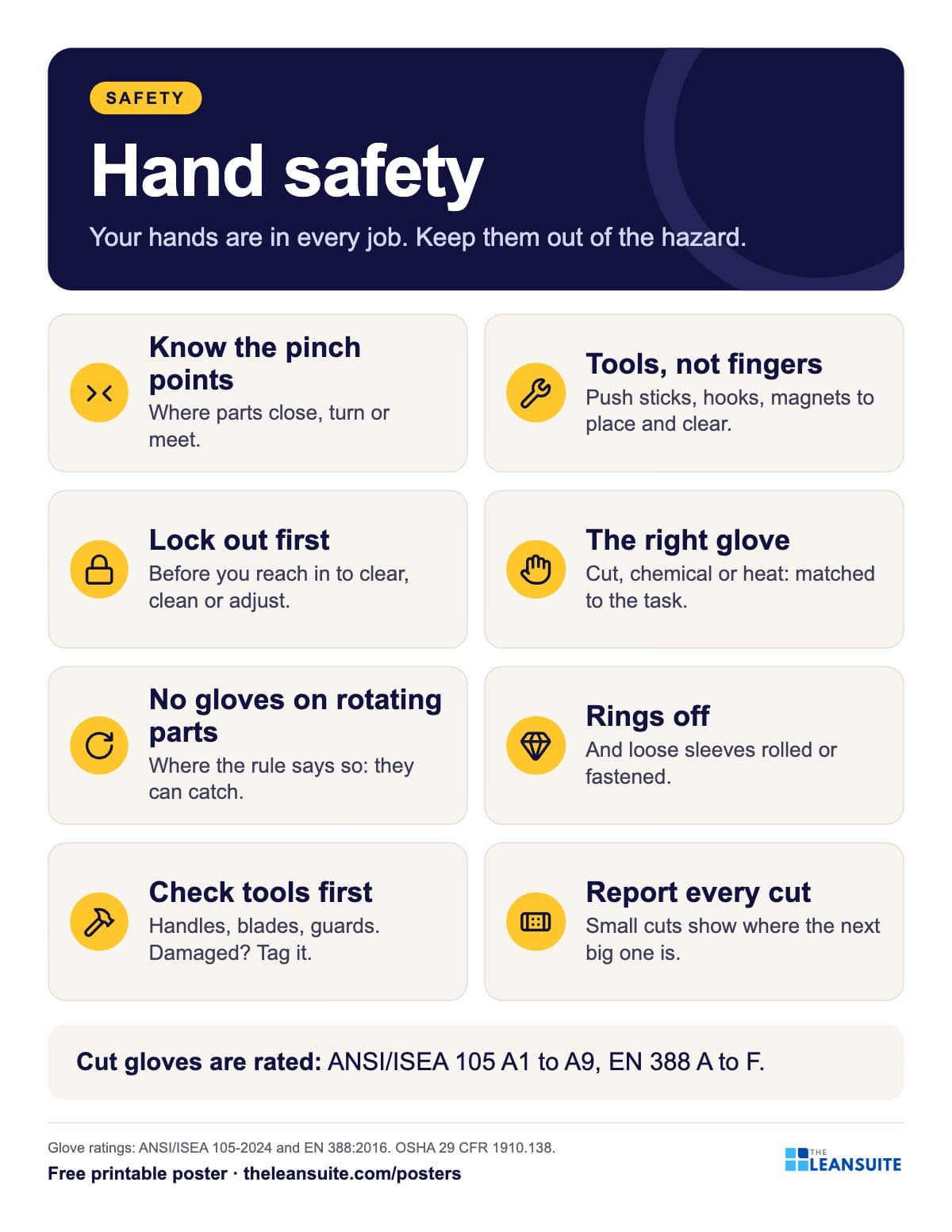 Hand safety poster
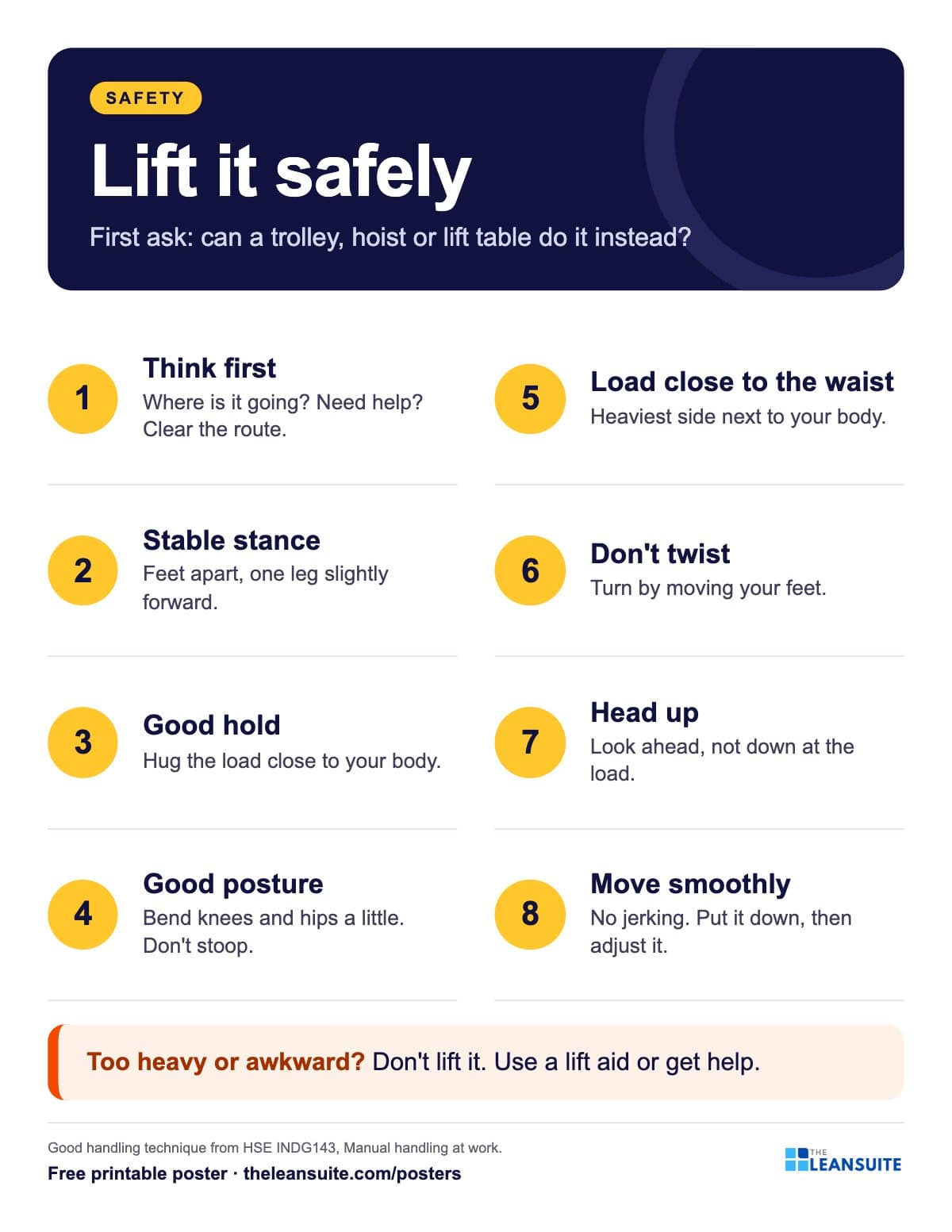 Safe lifting (manual handling) poster
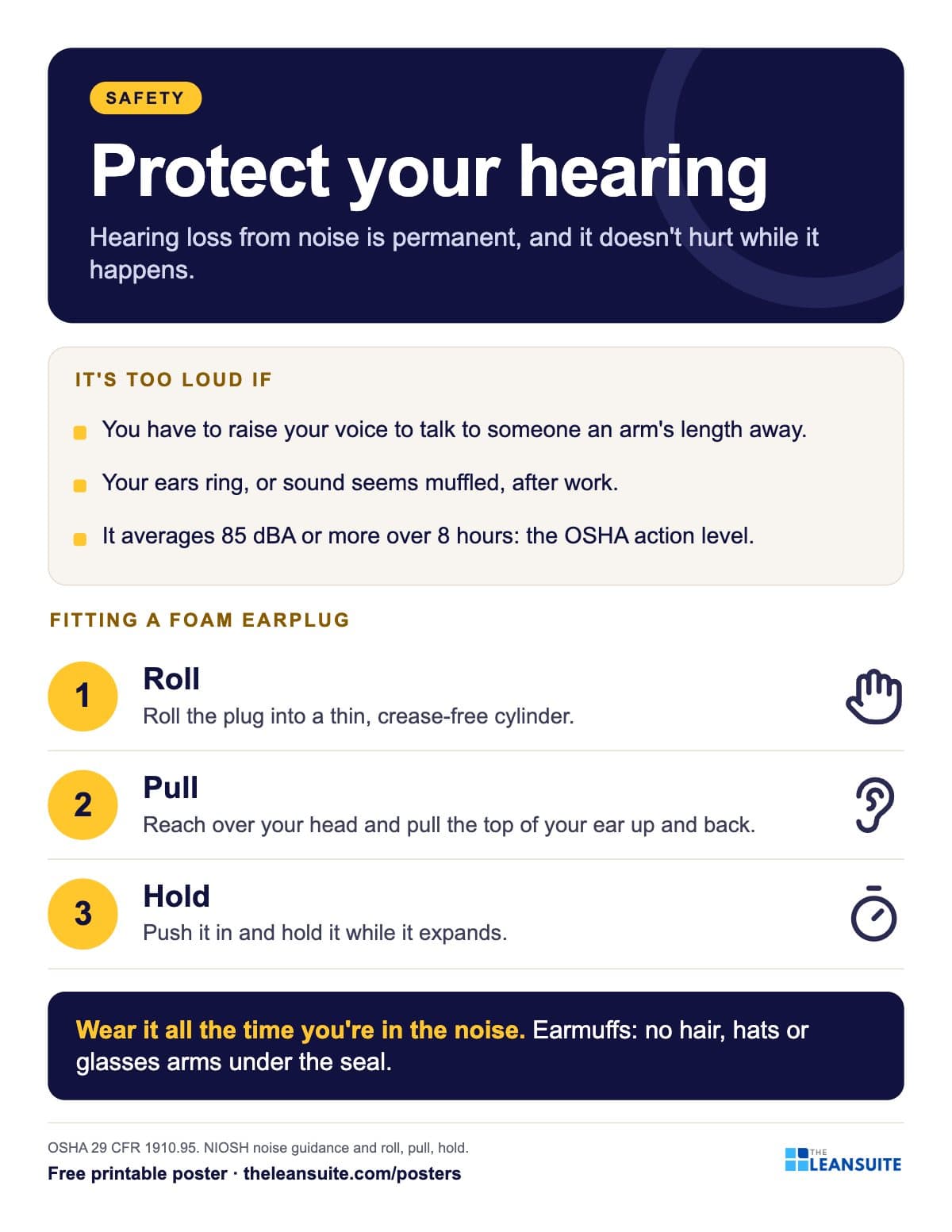 Hearing protection poster
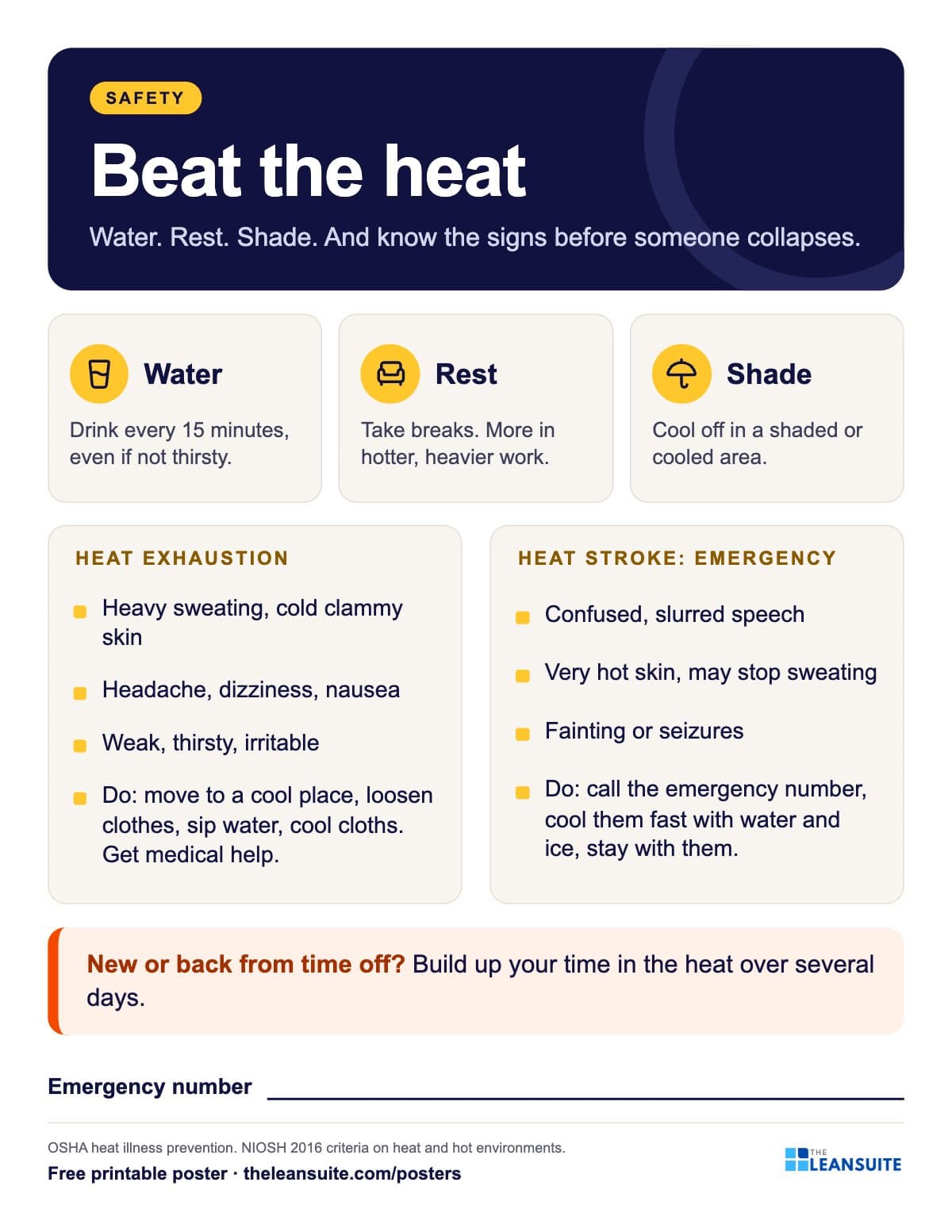 Heat stress poster
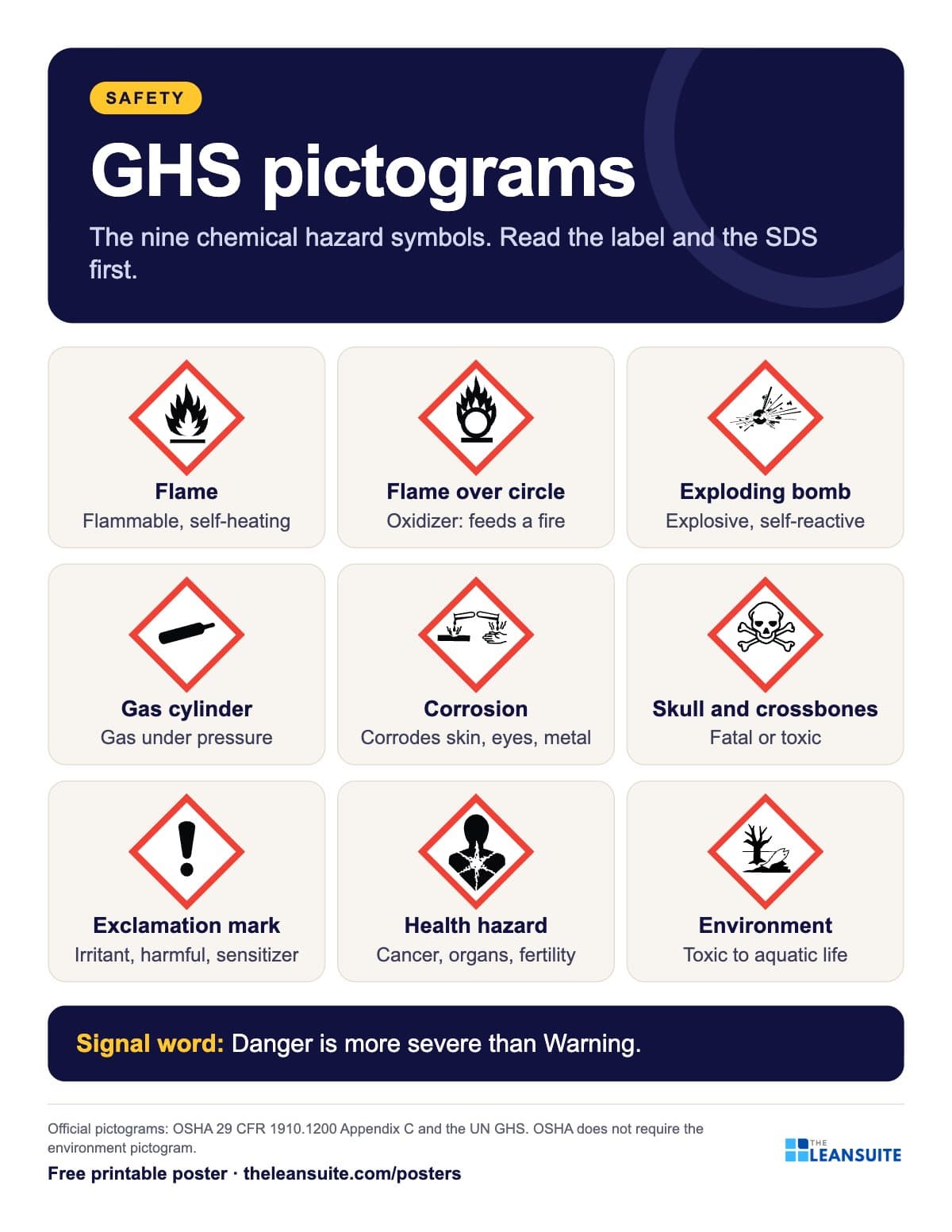 GHS hazard pictograms poster
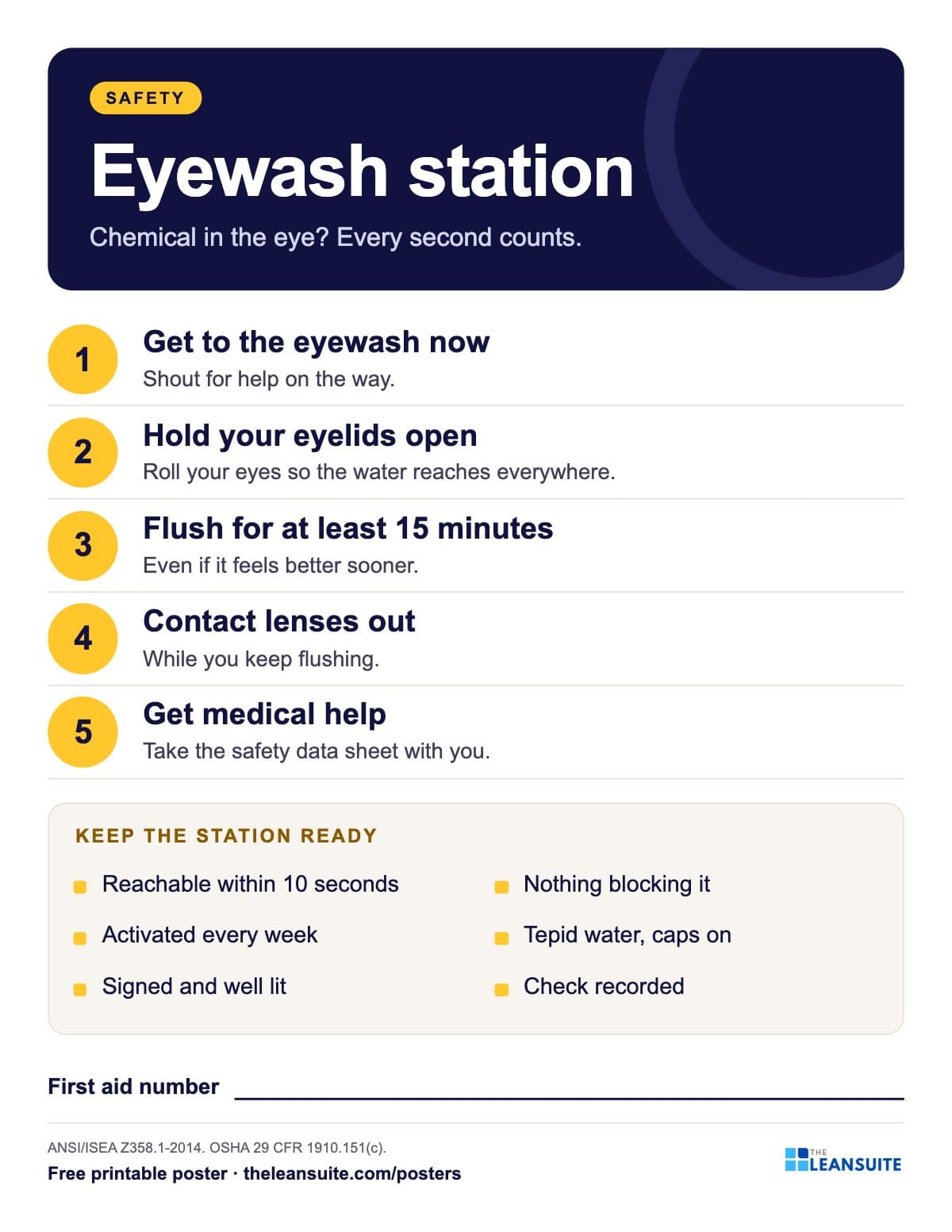 Eyewash station poster
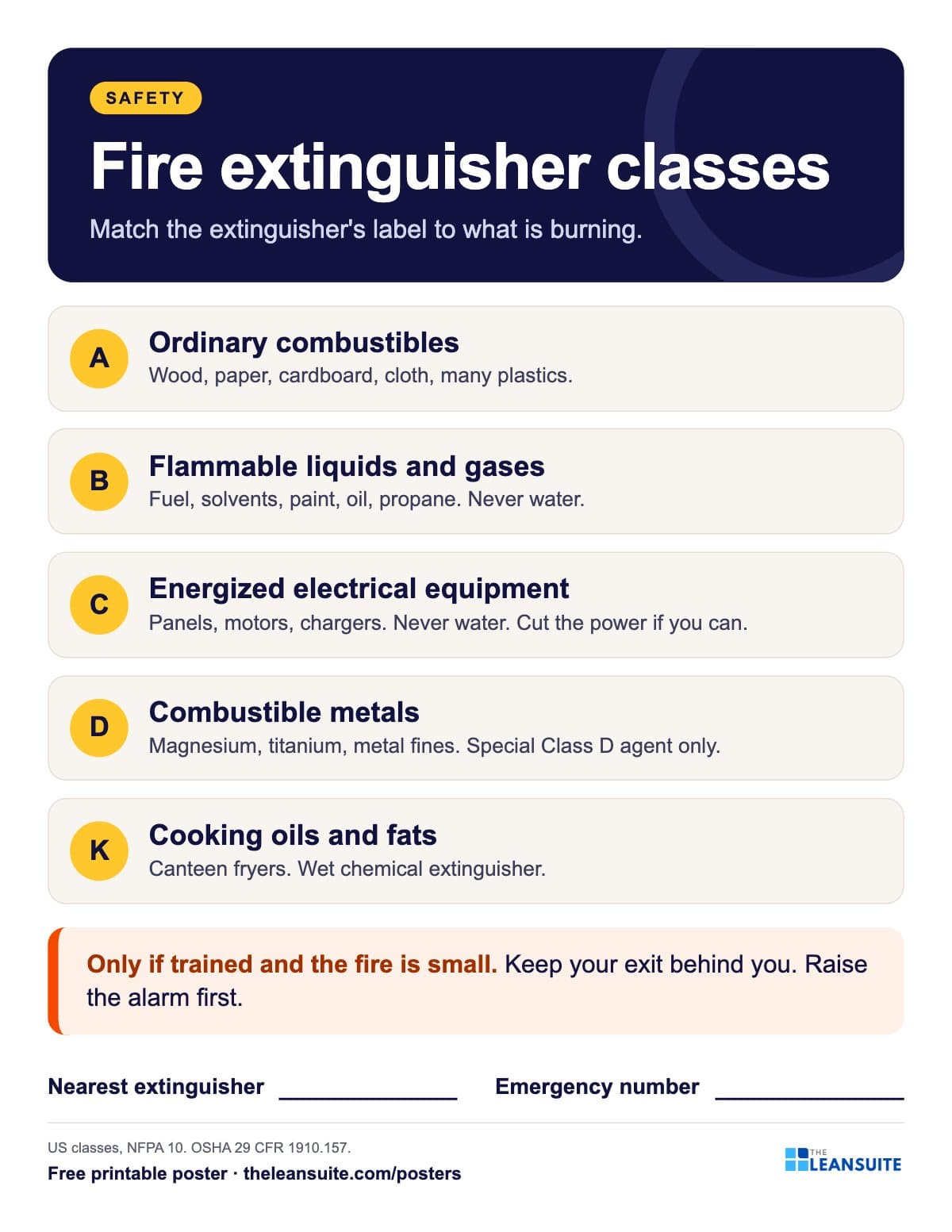 Fire extinguisher classes poster
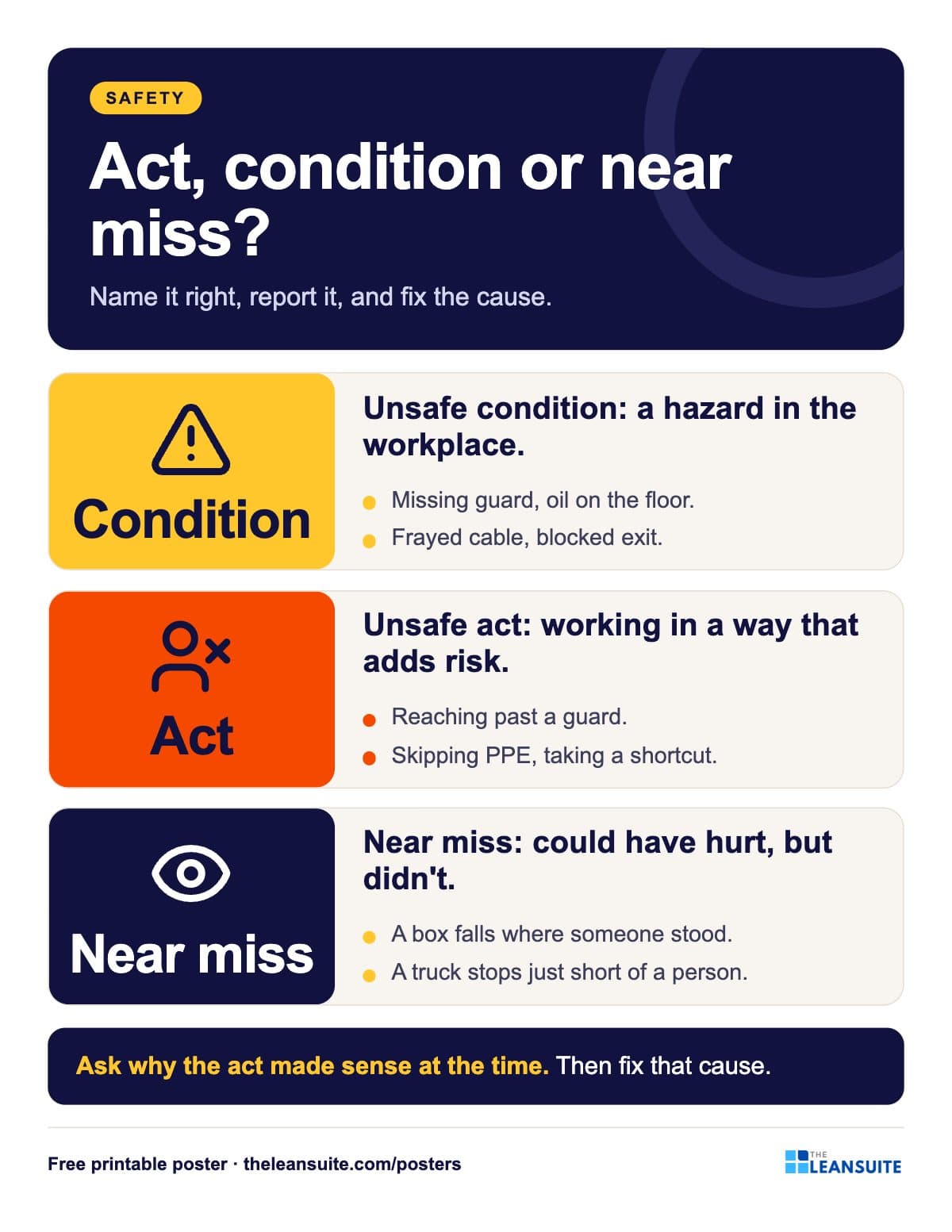 Unsafe acts and unsafe conditions poster
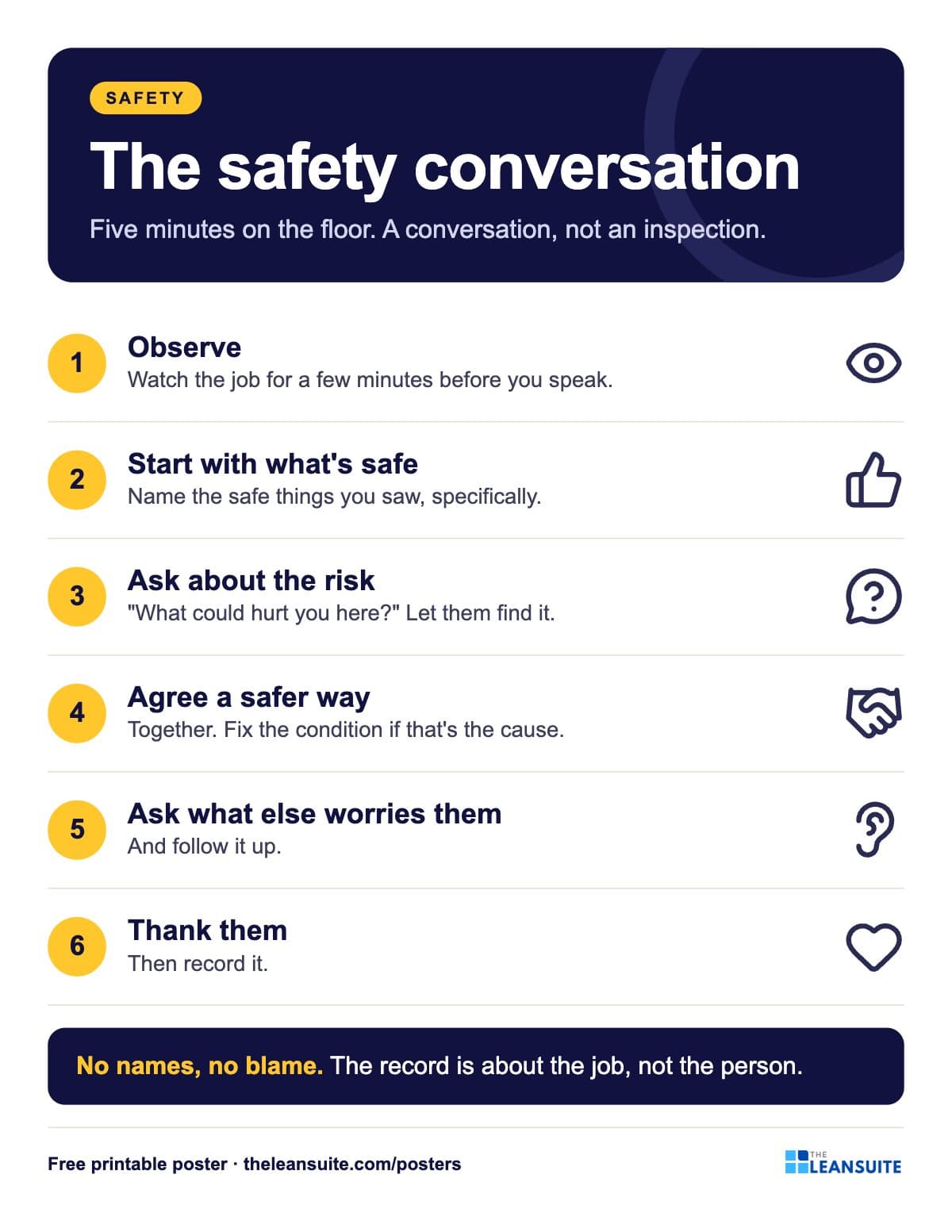 Safety observation conversation poster
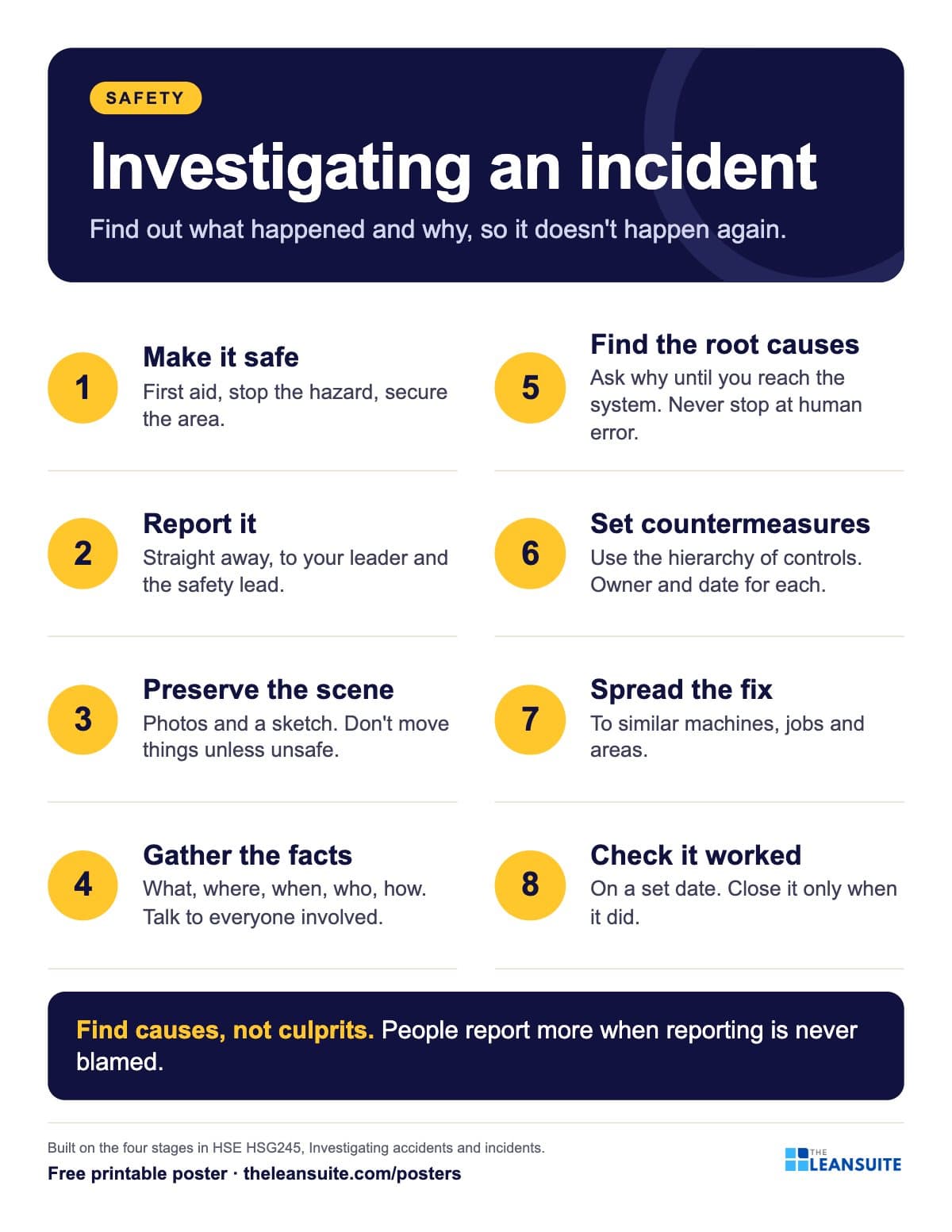 Incident investigation steps poster
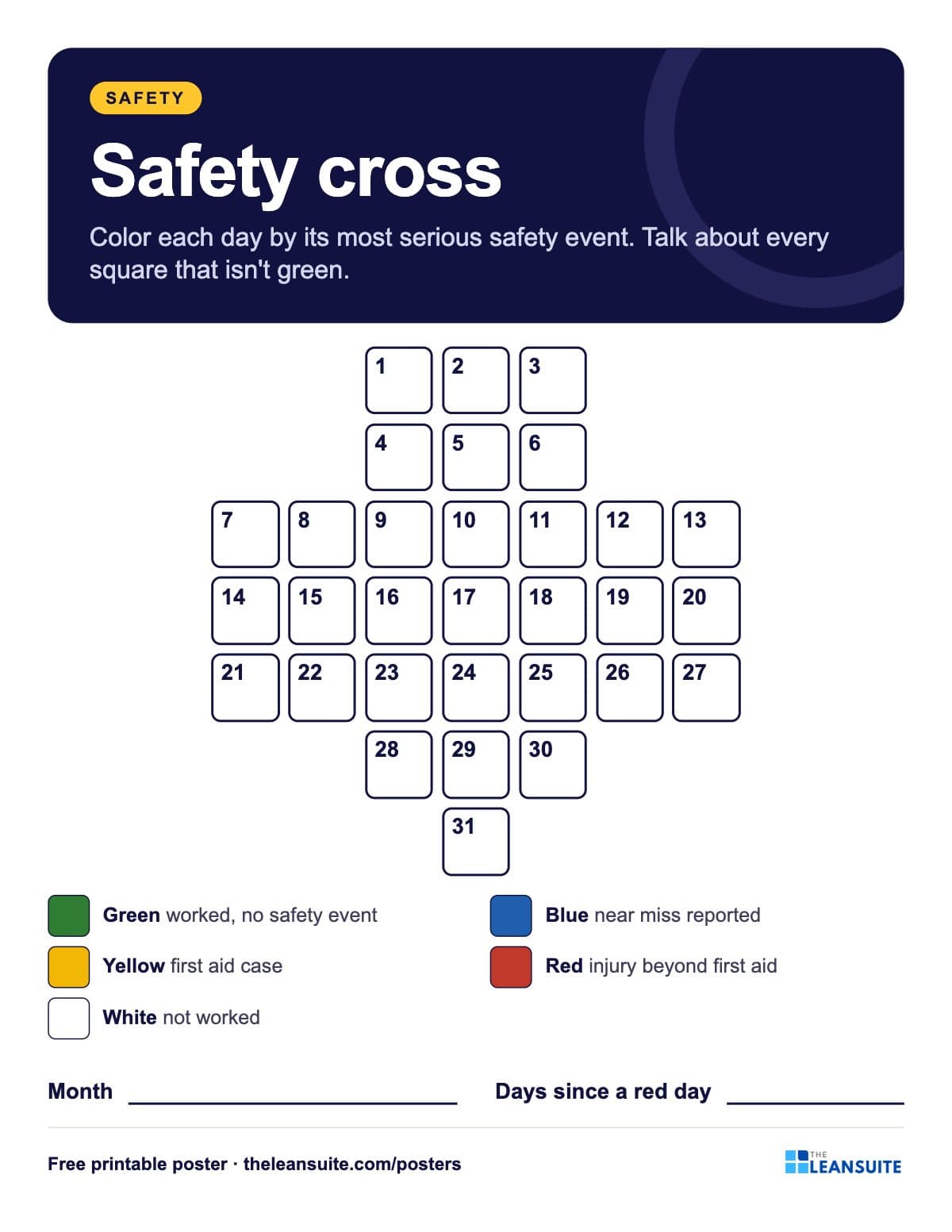 Safety cross calendar poster
A poster reminds. A routine makes it stick.
See how plants run their audits, improvements and follow-ups in LeanSuite, on a call built around your own problem.
Book a 45-minute demo