

Lean playbook · Packaging, printing and converting
Lean playbook for packaging manufacturing, printing and converting
Short answer
Start lean in a packaging, print or converting plant on the machine that sets your output: usually a press, a corrugator or a folder-gluer. Begin with the losses you can count: makeready time, makeready and running waste, short stops and breakdowns. SMED and a changeover matrix shorten job changes. A daily operator care routine and a stop tally lift OEE, and first-off approval with a line clearance check stops wrong-copy complaints. Measure for two weeks, fix the top two losses, write the new method down, then copy it to the next machine.
Last updated:
7 problems on the floor, and the lean methods for each
Each problem says what it looks like, which methods address it, the first moves to make and the number to watch. Pick the one or two that cost your plant most; you do not need all of them at once.
Where a packaging, print and converting line loses time and quality
Print: flexo, offset or digital
Laminate and coat
Long makereadies on short runs
The press or folder-gluer stands while plates, anilox, inks, dies and settings are changed, and the time depends on which crew is on. The next job's plates, dies and board are often fetched after the machine has stopped, and color is chased on the running machine.
In LeanSuite
Lean Creator runs the changeover checklist, Issue Management flags missing items, and Kaizen & Projects turns step times into improvement projects.
First moves
- Film one makeready on the pacing machine and list every step, marking which ones need the machine stopped.
- Stage the next job's plates, dies, ink, board and the approved sample at the machine before the current job ends.
- Sequence jobs on a changeover matrix, light to dark colors and similar sizes together, so each change is smaller.
- Write the new sequence as a checklist and time every makeready against it.
Number to watch: Makeready time, from the last good unit of one job to the first good unit of the next, by machine and job type.
Makeready and running waste nobody can trace
Sheets and metres go to the bin while color, register, glue and fold are set, and more at every splice, web break and restart. Waste is weighed once a month for the whole plant, so no job, machine or crew owns it.
Lean methods
In LeanSuite
LeanSuite gives you one structure for downtime, cost of poor quality and waste, costs each loss and ranks them so you know where to start.
First moves
- Count or weigh waste per job on the pacing machine for two weeks, split into makeready waste and running waste.
- Give each bin a cause code (color, register, splice, jam, board, glue) and chart the causes as a Pareto.
- Attack the biggest cause first, and set a makeready waste allowance per job type from your own best runs.
Number to watch: Waste %: material in minus good output, divided by material in, split into makeready and running waste.
Short stops on feeders, glue units and stackers
Feeders double-feed, sheets skew, glue guns spit, counters miss and stackers jam. Each stop takes a minute to clear, too short for the downtime log, but together they decide how much the machine makes.
In LeanSuite
Operators log each stop in one tap in Issue Management, Cost Management adds the lost time up and puts a cost on it, and the biggest losses become Kaizen projects.
First moves
- Tally every short stop by cause for one week on the pacing machine, with a short list of reason codes.
- Pick the top two causes and fix them with the operators and a technician.
- Work out OEE every shift from the same data, so the gain shows.
Number to watch: Short stops per shift and the performance part of OEE on the pacing machine.
Breakdowns on corrugators and folder-gluers
Worn belts, bearings, knives, vacuum leaks and dirty glue systems run until they fail. Maintenance spends the day on breakdowns, and planned work slips to the weekend that never comes.
Lean methods
In LeanSuite
In LeanSuite, operators run visual CILR checklists on a tablet and every abnormality they tag is routed to maintenance. Professional maintenance tags in LeanSuite turn radio calls and firefighting into work orders every technician can see, own and close out.
First moves
- Write a one-page clean, inspect, lubricate and retighten standard for the pacing machine with the operators, with photos of the good condition.
- Tag every abnormality found on the rounds and review the open tags at the daily meeting.
- Analyze every breakdown longer than an agreed time with a short breakdown report and a 5 Whys.
- Move the repeat failures into planned maintenance, with the parts on the shelf before the job.
Number to watch: MTBF and MTTR on the pacing machine, and breakdowns per week.
Color, register and glue defects found late
Color drift, mis-register, hickeys, streaks, weak glue lines and bad folds are found at the end of the run or by the customer. The same defect returns on the next job because the fix stayed with one crew.
In LeanSuite
Operators scan a QR code and flag the non-conformance with photos, straight from the floor. The QA Matrix gives each defect an AA, A, B or C priority from where it was caught, its severity, cost and recurrence.
First moves
- Approve the first good sheet or carton against an approved, signed sample before the run starts, and keep it at the machine.
- Check at set intervals during the run on a check sheet, not only at the end.
- Keep a defect catalogue with photos and the accepted limit for each defect, so every crew judges the same way.
- Run a 5 Whys with the crew for any defect that comes back, and record the action in one log.
Number to watch: First pass yield per job, and defects by type per million units.
Wrong copy, mixed jobs and line clearance
An old artwork version, two jobs in one case or a missing lot code reaches the customer. These errors happen at job changes, when the last job's cartons, labels or plates are still around the machine.
In LeanSuite
Audit management in LeanSuite lets you build, schedule and run any shop floor audit or inspection, from layered process audits to gemba walks, and turn every finding into a tracked action.
First moves
- Clear the machine, the delivery end and the pallets of the last job before the next one starts, and sign the clearance with a photo.
- Check the artwork version, barcode and lot code on the first-off against the job ticket, every job.
- Where you can, make the mix-up impossible, for example with a barcode scan of the job at the feeder, instead of adding another check.
- Audit a sample of clearances each week on the floor, across shifts.
Number to watch: Wrong-copy and mixed-print complaints per million units shipped.
Nip points, blade changes and forklift traffic
Rollers, unwinds, die-cutters, guillotines and balers have nip and shear points, and jams are cleared and blades changed in a hurry. Reel clamps and forklifts share aisles with people on foot.
Lean methods
In LeanSuite
LOTO procedures are tied to the Skills Matrix: the form won't open unless the user holds a valid 'Authorized Employee' certification for that machine. Operators scan a QR code and log a hazard with a photo instantly, with no app download and no login.
First moves
- Write a machine-specific lockout procedure with photos of every isolation point, starting with jam clearing and blade changes.
- Inspect guards and interlocks on a set schedule, and treat a bypassed guard as a stop-the-job finding.
- Mark walkways and forklift routes, and make reporting a near miss take less than a minute.
Number to watch: Near misses reported and closed per month, and TRIR.
More small fixes in the production, maintenance and quality sections of the kaizen idea bank.
A 90-day starting plan
One line or product family, two problems, measured before and after. The point of the first 90 days is a result the plant believes and a method it can repeat, not a plant-wide program.
The 90 days, with the gate that ends each stage
- Days 1 to 30See the losses on the pacing machineDone when: You have baseline numbers on the board and two problems with an owner each.
- Days 31 to 60Fix the top two lossesDone when: Each fix has a written standard and a before-and-after number.
- Days 61 to 90Make it stick, then spread itDone when: The gains have held for a month and the next machine has its baseline.
Days 1 to 30
See the losses on the pacing machine
Pick the machine that sets the plant's output and get a true baseline before changing anything.
- Choose the press, corrugator or folder-gluer with the most makereadies or lost time, and name a lead and a sponsor.
- Measure for two weeks: OEE, makeready time per job, waste per job split into makeready and running, short stops by cause and breakdowns.
- Start a 15-minute meeting at a board by the machine at the start of each shift.
- Walk the machine with the crew and maintenance, and list what slows them down.
- Choose the two biggest losses to work on first.
Days 31 to 60
Fix the top two losses
Run focused improvements on the two problems and check them against the baseline.
- Run a SMED workshop on the most frequent makeready, with the crews from every shift.
- Start the daily operator care routine and the short-stop tally on the pacing machine.
- Put first-off approval and line clearance on a signed checklist at every job change.
- Write each new method down as standard work or a one-point lesson as soon as it works.
Days 61 to 90
Make it stick, then spread it
Check the new standards hold on every shift, then copy them to the next machine.
- Audit the new standards on every shift with short layered audits.
- Sequence the week's jobs with the changeover matrix and the scheduler.
- Compare the machine's numbers with the baseline and share the result with the plant.
- Pick the next machine, copy what worked and start again at day one.
The KPIs to track
Track them per line and shift, on a board the team sees every day. Set targets from your own baseline, not from someone else's plant.
| KPI | What it tells you | How to measure it | Free help |
|---|---|---|---|
| OEE | How much of the planned time made good product at full speed, and whether availability, performance or quality loses most. | Availability (run time divided by planned time) times performance (output divided by run time times rated speed for the job) times quality (good units divided by output), per shift on the pacing machine. | OEE calculator |
| Makeready time | How long the machine is down between jobs, and whether the new standard is followed. | Last good unit of one job to first good unit of the next, for every makeready, averaged by job type. | SMED changeover calculatorChangeover checklist |
| Waste % | How much board, film or paper goes to the bin, and whether it is made at makeready or during the run. | Material in minus good output, divided by material in, by job, split into makeready and running waste. | Scrap rate calculator |
| Short stops per shift | The stops too short for the downtime log that drag down performance. | Tally by cause on a check sheet or from the machine counter, on the pacing machine. | Downtime reason codes template |
| MTBF and MTTR | How often the machine breaks down, and how long each repair takes. | MTBF is run time divided by the number of breakdowns; MTTR is total repair time divided by the number of repairs, per month. | MTBF and MTTR calculator |
| On-time in full | Whether customers get the right quantity on the promised day. | Orders delivered on the promised date in the full quantity, divided by orders delivered. | - |
| Complaints per million | How often a quality problem reaches the customer, including wrong copy and mixed jobs. | Customer complaints divided by units shipped, times 1,000,000, per month. | Non-conformance report (NCR) form |
Worked example: what four makereadies cost a folder-gluer
A made-up folding carton plant. One shift on the folder-gluer has 450 planned minutes, four job changes of 35 minutes each and 20 minutes of breakdowns. The rated speed is 300 cartons a minute; the shift counts 72,000 cartons, of which 2,880 are rejected, startup waste included.
The calculation, step by step
Example numbersAvailability = run time ÷ planned time
- Run time =450 − (4 × 35) − 20= 290 minutes
- Availability =290 ÷ 450= 64.4%
Performance = output ÷ (run time × rated speed)
- Performance =72,000 ÷ (290 × 300) = 72,000 ÷ 87,000= 82.8%
Quality = good units ÷ output
- Quality =(72,000 − 2,880) ÷ 72,000 = 69,120 ÷ 72,000= 96.0%
OEE = availability × performance × quality
Check: good units ÷ (planned time × rated speed) gives the same answer.
- OEE =64.4% × 82.8% × 96.0%= 51.2%
- Check =69,120 ÷ (450 × 300) = 69,120 ÷ 135,000= 51.2%
OEE before51.2%After SMED: each makeready drops from 35 to 20 minutes
Same speed and same quality, so only availability changes.
- Run time =450 − (4 × 20) − 20= 350 minutes
- Availability =350 ÷ 450= 77.8%
- OEE =77.8% × 82.8% × 96.0%= 61.8%
OEE after61.8%
By the numbers
Public figures for this industry or for the wider sector it belongs to, each linked to the report or government table it comes from and checked against it on October 9, 2026. More in our lean manufacturing statistics and benchmark charts.
1.6
Printing and related support activities recorded 1.6 injury and illness cases per 100 full-time workers in 2024, and paper manufacturing, which includes corrugated boxes and folding cartons, 2.4, against 2.7 for all manufacturing.
Total recordable cases per 100 full-time workers, U.S. private industry, 2024 data from the Survey of Occupational Injuries and Illnesses.
Source: U.S. Bureau of Labor Statistics, Table 1. Incidence rates of nonfatal occupational injuries and illnesses by industry and case types, 2024 (2024 data, table updated January 22, 2026)
16×
Plants in the top quarter for relying on reactive maintenance had 3.3 times more downtime and 16 times more defects than plants in the bottom quarter.
Same NIST survey. NIST notes the link is an association, not proof of cause.
Source: NIST, Economics of Manufacturing Machinery Maintenance: A Survey and Analysis of U.S. Costs and Benefits (NIST AMS 100-34) (June 2020)
Injury and illness rate by industry, 2024
- Motor vehicles5.6
- Beverage and tobacco3.7
- Furniture3.5
- Food3.3
- Primary metals3.3
- Nonmetallic mineral products, incl. glass3.3
- Fabricated metal products3.2
- Transportation equipment3.2
- Motor vehicle parts2.9
- Plastics and rubber products2.8
- HVAC and refrigeration2.4
- Paper2.4
- Machinery2.3
- All private industry2.3
- Electrical equipment and appliances2.0
- Printing1.6This industry
- Chemicals1.6
Total recordable cases per 100 full-time workers, 2024: Motor vehicles 5.6, Beverage and tobacco 3.7, Furniture 3.5, Food 3.3, Primary metals 3.3, Nonmetallic mineral products, incl. glass 3.3, Fabricated metal products 3.2, Transportation equipment 3.2, Motor vehicle parts 2.9, Plastics and rubber products 2.8, All manufacturing 2.7, HVAC and refrigeration 2.4, Paper 2.4, Machinery 2.3, All private industry 2.3, Electrical equipment and appliances 2, Printing 1.6, Chemicals 1.6.
Free templates, calculators and buyer's guides
Templates (23)
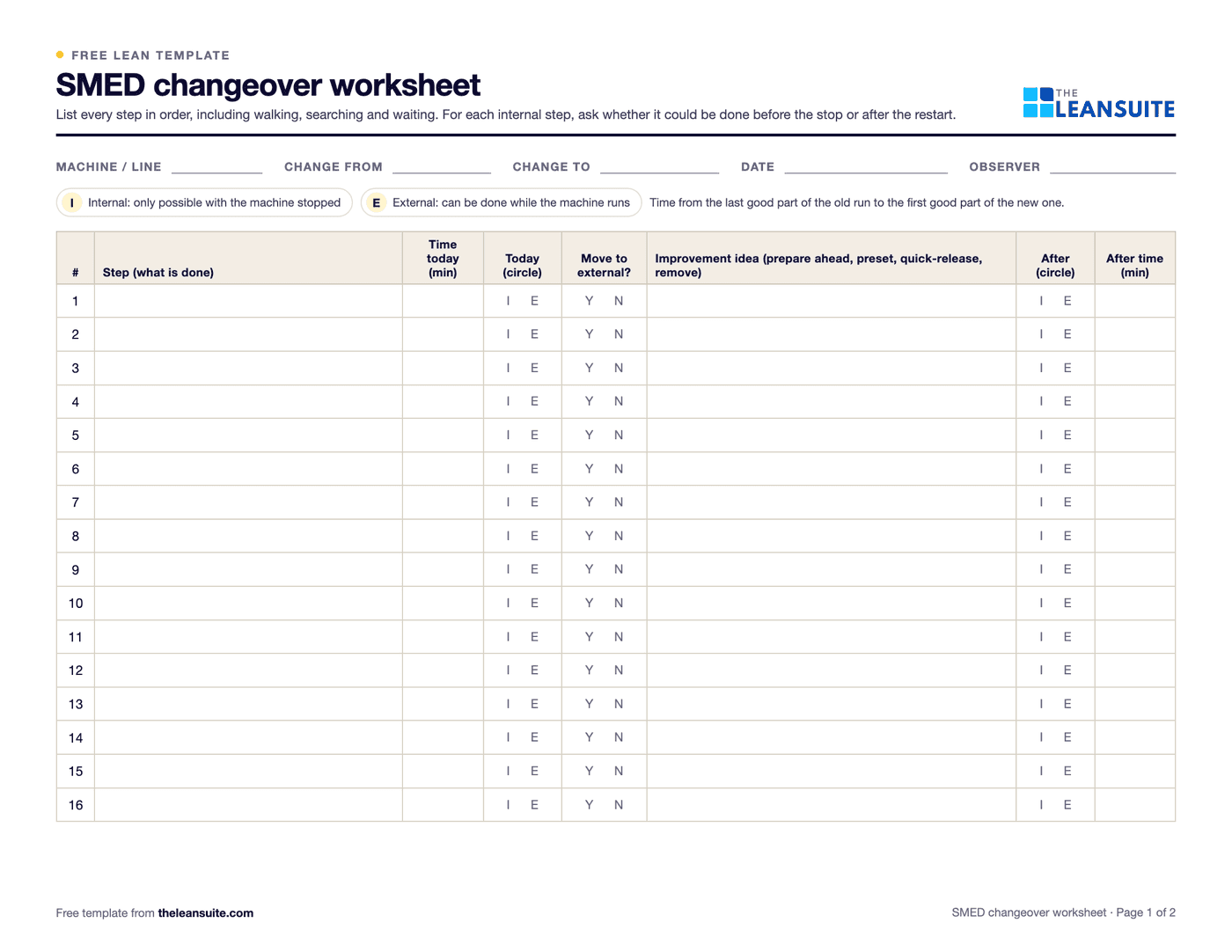 PDF and ExcelSMED changeover worksheetChangeover steps with times, internal or external, what can move, ideas and before/after totals.
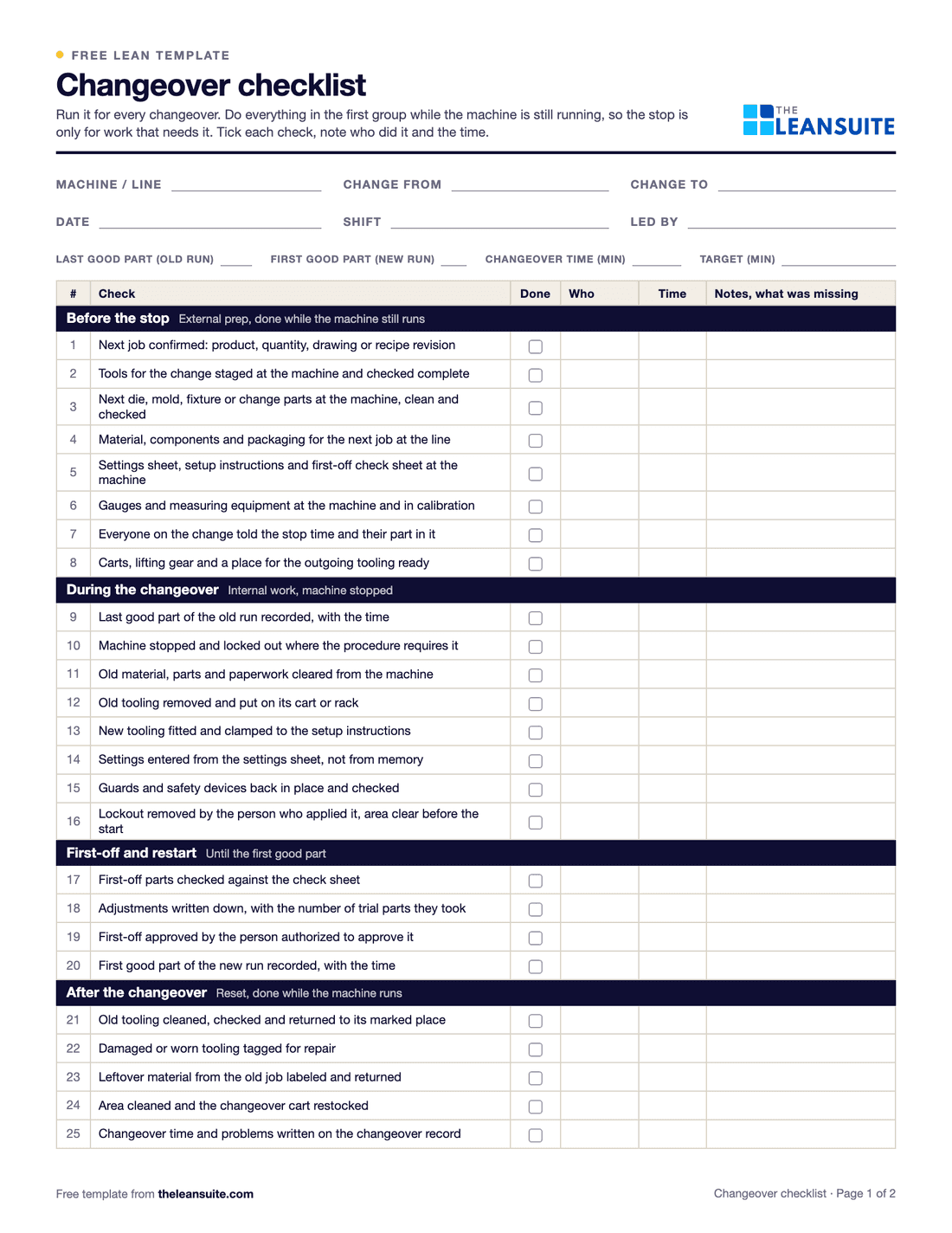 PDF and ExcelChangeover checklist25 checks for every changeover, a record of planned and actual times, and a log of changeover time against target.
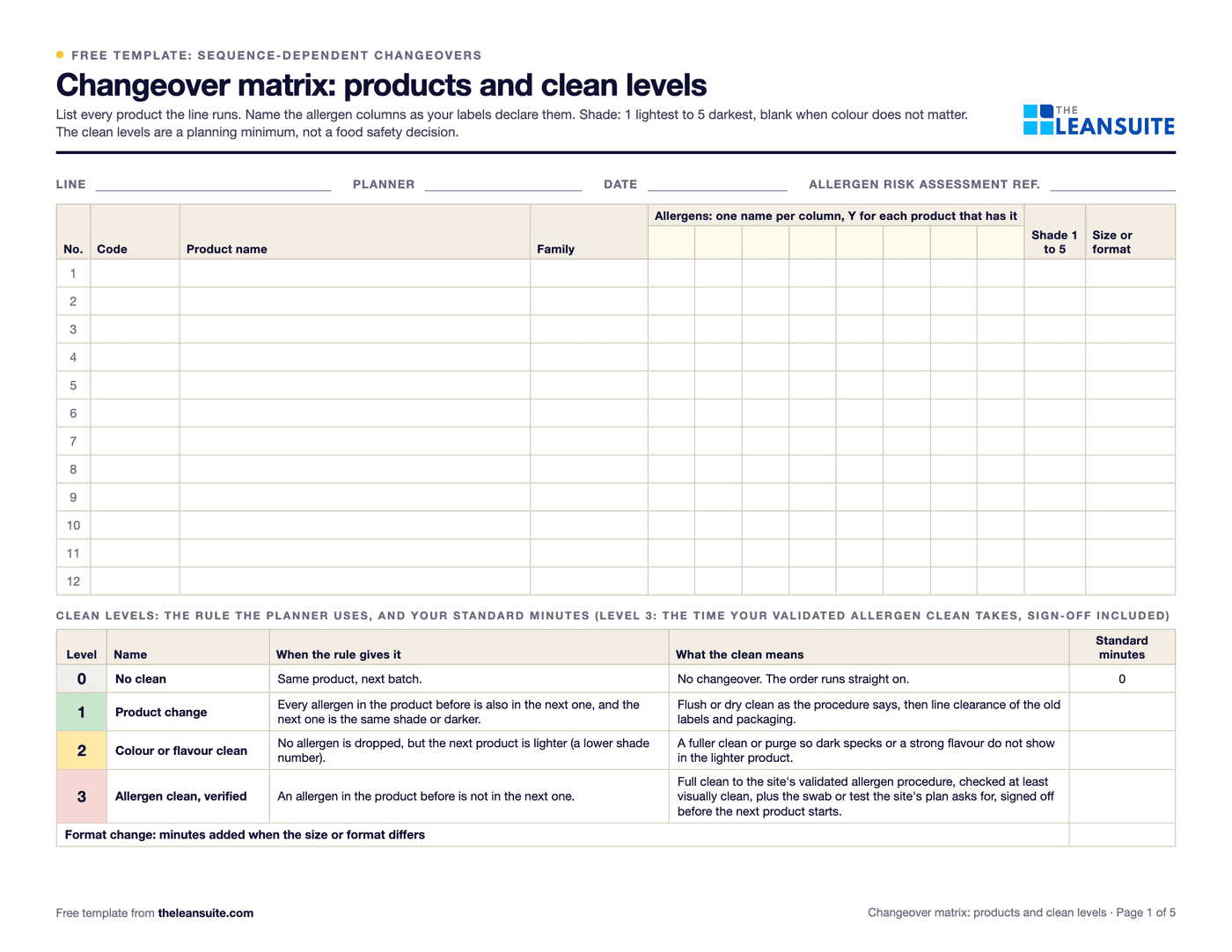 PDF and ExcelChangeover matrix templateA from-to matrix of changeover minutes with the clean each transition needs (allergen, colour, format), and a weekly planner that totals the order and suggests a shorter one.
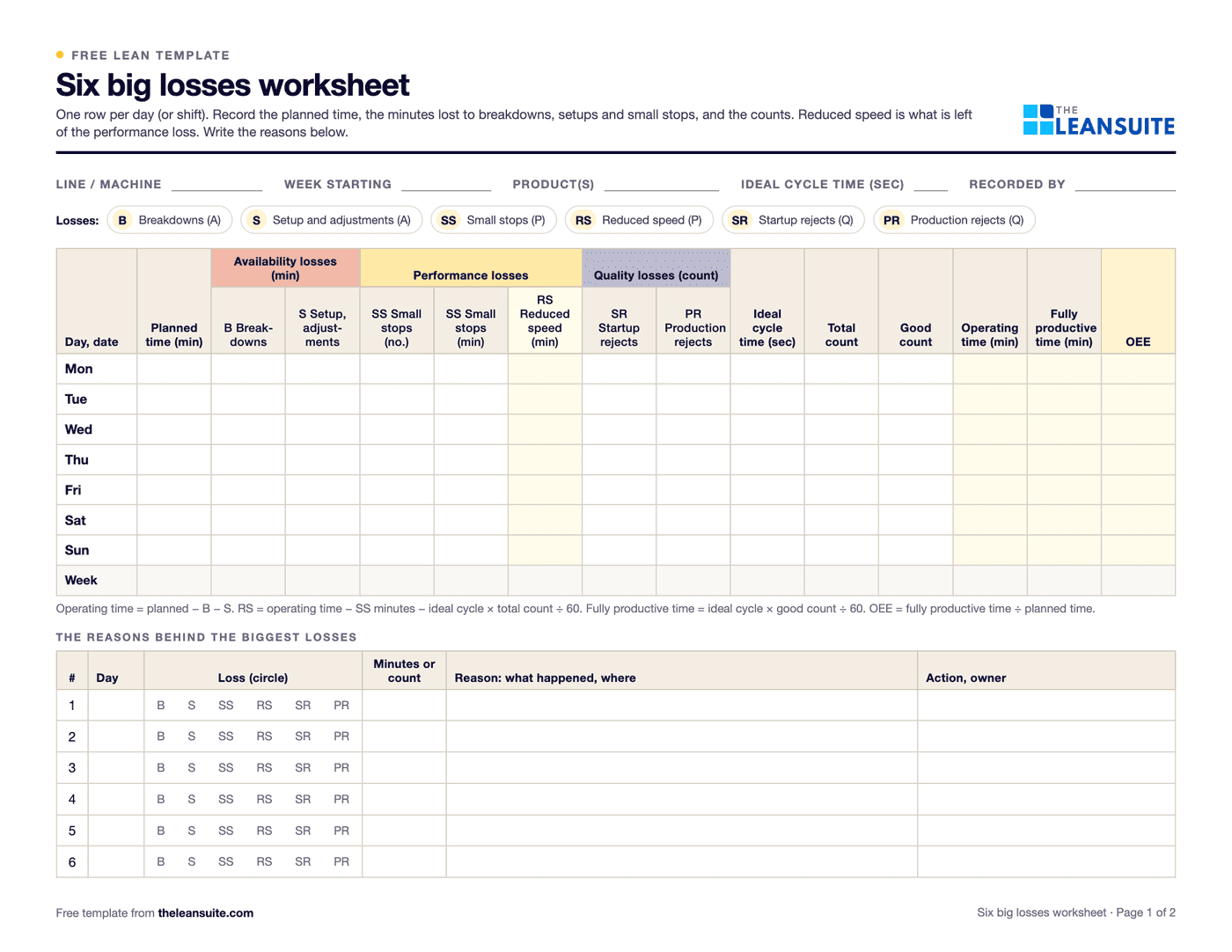 PDF and ExcelSix big losses worksheetWhere a machine's planned time goes: the six big losses in minutes, ranked, with A, P, Q and OEE worked out.
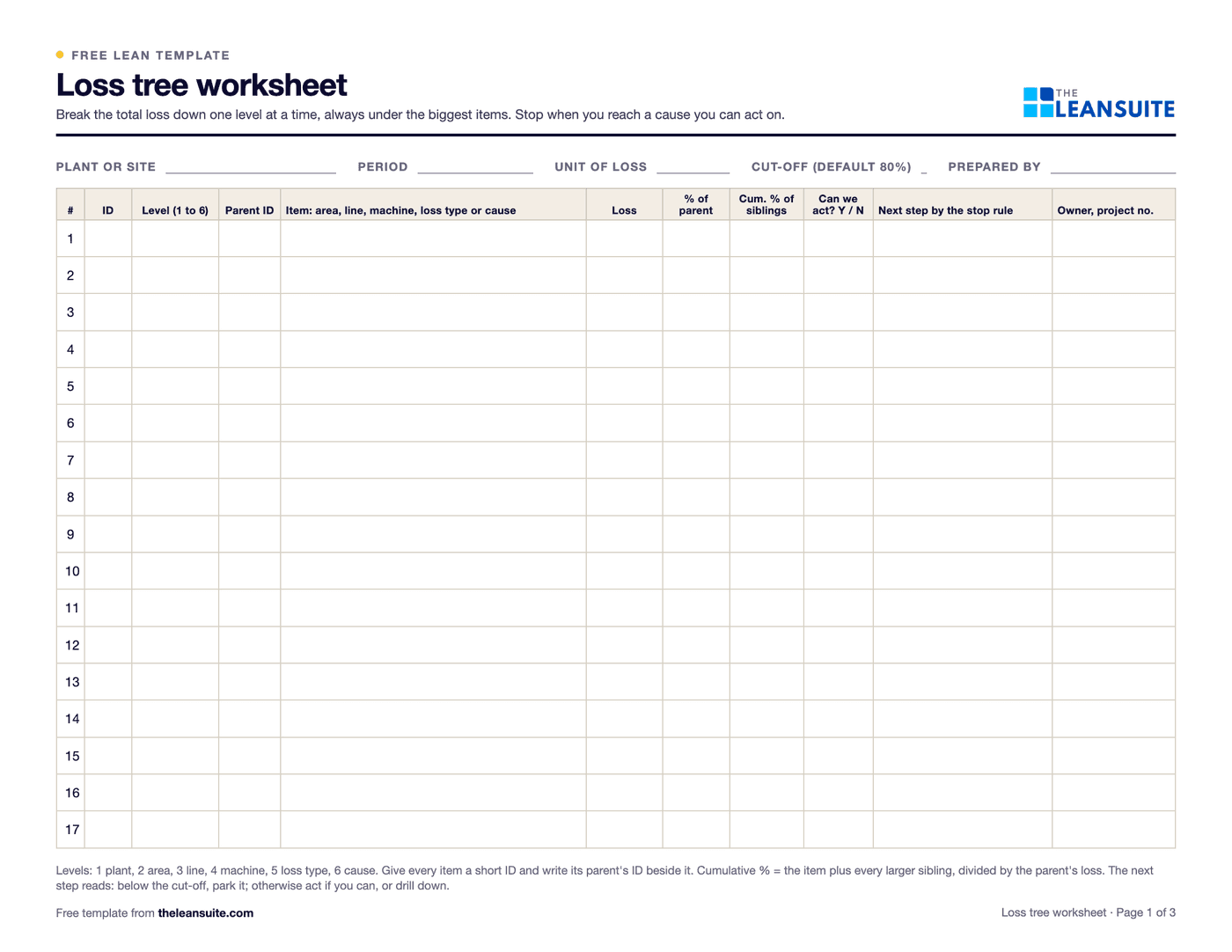 PDF and ExcelLoss tree worksheetBreak one big loss number into area, line, machine, loss type and cause, and stop at the cause a team can fix.
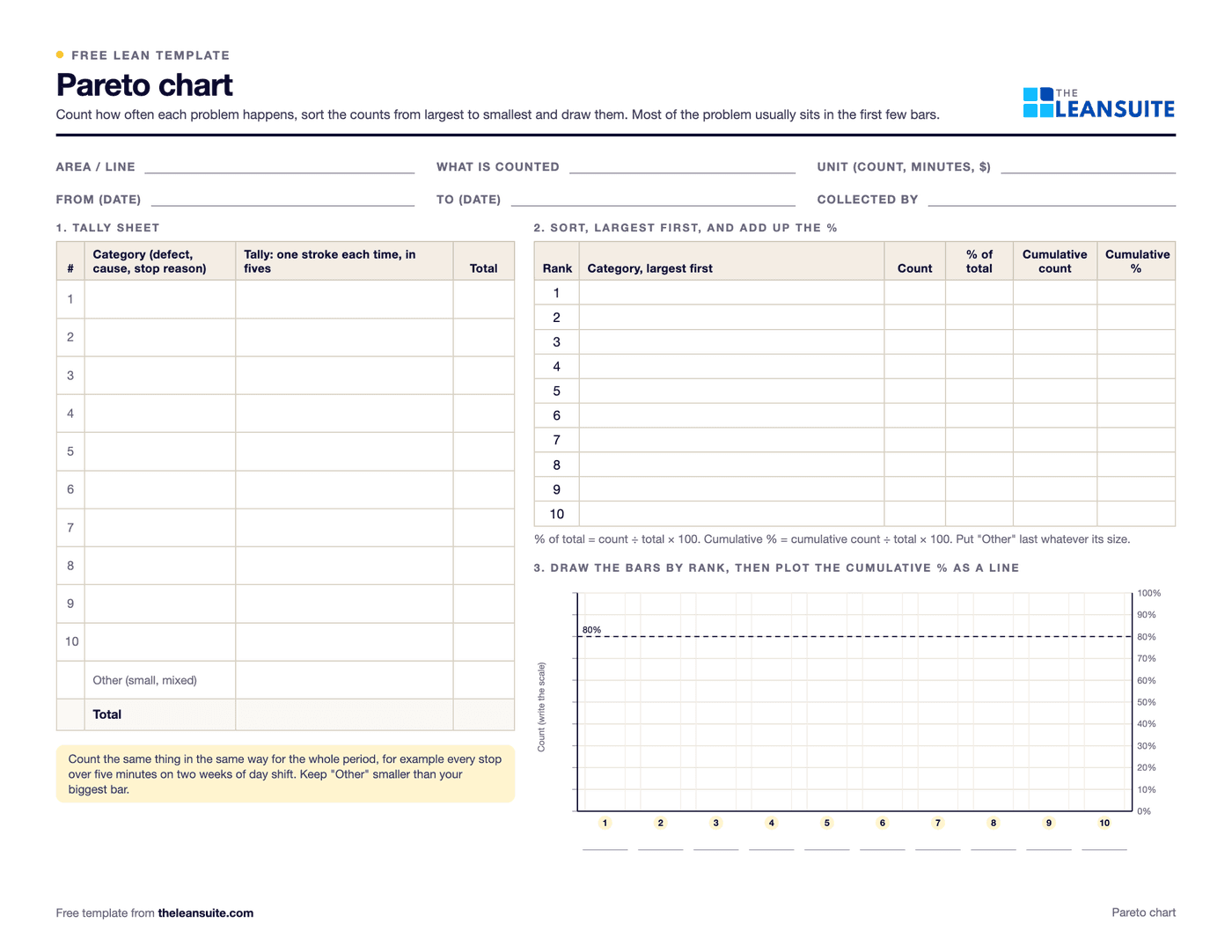 PDF and ExcelPareto chart templateA tally sheet, the Pareto by count and by cost with the cumulative line and the 80% cut, and a before and after comparison. Excel sorts and draws it.
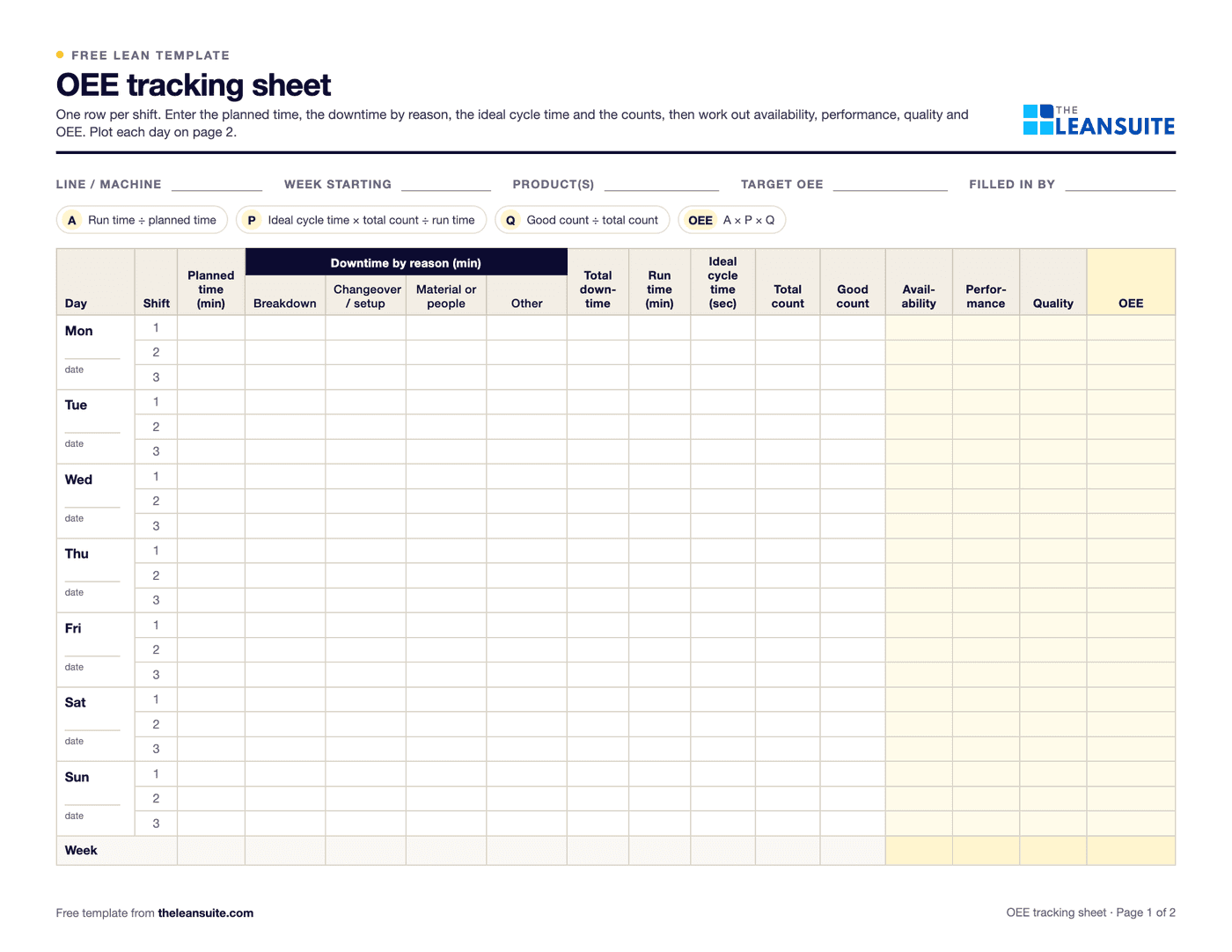 PDF and ExcelOEE tracking sheetOne row per shift for a week. The Excel version works out availability, performance, quality and OEE and charts the week.
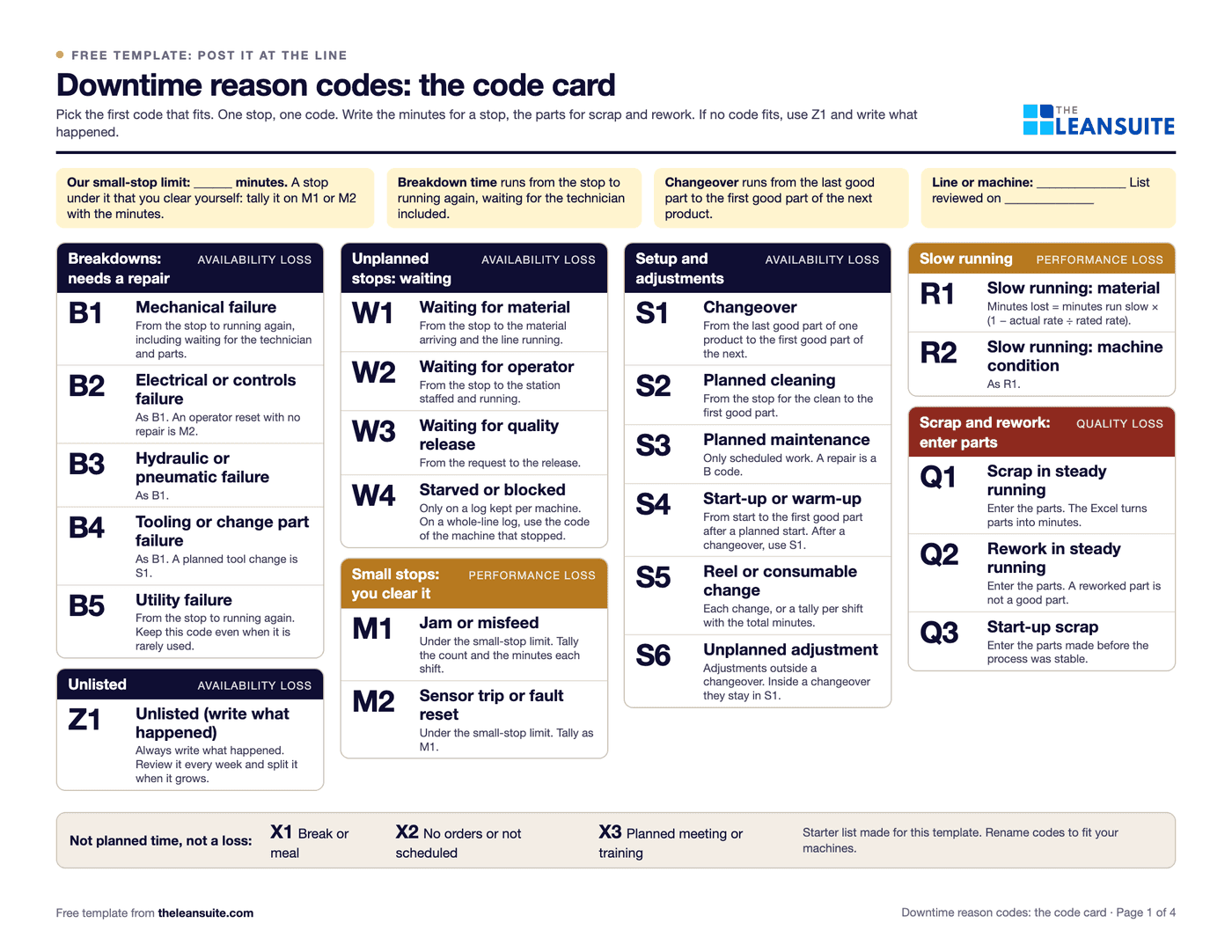 PDF and ExcelDowntime reason codes template26 starter codes mapped to the six big losses, a log with drop-downs, a Pareto by code and by loss, and a code card for the line.
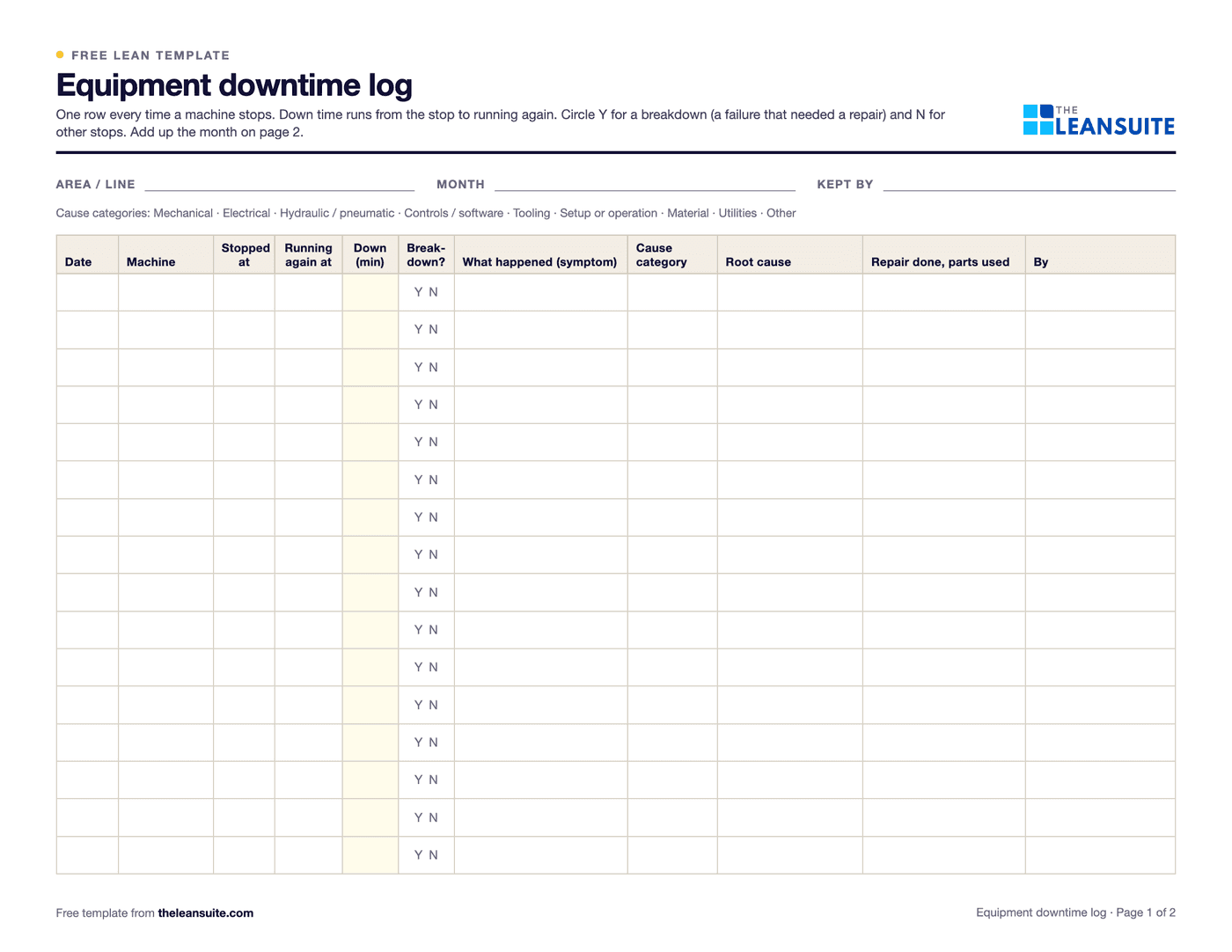 PDF and ExcelEquipment downtime log (MTTR and MTBF)A breakdown and downtime log, with MTTR, MTBF and downtime by machine and cause worked out in Excel.
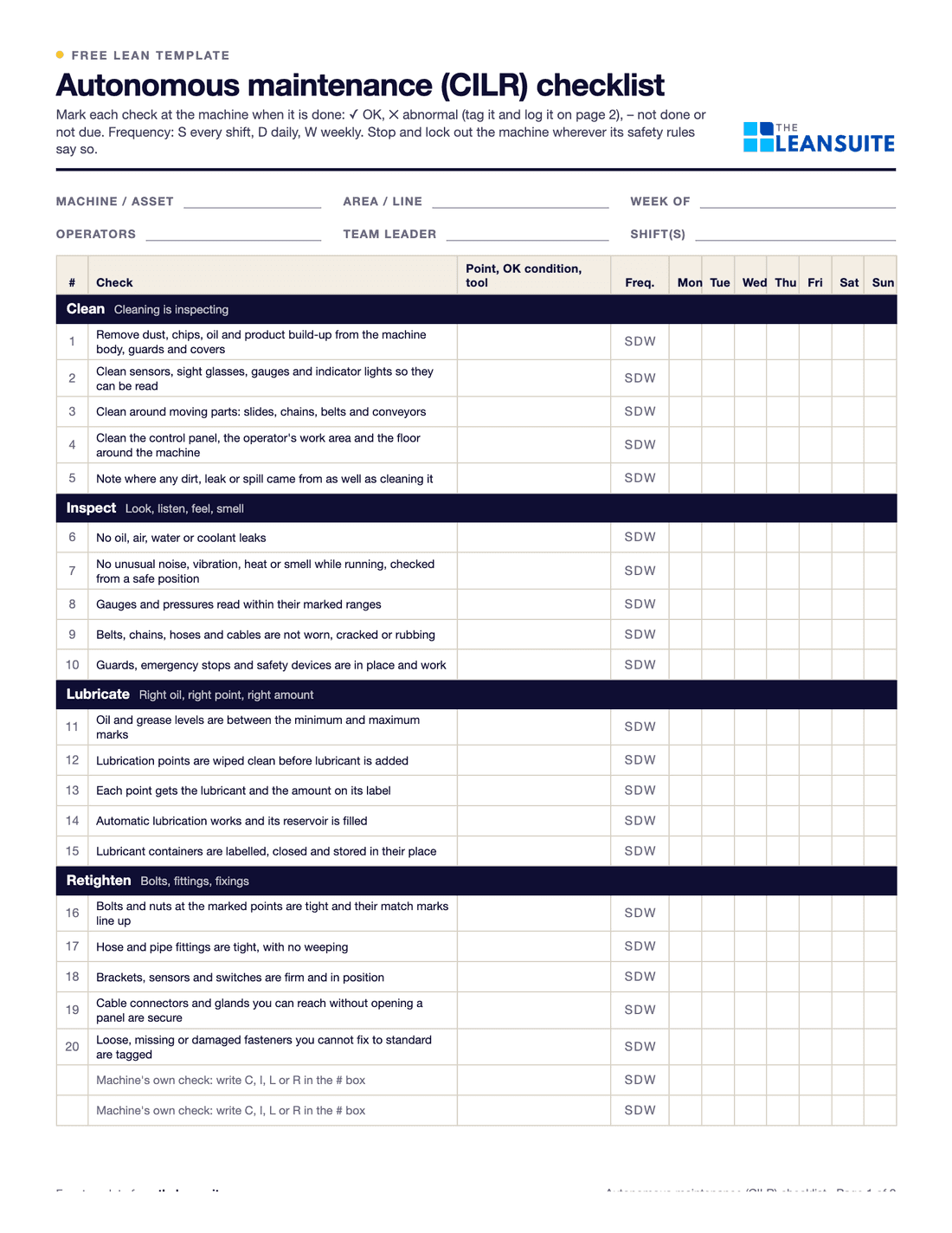 PDF and ExcelAutonomous maintenance (CILR) checklist20 clean, inspect, lubricate and retighten checks with a box per day, an abnormality log and sign-off.
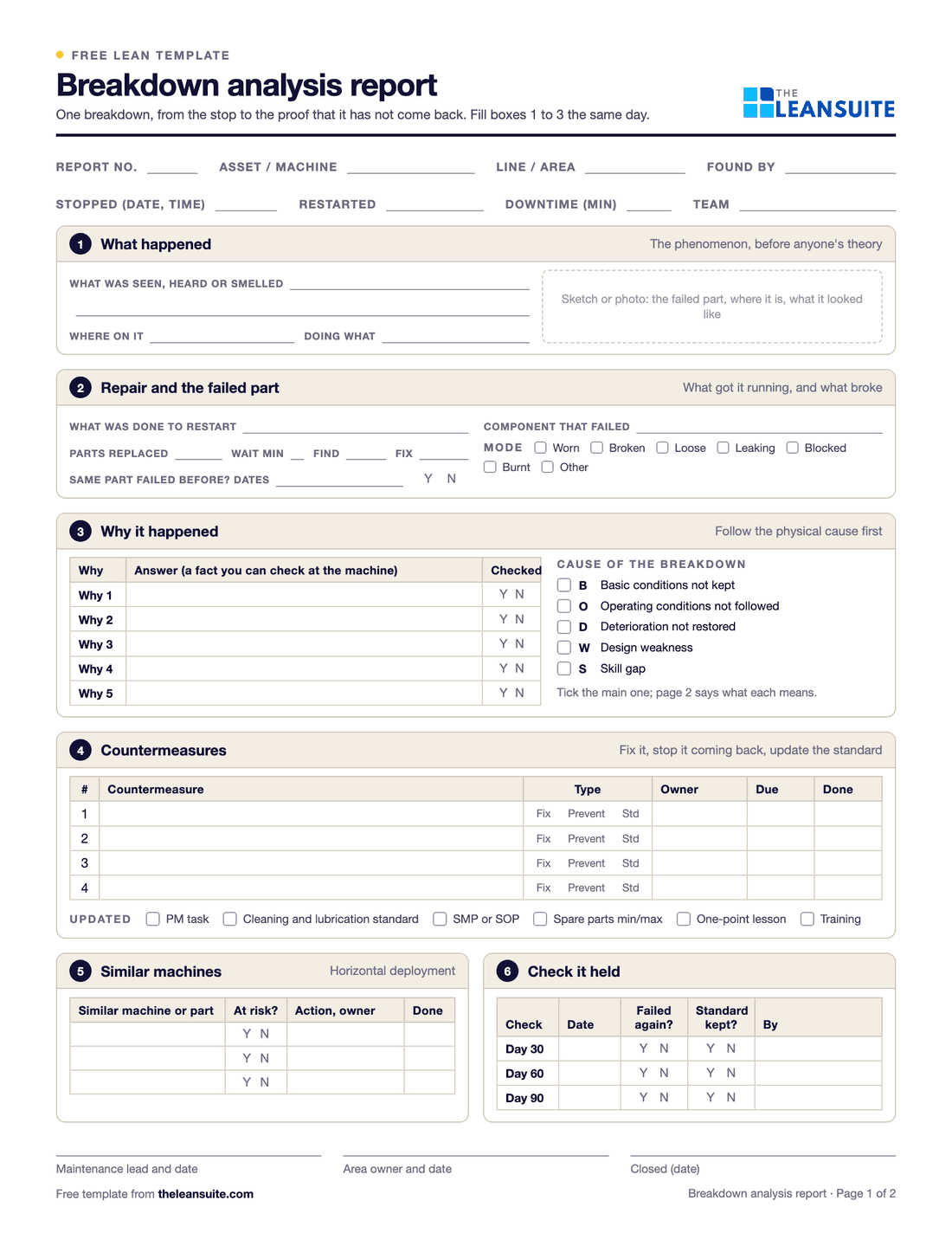 PDF and ExcelBreakdown analysis reportOne equipment breakdown from the stop to the 90-day check, plus a breakdown log with repeat flags, MTBF and MTTR by asset and a Pareto of causes.
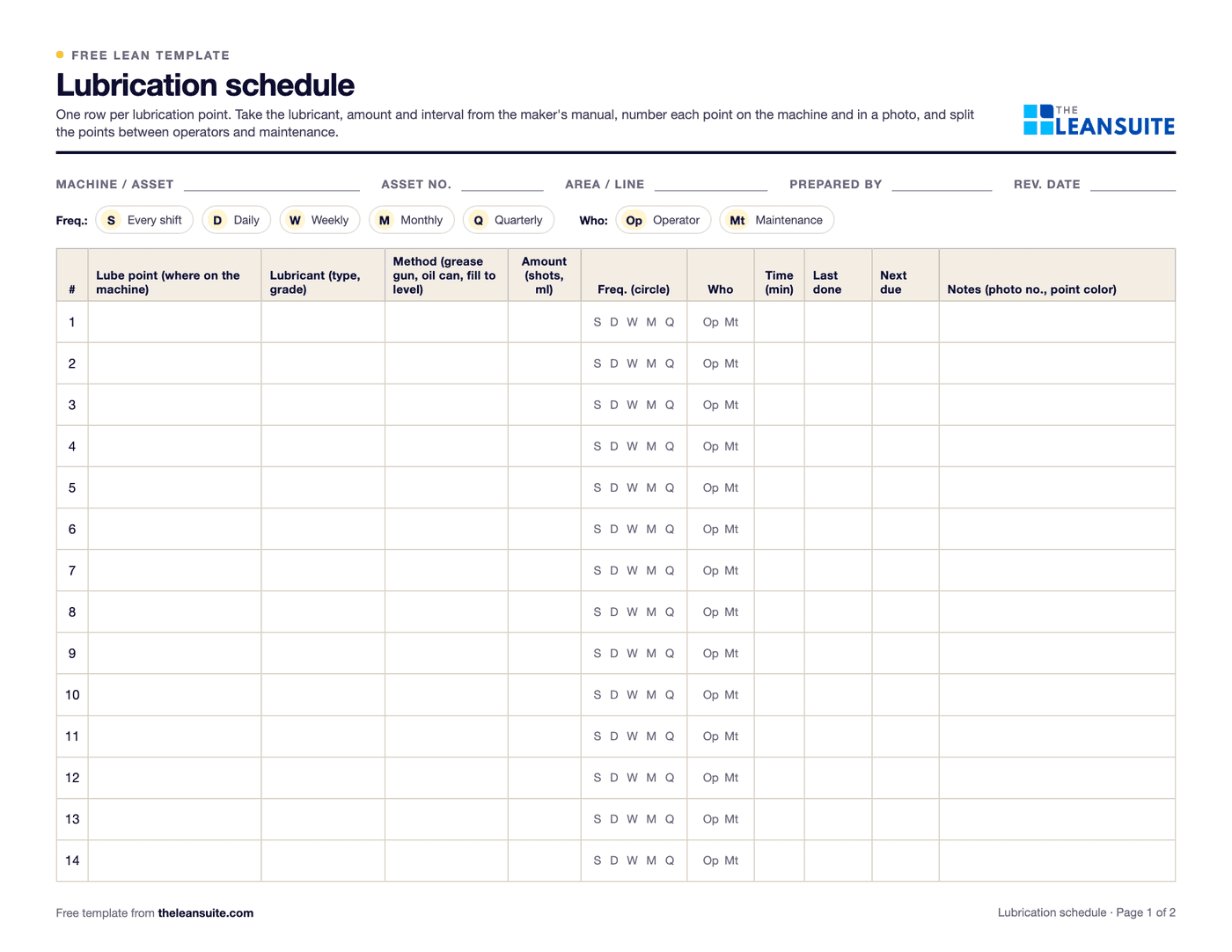 PDF and ExcelLubrication schedule templateEvery lube point with lubricant, method, amount, frequency and who, with next due dates and a monthly sign-off record.
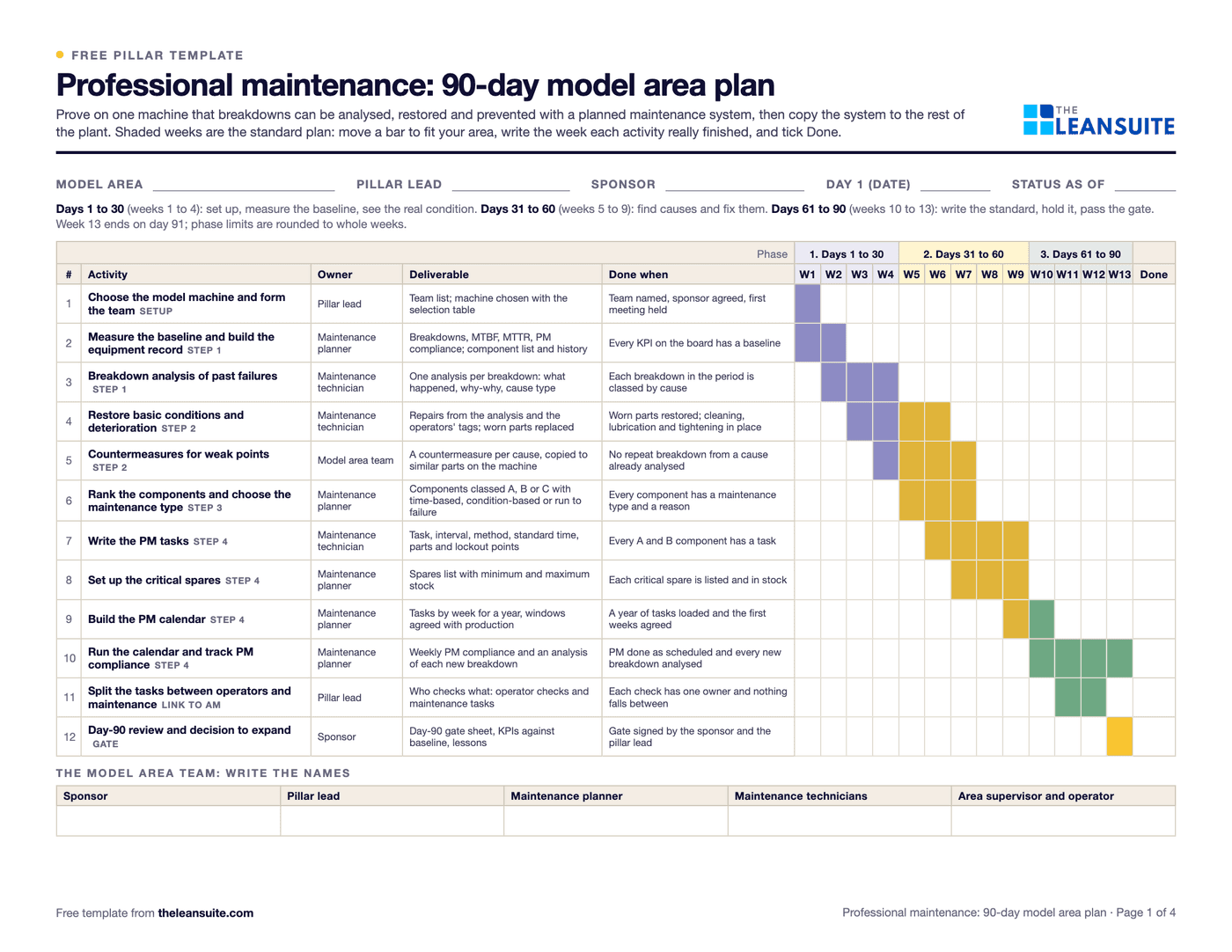 PDF and ExcelProfessional maintenance (PM) 90-day model area planThirteen weeks from breakdown analysis to a running PM calendar on one model machine, a KPI board, the day-90 gate and expansion waves.
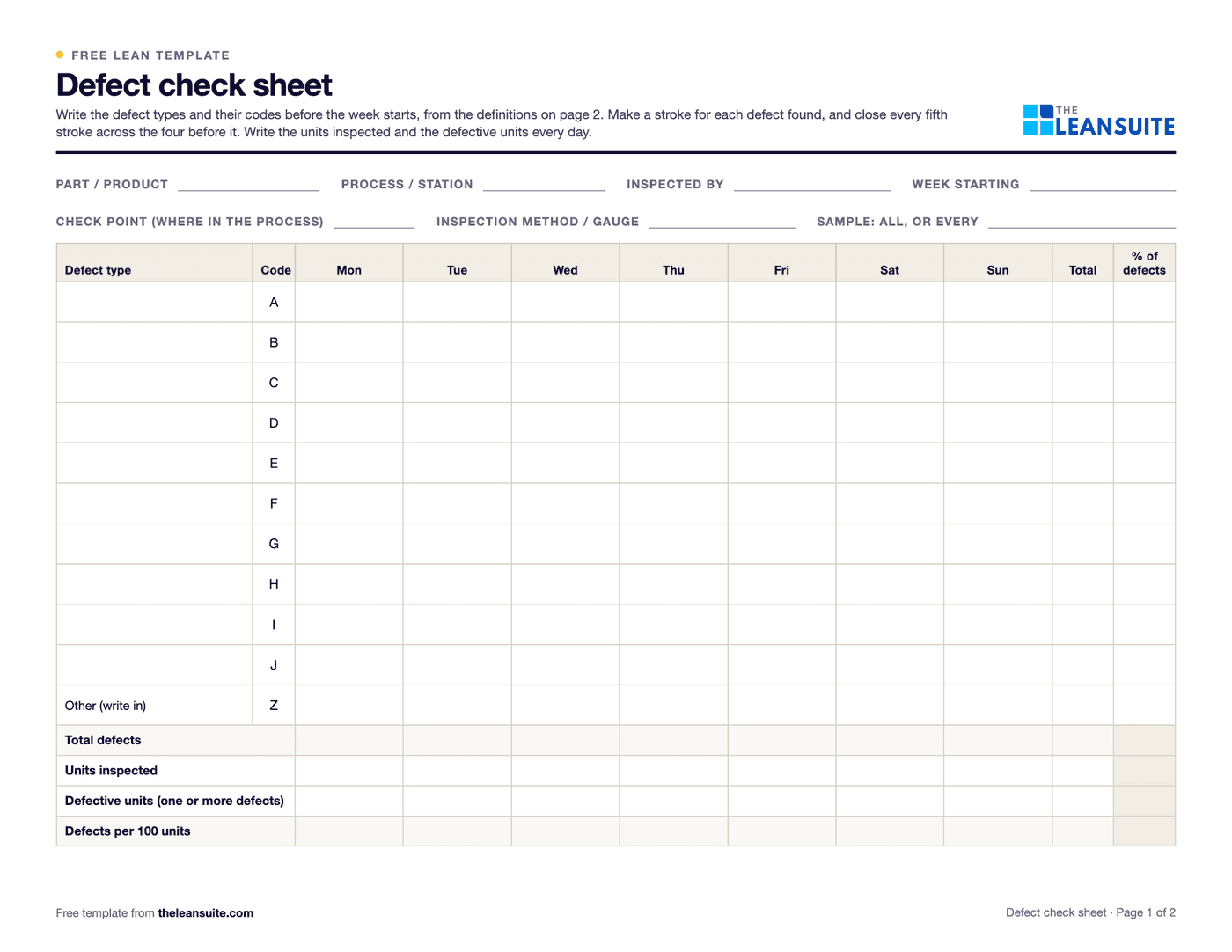 PDF and ExcelDefect check sheetTally defects by type and day, with units inspected, defect rates, a location sheet and the week's Pareto.
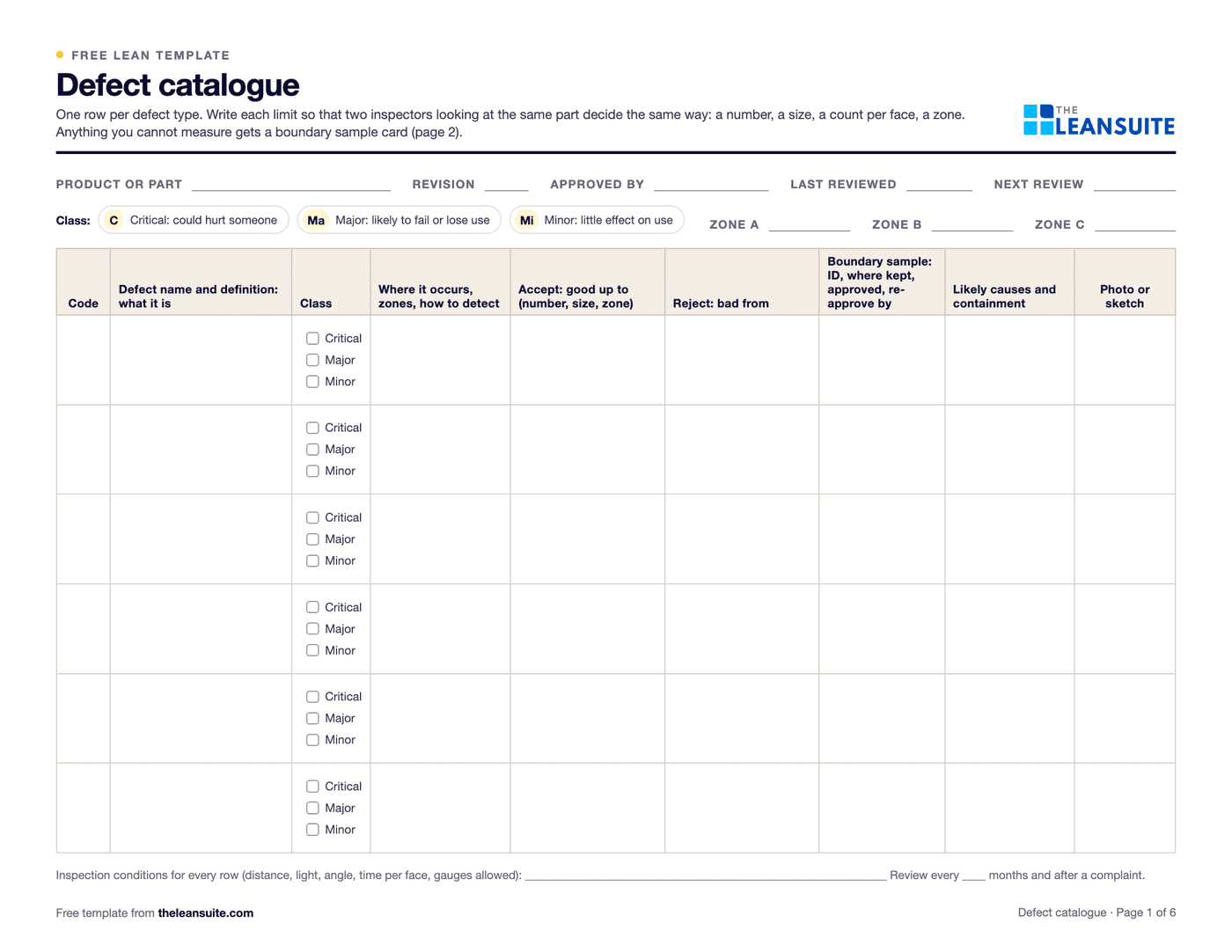 PDF and ExcelDefect catalogue template with boundary samplesEvery defect with a definition, a class and the reason for it, measured accept and reject limits by zone, boundary samples, a defect log with DPU and Pareto, and an inspector agreement check.
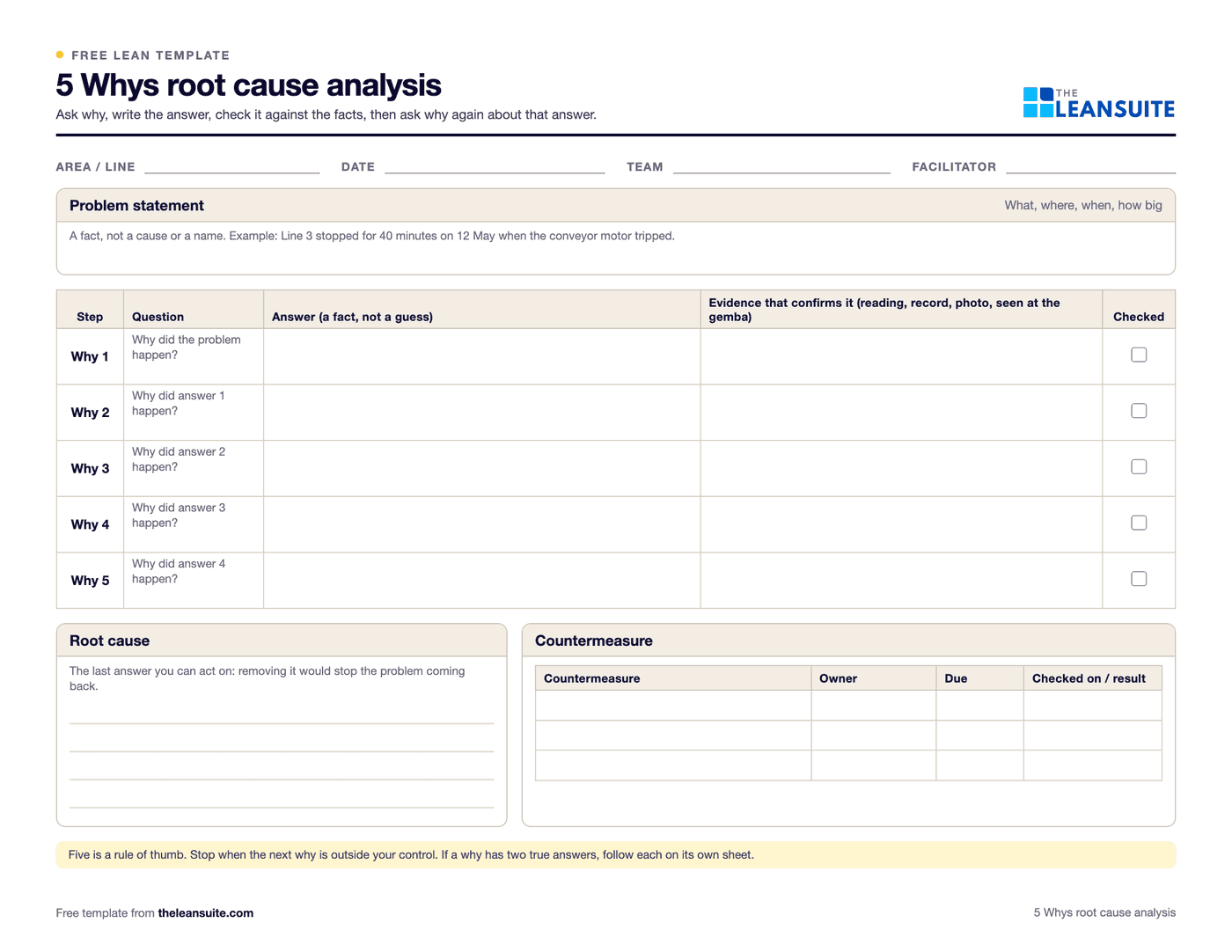 PDF and Excel and Word5 Whys templateA problem statement, a why chain that can branch, evidence for every answer, root causes and countermeasures that are checked.
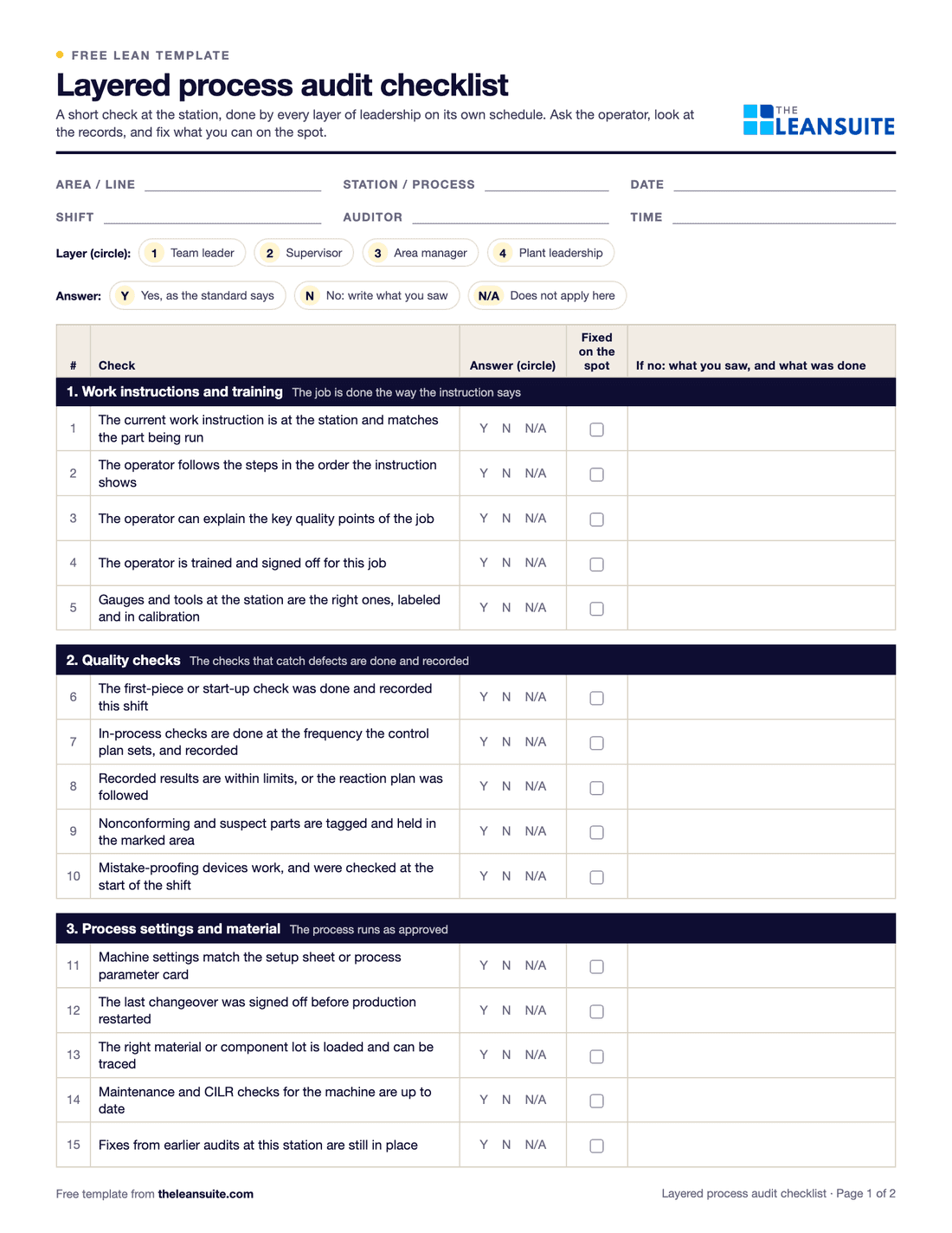 PDF and Excel and WordLayered process audit (LPA) checklist20 yes, no or N/A checks at the station, a fixed-on-the-spot box, scores by group and a findings table.
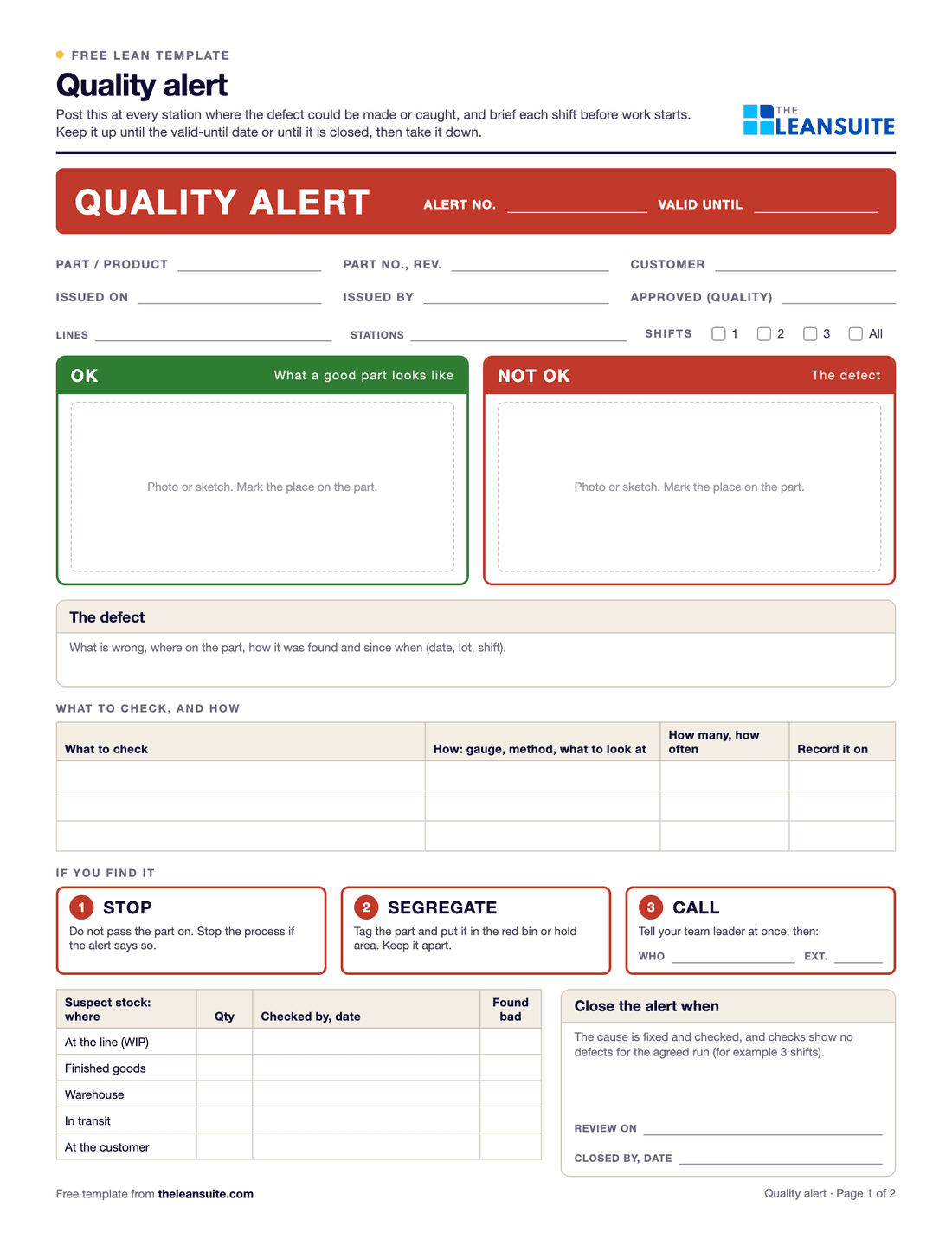 PDF and ExcelQuality alert formA quality alert to post at the line, a sign-off sheet for every shift, and a log of open, expired and closed alerts.
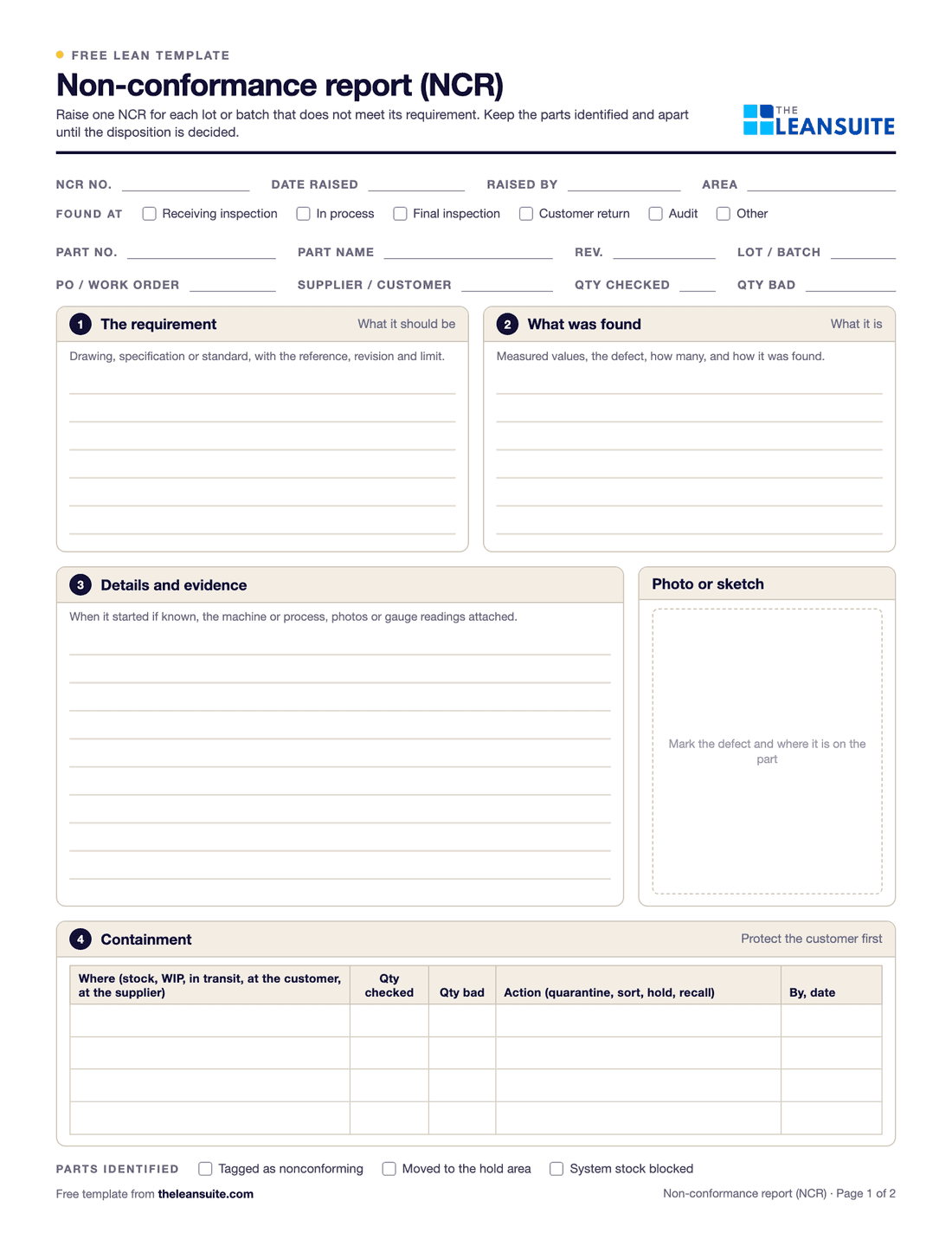 PDF and Excel and WordNon-conformance report (NCR) formA two-page NCR from the requirement against what was found to disposition and closure, and an Excel NCR log.
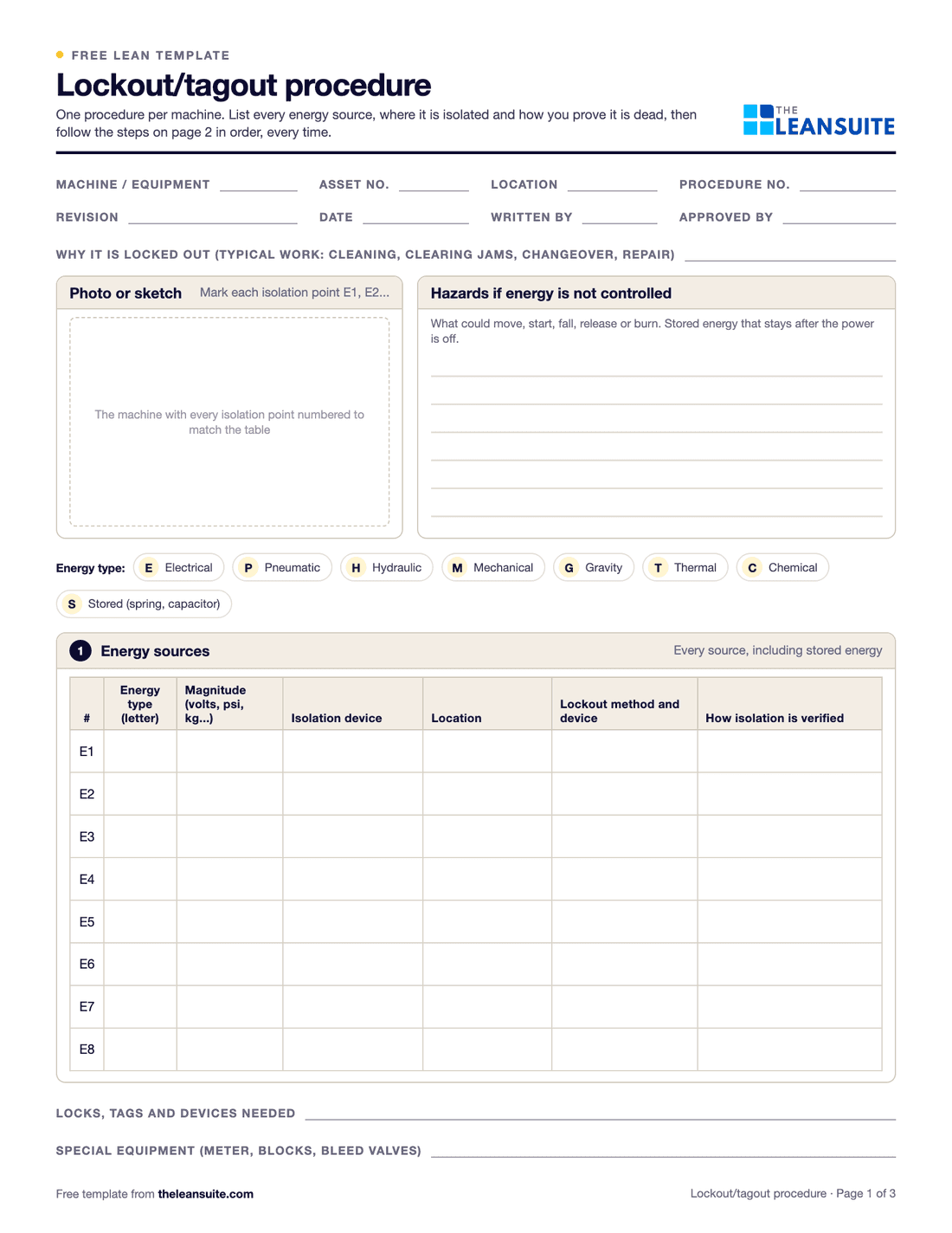 PDF and ExcelLockout/tagout (LOTO) procedure templateA machine-specific LOTO procedure: energy sources and isolation points, the steps from shutdown to restart, and the annual review.
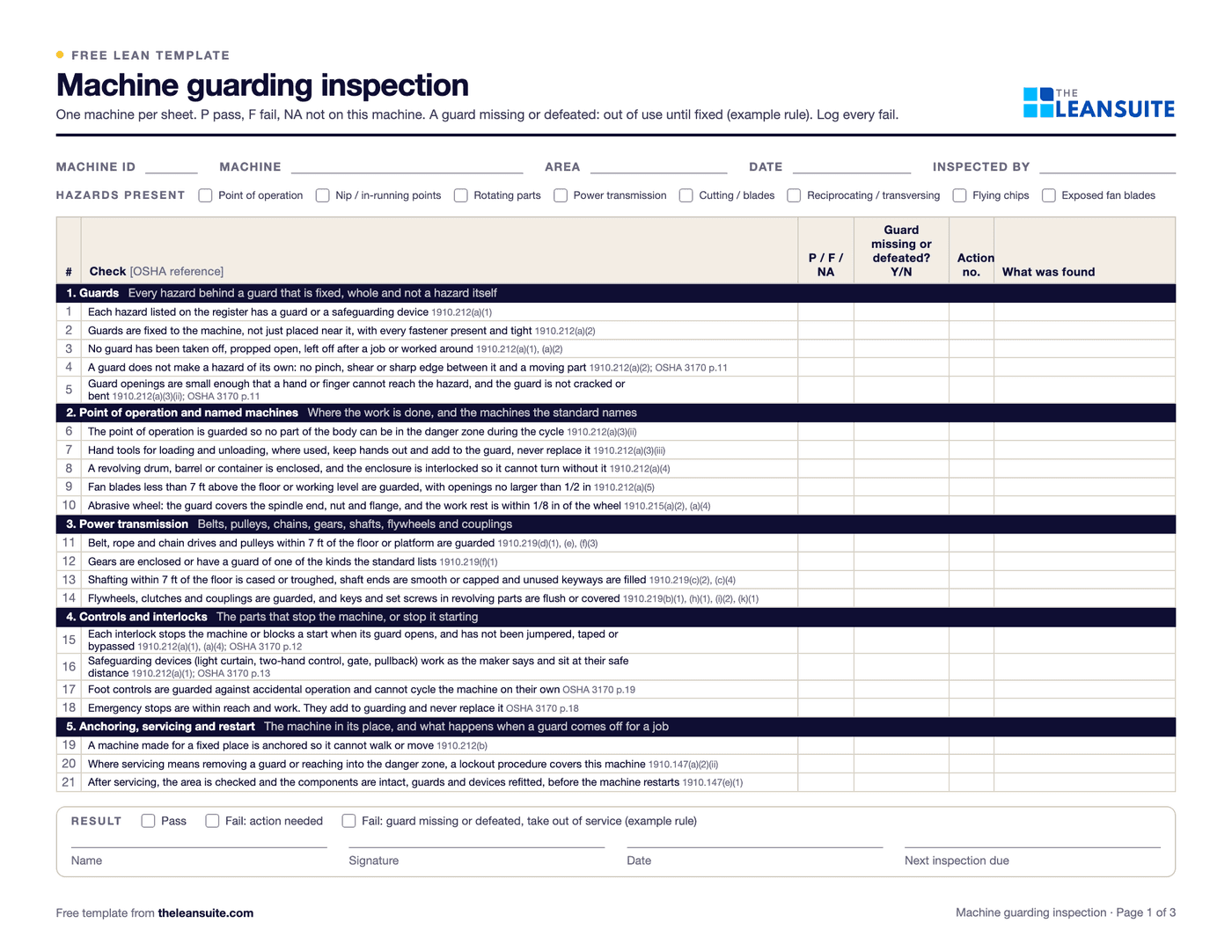 PDF and ExcelMachine guarding inspection sheetA machine register with due dates and a status per machine, 21 checks tied to OSHA 1910.212, .219 and .147, a guard opening check against Table O-10, and an action log.
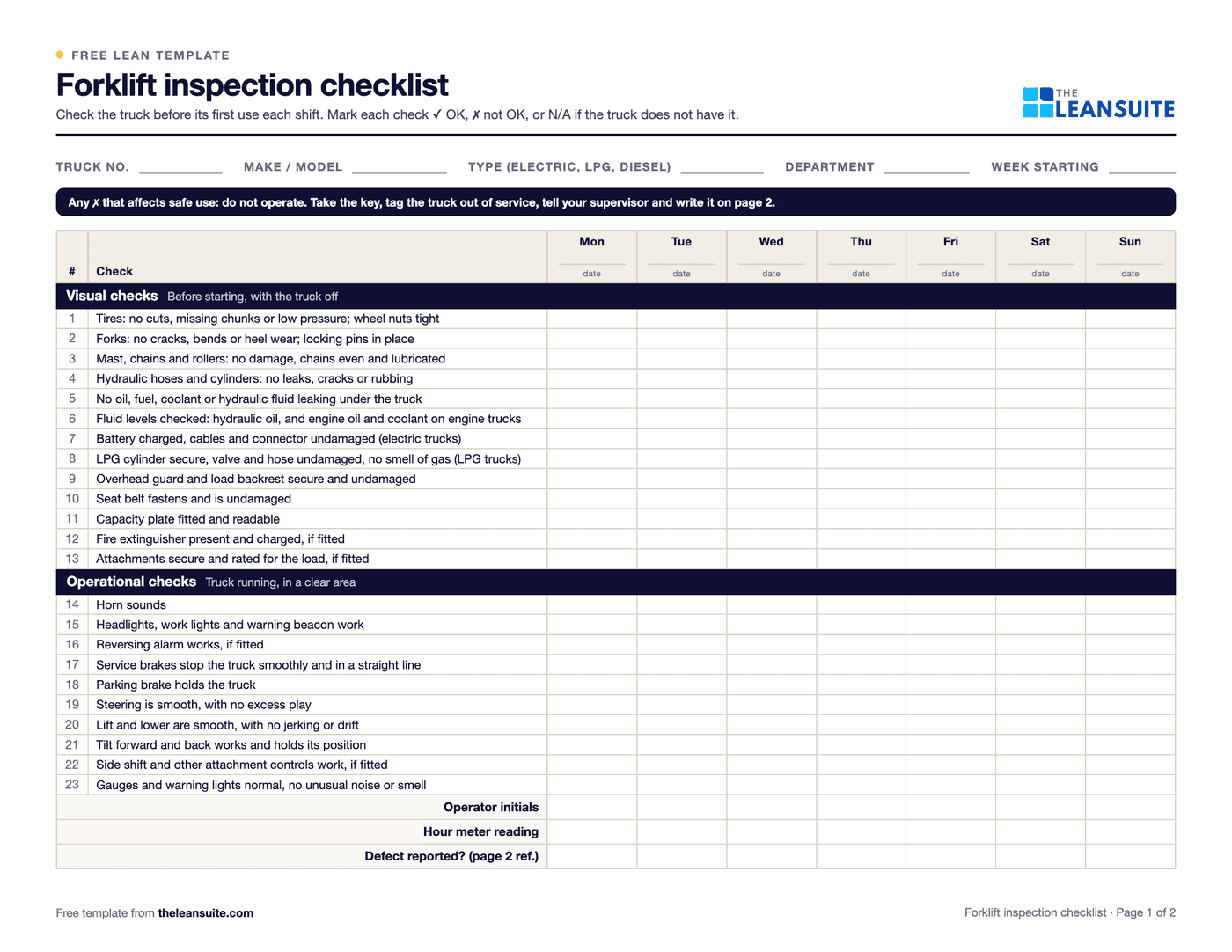 PDF and ExcelForklift inspection checklist23 pre-shift checks for a week on one page, a do-not-operate rule, and a defect and repair log.
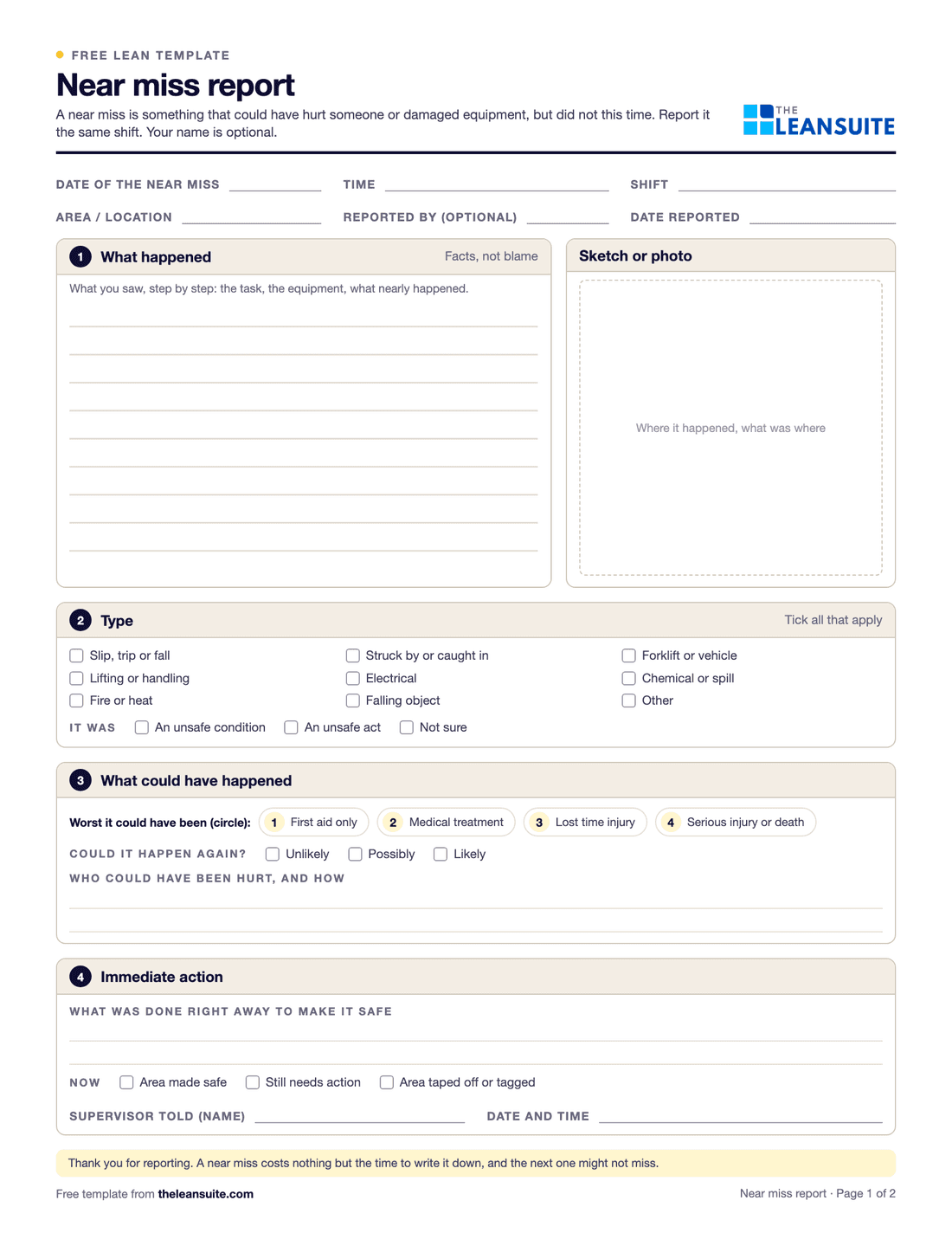 PDF and ExcelNear miss report formA two-page near miss report from the first report to closure, and an Excel log with status and days open.
Calculators (7)
- Free calculatorSMED changeover calculatorTime saved by moving changeover steps from internal to external, capacity freed per week and the smaller batch it allows.
- Free calculatorScrap rate calculatorScrap rate, the cost of scrap per period and per year, and what reaching a target rate would save.
- Free calculatorOEE calculatorOverall equipment effectiveness from shift time, downtime, ideal cycle time and part counts.
- Free calculatorDowntime cost calculatorWhat an hour, an event and a year of unplanned downtime cost, from lost output, idle labour, scrap and overtime.
- Free calculatorMTBF and MTTR calculatorMean time between failures, mean time to repair and availability from operating time, failures and repair time.
- Free calculatorFirst pass yield (FPY) calculatorFirst pass yield at each step and rolled throughput yield (RTY) across the whole process.
- Free calculatorCost of poor quality (COPQ) calculatorTotal COPQ and cost of quality, and each as a share of revenue, from the four quality cost categories.
Buyer's guides
LeanSuite pages for these problems
- SMED
- AI SMED changeover analysis
- Loss & Cost Management
- Micro-stops
- Autonomous Maintenance
- CILR Checklists
- Professional Maintenance Tags
- Non-Conformance (NCR)
- Quality Prioritization Matrix
- Audit Management
- Checklists
- Lockout/Tagout (LOTO)
- Near Miss Reporting
How LeanSuite handles each of these is on the page for packaging, printing and converting plants.
Whirlpool tackled project visibility and continuous improvement across 14 manufacturing plants with LeanSuite. Read the Whirlpool case study.
FAQ
Lean in packaging, printing and converting plants: common questions
With SMED. Film one makeready, list every step and mark which ones need the machine stopped. Then move the rest outside the stop: stage plates, dies, ink, board and the approved sample before the current job ends, preset what you can and use a checklist so every crew runs it the same way. A changeover matrix that sequences similar jobs together makes each change smaller.
There is no single number to aim for. Waste depends on the substrate, the process and above all the run length, because makeready waste is spread over fewer units on short runs. Measure your own waste per job, split it into makeready and running waste, and set targets from your best runs on each machine.
Match the tool to the loss. SMED and a changeover matrix for makereadies. Autonomous maintenance and a short-stop tally for OEE. First-off approval against an approved sample, boundary samples and defect catalogues for print quality. Line clearance and error-proofing for wrong copy, and 5S around plates, dies and ink so the next job's tools are found in seconds.
Treat every job change as a risk point. Clear the machine and the delivery end of the last job, check artwork version, barcode and lot code on the first-off against the job ticket, and sign the clearance with a photo. Where you can, use a scan or a physical stop so the wrong material cannot be run, and audit a sample of clearances every week.
OEE on the pacing machine, makeready time by job type, waste split into makeready and running waste, and short stops per shift. Add MTBF and MTTR, on-time in full and complaints per million once those are in place.
See LeanSuite on your makereadies and machine care
Bring the routine you want to fix first. We will show you how LeanSuite handles it and what a 90-day pilot would cover.