

Lean and CI poster
Updated · Free to print and share
PICK chart poster
A PICK chart sorts a pile of improvement ideas by two questions: how big is the payoff, and how hard is it to do? High payoff and easy ideas are implemented now; high payoff and hard ones become planned challenges; low payoff and easy ones are possible when there is time; low payoff and hard ones are killed, with a reason given to the person who raised them. This poster draws the four boxes and what each means.
Download the poster
The PNG is free to download now. The print-ready vector PDFs open after a short form, once.
Free to print and share with your team. Enter your name and work email once to download.
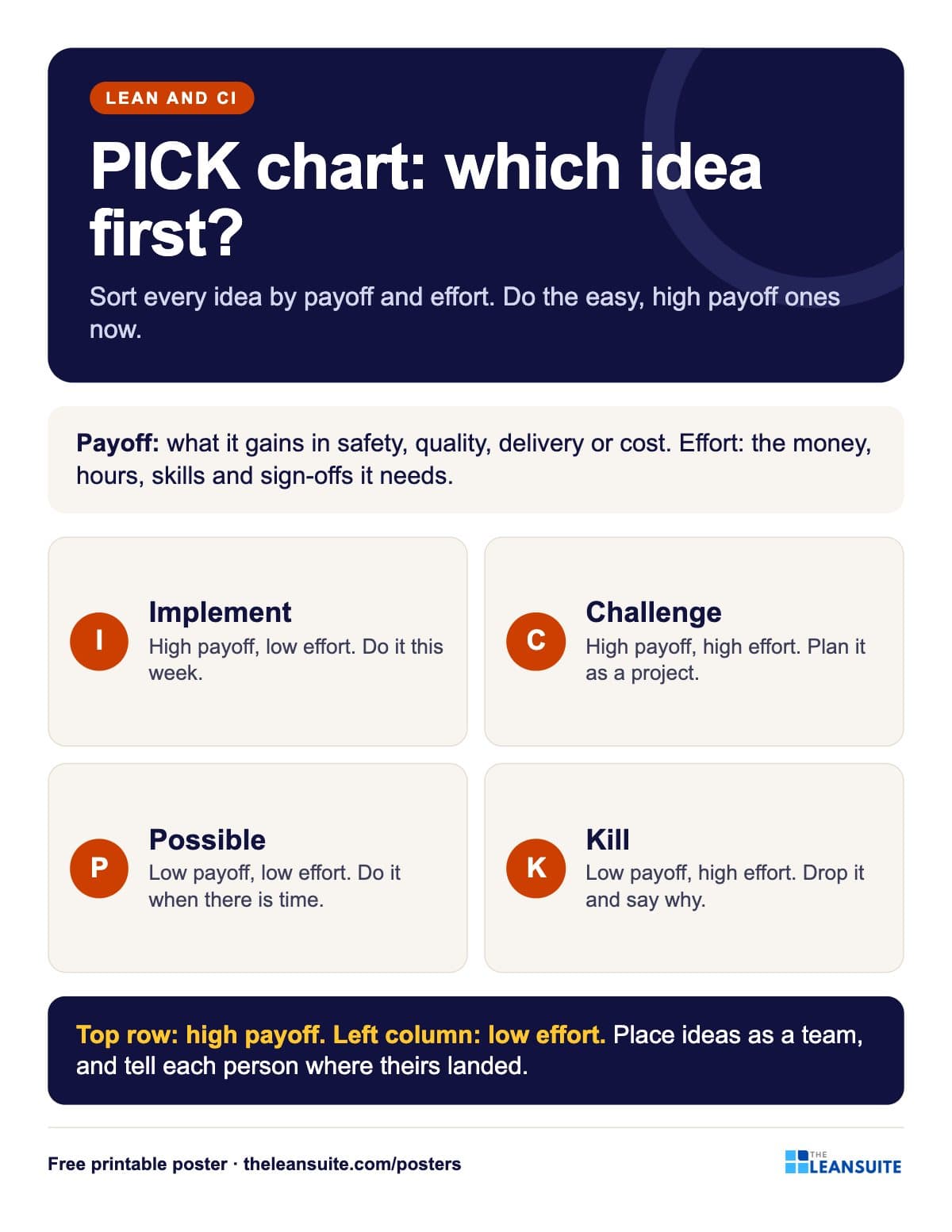 A two by two grid of implement, challenge, possible and kill boxes by payoff and effort, with what each means.
The words on the poster
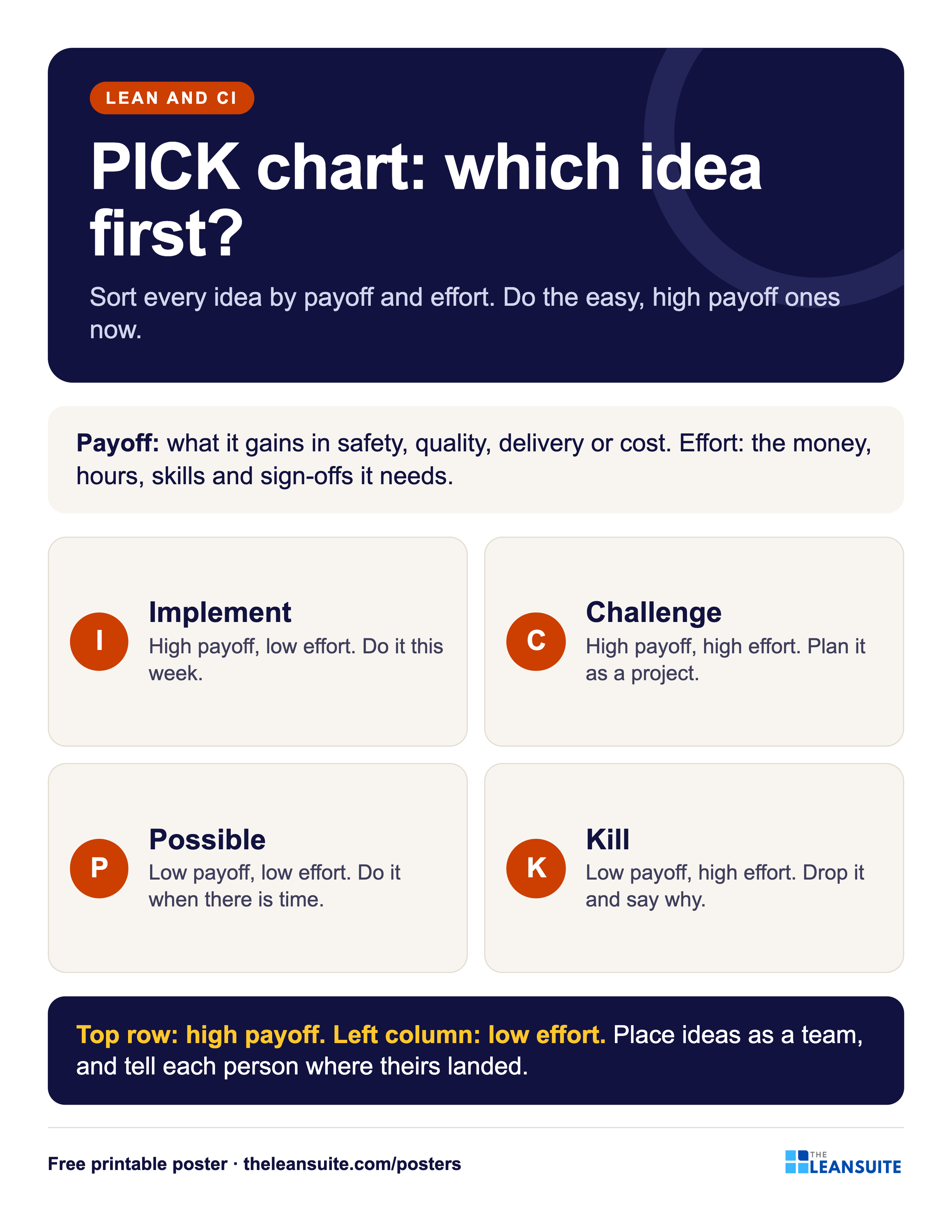
PICK chart: which idea first?
Sort every idea by payoff and effort. Do the easy, high payoff ones now.
- Payoff: what it gains in safety, quality, delivery or cost. Effort: the money, hours, skills and sign-offs it needs.
- Implement High payoff, low effort. Do it this week.
- Challenge High payoff, high effort. Plan it as a project.
- Possible Low payoff, low effort. Do it when there is time.
- Kill Low payoff, high effort. Drop it and say why.
- Top row: high payoff. Left column: low effort. Place ideas as a team, and tell each person where theirs landed.
On the floor
How to use it
Putting the PICK chart poster to work
- 1
Draw the grid on the idea board and place each new idea as a team, in a few minutes.
- 2
Use it after a brainstorm or a waste walk, when there are more ideas than hands.
- 3
Tell each person where their idea landed and why, especially in the kill box.
- 4
Pair it with the free prioritization matrix and idea suggestion form.
Which size to print
- 24 x 36 in or A2: a main wall or team board, read from a few metres away.
- 18 x 24 in or A3: a station or notice board. The A3 file also fits 11 x 17 in paper.
- Letter or A4: a clipboard, binder or handout, on any office printer.
Every PDF is vector, so it stays sharp at full size. Nothing runs to the edge of the page, so no bleed is needed.
Templates, decks and guides to go with it
- Kaizen training presentationFree training deck: What kaizen is, its principles, PDCA and four steps to a first improvement in 17 slides, with an activity and a quiz.
- Prioritization matrix templateScore up to 20 improvement ideas on weighted criteria, rank them, test the ranking with equal weights and place each one on an effort and benefit grid.
- Idea suggestion formA one-page idea form with the supervisor's answer and points, and an idea log that tracks days to answer.
- Pugh matrix templateCompare up to 8 concepts with a datum as better, same or worse on up to 12 criteria, flag must-haves, and carry the strongest into a second round.
- Topic: Kaizen and continuous improvementEvery guide we have on the subject, sorted.
Terms on this poster
More lean and ci posters
All posters 5S poster
 8 wastes of lean poster (DOWNTIME)
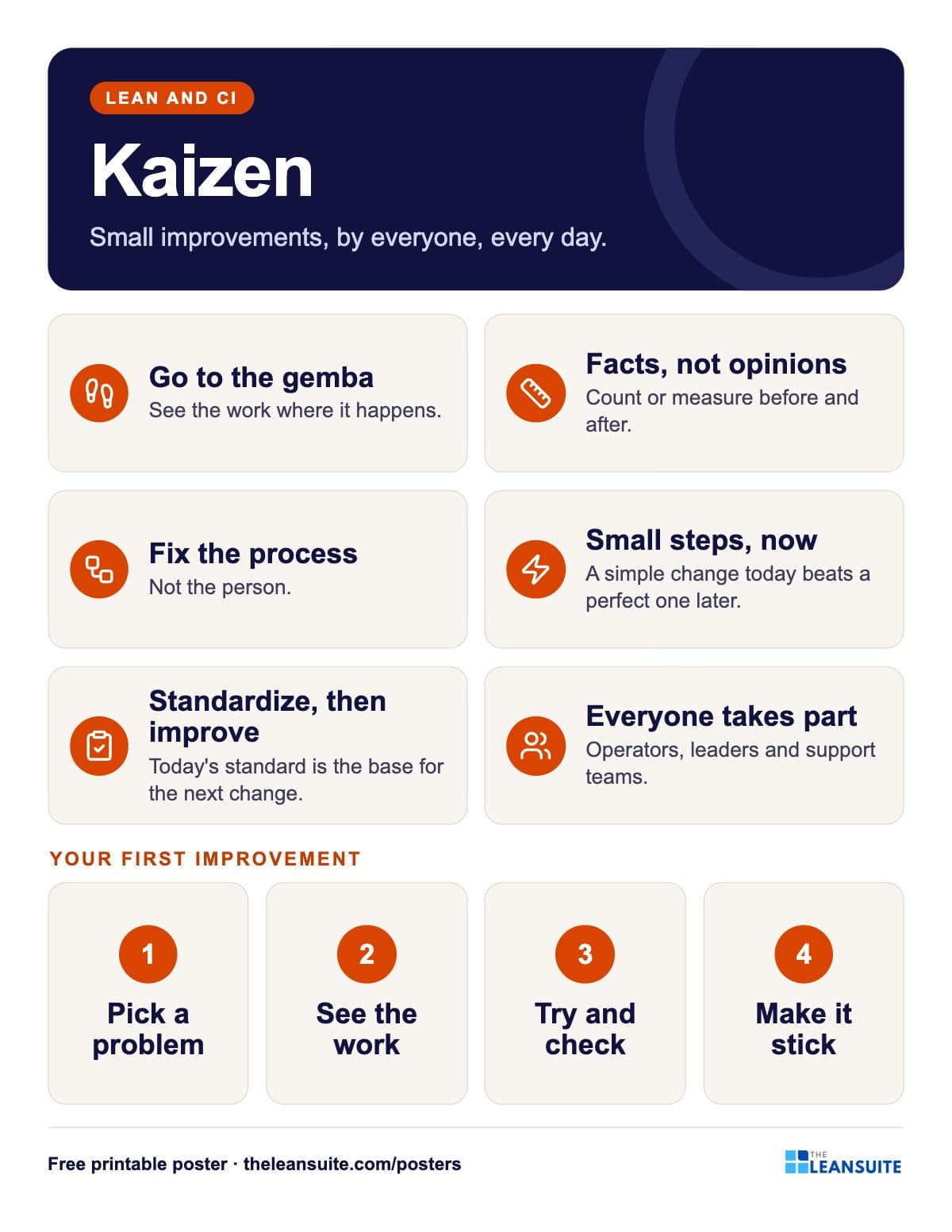 Kaizen principles poster
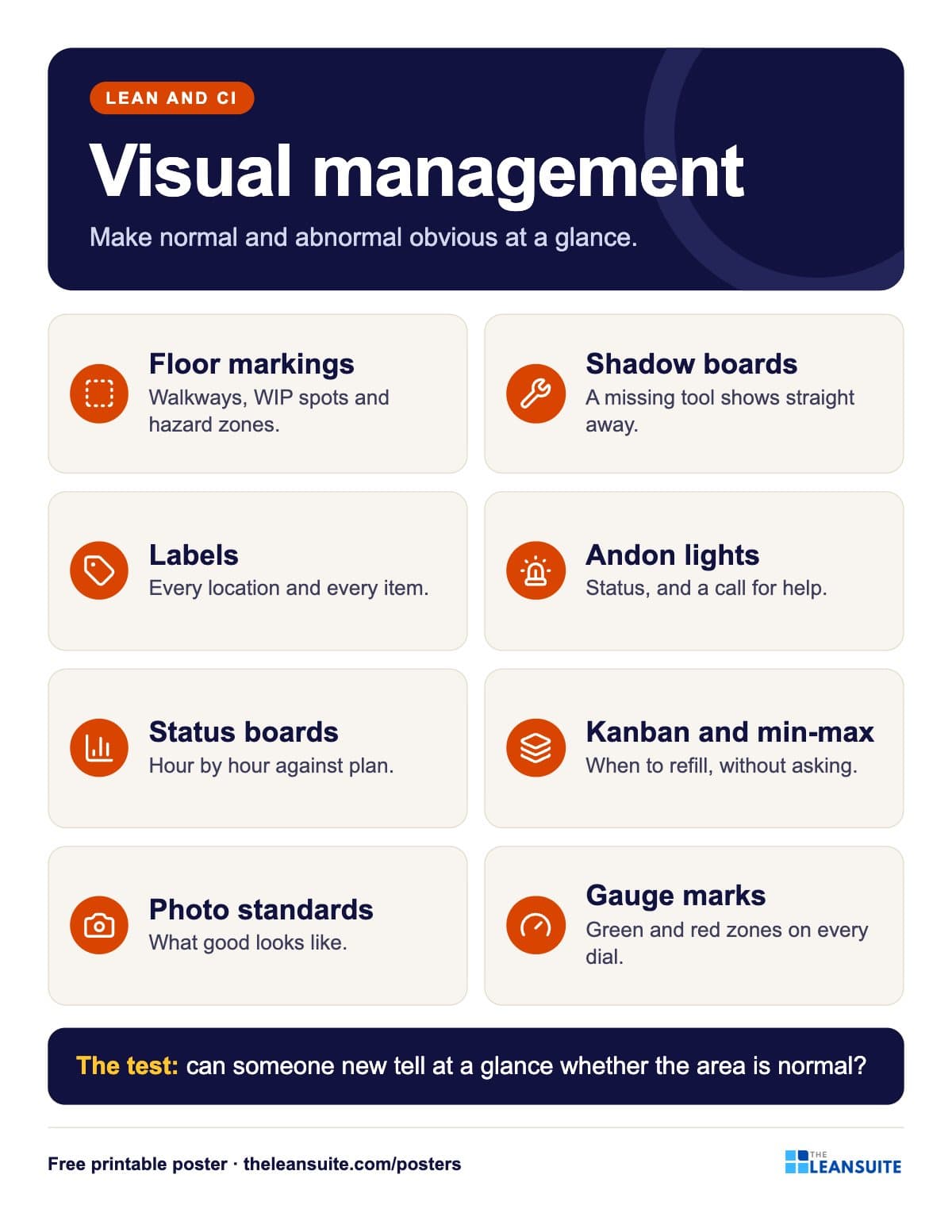 Visual management poster
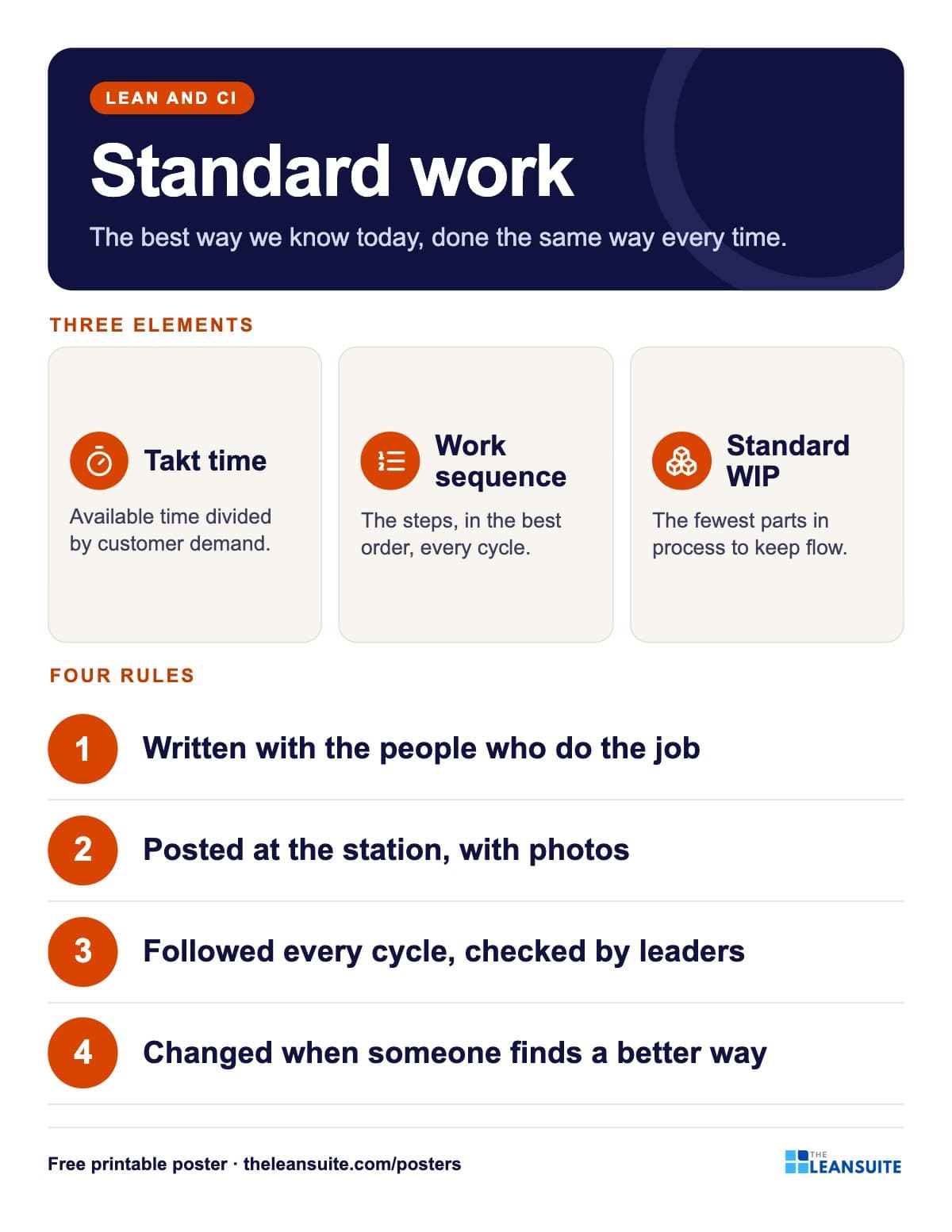 Standard work poster
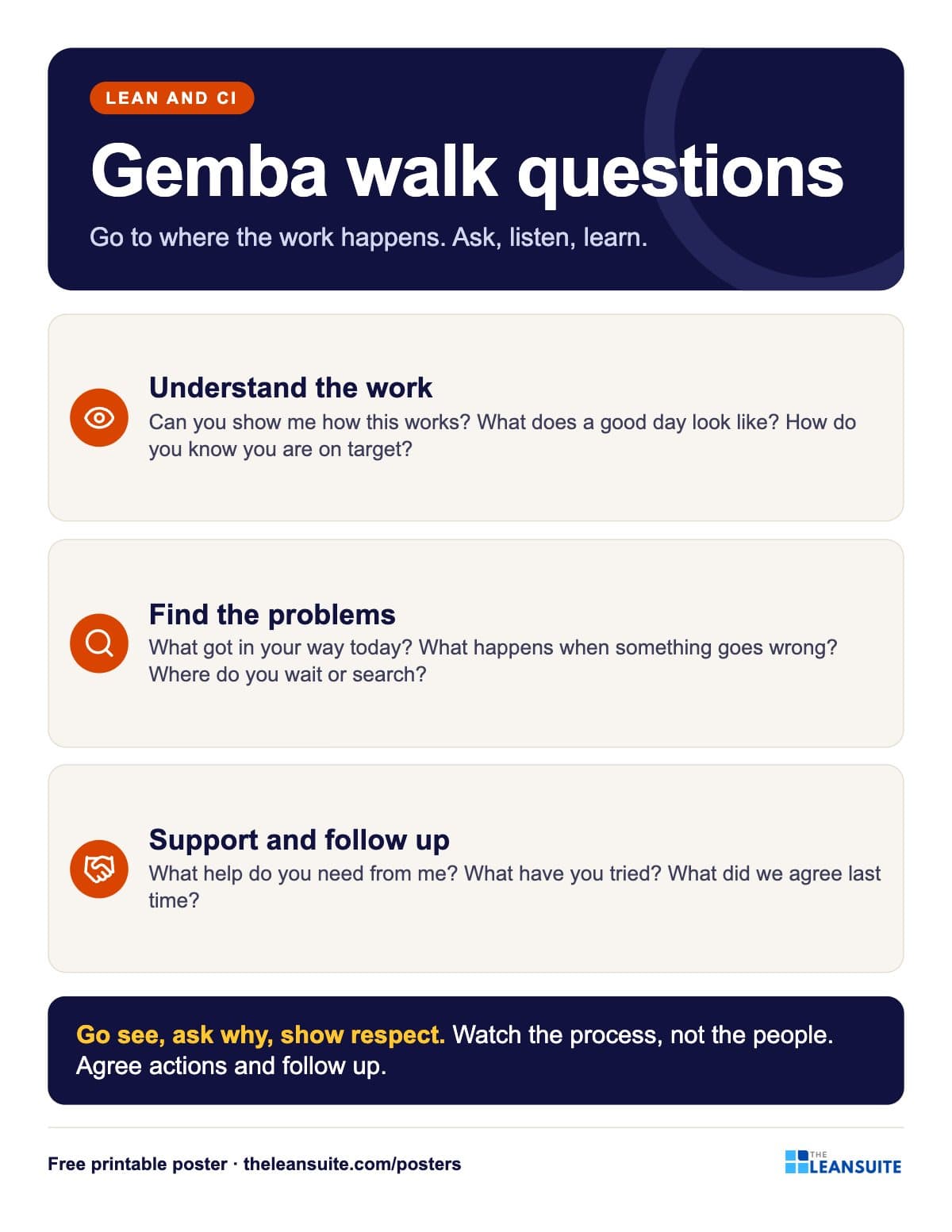 Gemba walk questions poster
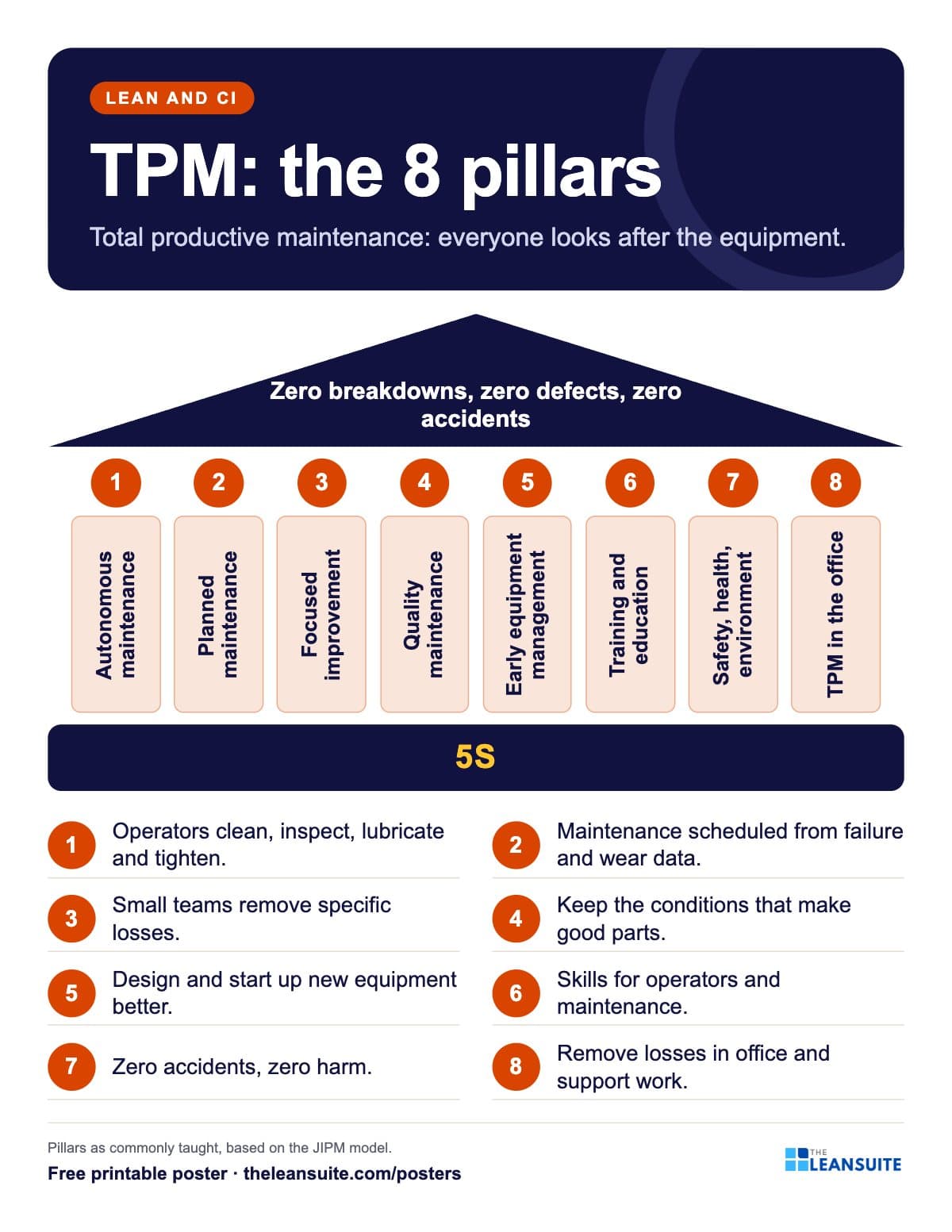 TPM 8 pillars poster
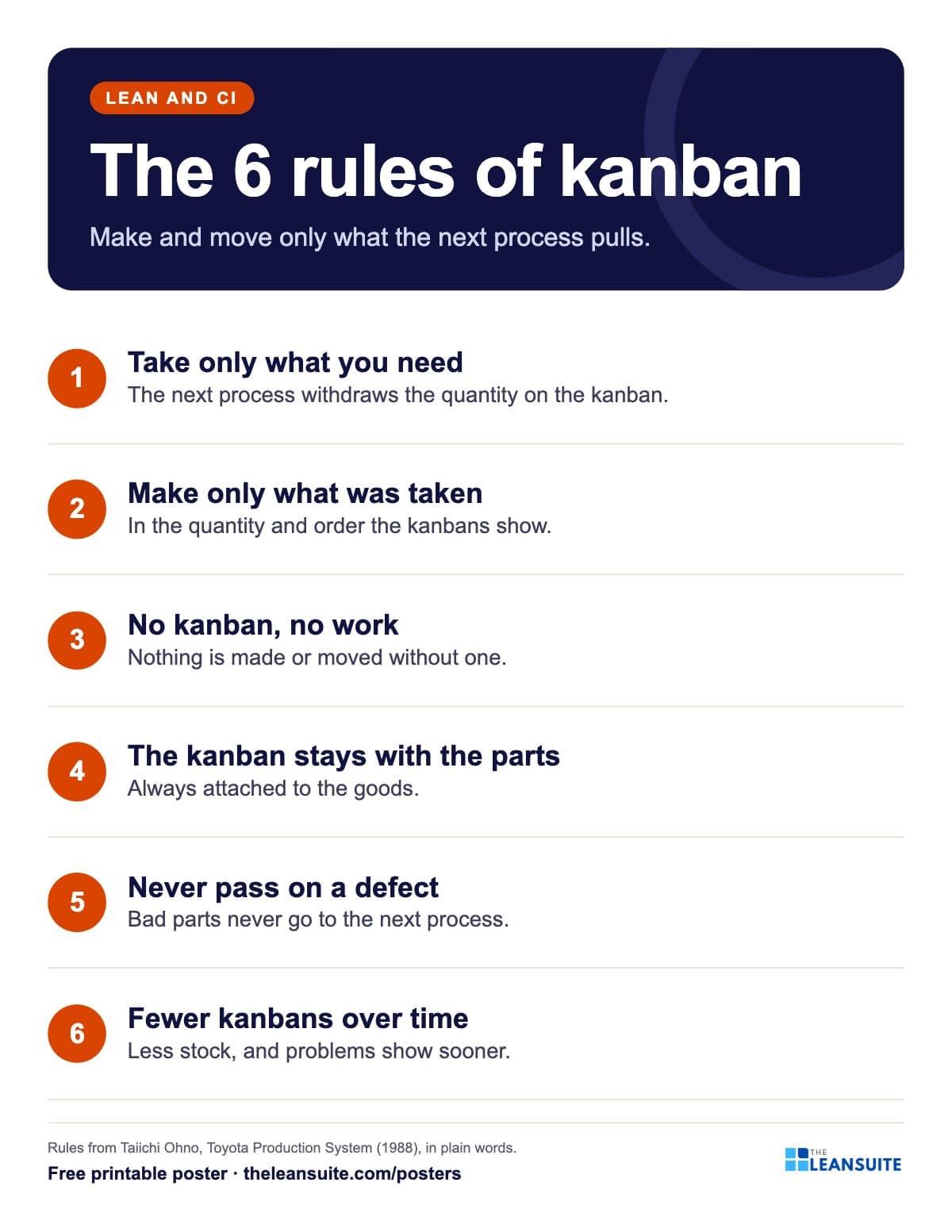 Kanban rules poster
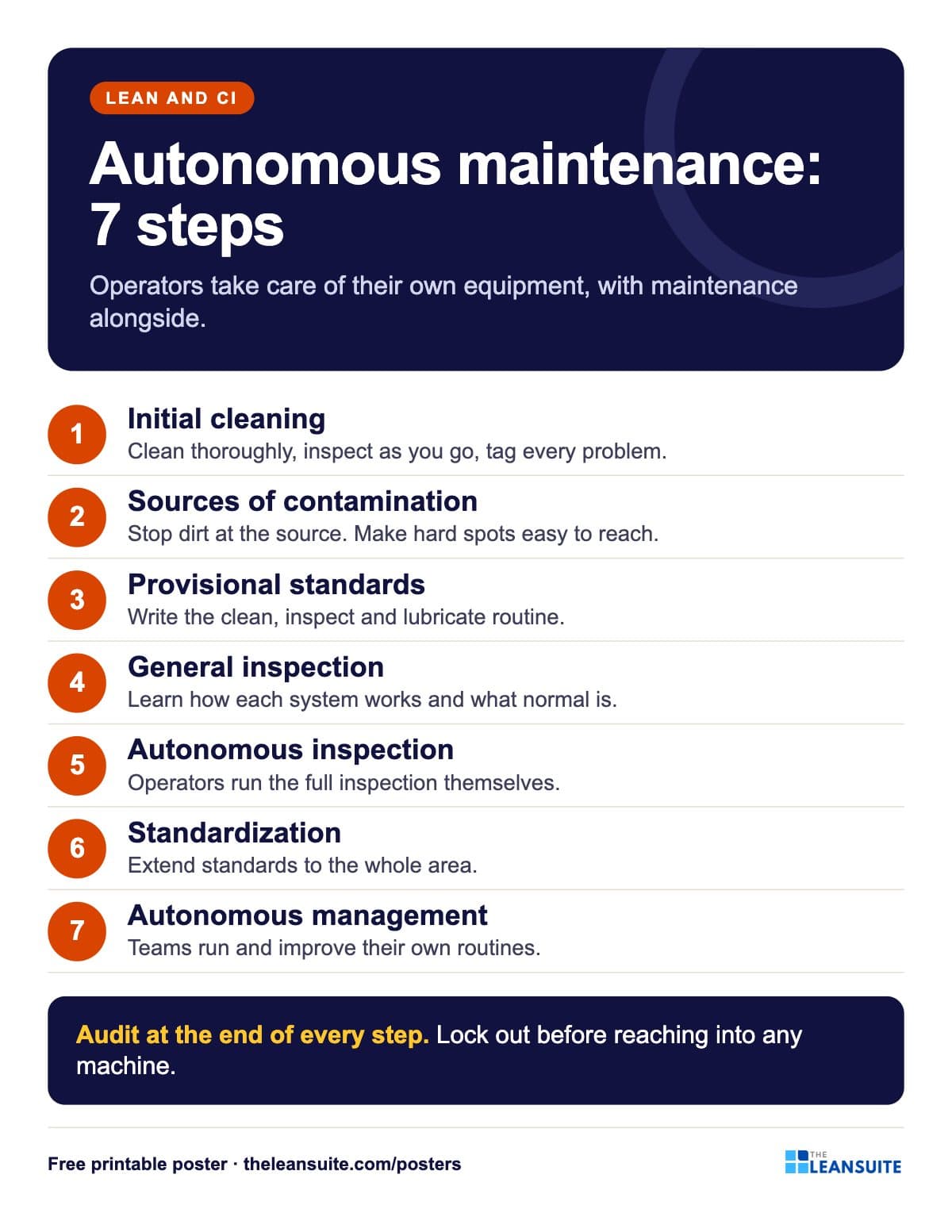 Autonomous maintenance 7 steps poster
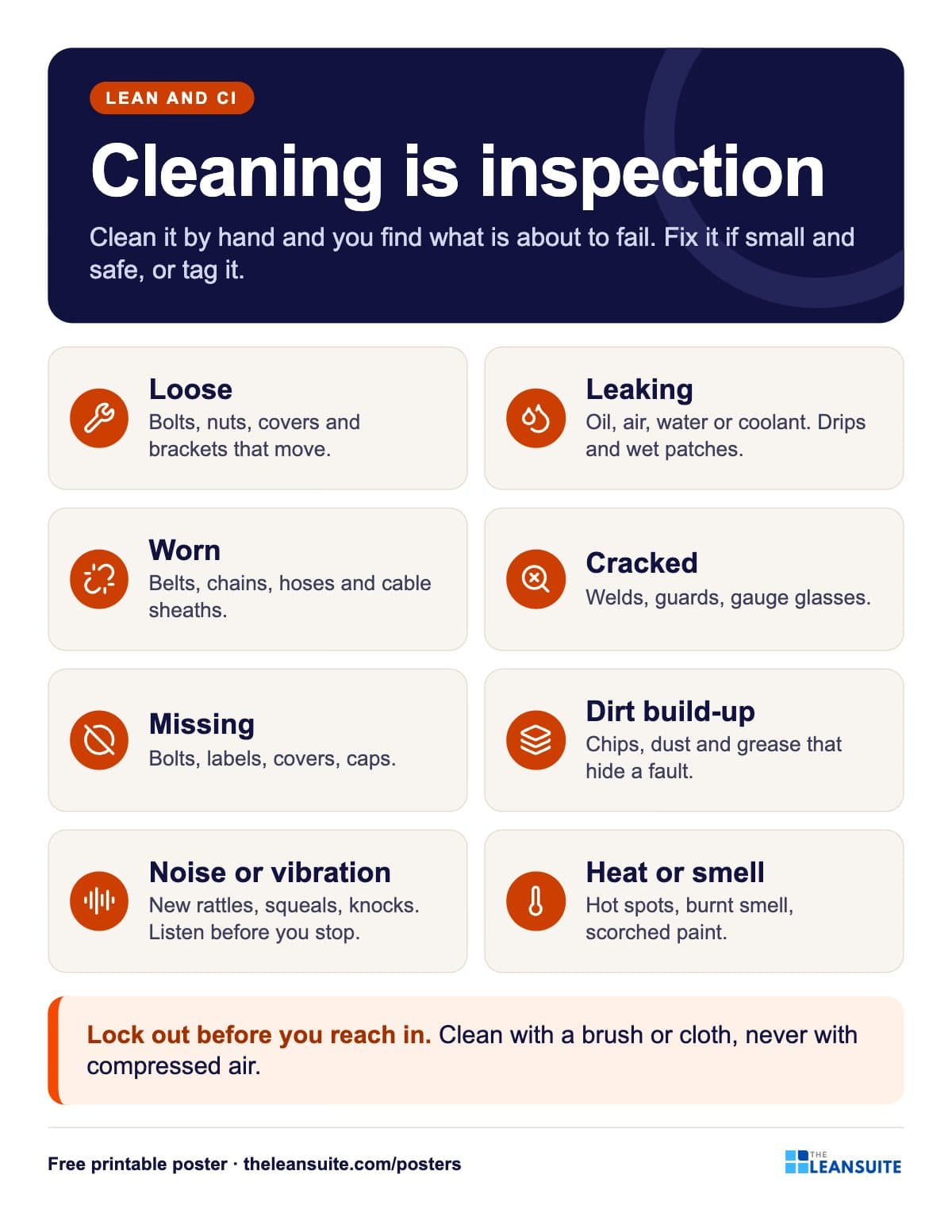 Cleaning is inspection poster
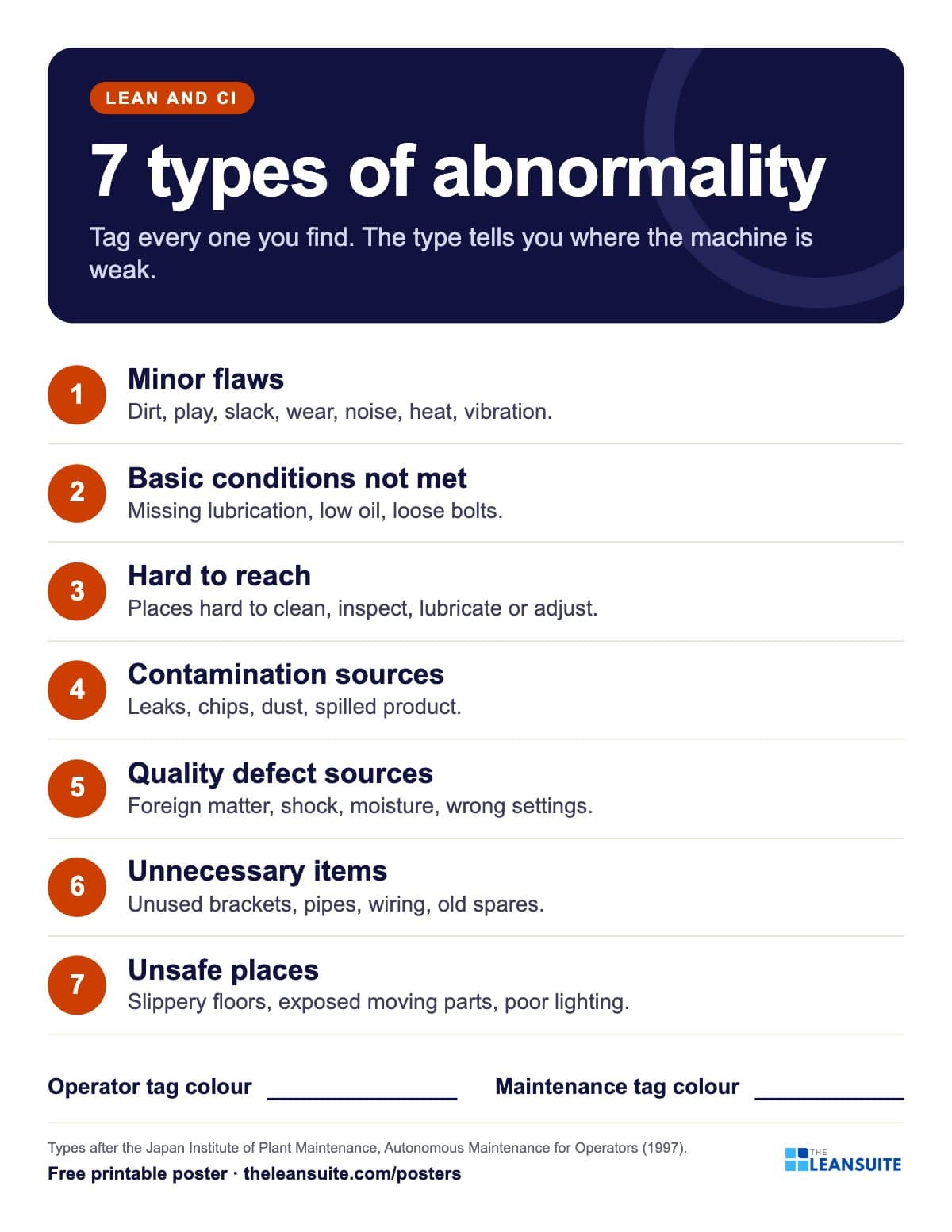 7 types of abnormality poster (TPM tags)
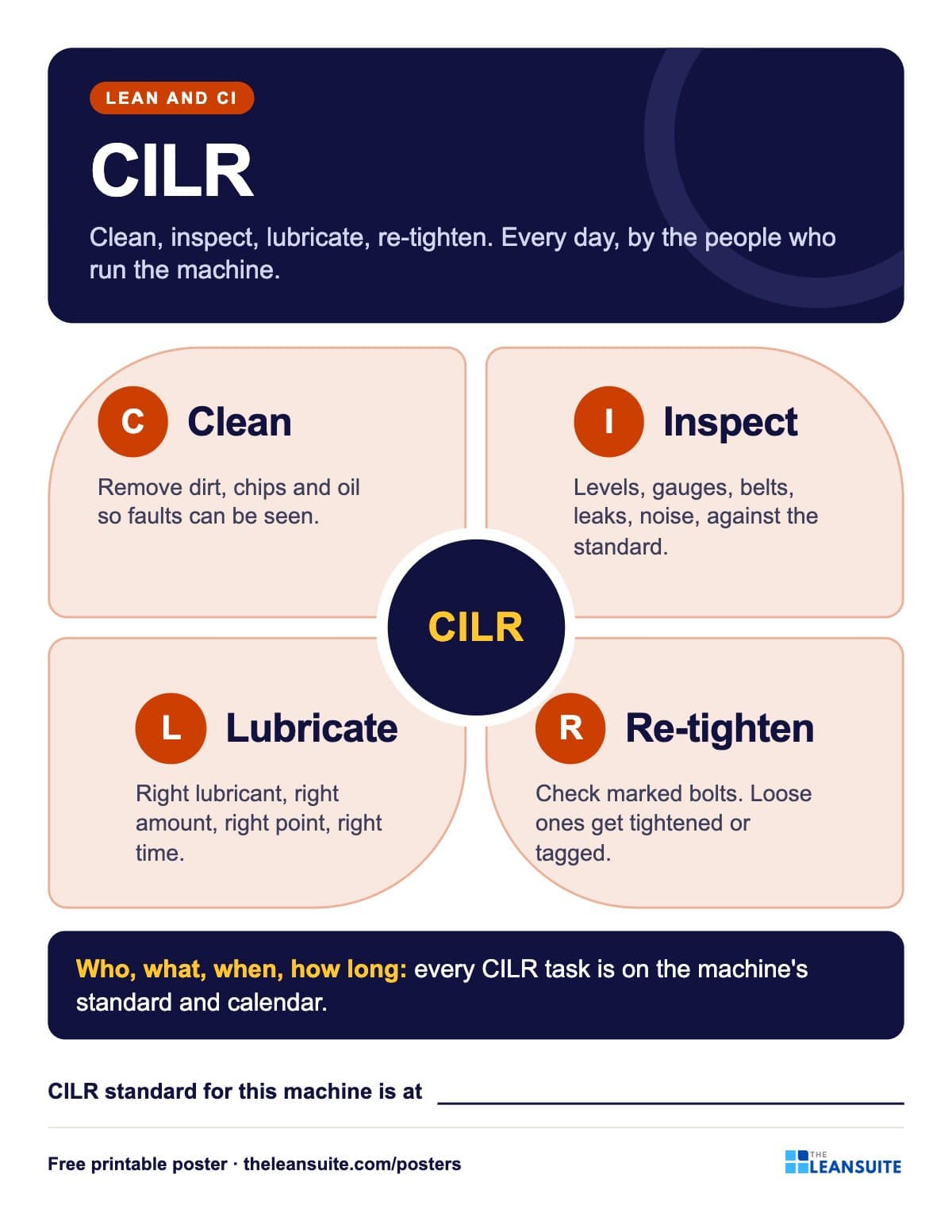 CILR poster: clean, inspect, lubricate, re-tighten
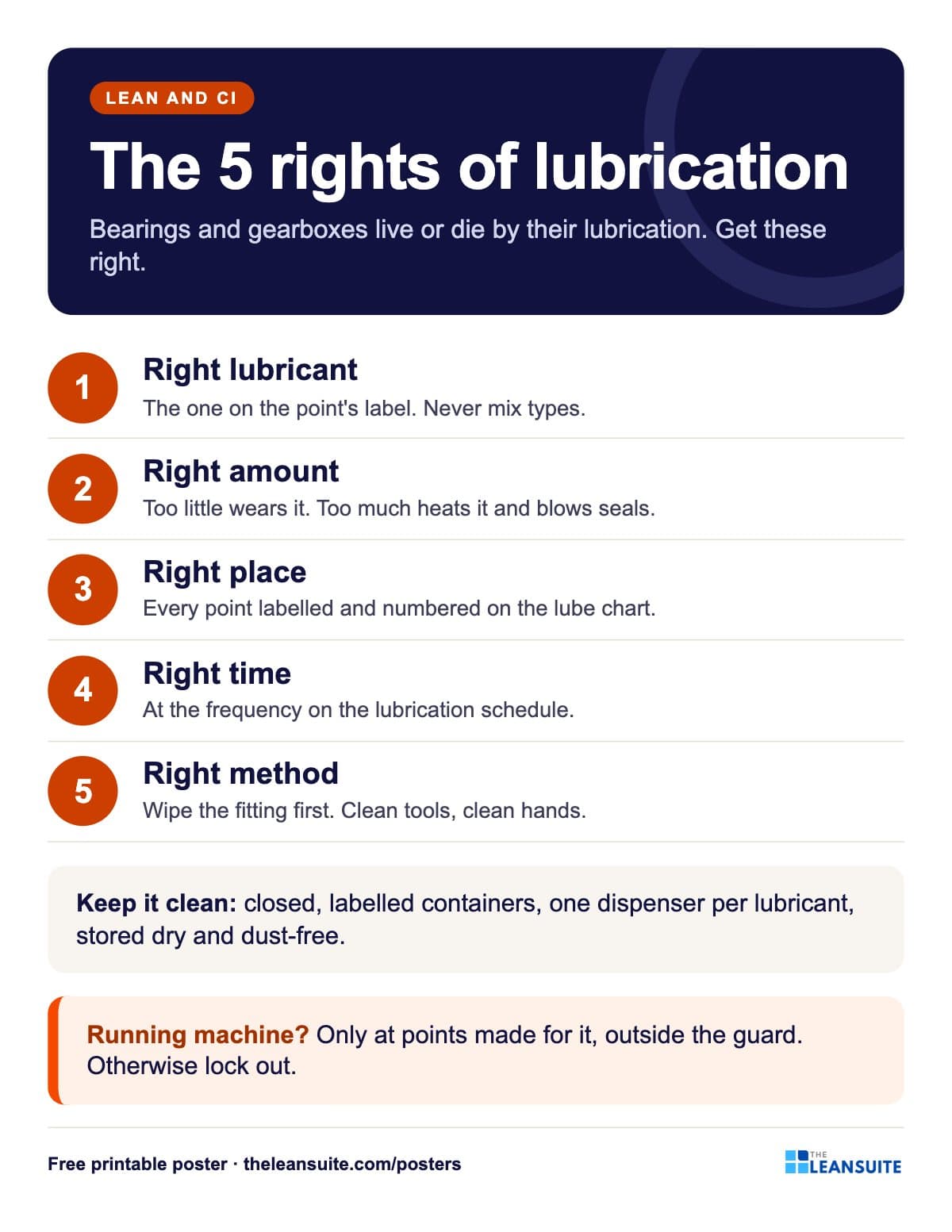 Lubrication basics poster: the five rights
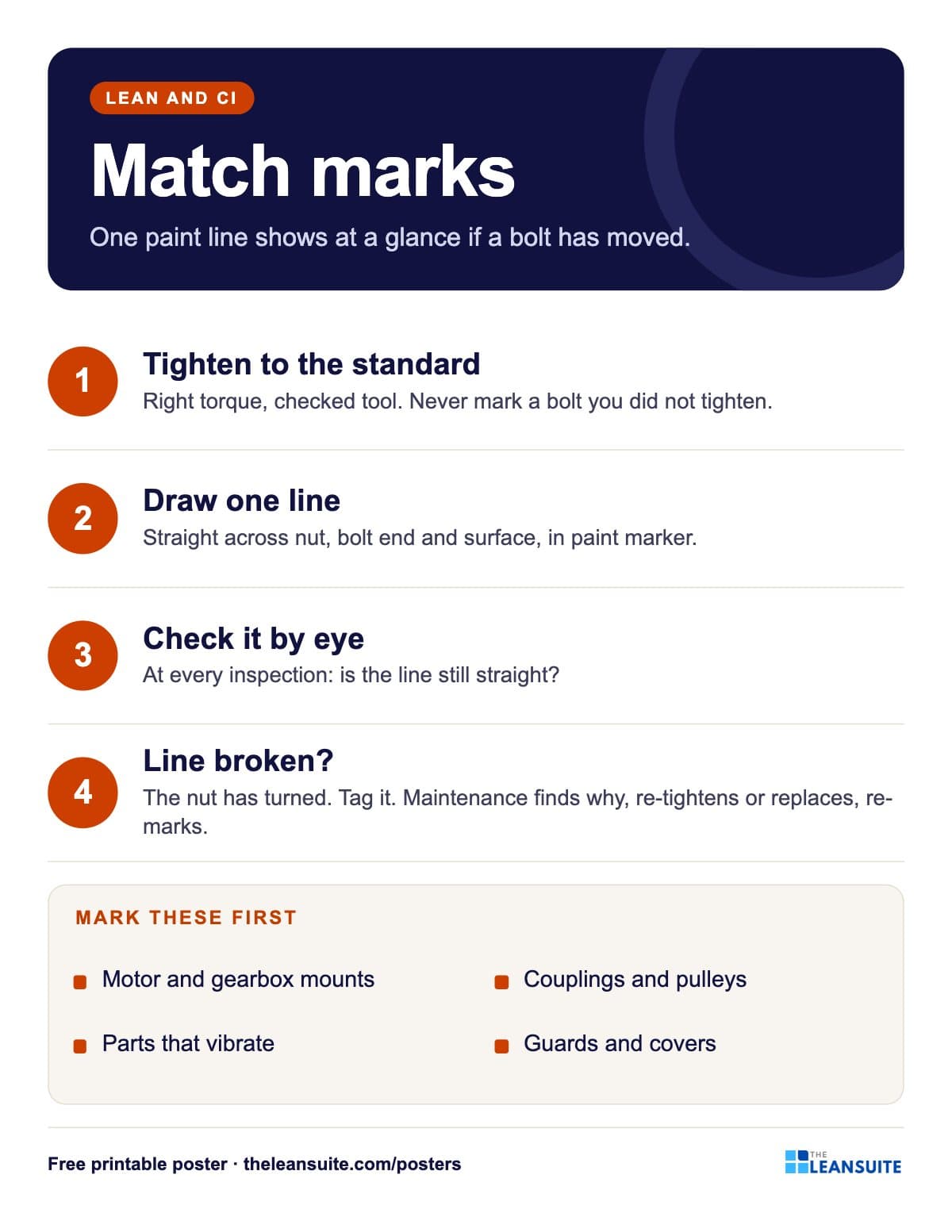 Bolt match marks poster
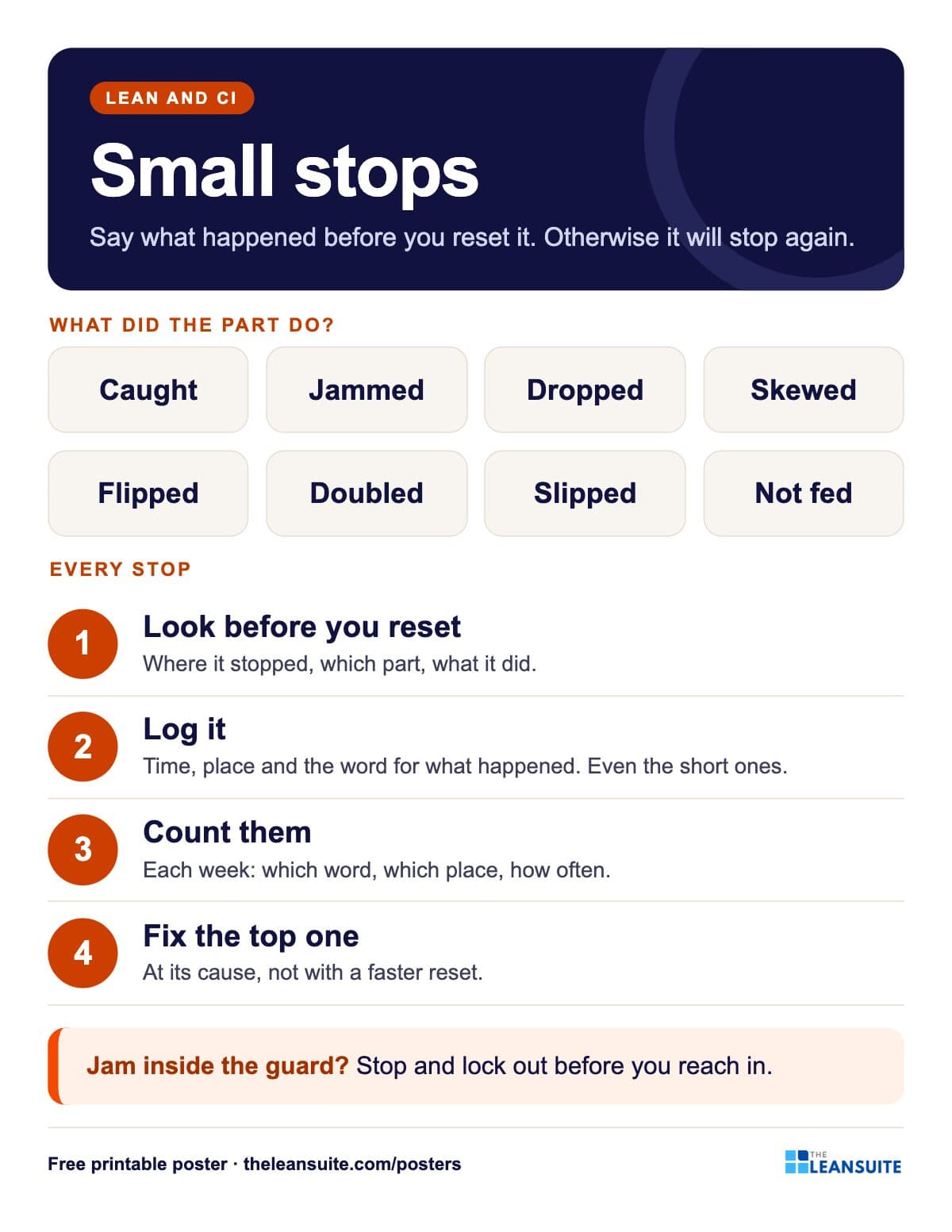 Small stops poster
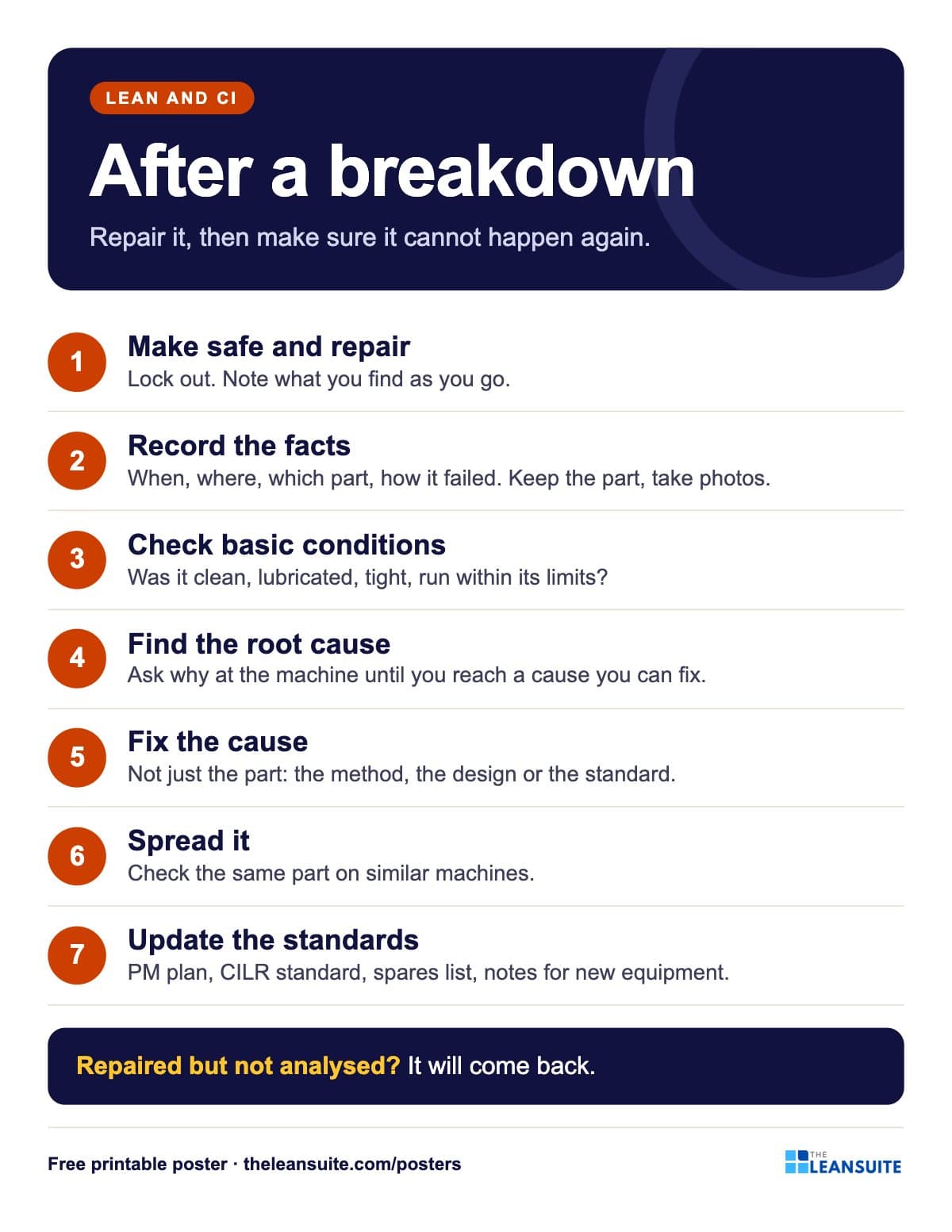 Breakdown analysis poster
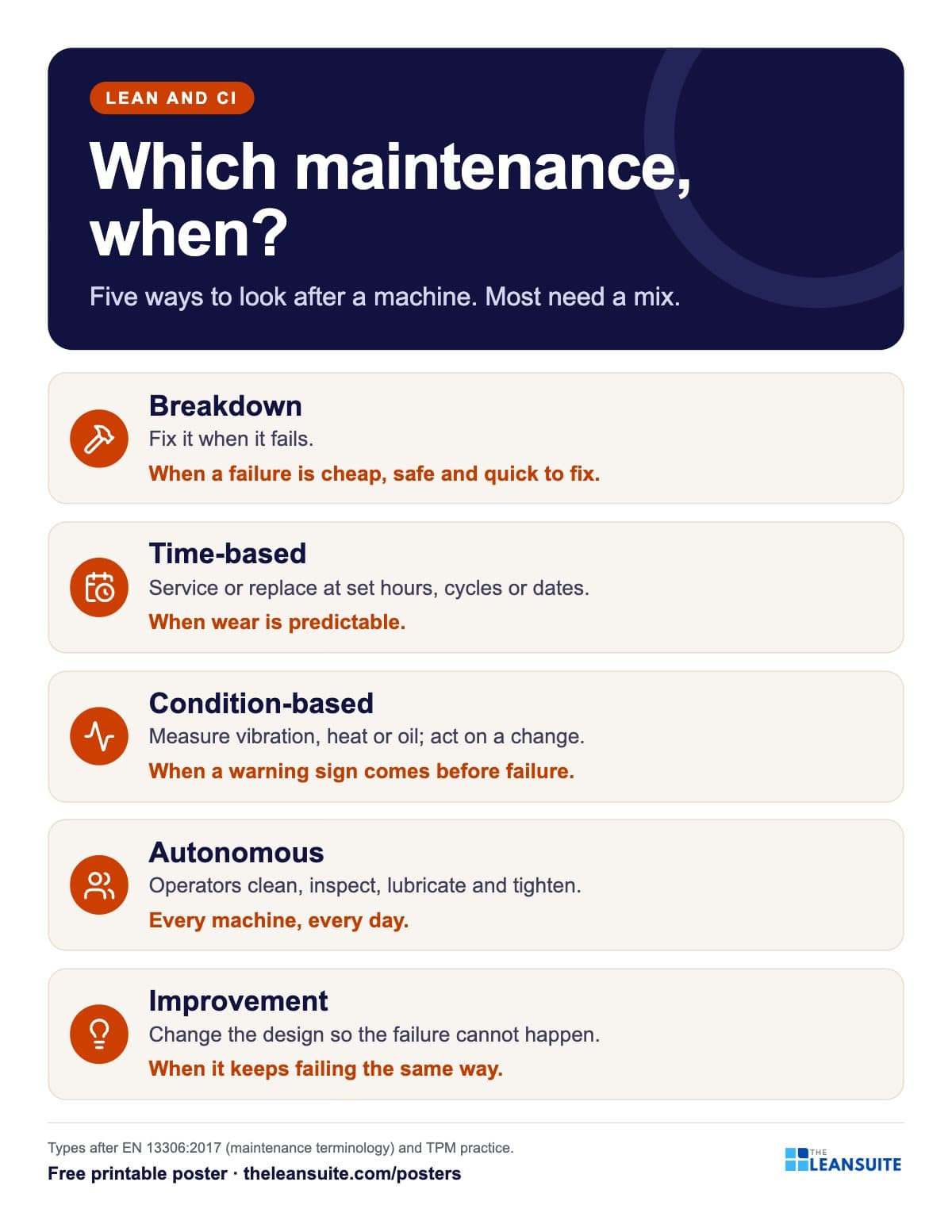 Types of maintenance poster
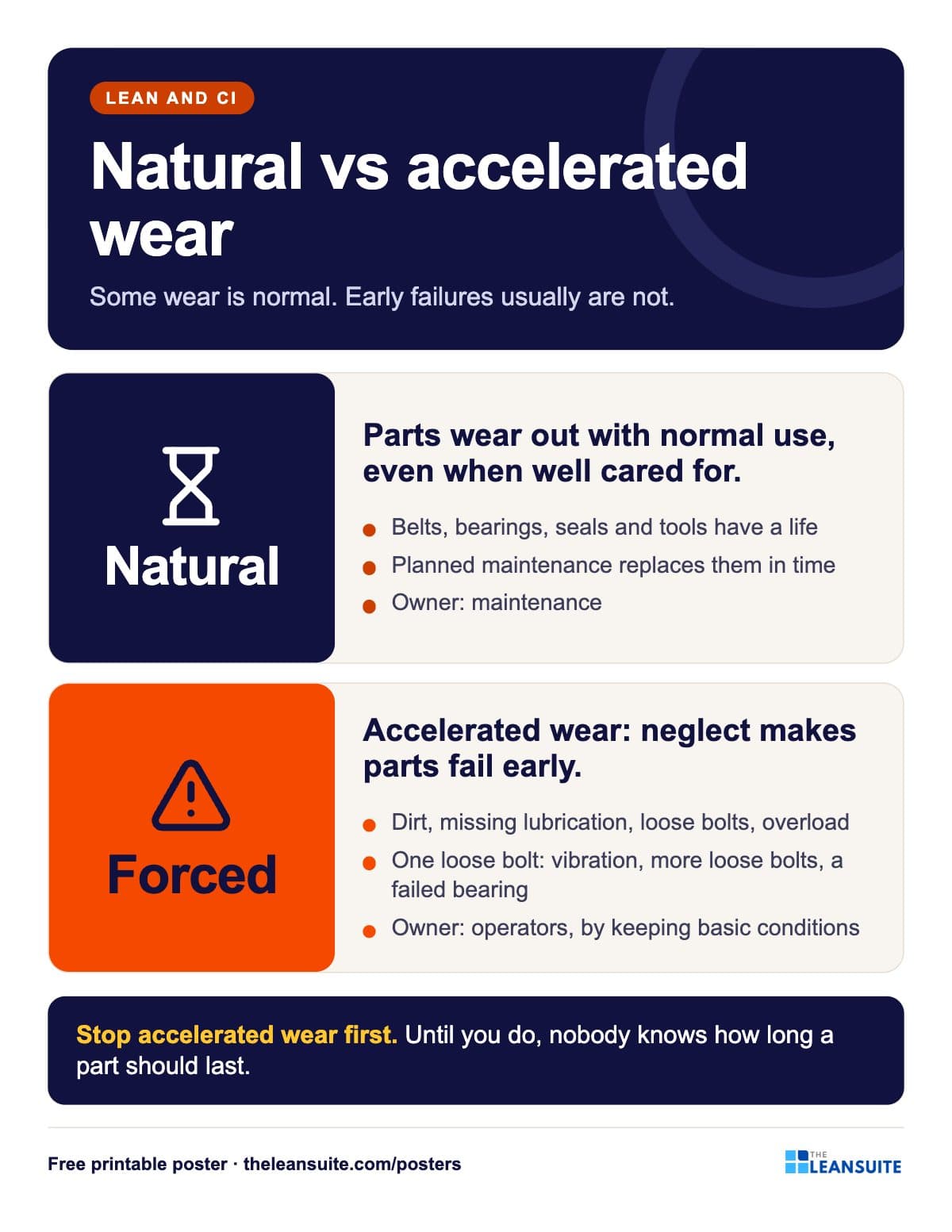 Natural vs accelerated wear poster
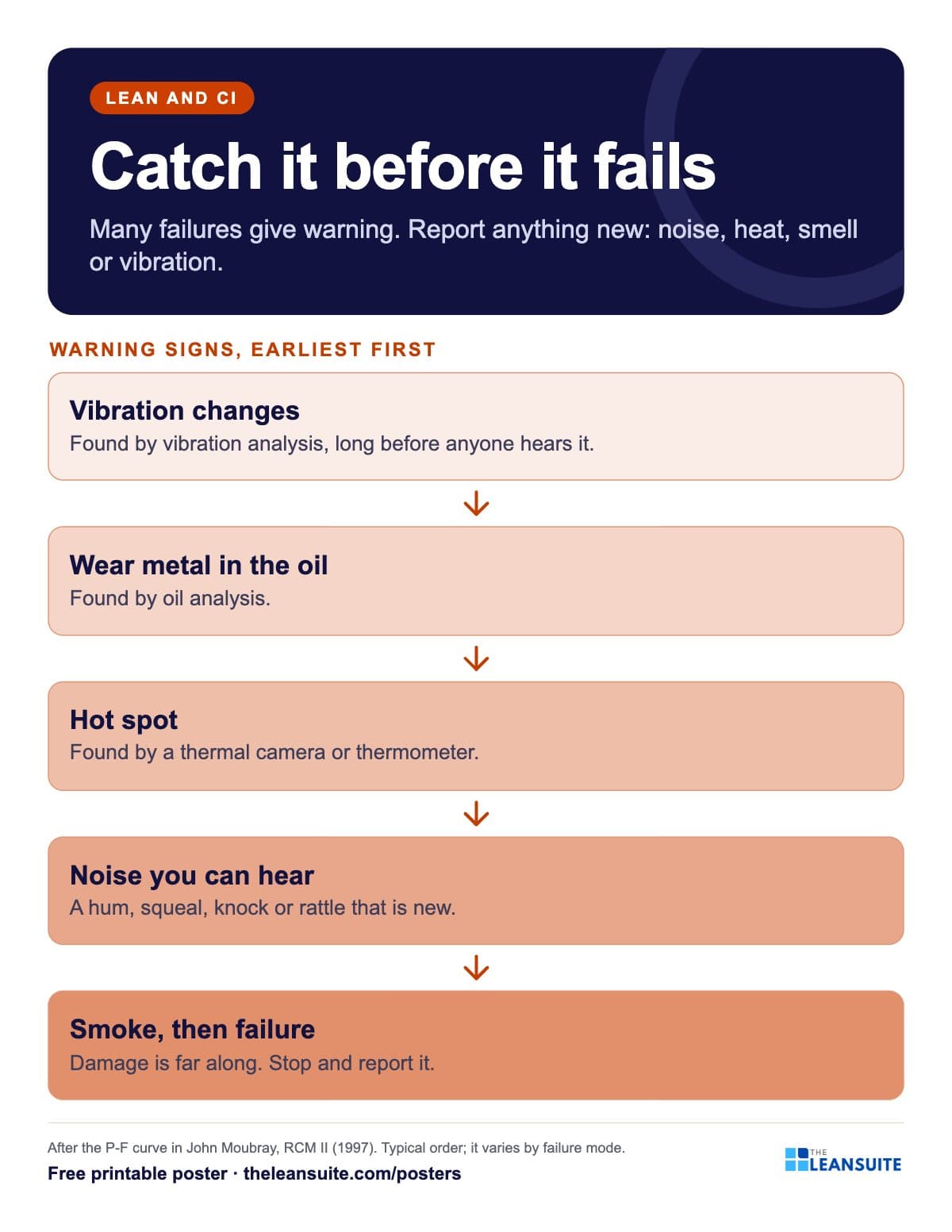 Failure warning signs poster (P-F curve)
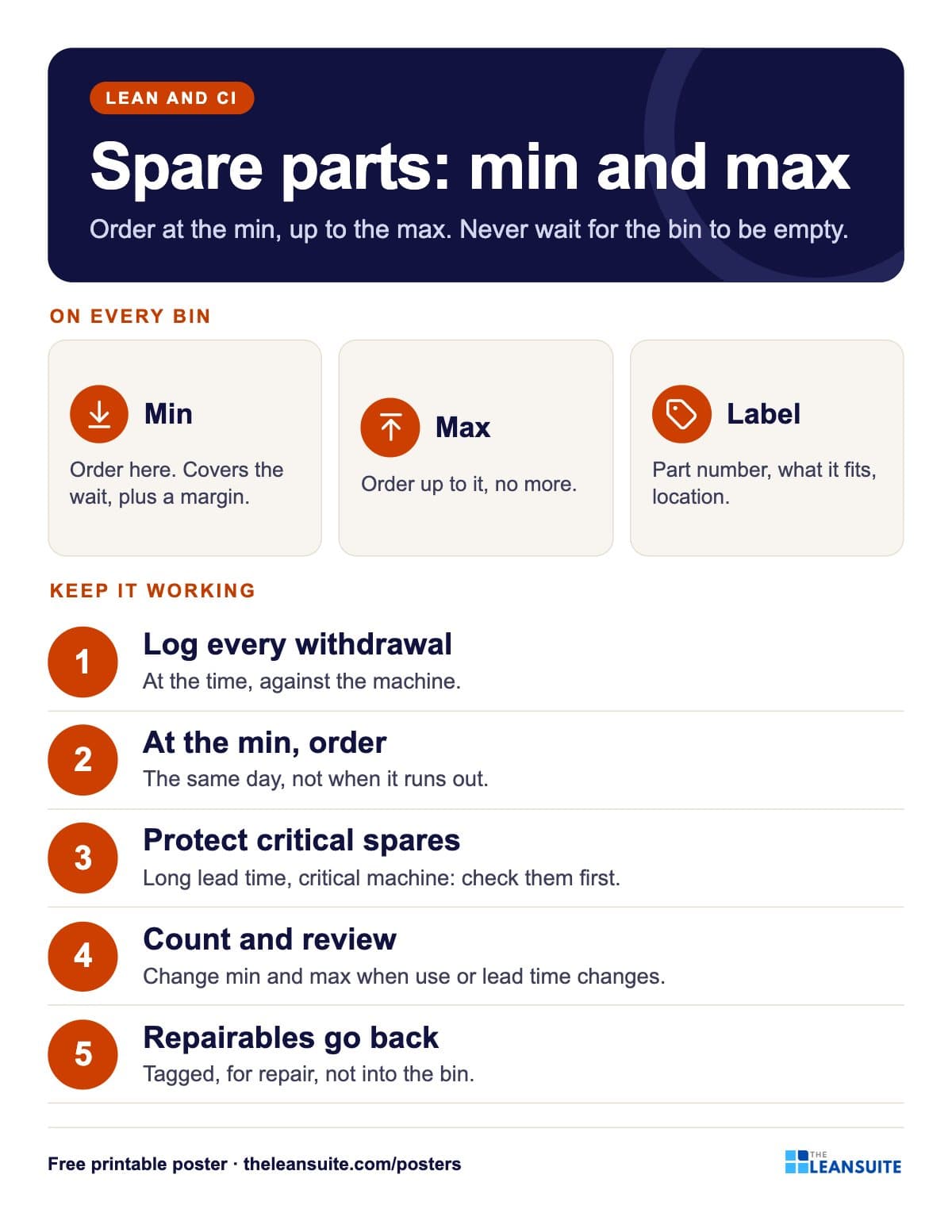 Spare parts min/max poster
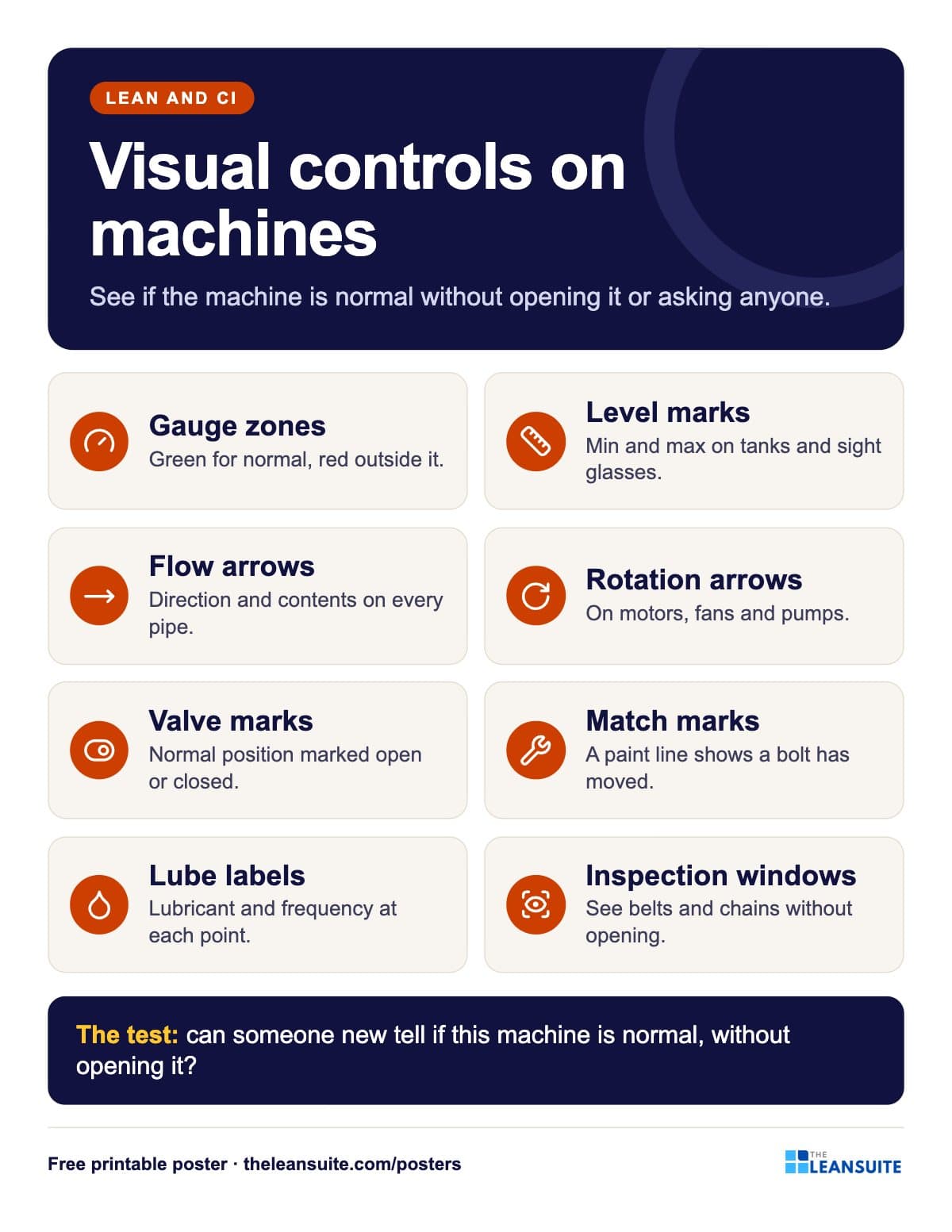 Machine visual controls poster
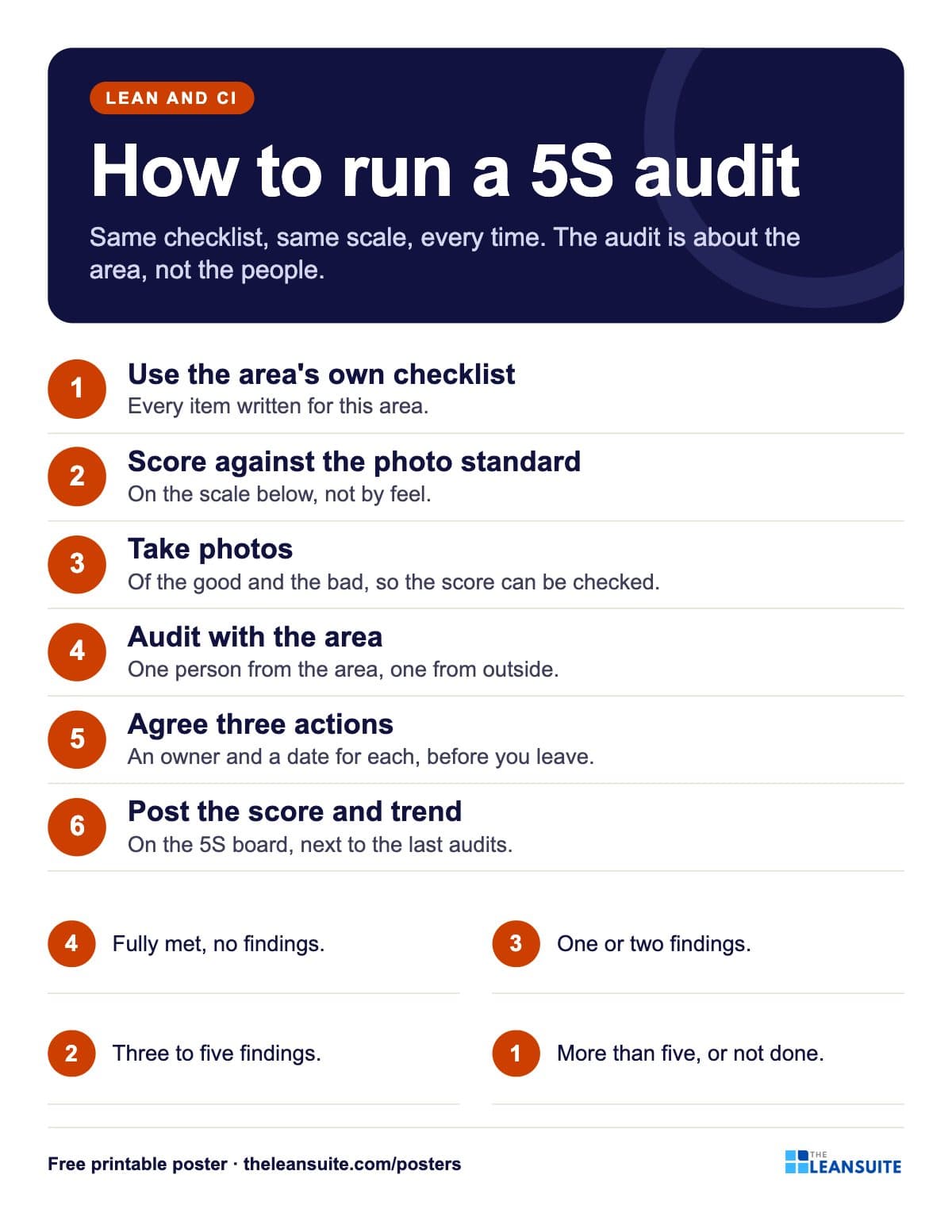 How to run a 5S audit poster
 Red tag event poster
 Shadow board poster
 Floor marking colours poster
 Set in order poster: where, what, how many
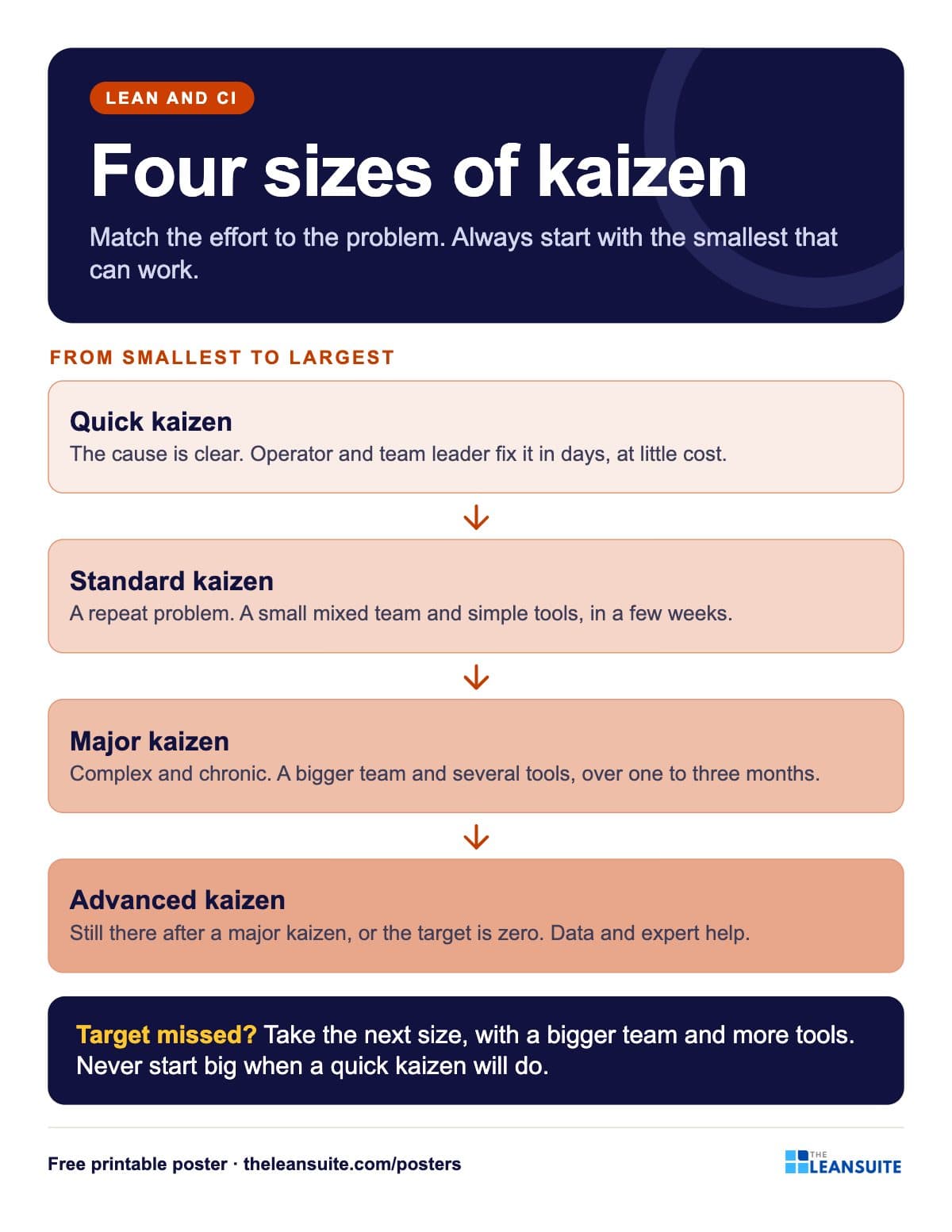 Kaizen sizes poster
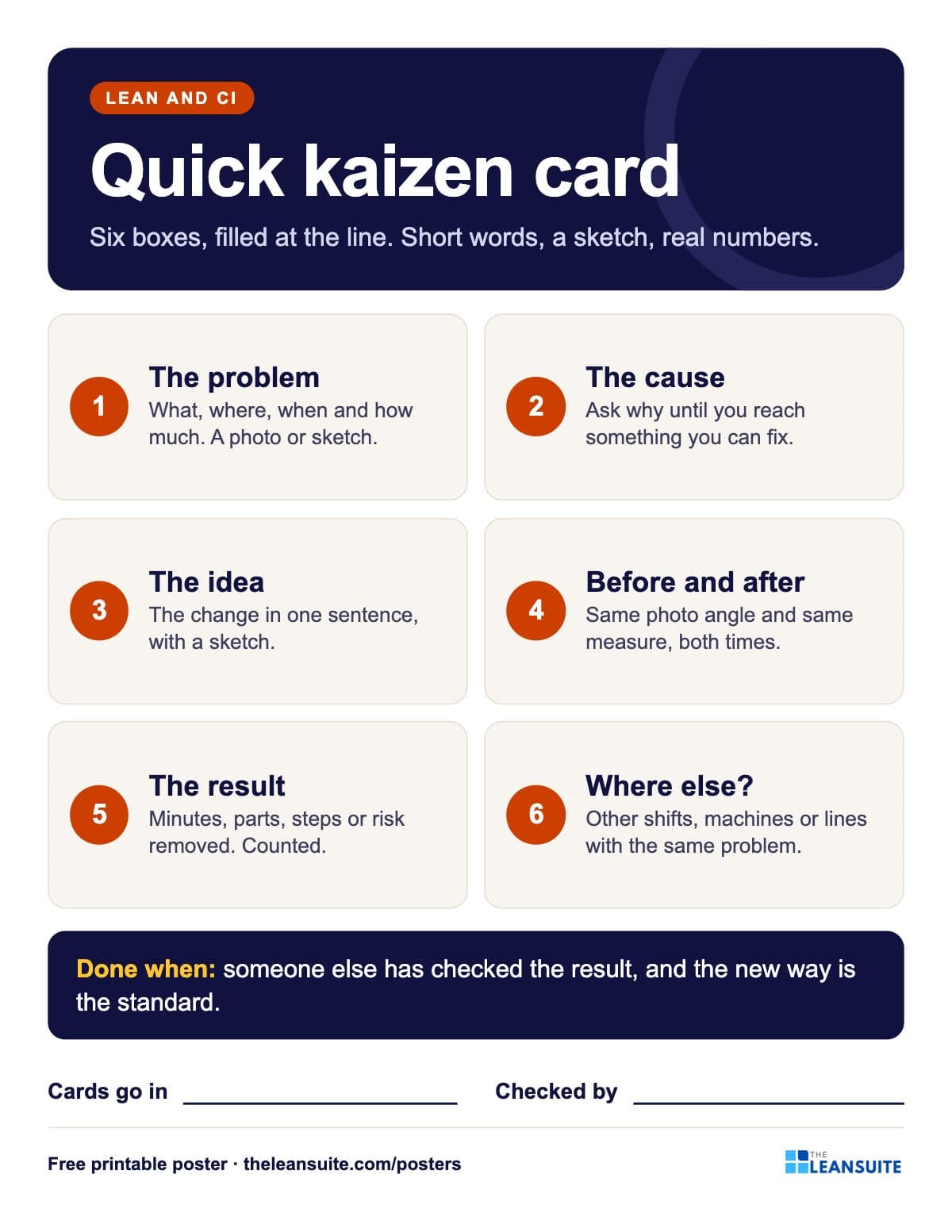 Quick kaizen card poster
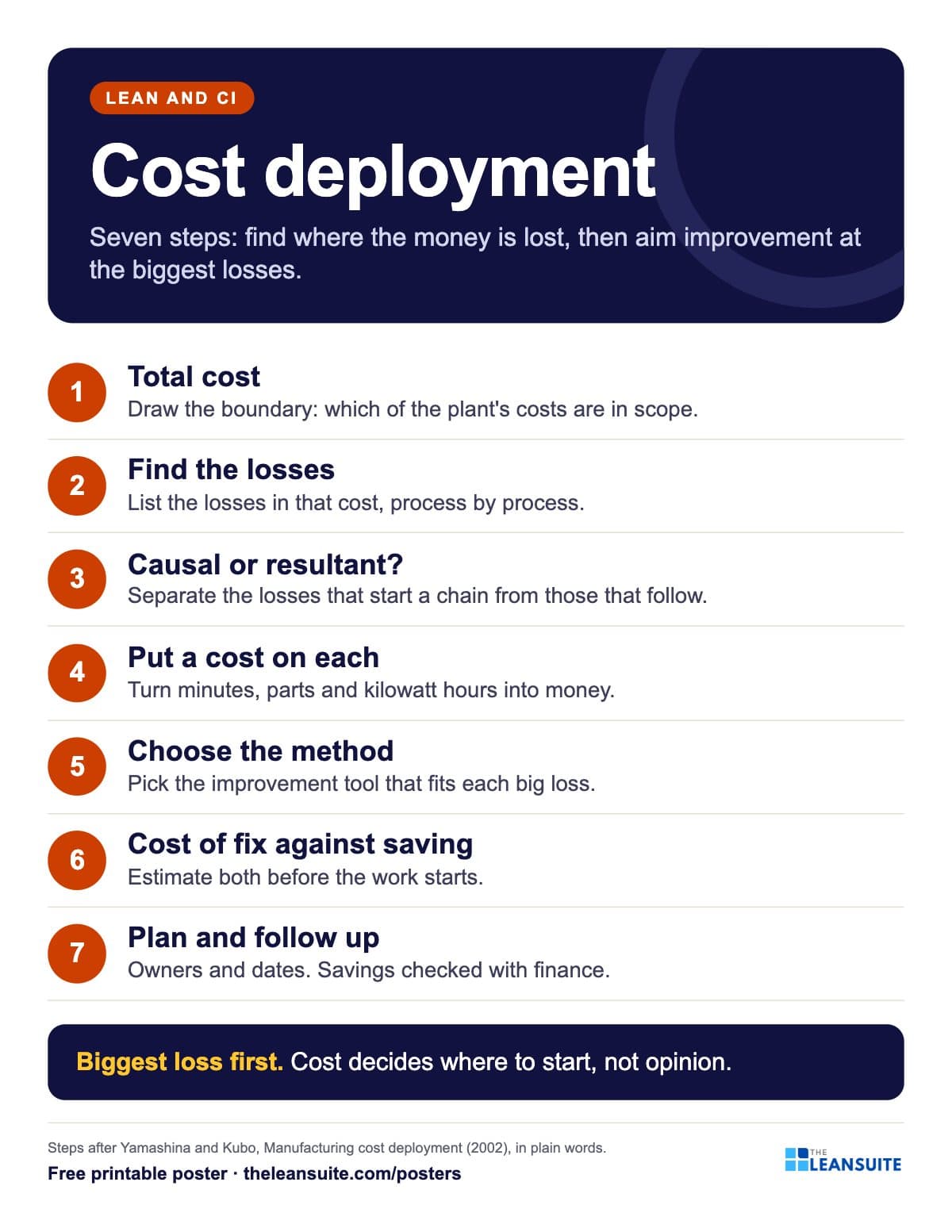 Cost deployment 7 steps poster
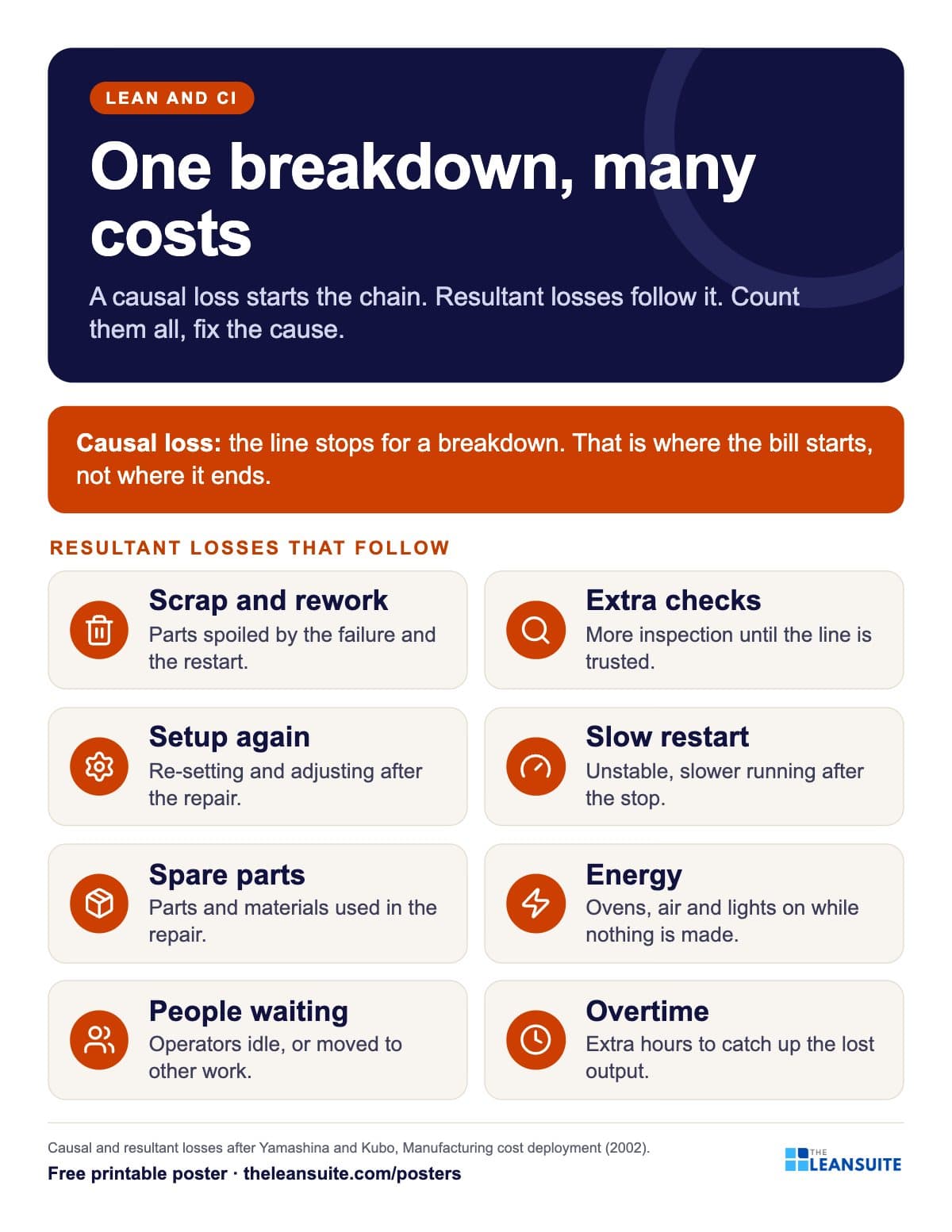 Causal and resultant losses poster
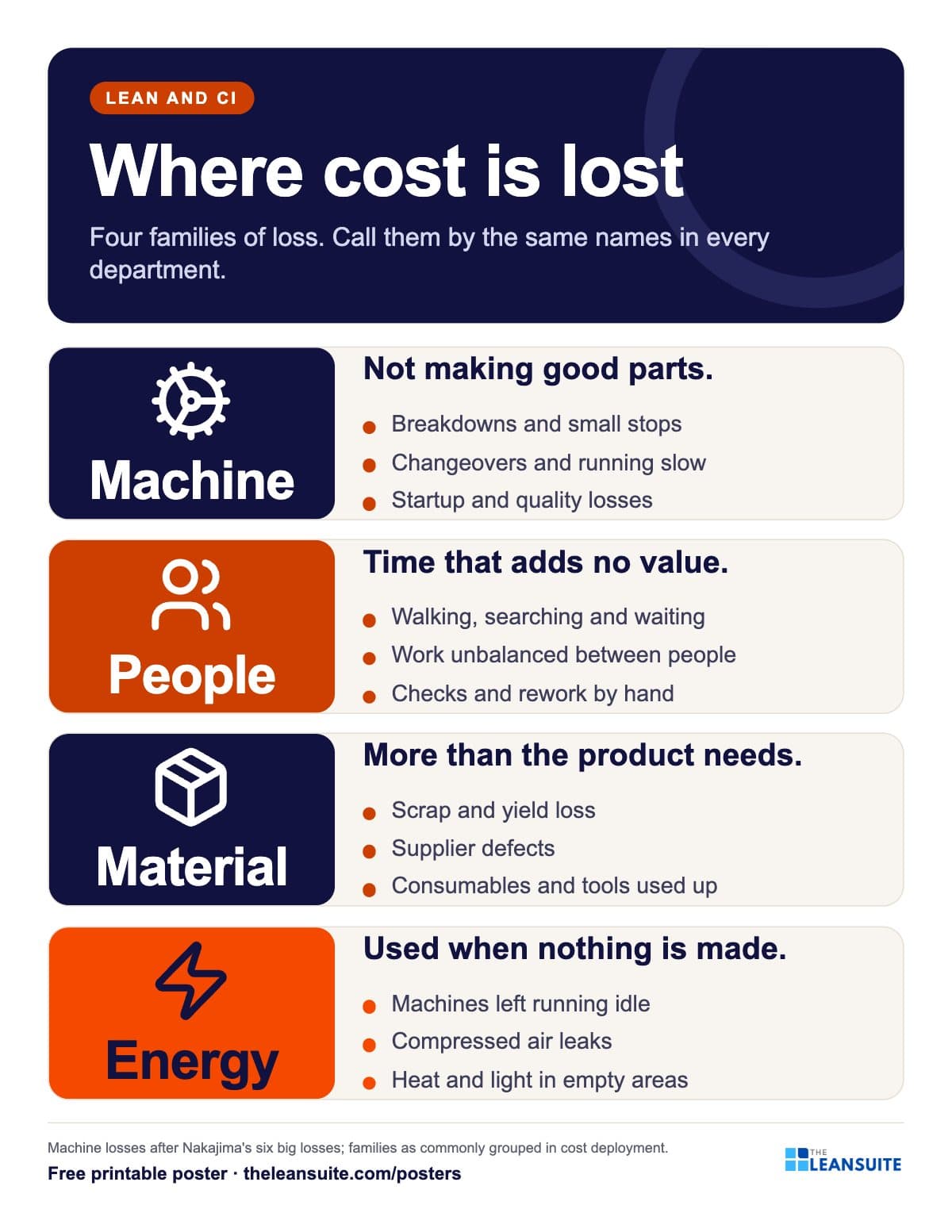 Four loss families poster
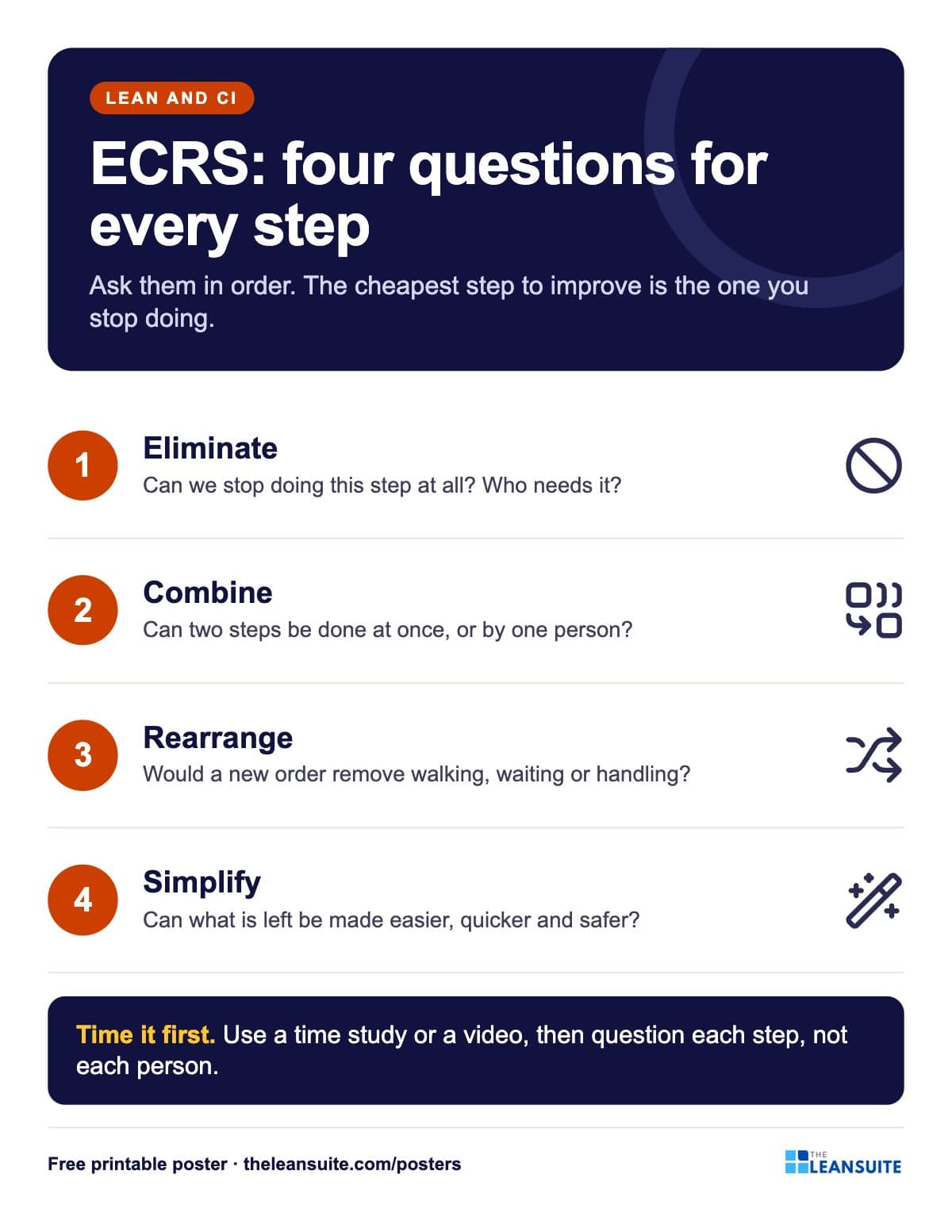 ECRS poster
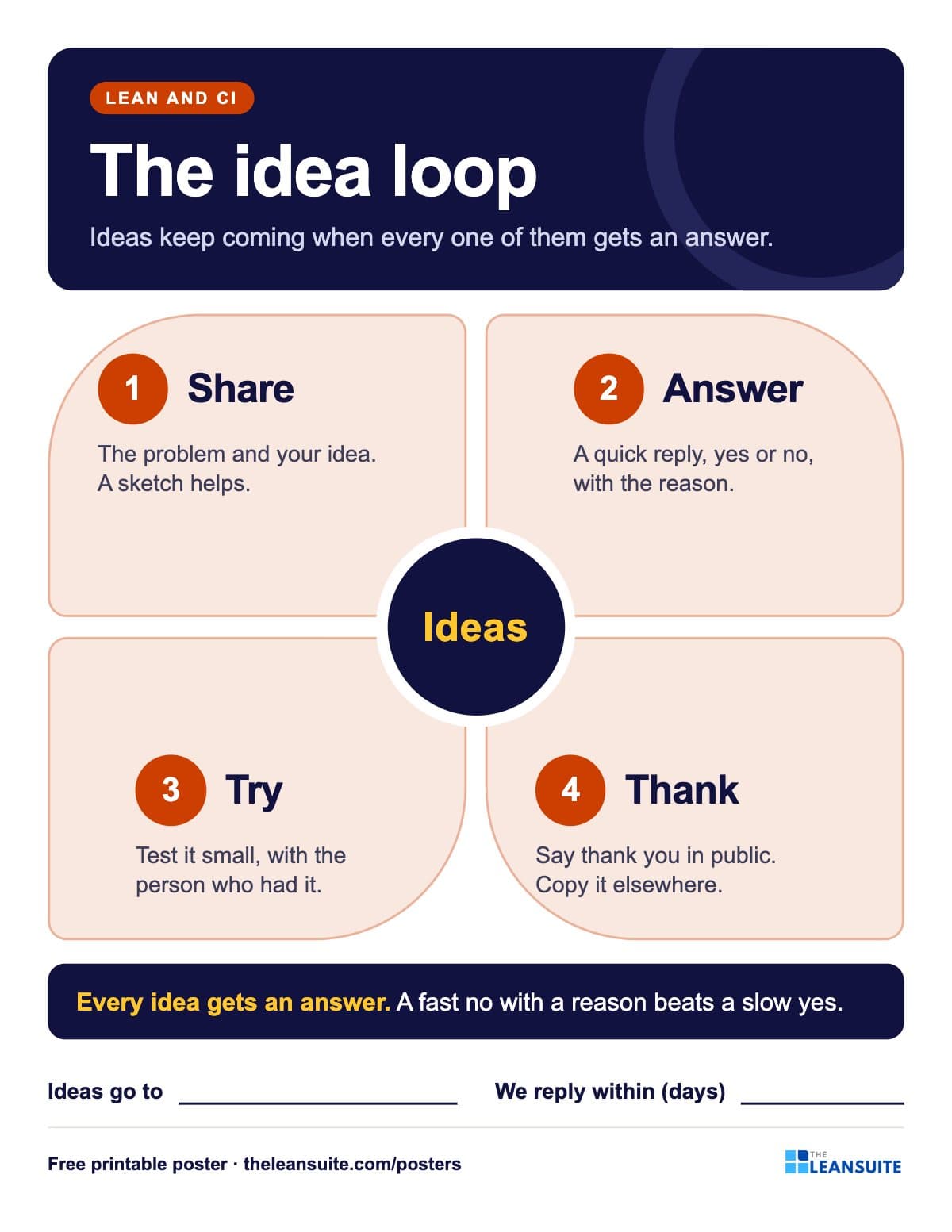 Suggestion system poster
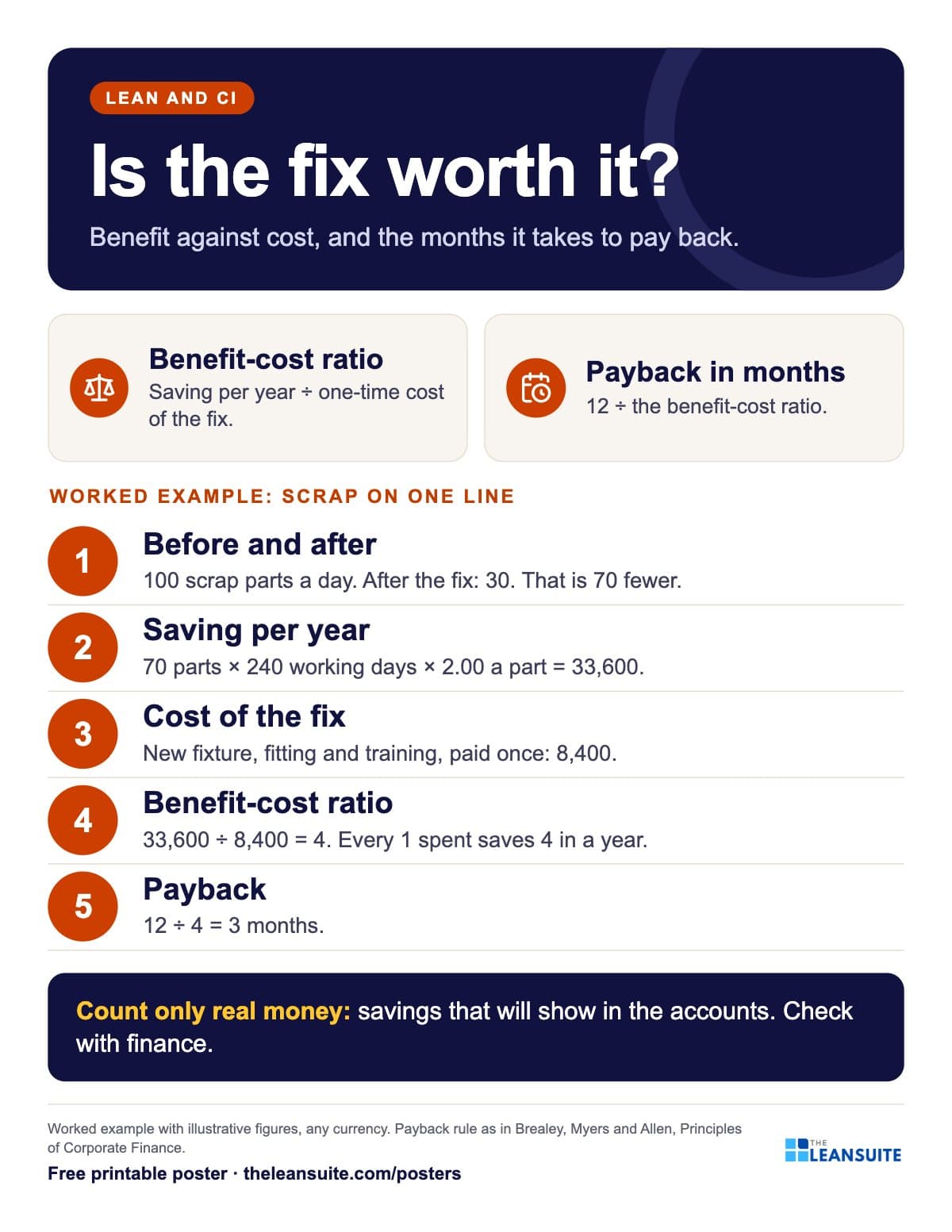 Benefit-cost ratio and payback poster
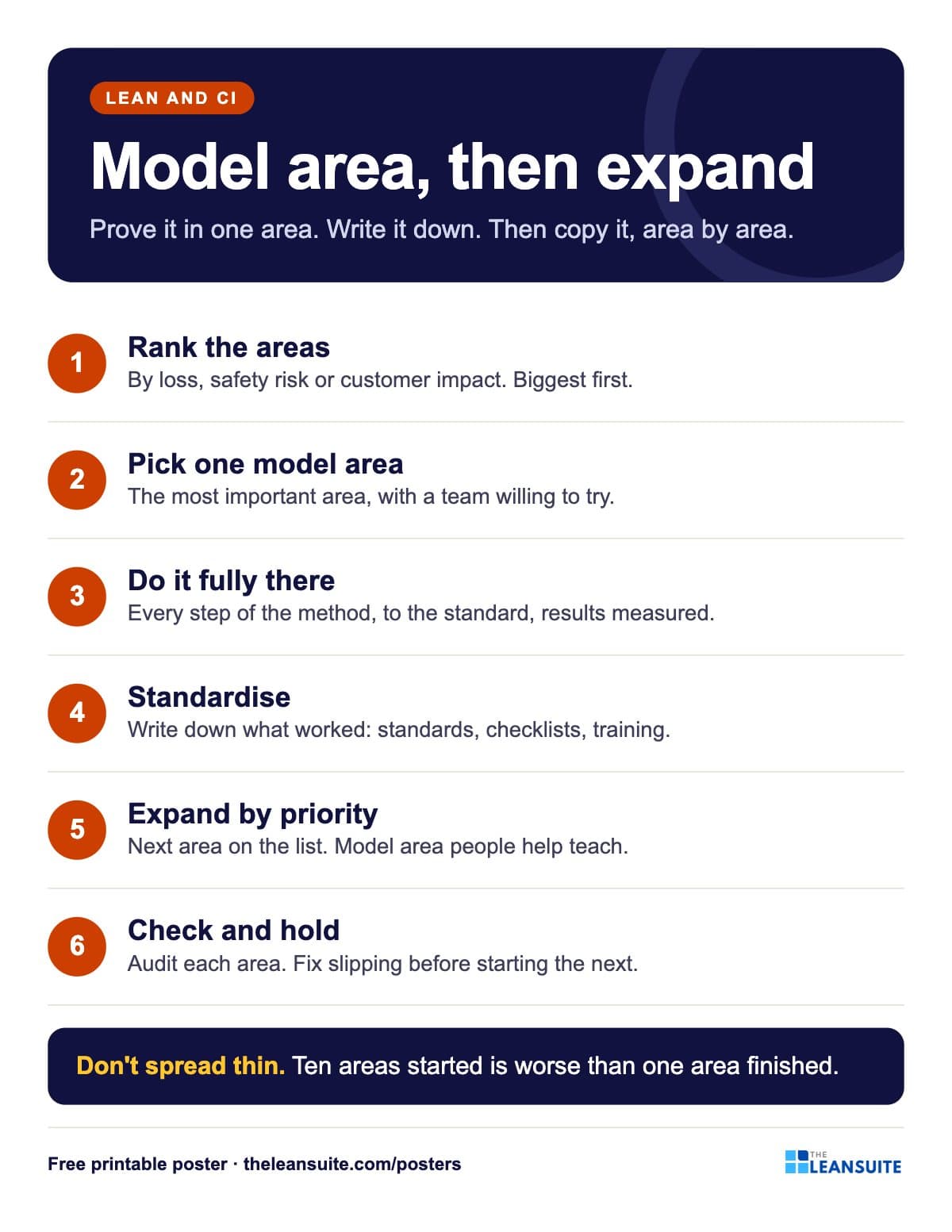 Model area and expansion poster
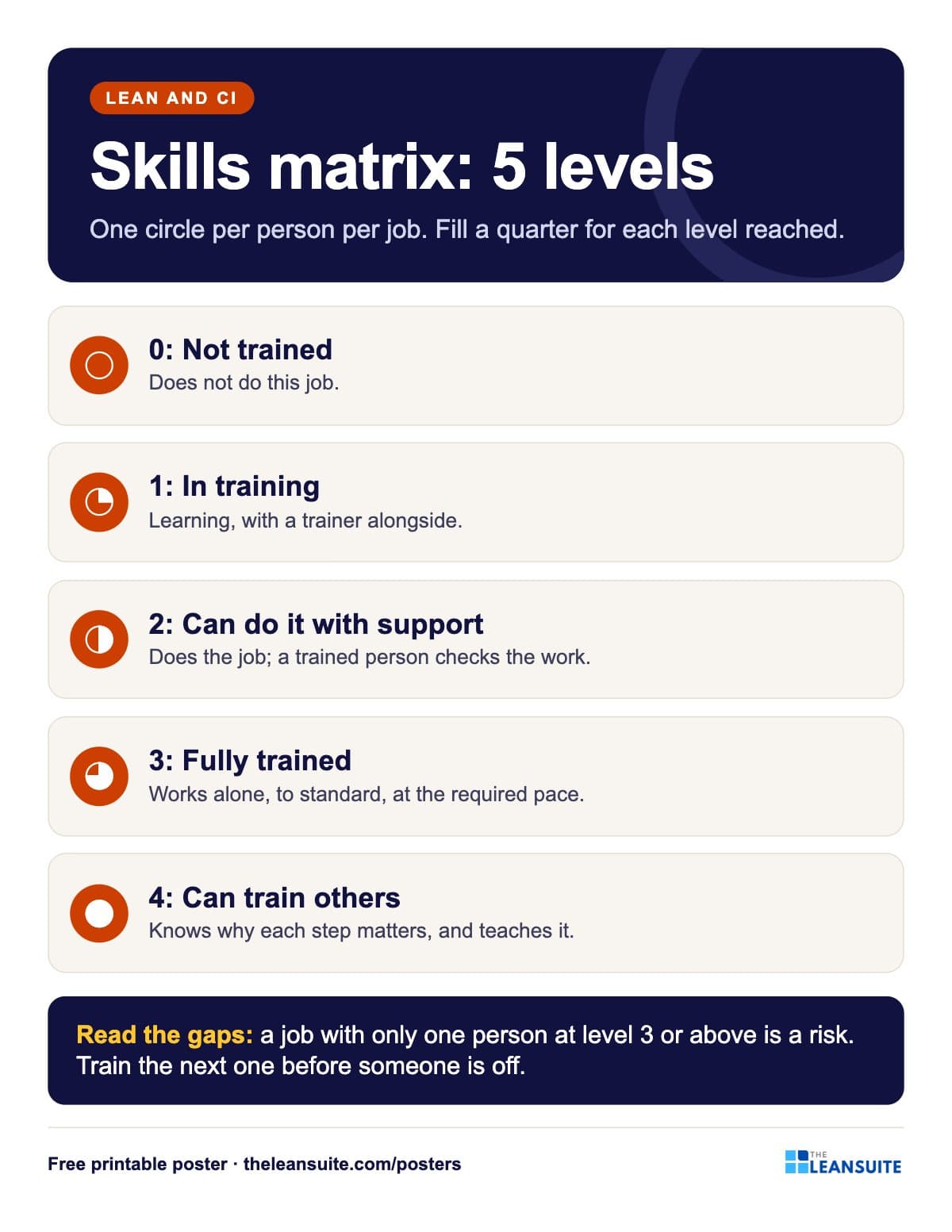 Skills matrix levels poster
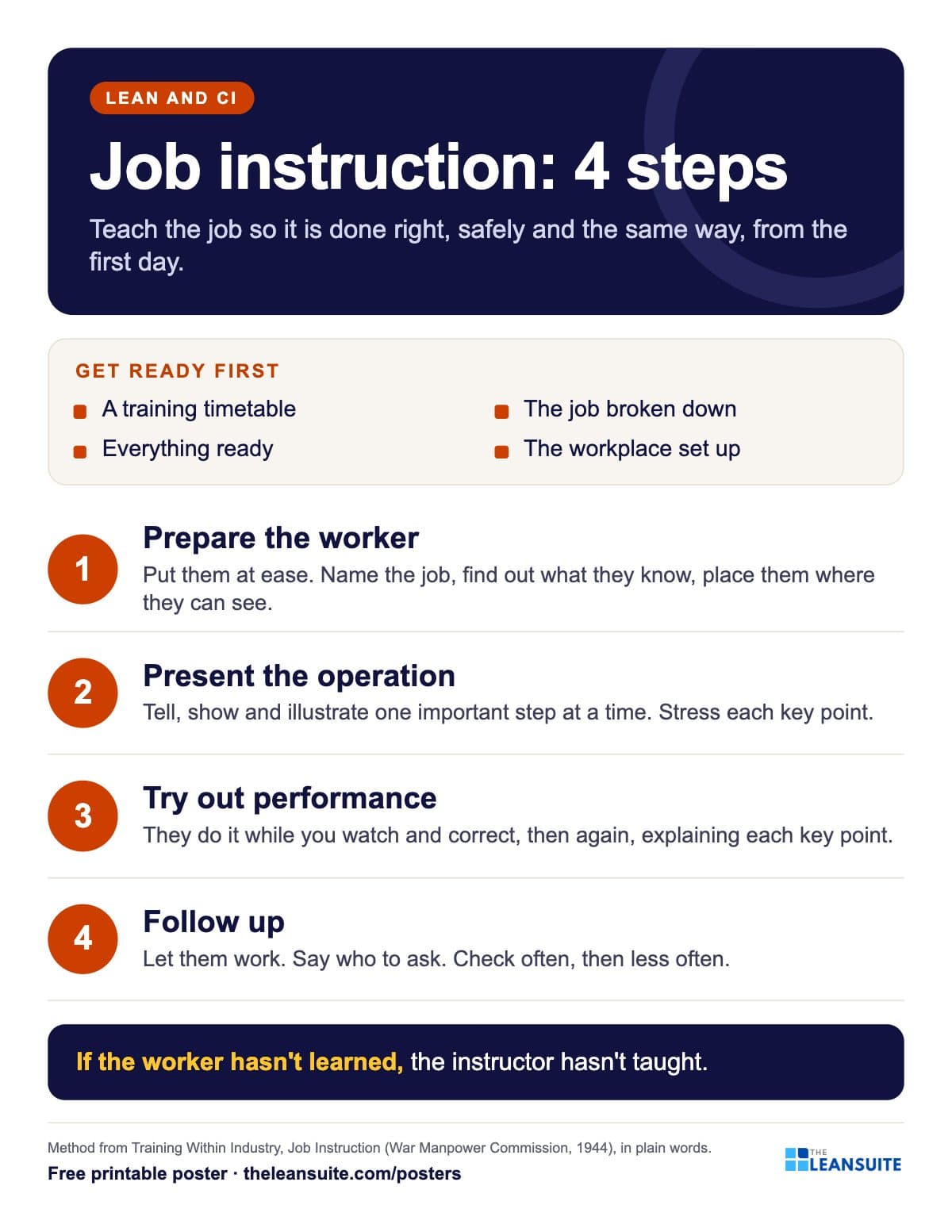 Job instruction 4 steps poster
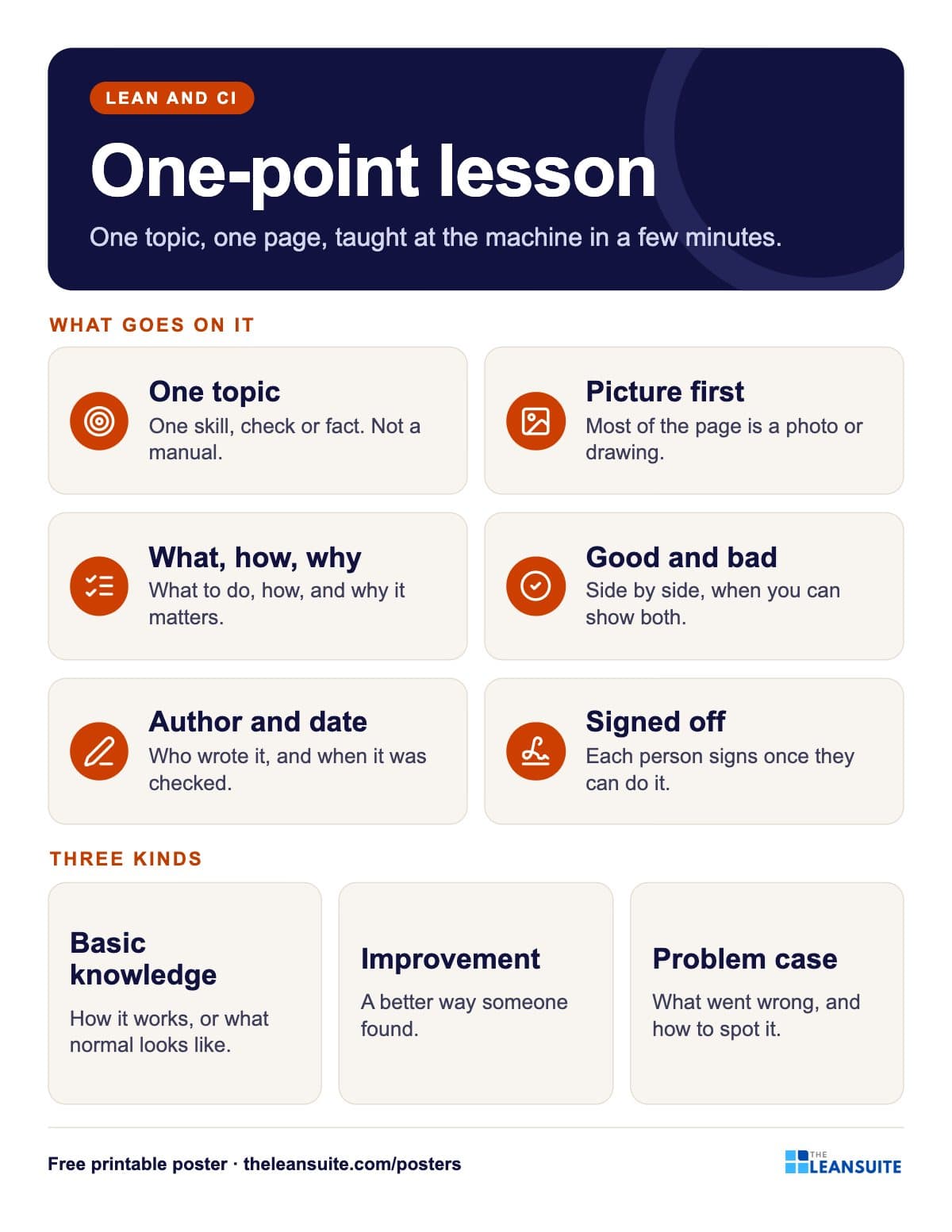 One-point lesson poster
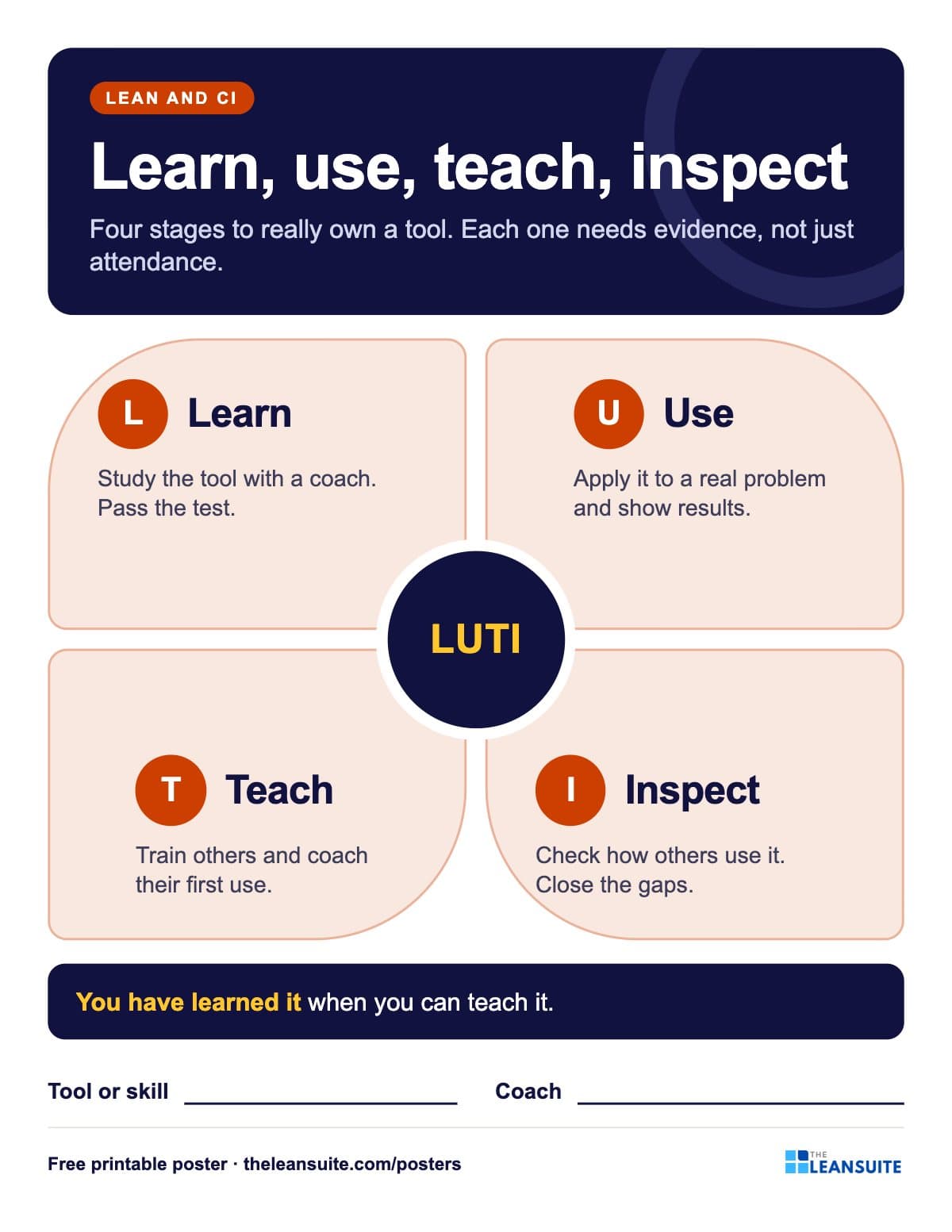 Learn, use, teach, inspect poster
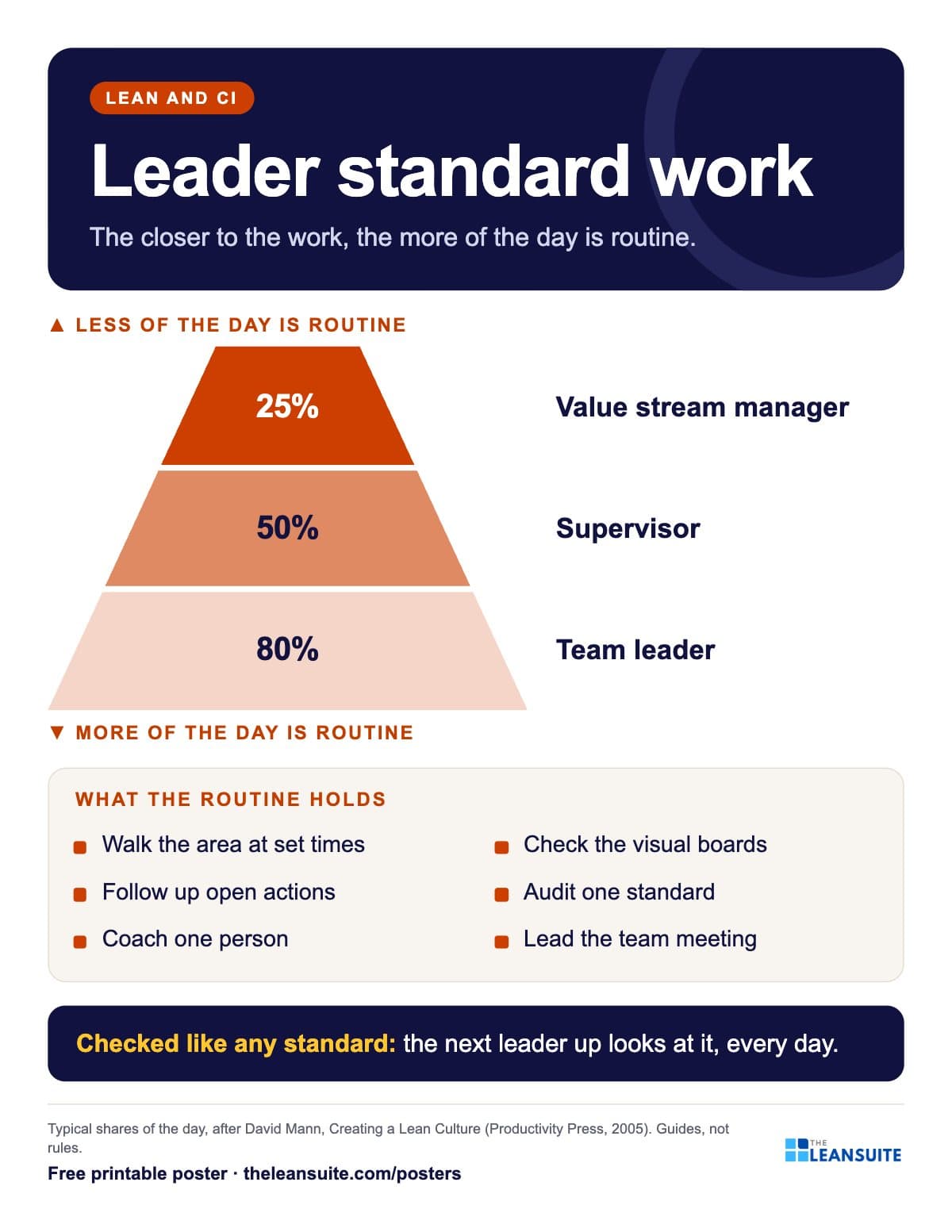 Leader standard work poster
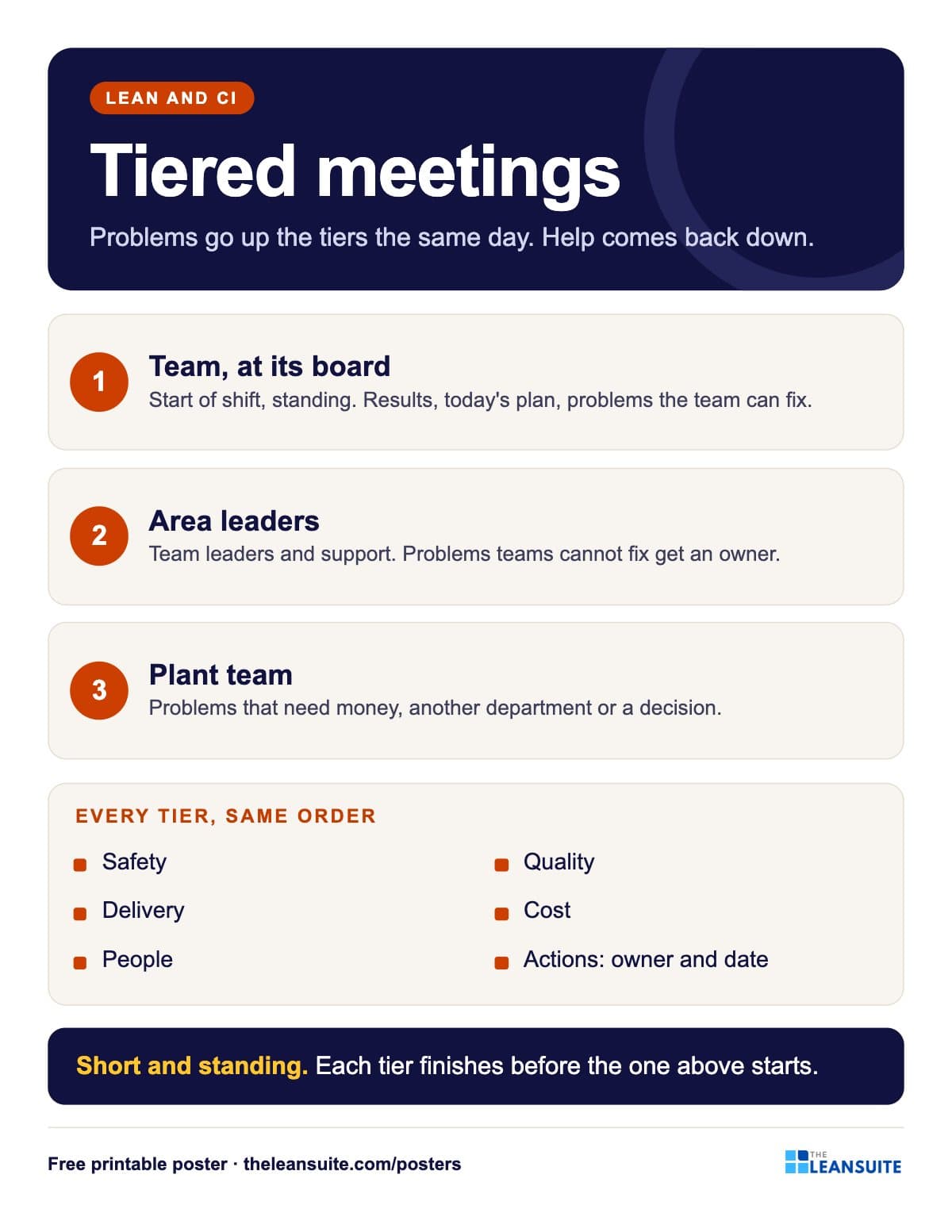 Tiered meetings poster
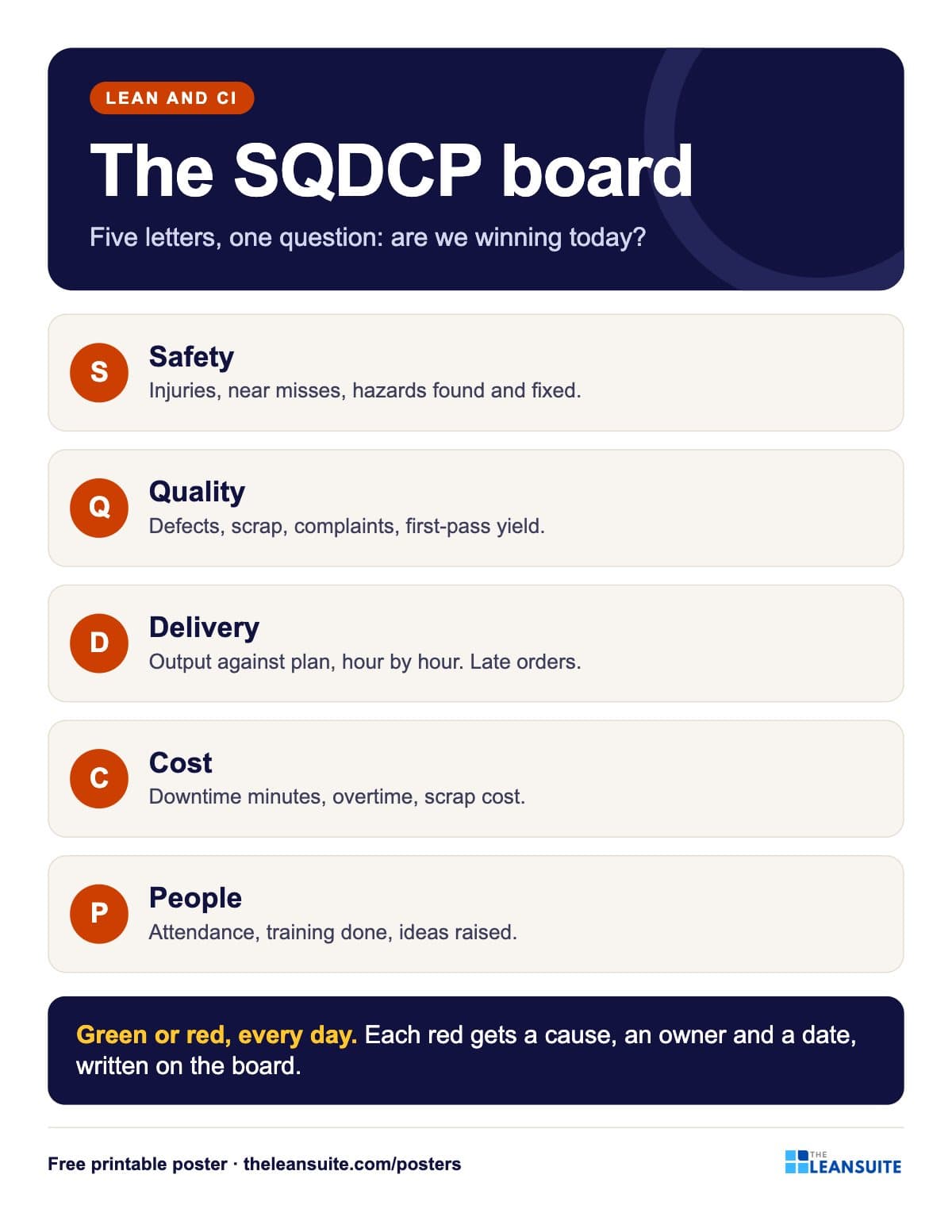 SQDCP board poster
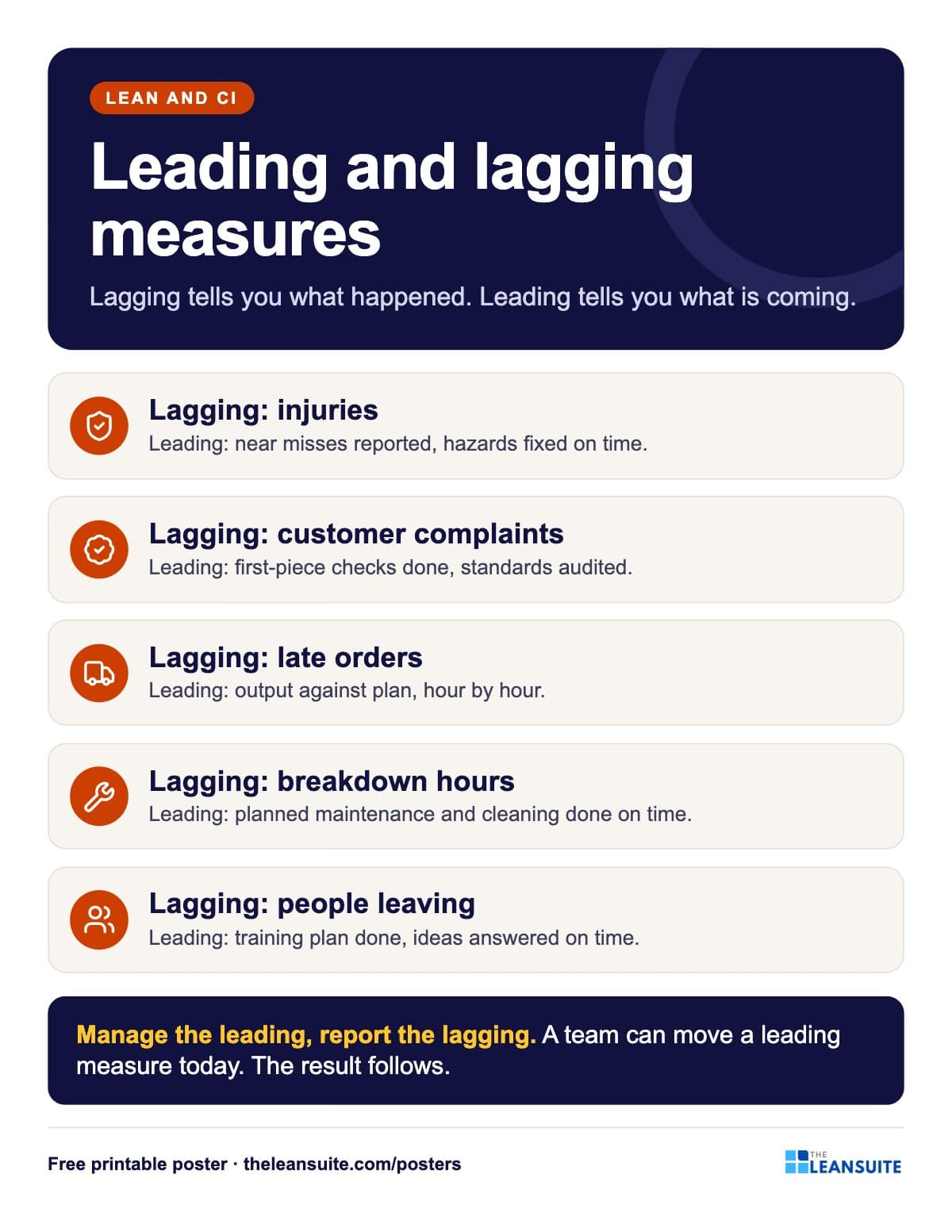 Leading and lagging indicators poster
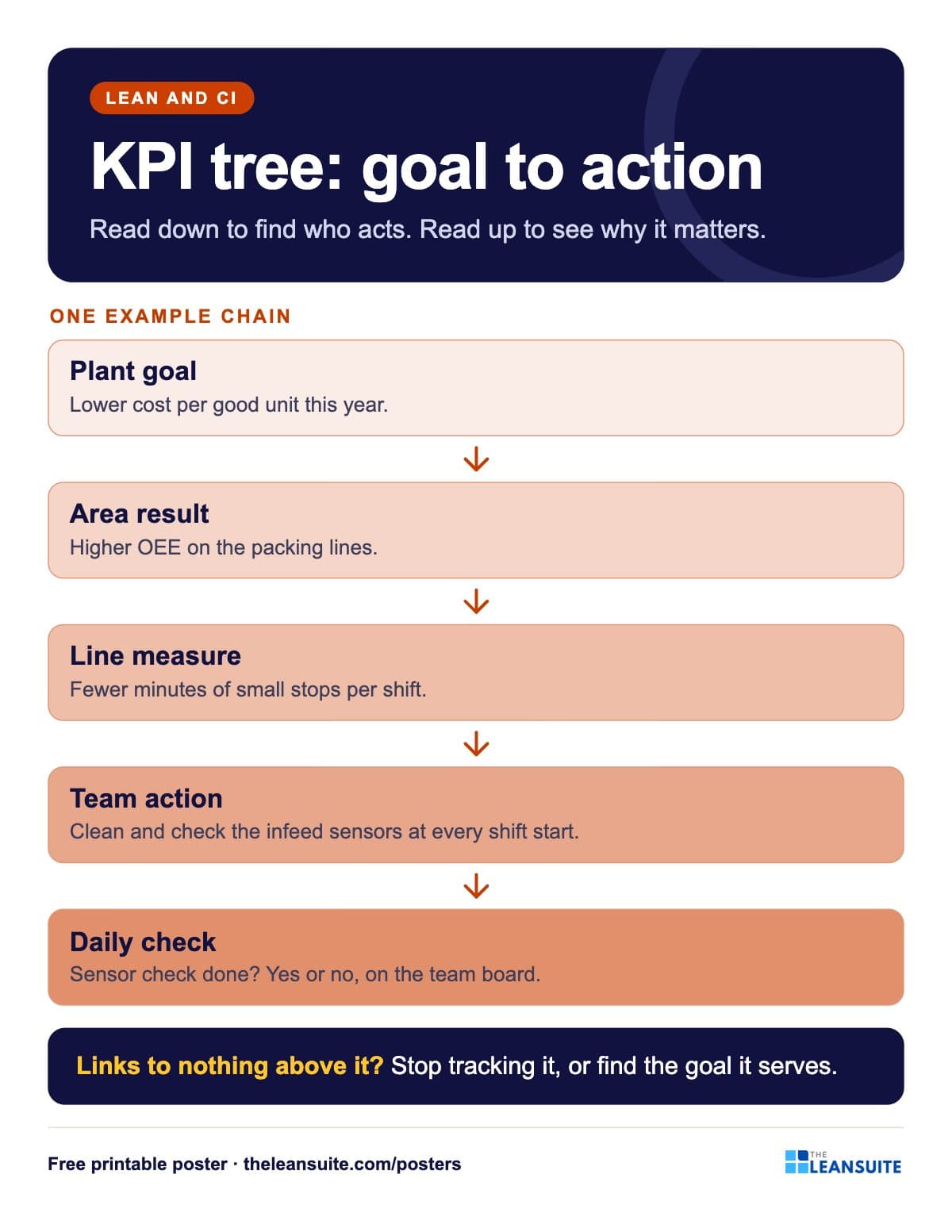 KPI tree poster
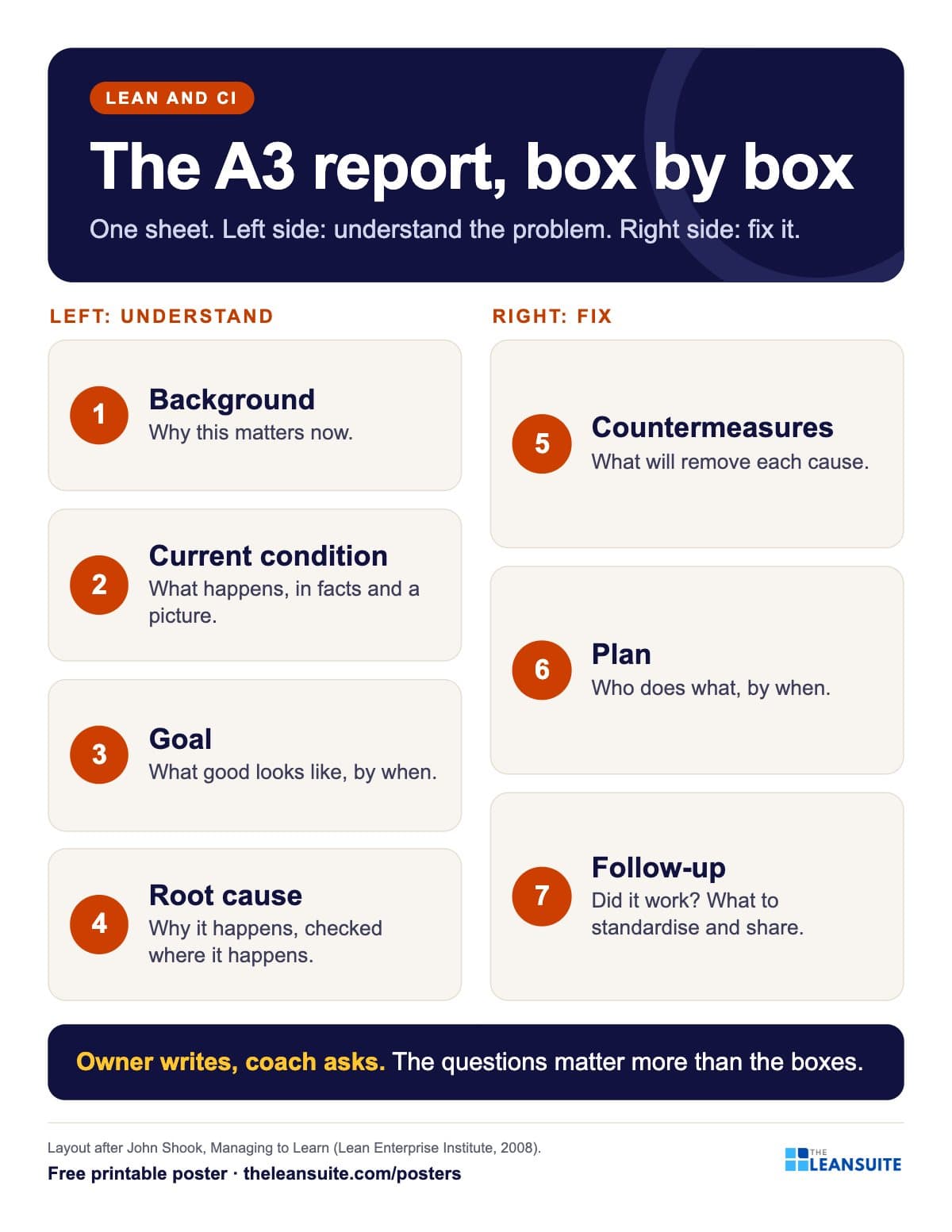 A3 report layout poster
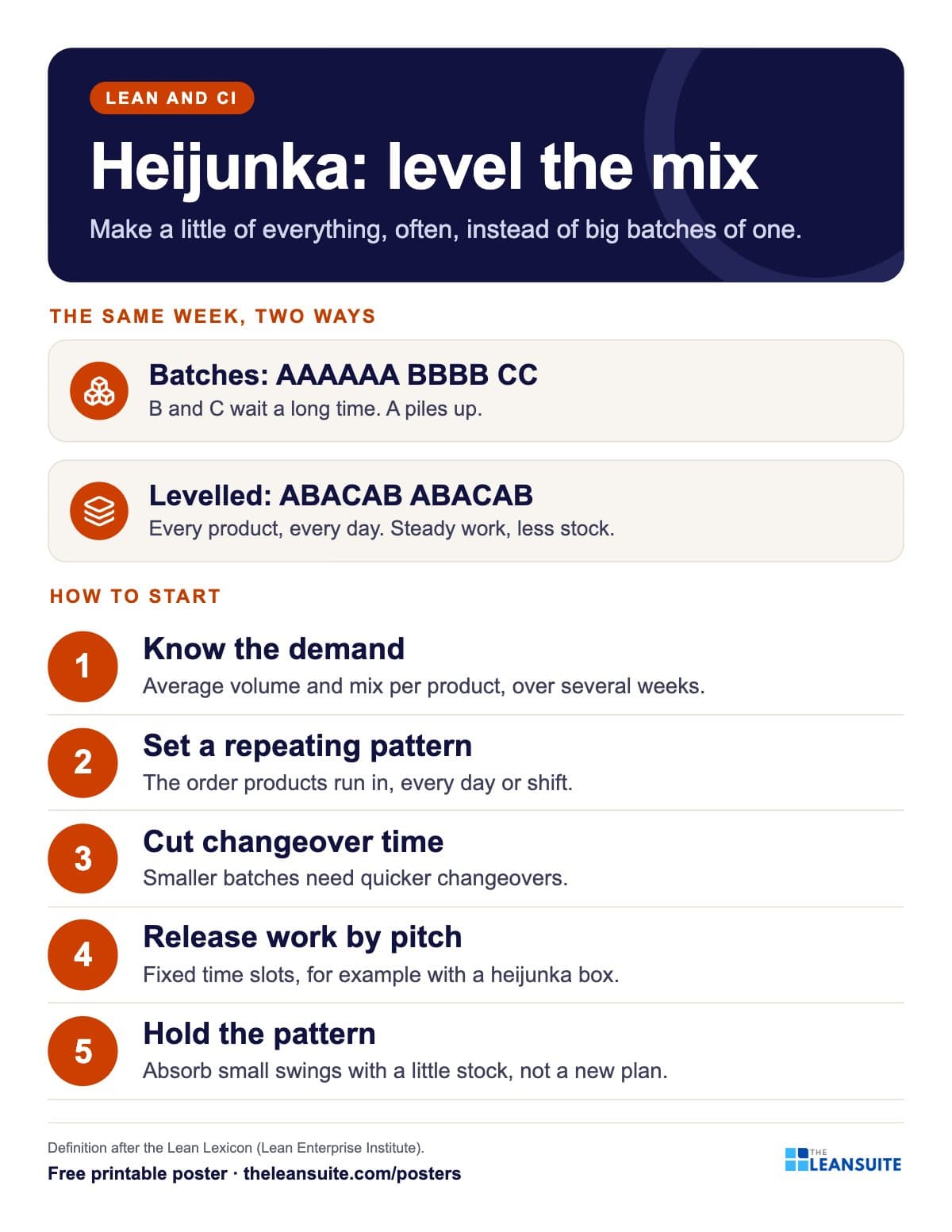 Heijunka production levelling poster
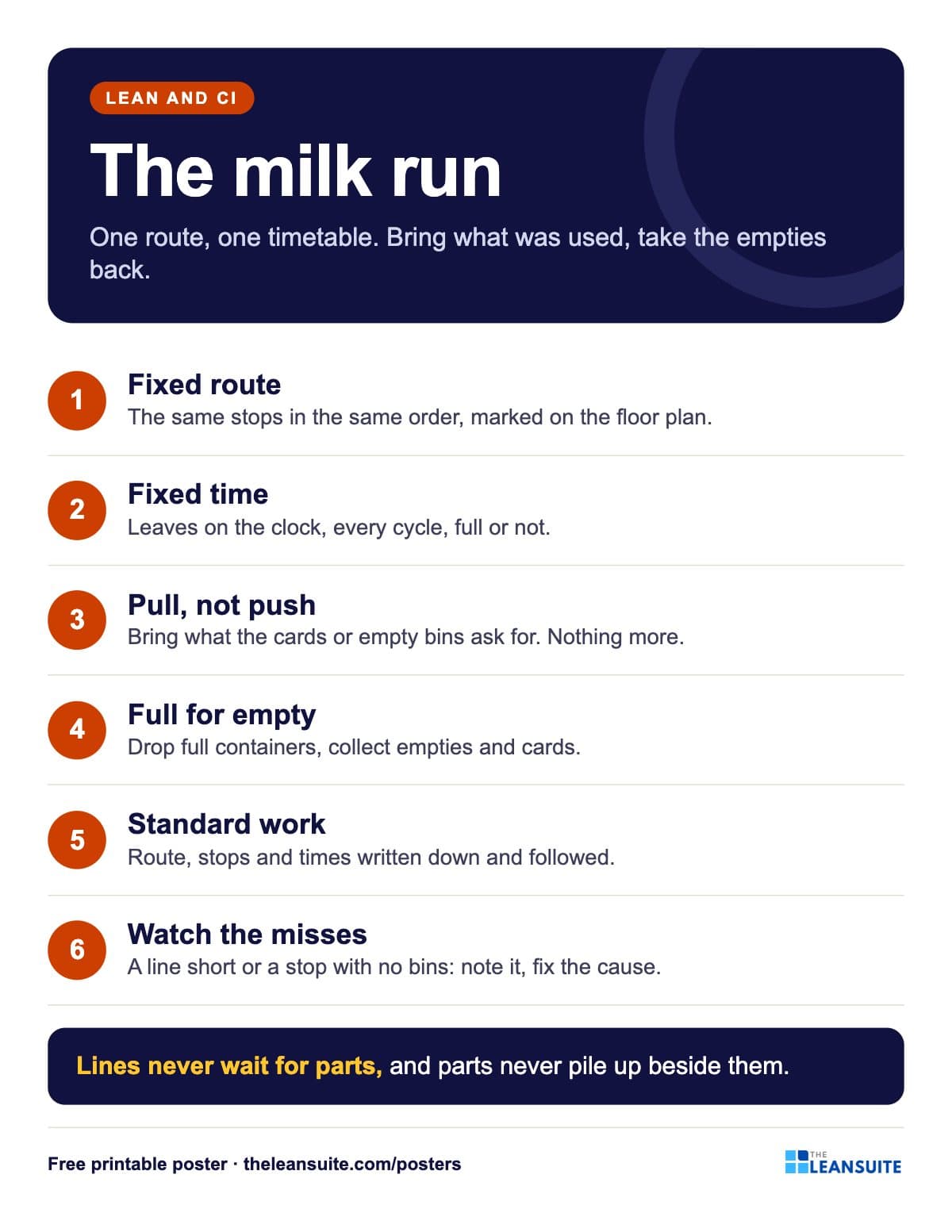 Milk run poster
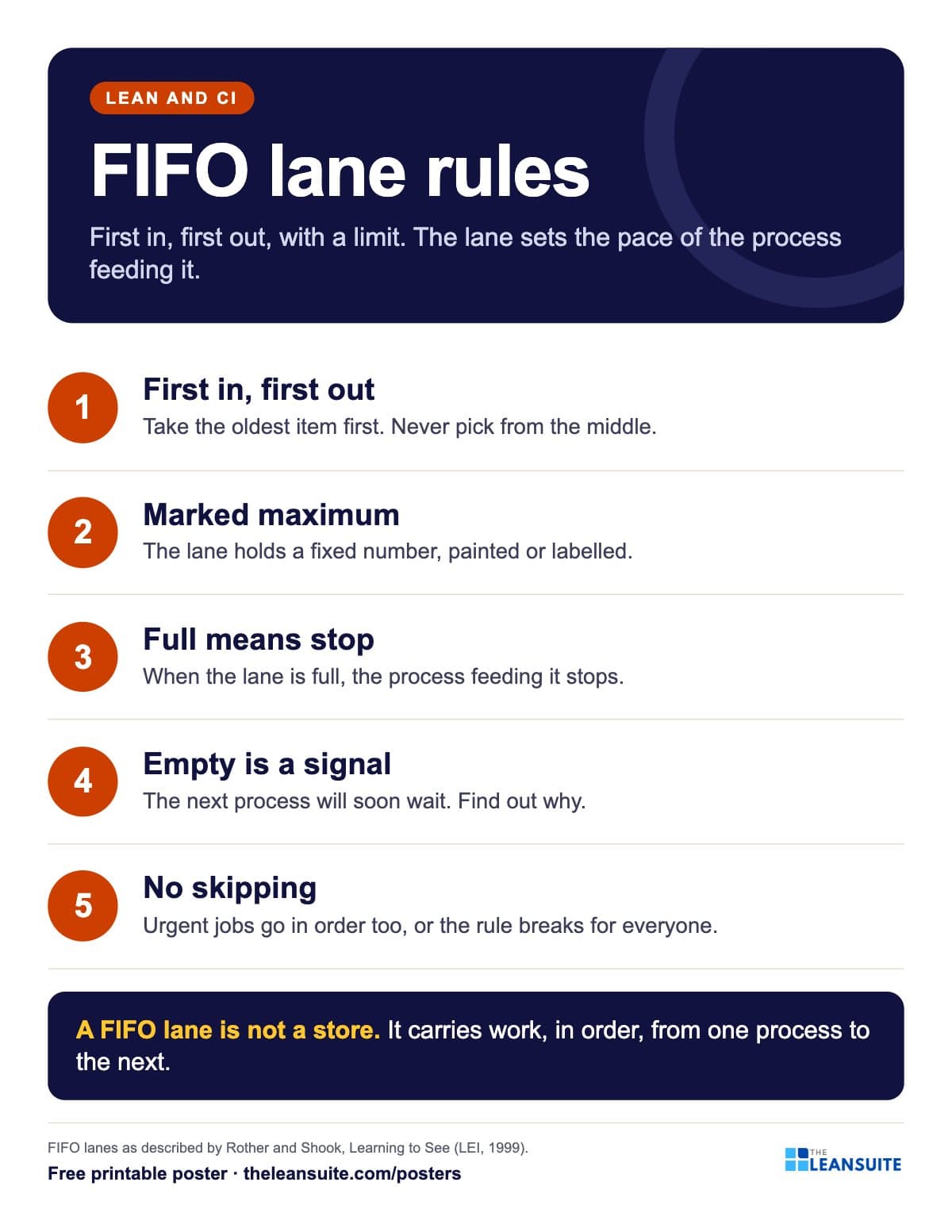 FIFO lane rules poster
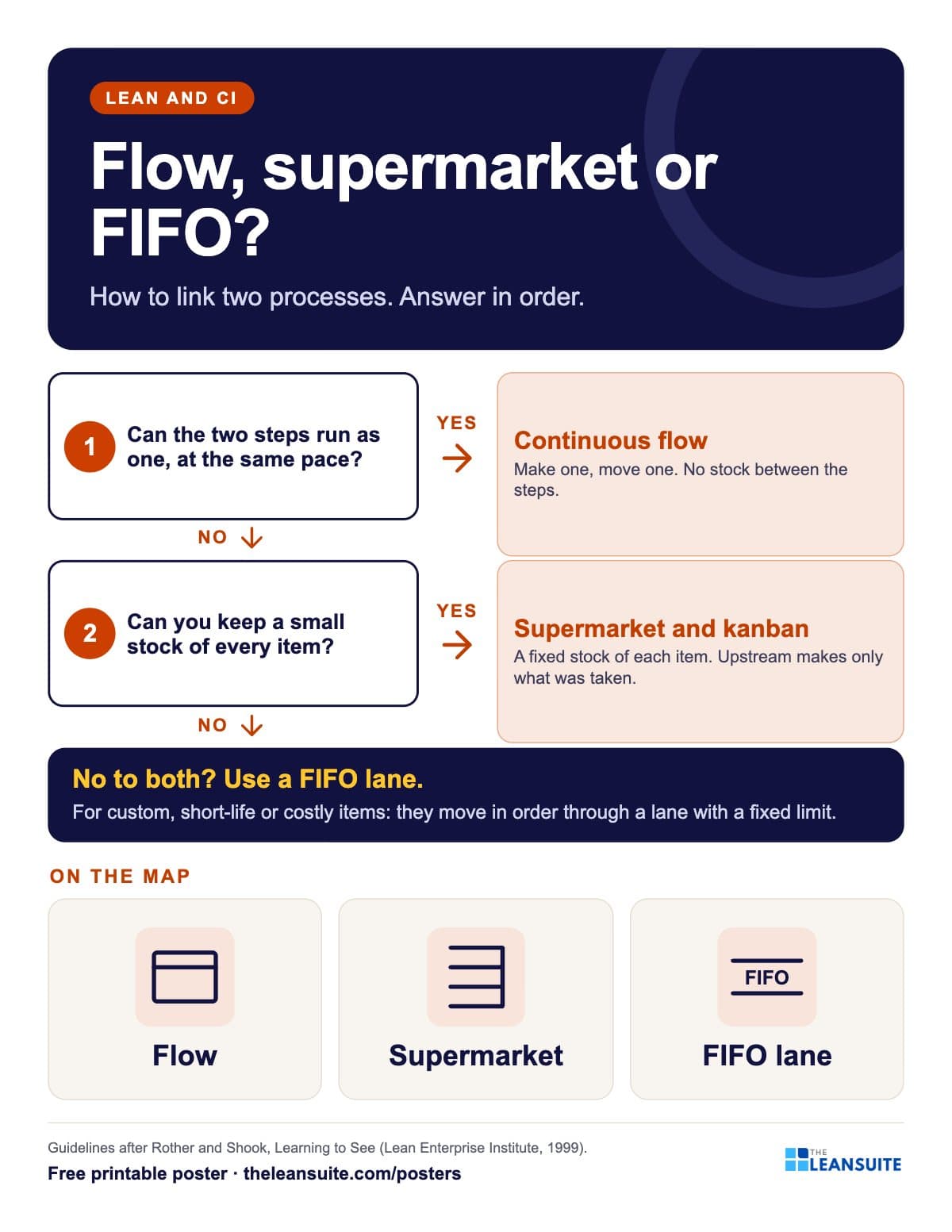 Flow, supermarket or FIFO lane poster
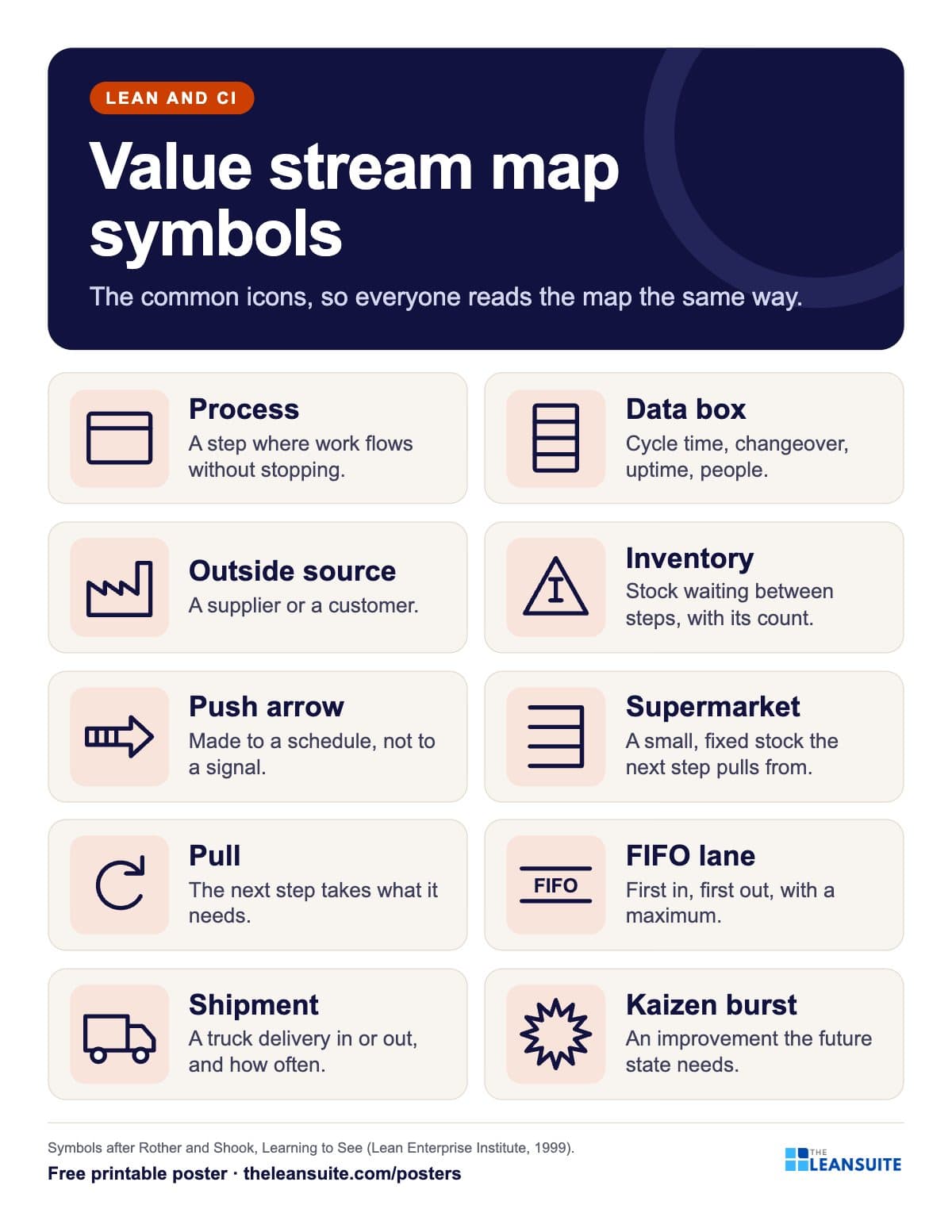 Value stream map symbols poster
 Bottleneck five focusing steps poster
A poster reminds. A routine makes it stick.
See how plants run their audits, improvements and follow-ups in LeanSuite, on a call built around your own problem.
Book a 45-minute demo