

Lean and CI poster
Updated · Free to print and share
Machine visual controls poster
Visual controls on equipment let anyone check a machine at a glance: green and red zones on gauges, min and max lines on levels, arrows for flow and rotation, marked valve positions, match marks on bolts, labels on lubrication points and see-through covers over belts and chains. They are usually added in autonomous maintenance step 2, to make inspection faster. This poster shows eight of them as a menu for the team.
Download the poster
The PNG is free to download now. The print-ready vector PDFs open after a short form, once.
Free to print and share with your team. Enter your name and work email once to download.
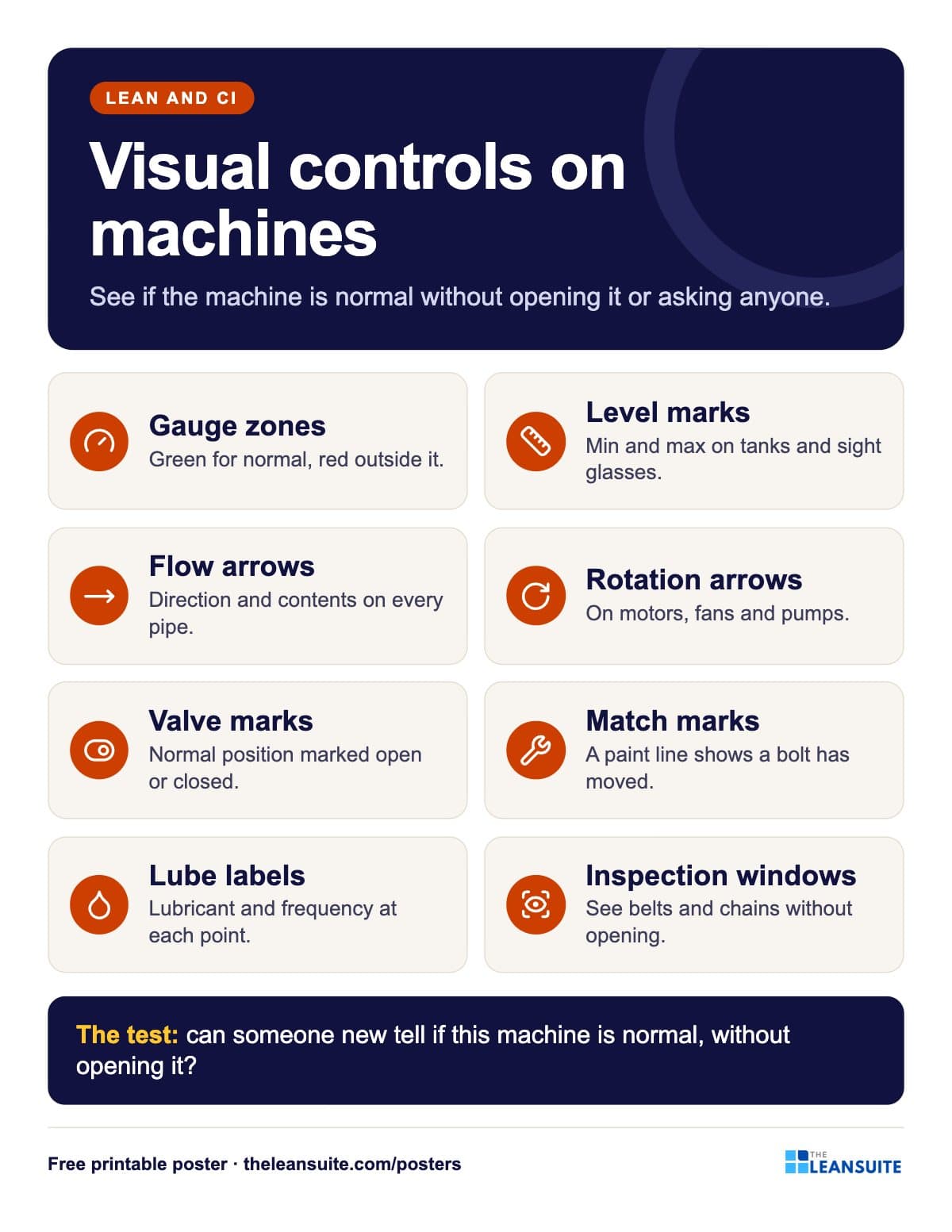 Eight cards from gauge zones and level marks to inspection windows, with a see-it-without-opening test.
The words on the poster
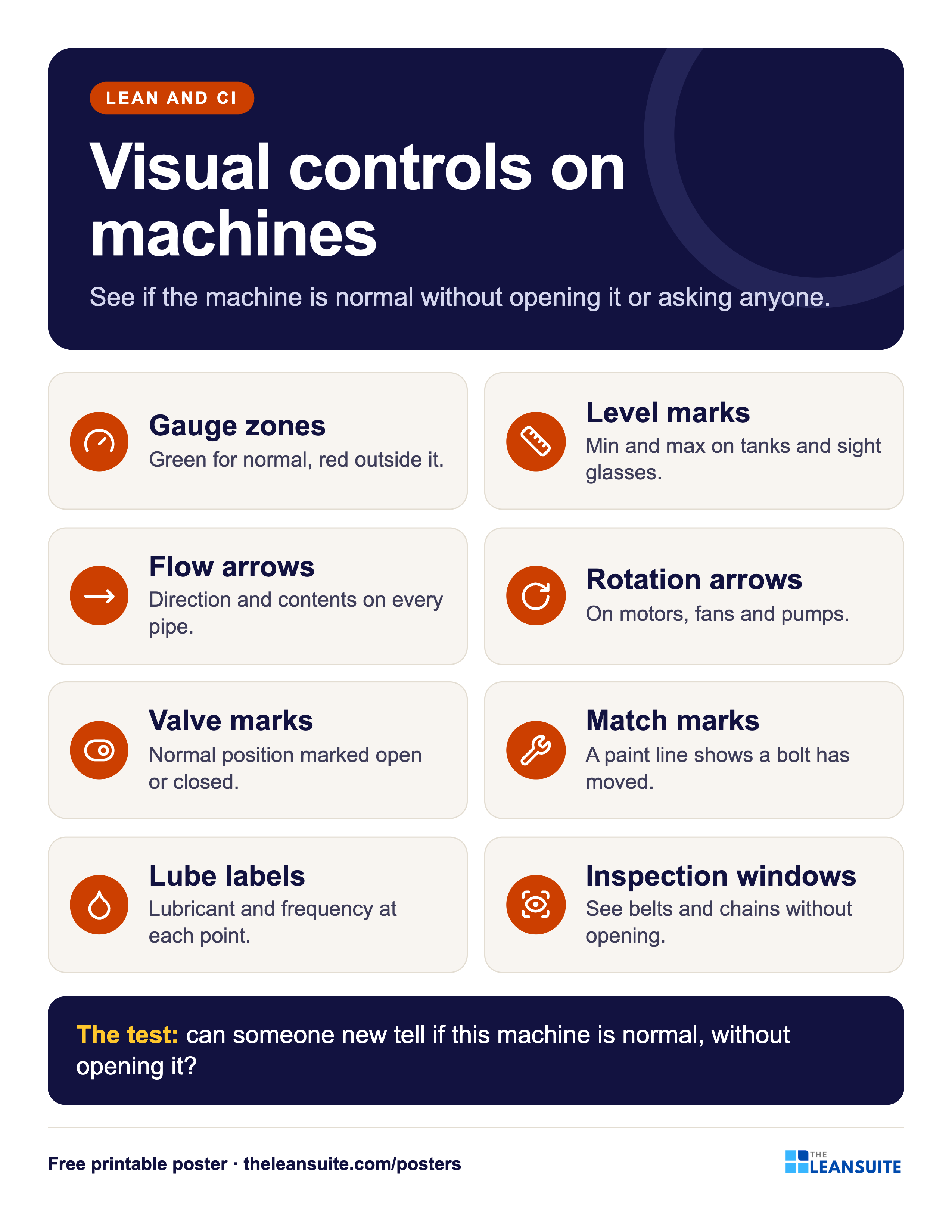
Visual controls on machines
See if the machine is normal without opening it or asking anyone.
- Gauge zones Green for normal, red outside it.
- Level marks Min and max on tanks and sight glasses.
- Flow arrows Direction and contents on every pipe.
- Rotation arrows On motors, fans and pumps.
- Valve marks Normal position marked open or closed.
- Match marks A paint line shows a bolt has moved.
- Lube labels Lubricant and frequency at each point.
- Inspection windows See belts and chains without opening.
- The test: can someone new tell if this machine is normal, without opening it?
On the floor
How to use it
Putting the Machine visual controls poster to work
- 1
Walk a machine with the poster: which of the eight does it have, and which would help?
- 2
Use it in autonomous maintenance step 2 when the team cuts inspection time.
- 3
Check new equipment against it before it is handed to production.
- 4
Pair it with the bolt match marks poster and the free visual management audit checklist.
Which size to print
- 24 x 36 in or A2: a main wall or team board, read from a few metres away.
- 18 x 24 in or A3: a station or notice board. The A3 file also fits 11 x 17 in paper.
- Letter or A4: a clipboard, binder or handout, on any office printer.
Every PDF is vector, so it stays sharp at full size. Nothing runs to the edge of the page, so no bleed is needed.
Templates, decks and guides to go with it
- Autonomous maintenance training presentation: the 7 stepsFree training deck: The 7 steps of jishu hozen, who does what and how step audits work, in 19 slides with notes and a quiz.
- Autonomous maintenance (CILR) checklist20 clean, inspect, lubricate and retighten checks with a box per day, an abnormality log and sign-off.
- Visual management audit checklist29 checks of whether anyone can tell normal from abnormal at a glance, scored by group, with a trend and actions.
- Lubrication schedule templateEvery lube point with lubricant, method, amount, frequency and who, with next due dates and a monthly sign-off record.
- Topic: TPM and maintenanceEvery guide we have on the subject, sorted.
- Topic: 5S and visual managementEvery guide we have on the subject, sorted.
More lean and ci posters
All posters 5S poster
 8 wastes of lean poster (DOWNTIME)
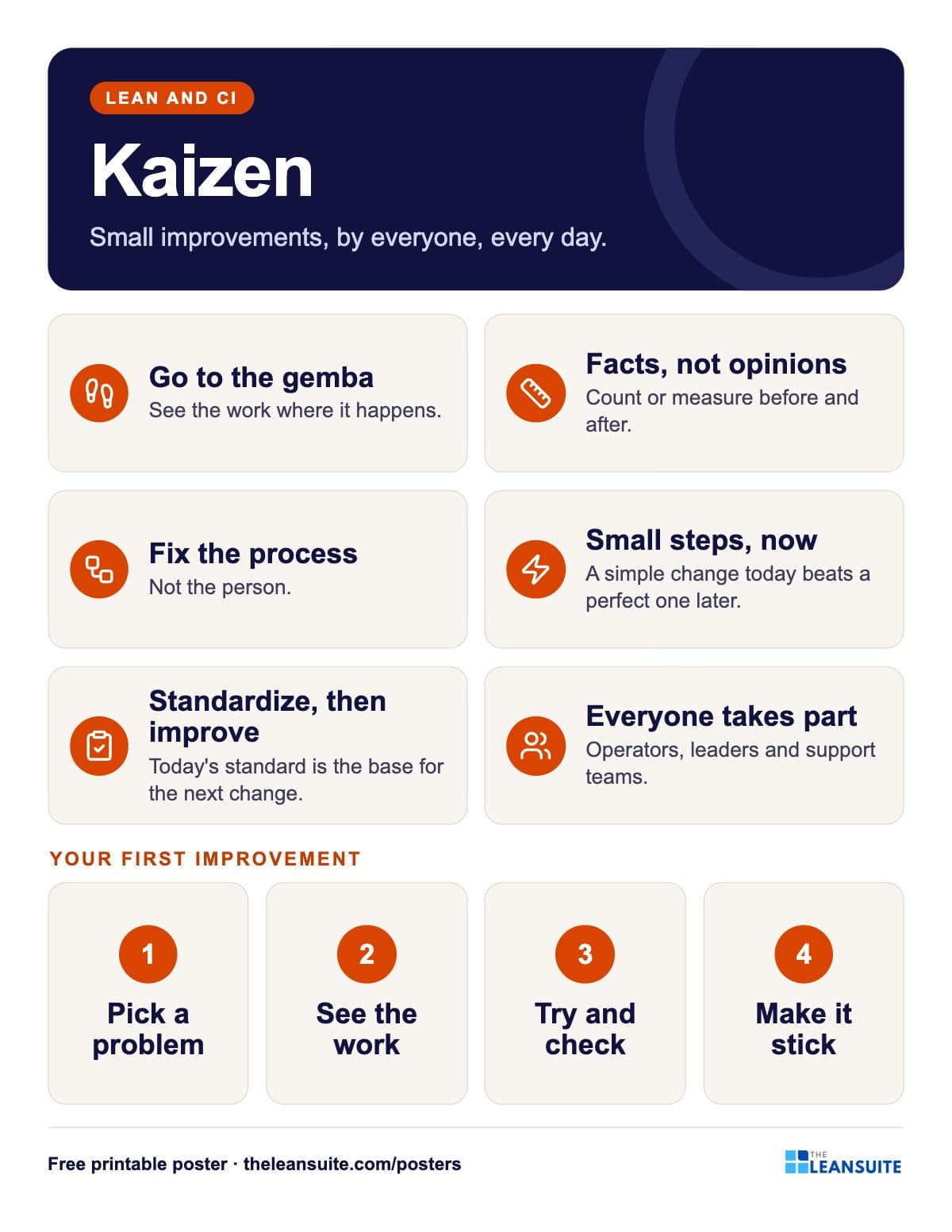 Kaizen principles poster
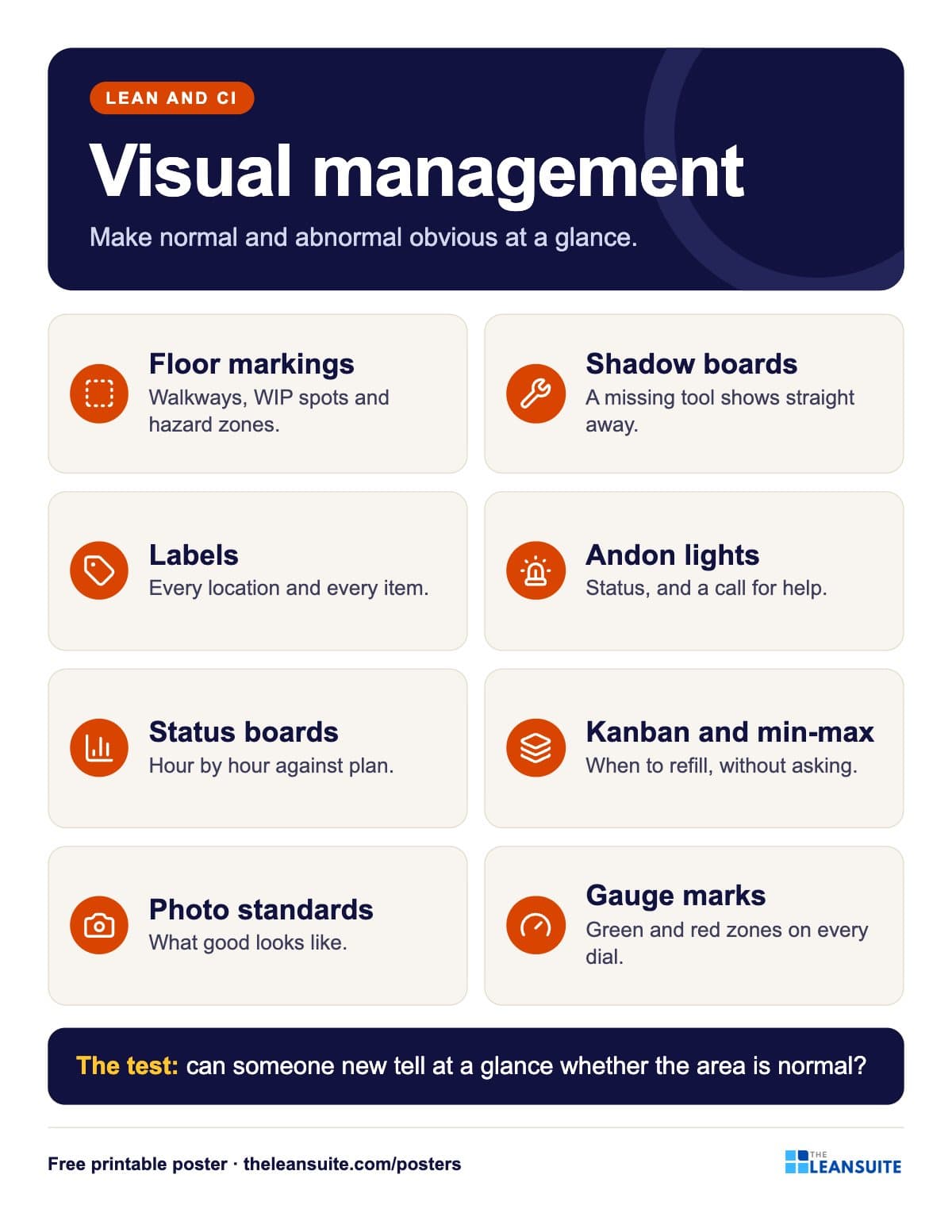 Visual management poster
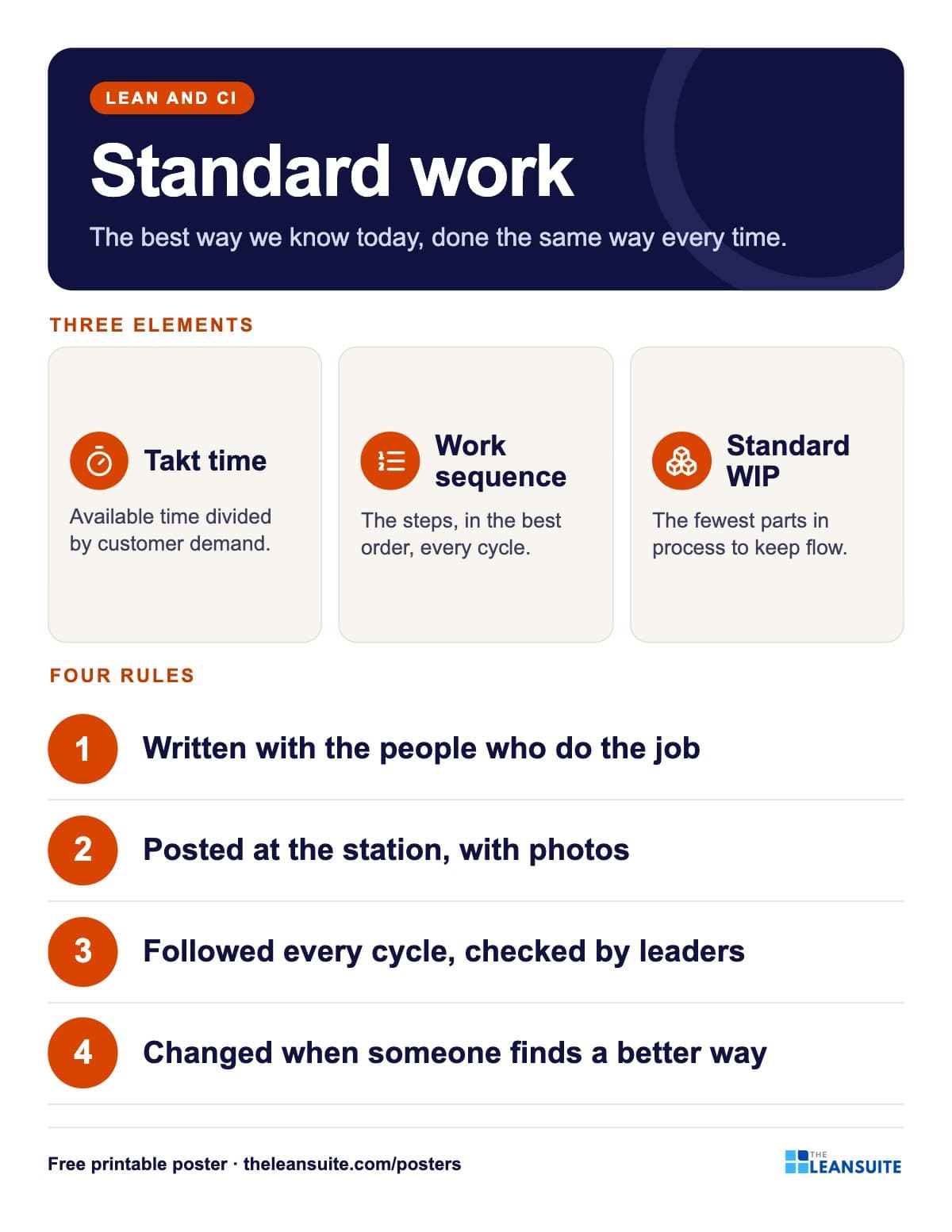 Standard work poster
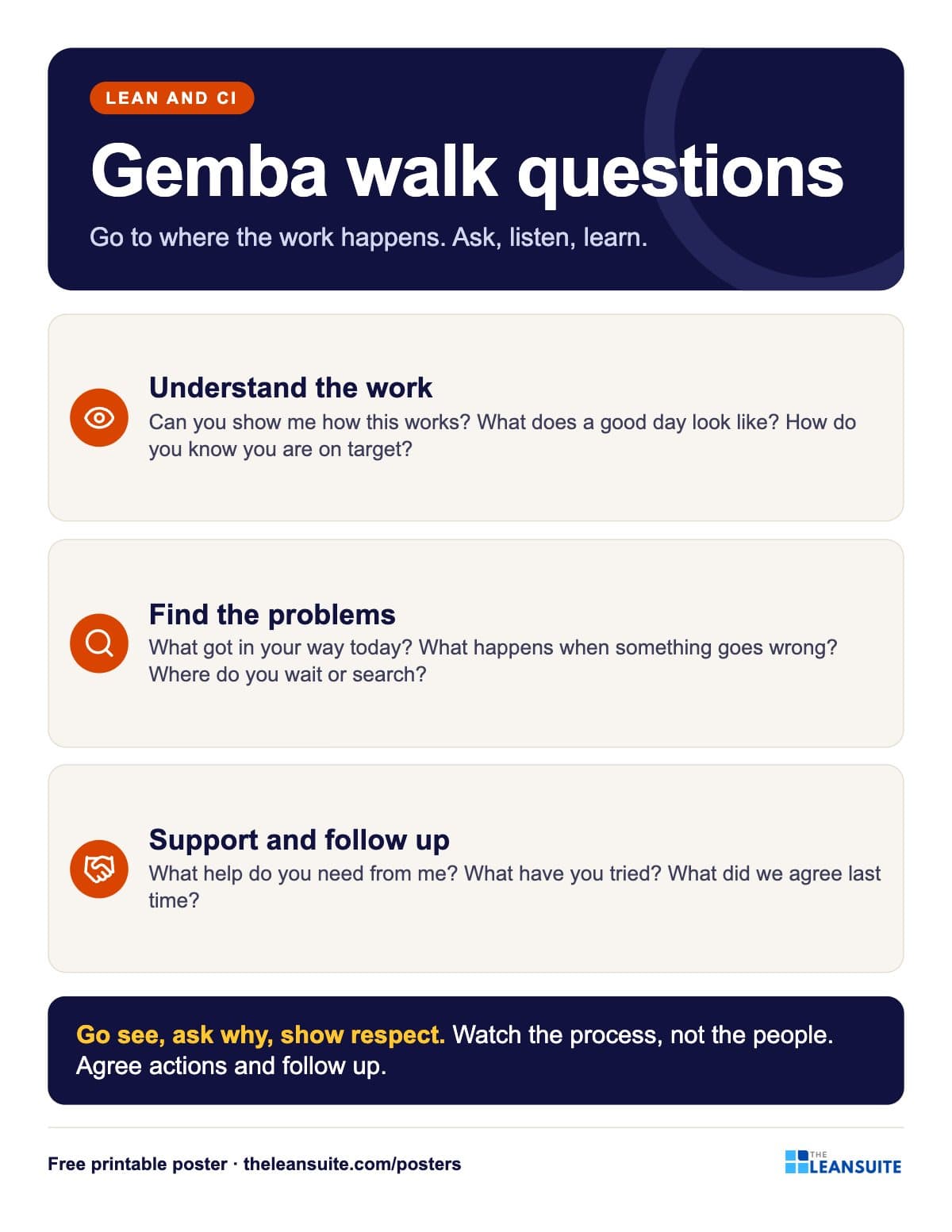 Gemba walk questions poster
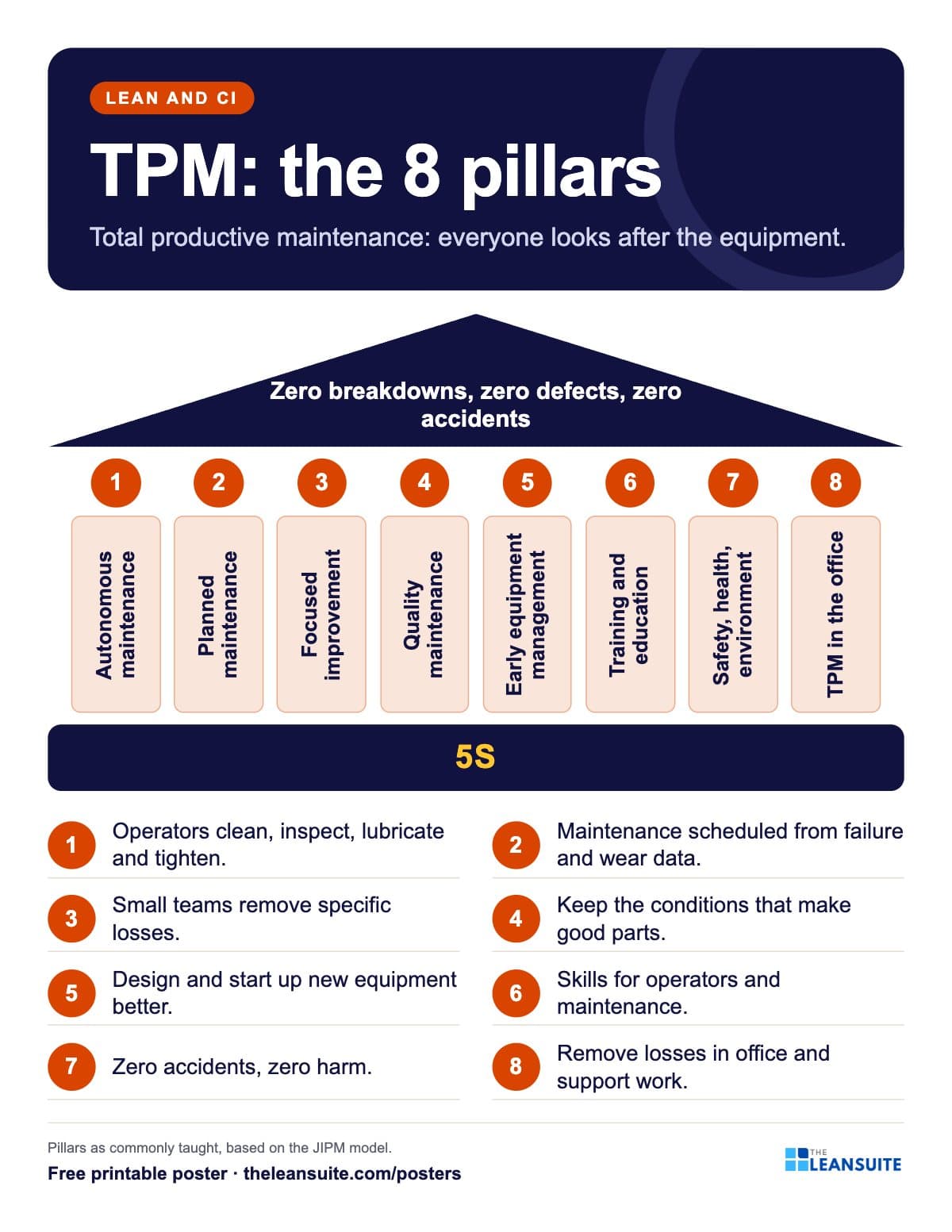 TPM 8 pillars poster
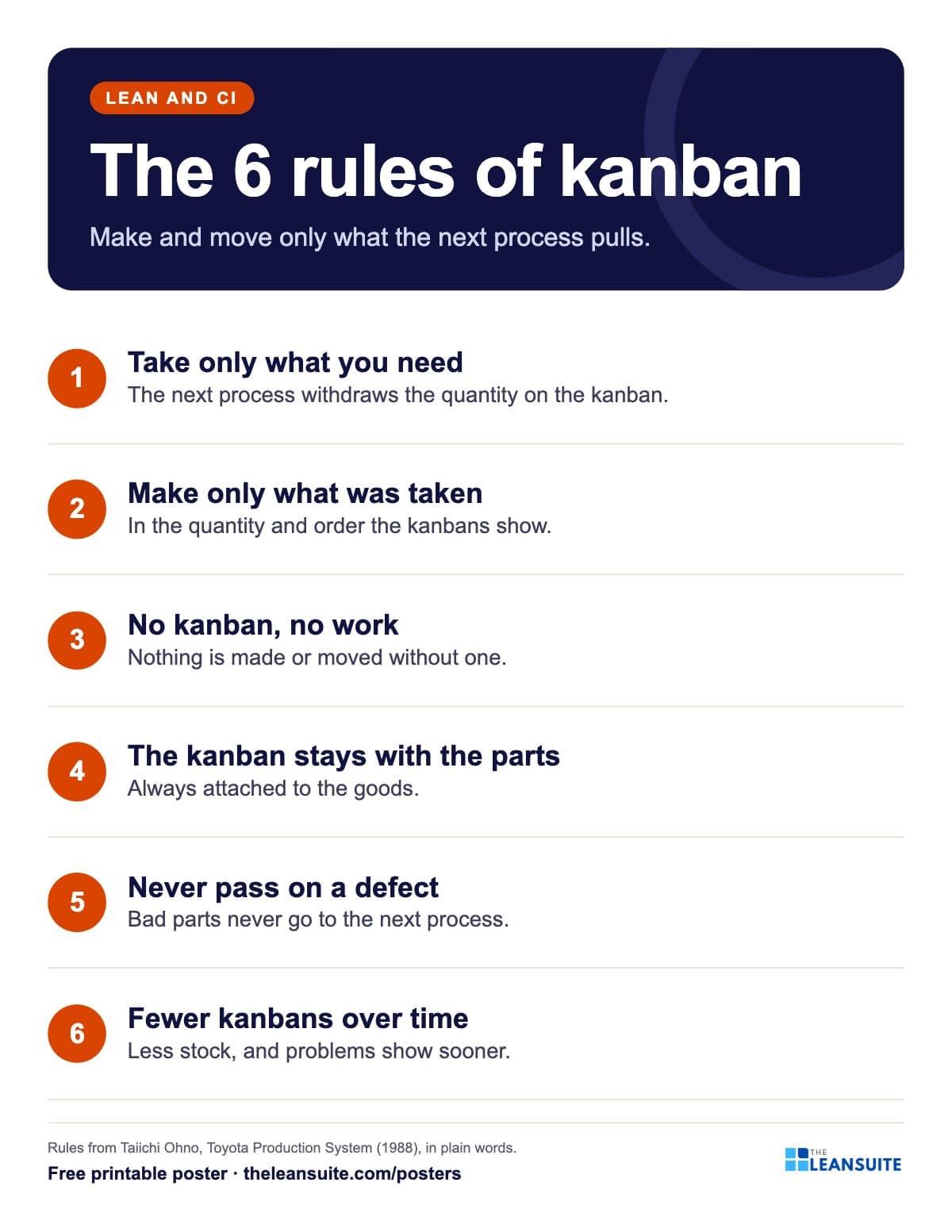 Kanban rules poster
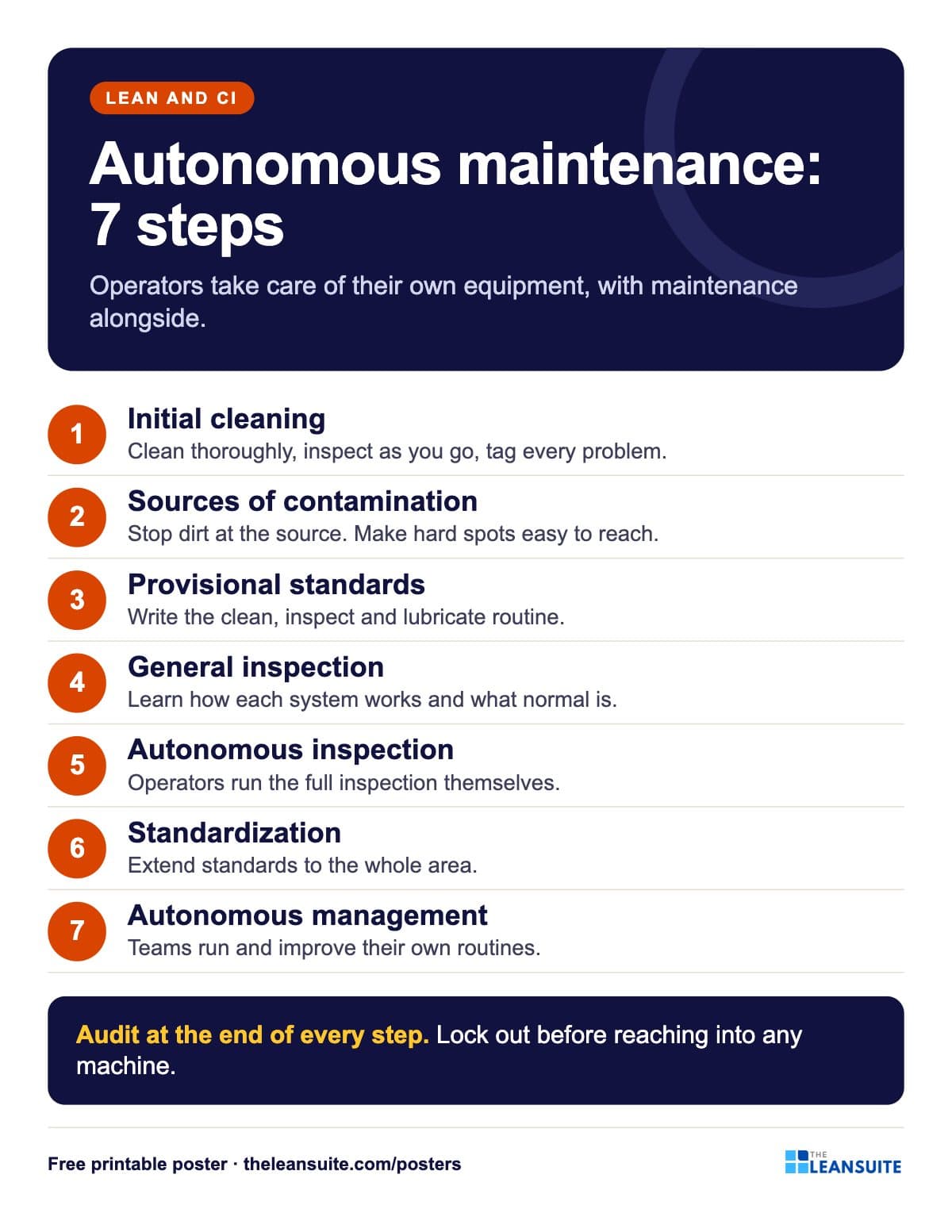 Autonomous maintenance 7 steps poster
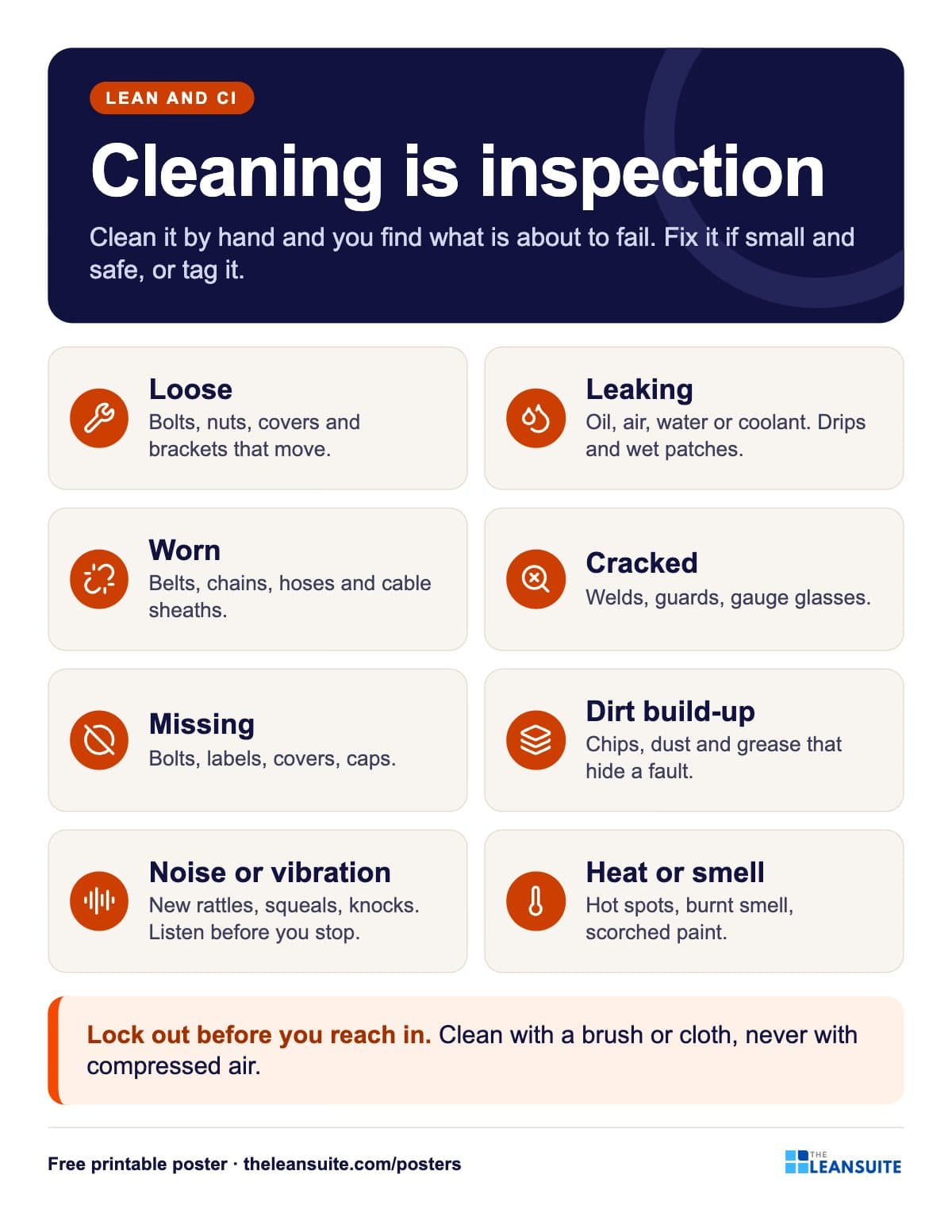 Cleaning is inspection poster
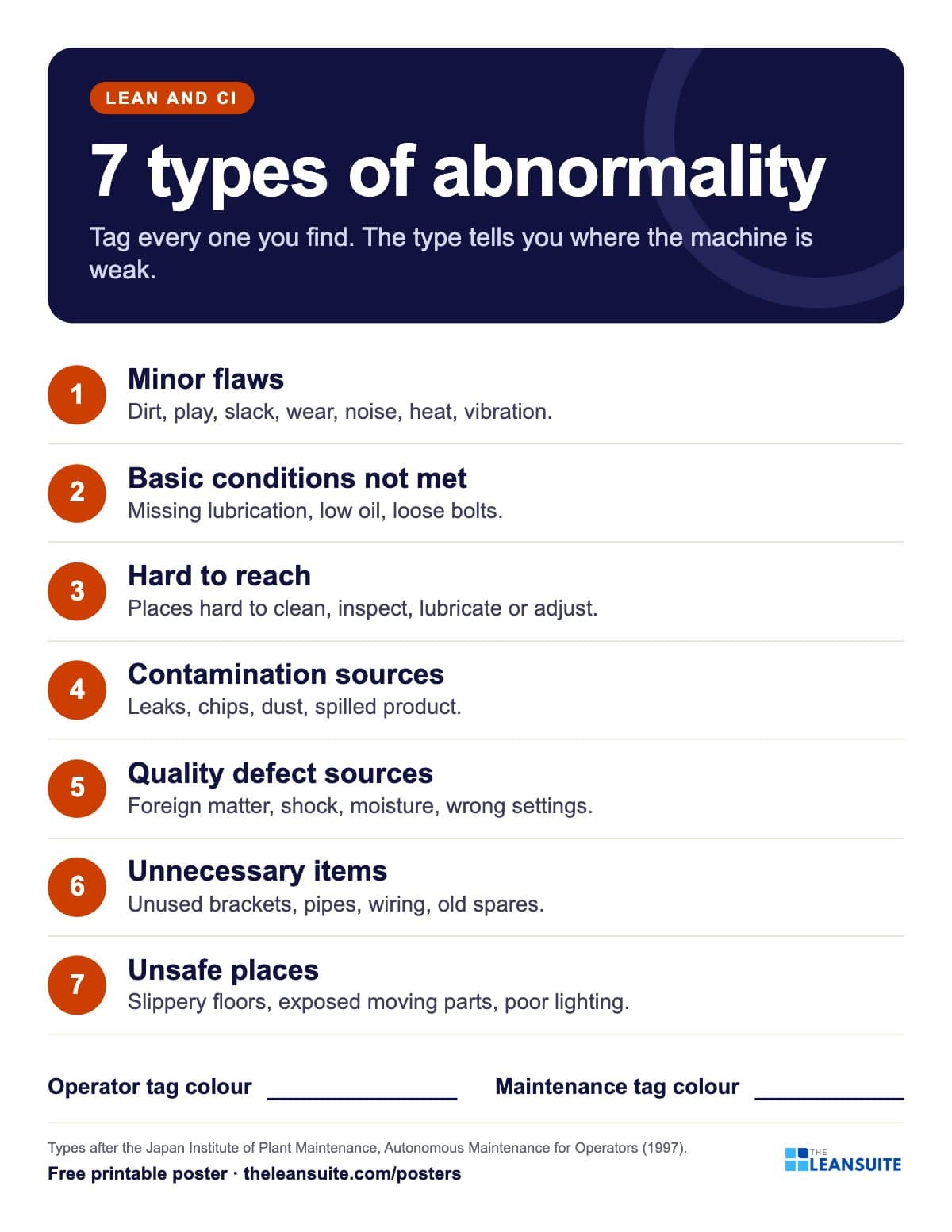 7 types of abnormality poster (TPM tags)
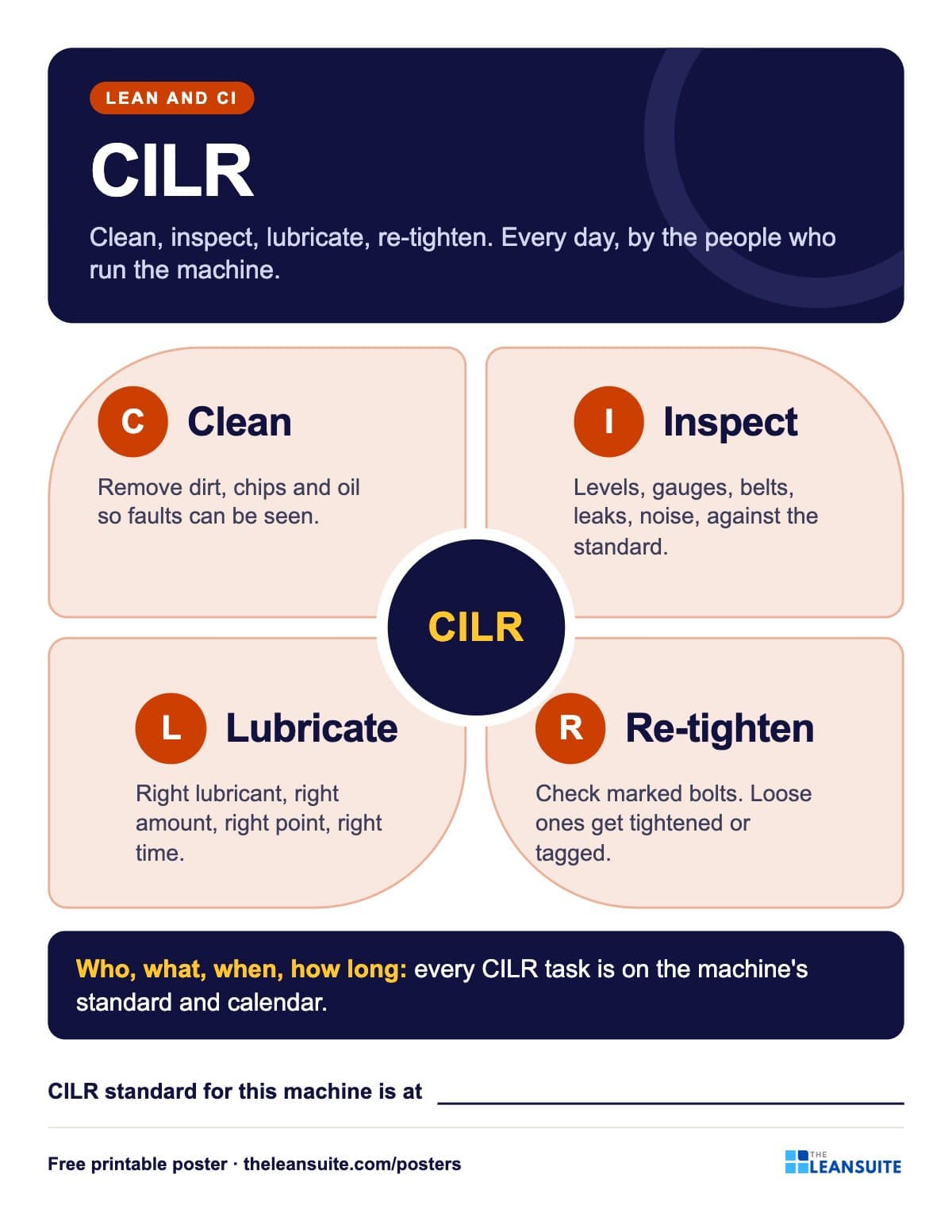 CILR poster: clean, inspect, lubricate, re-tighten
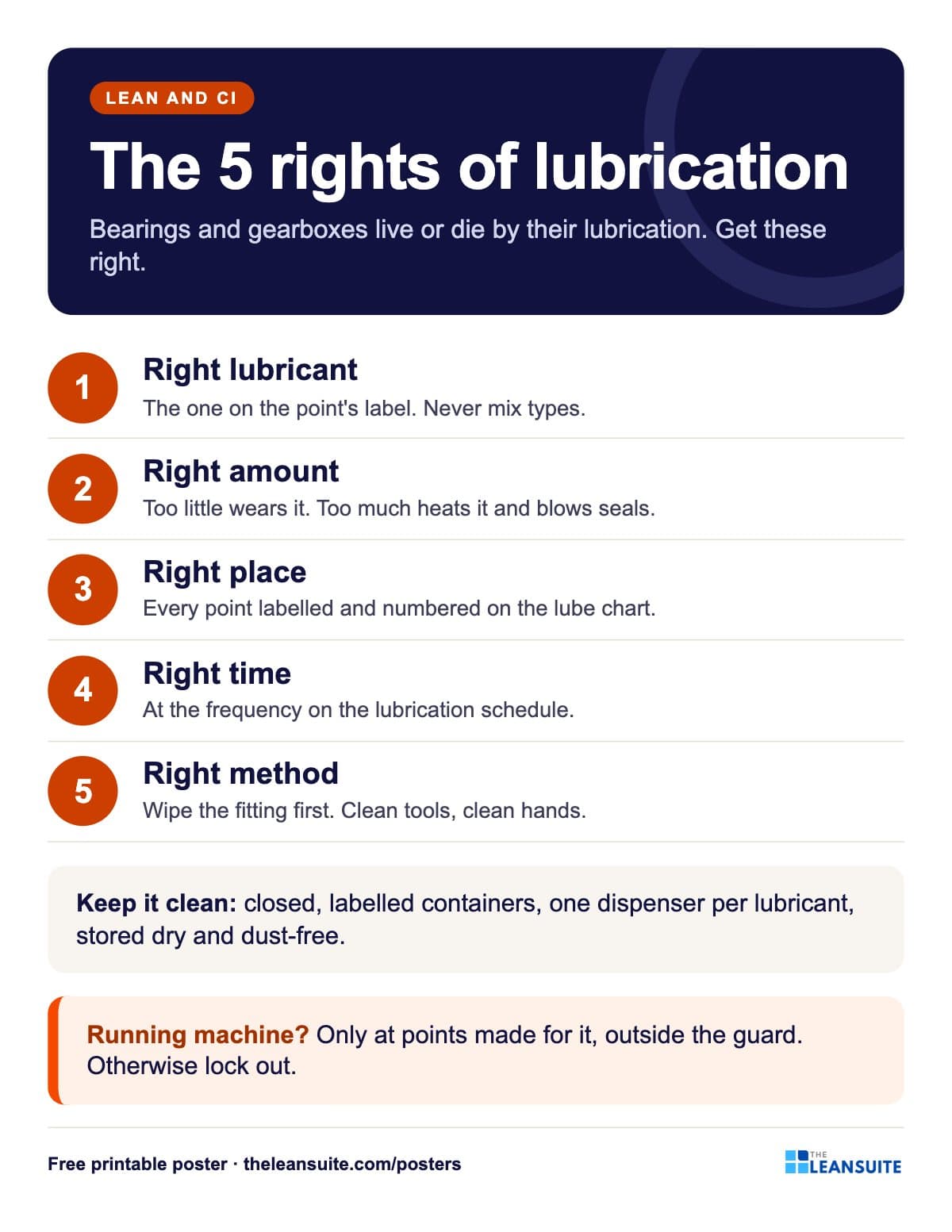 Lubrication basics poster: the five rights
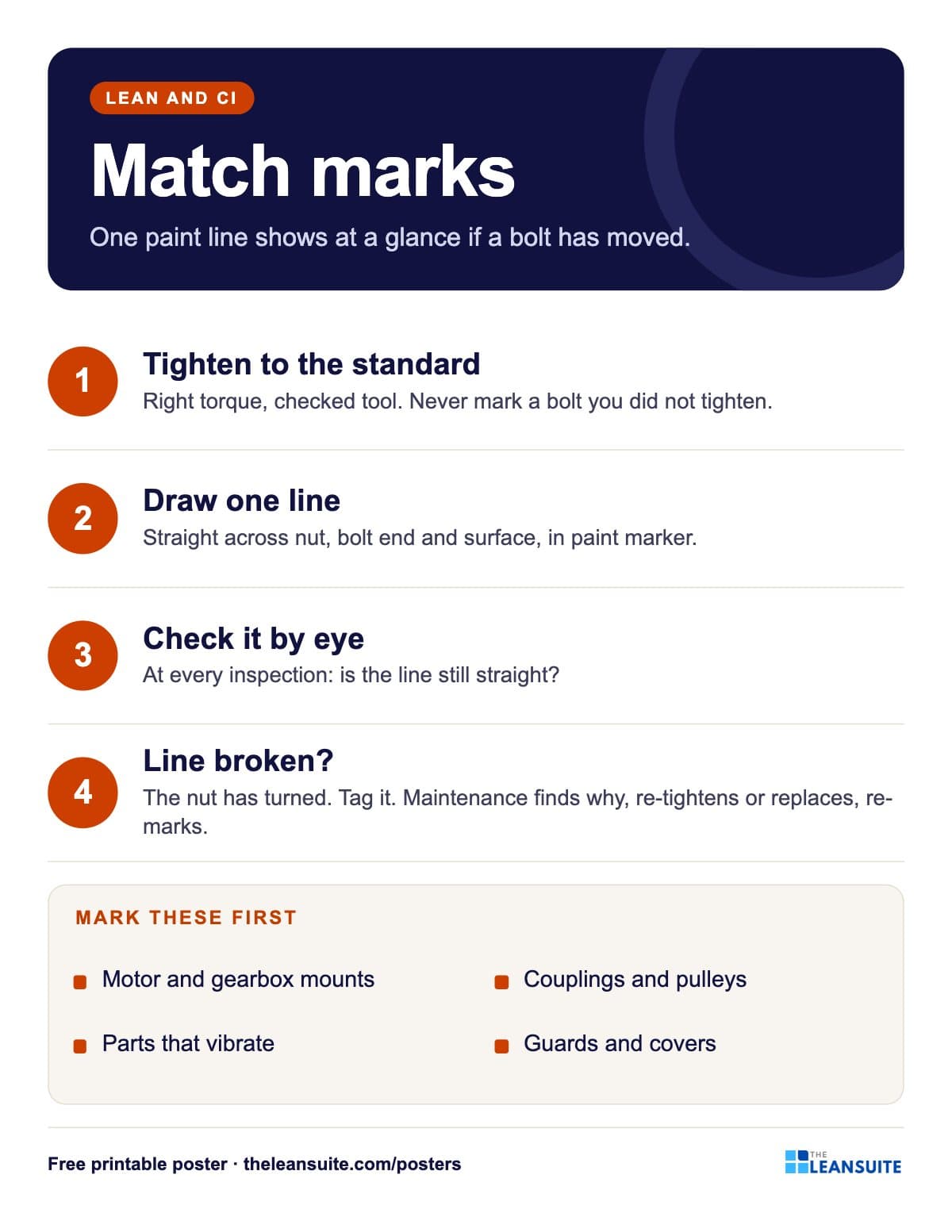 Bolt match marks poster
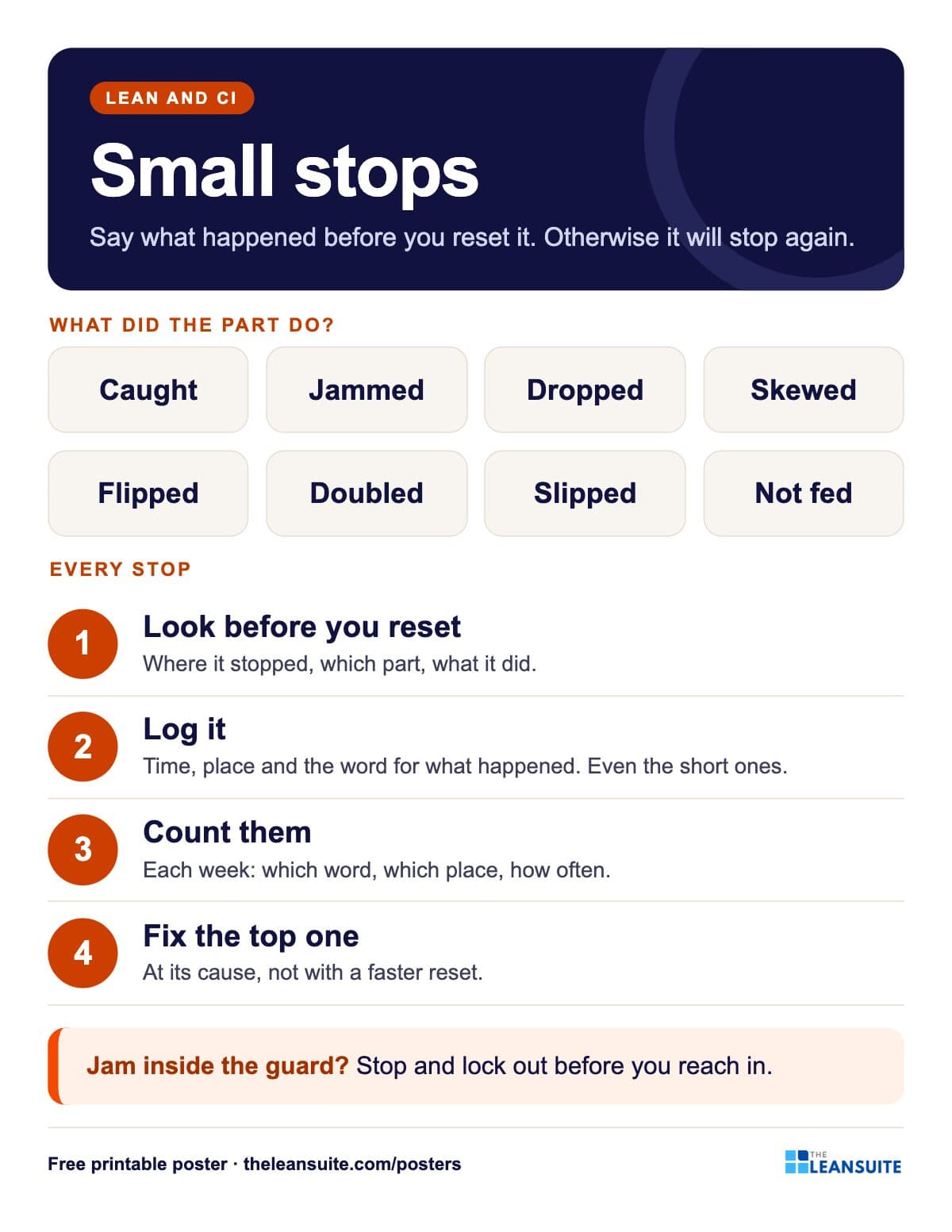 Small stops poster
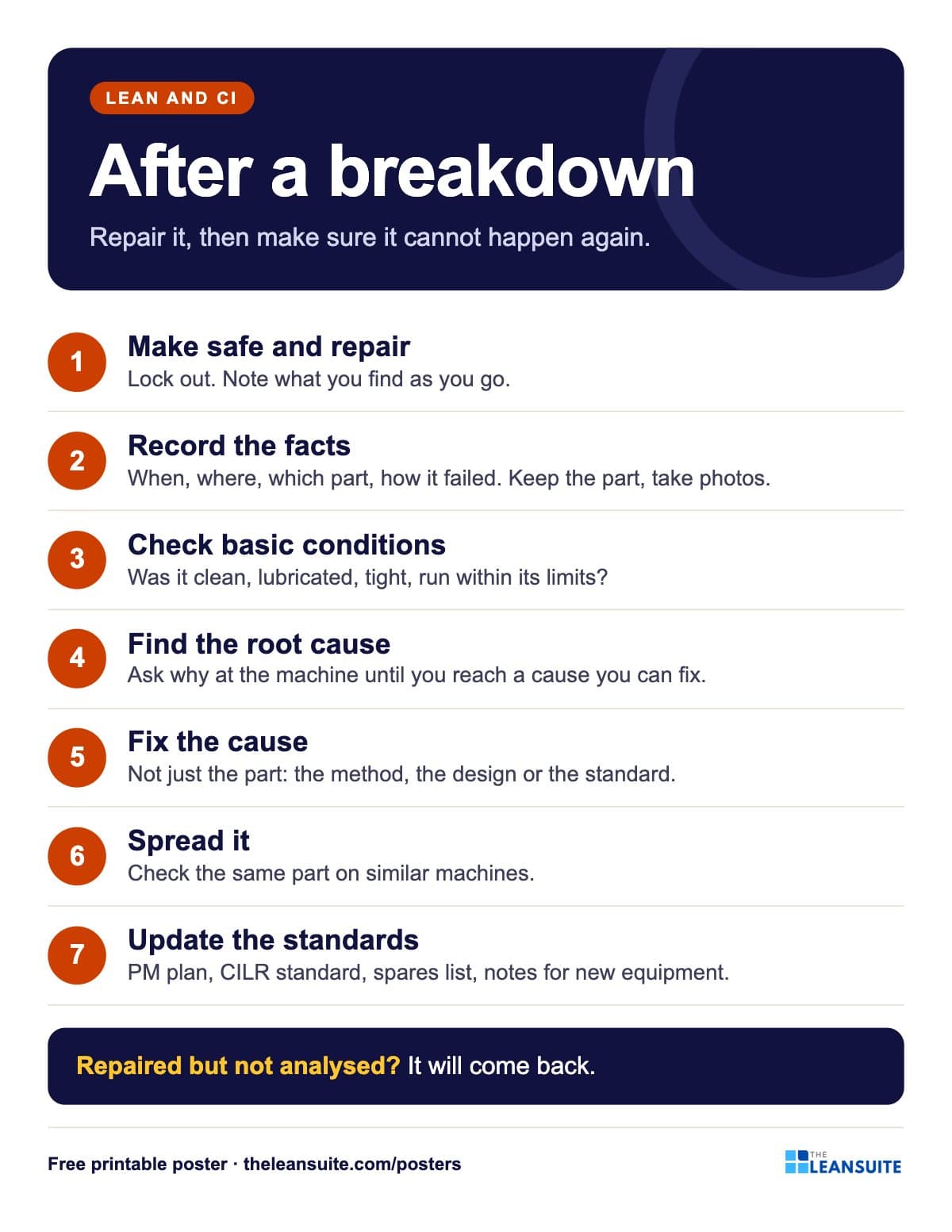 Breakdown analysis poster
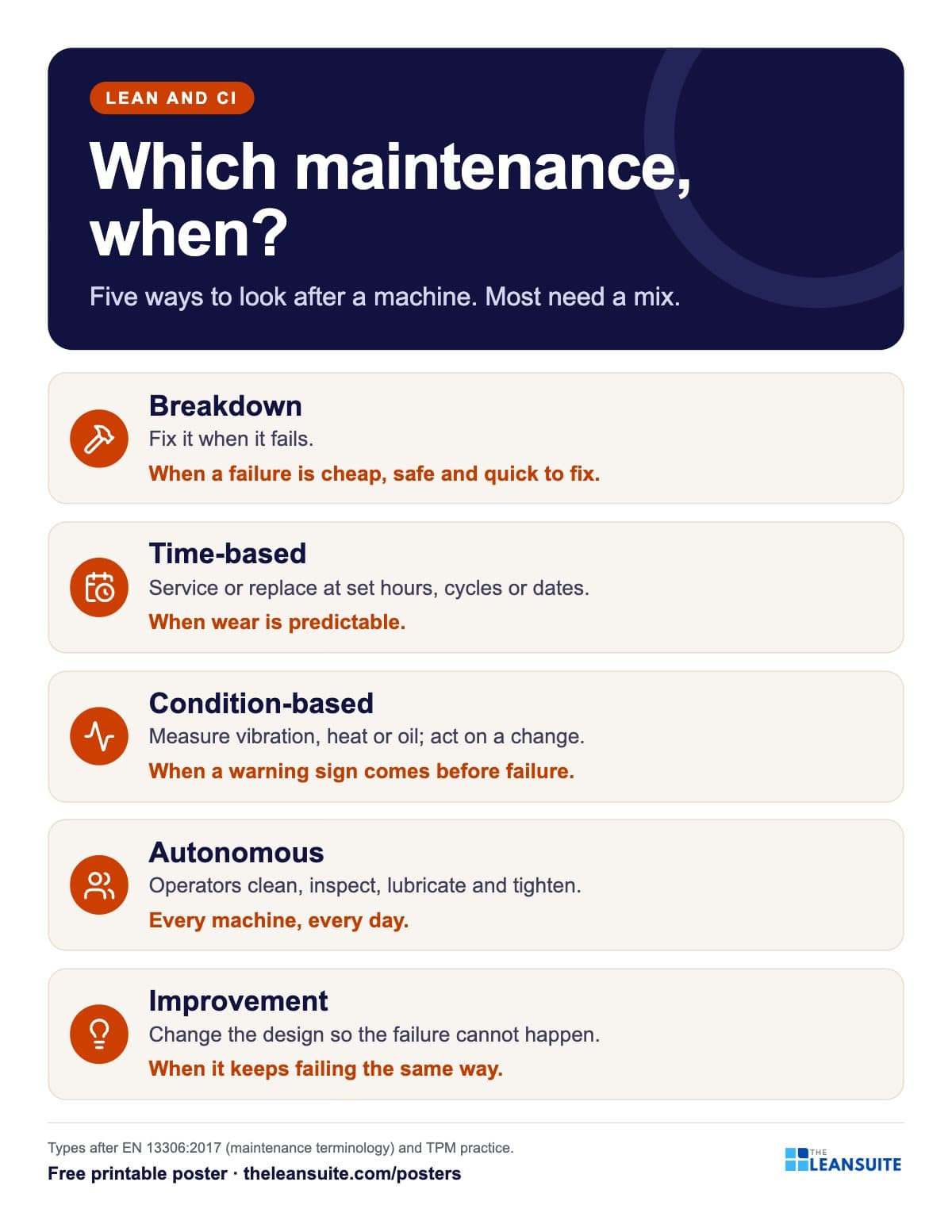 Types of maintenance poster
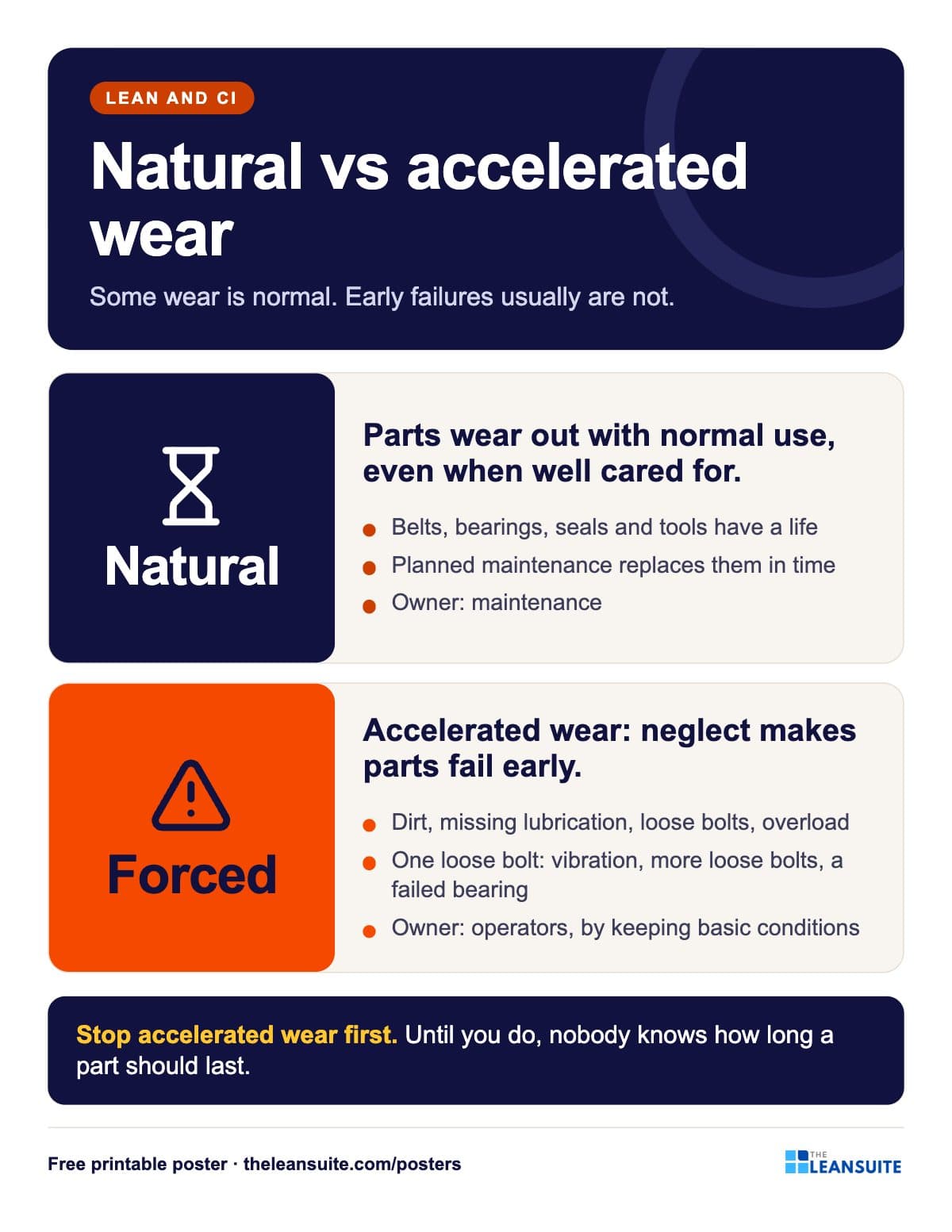 Natural vs accelerated wear poster
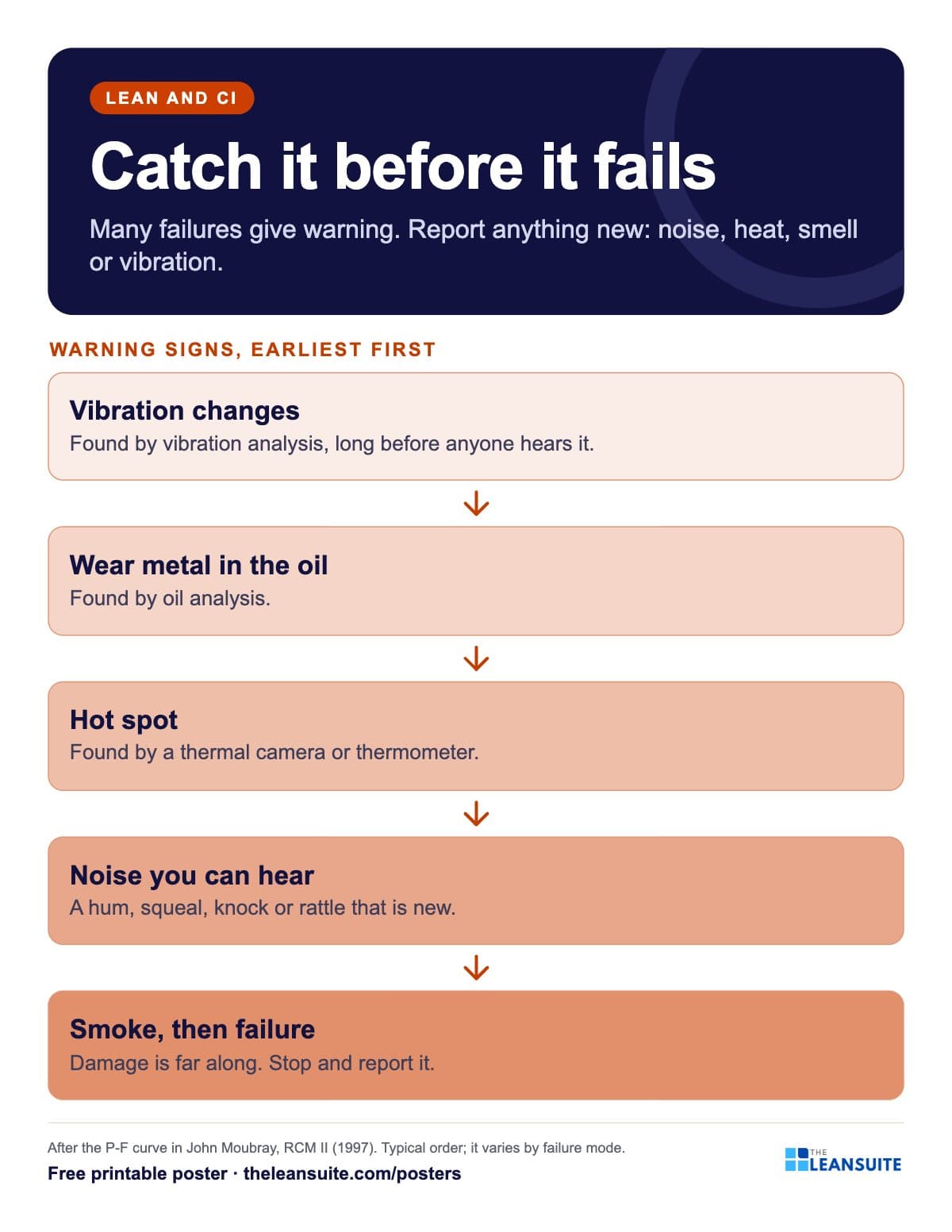 Failure warning signs poster (P-F curve)
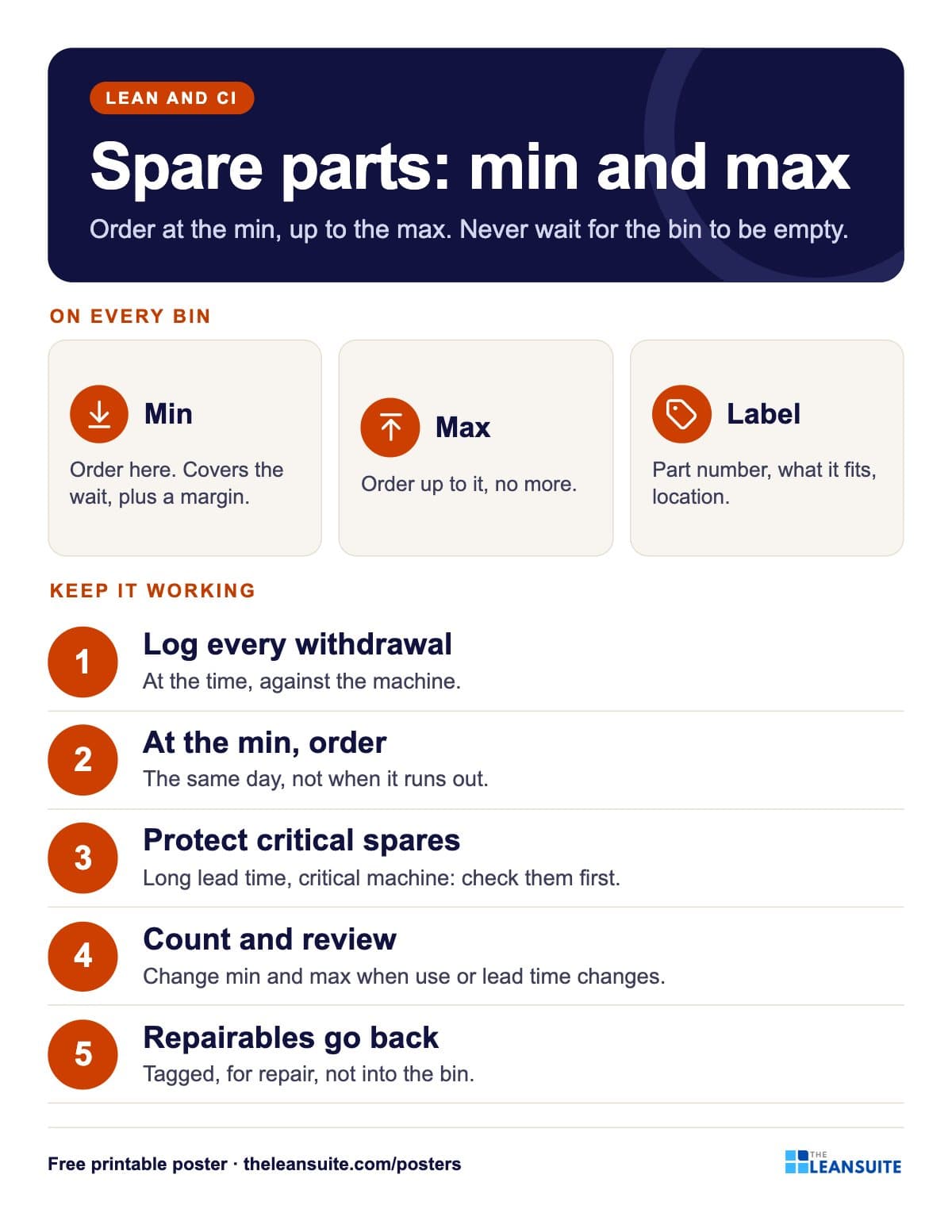 Spare parts min/max poster
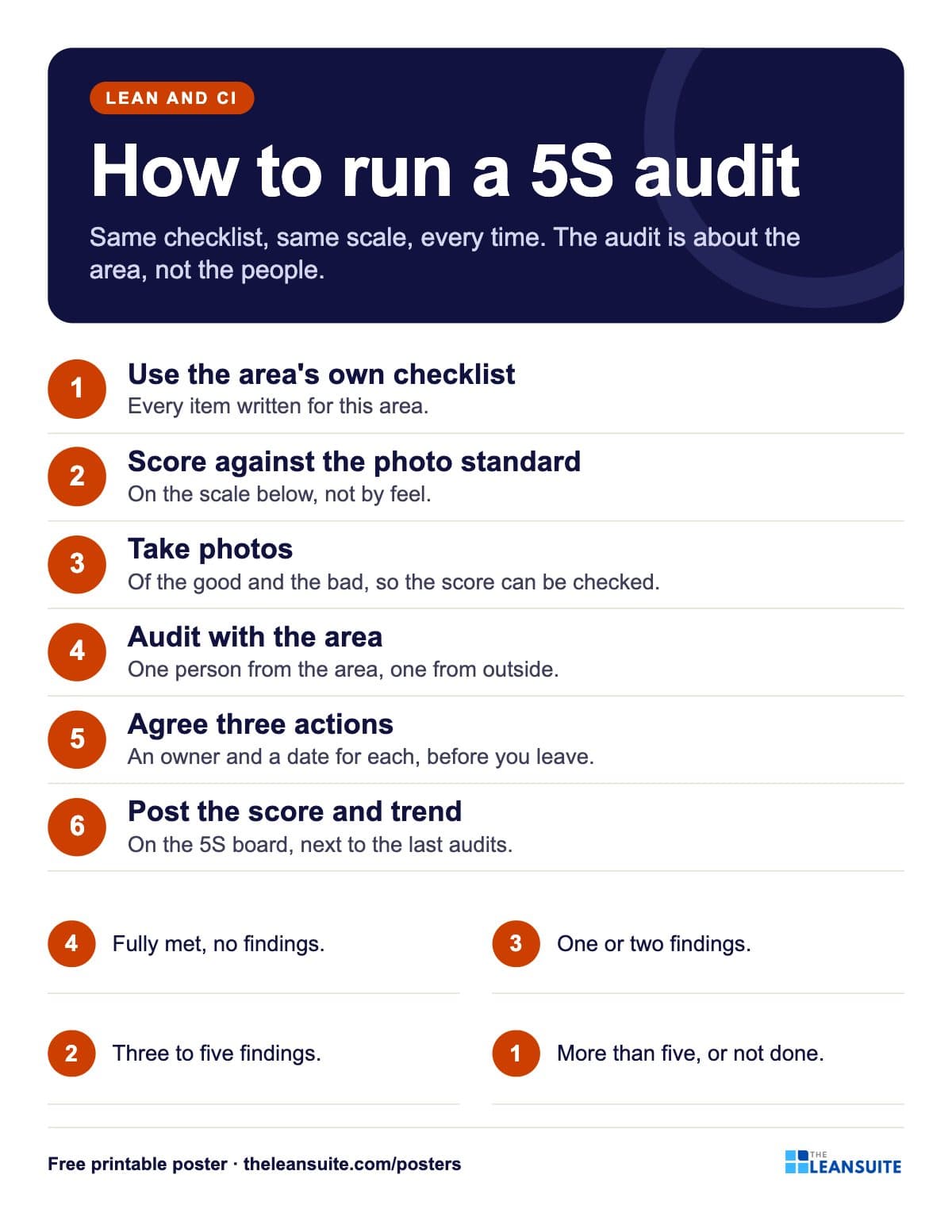 How to run a 5S audit poster
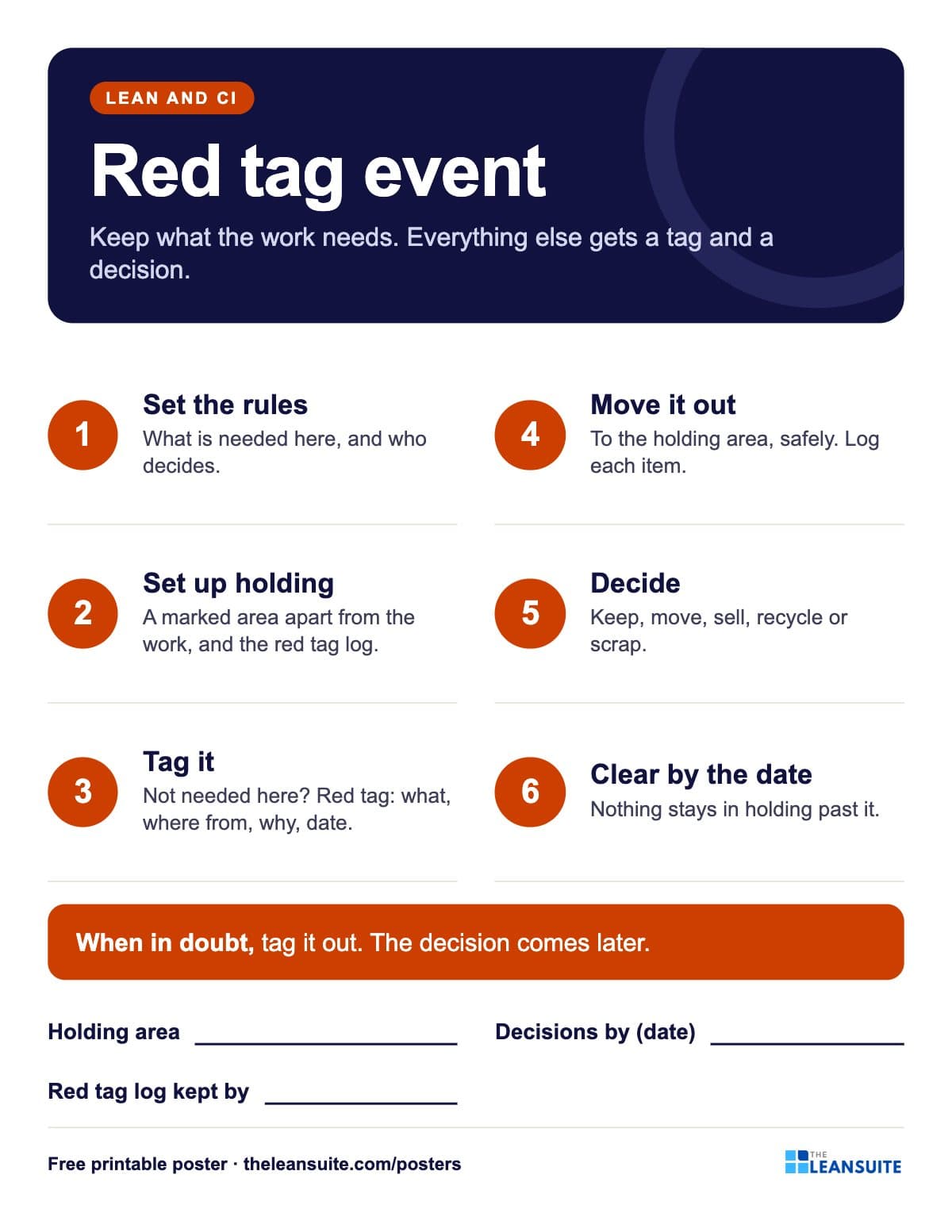 Red tag event poster
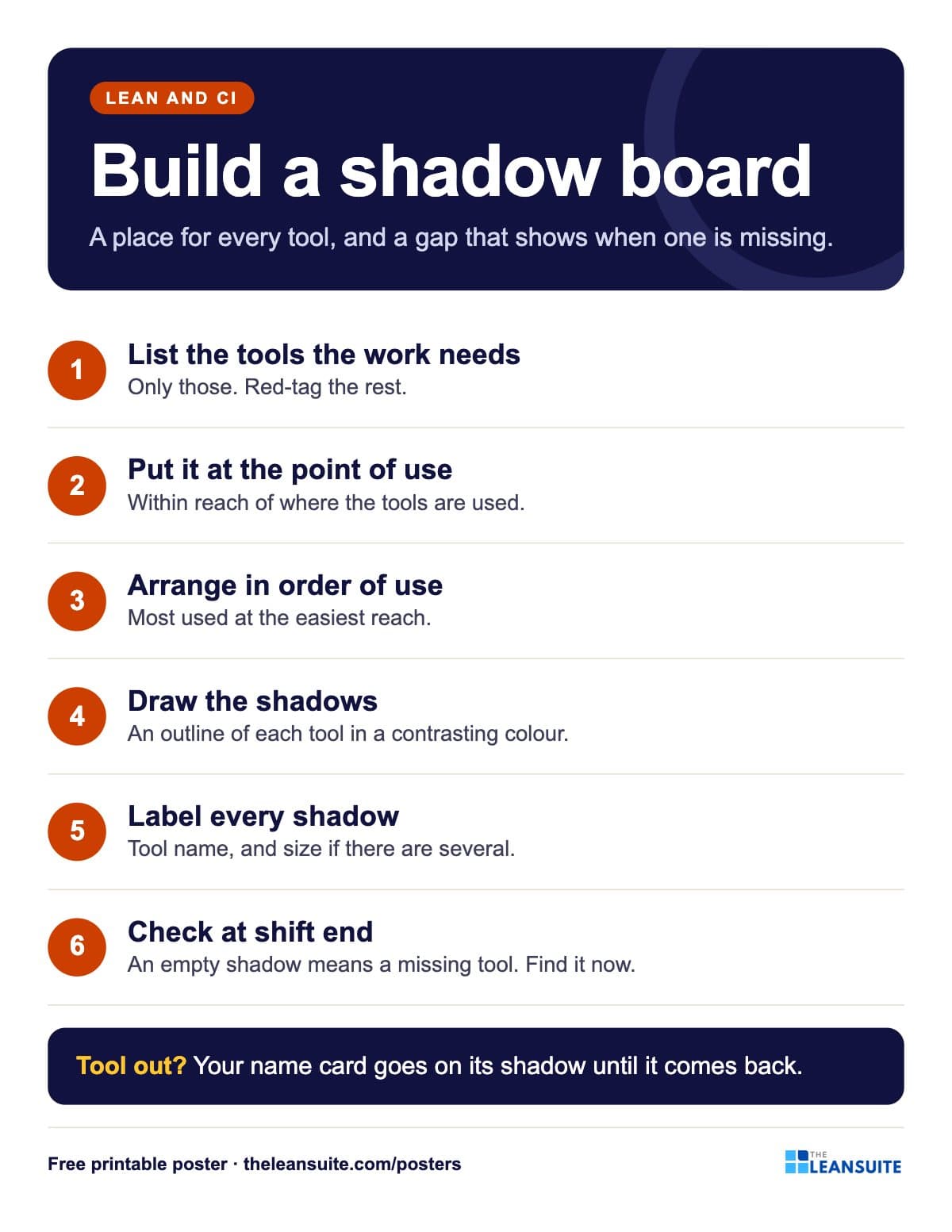 Shadow board poster
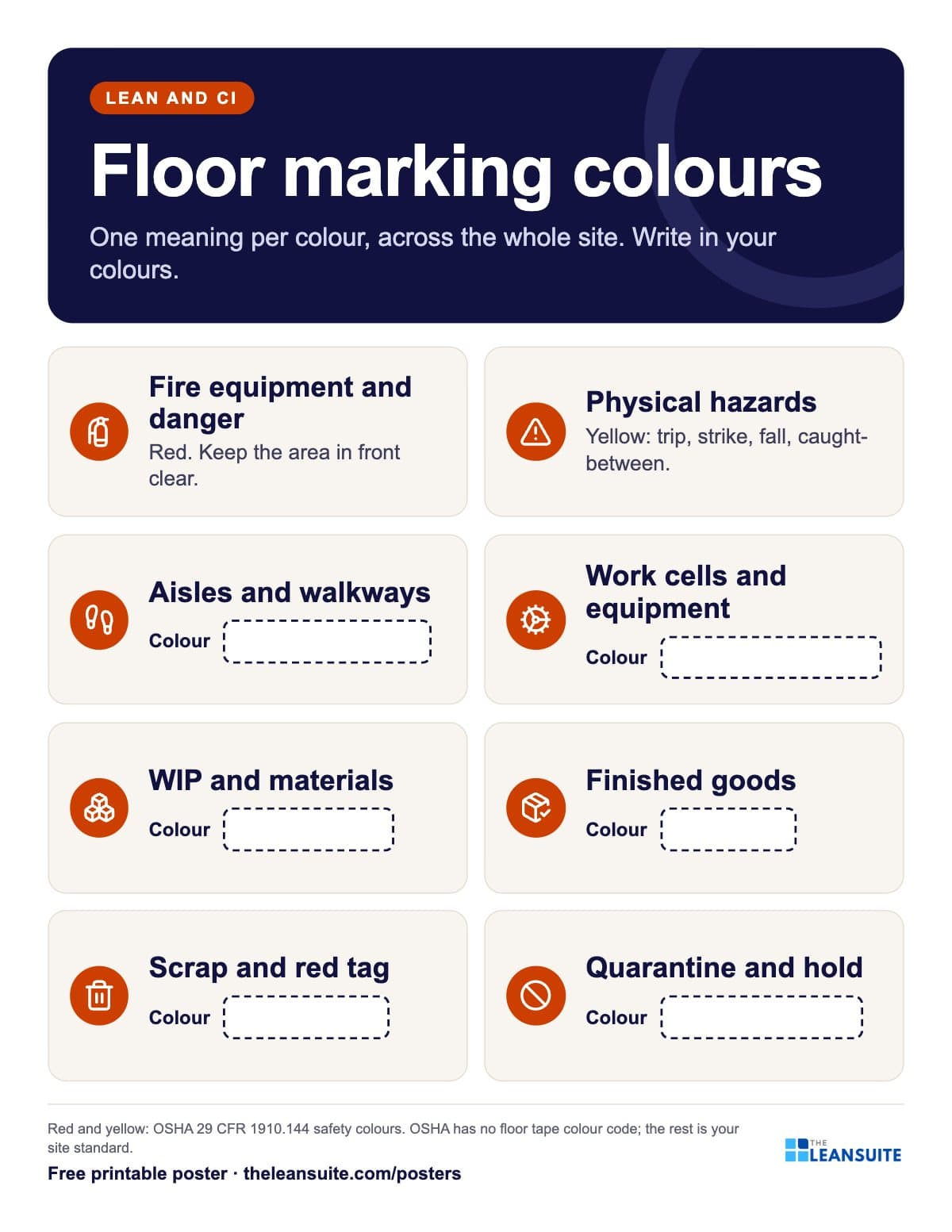 Floor marking colours poster
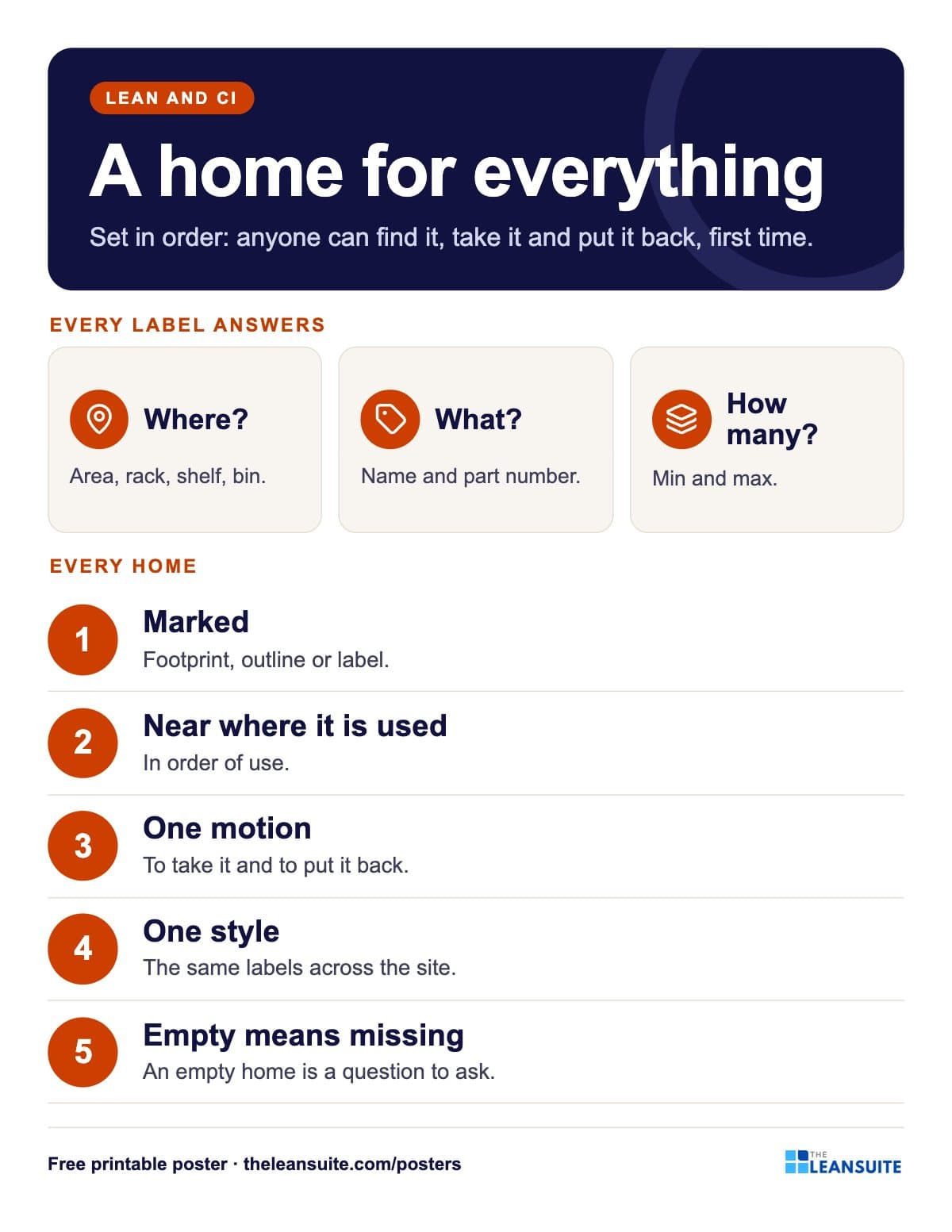 Set in order poster: where, what, how many
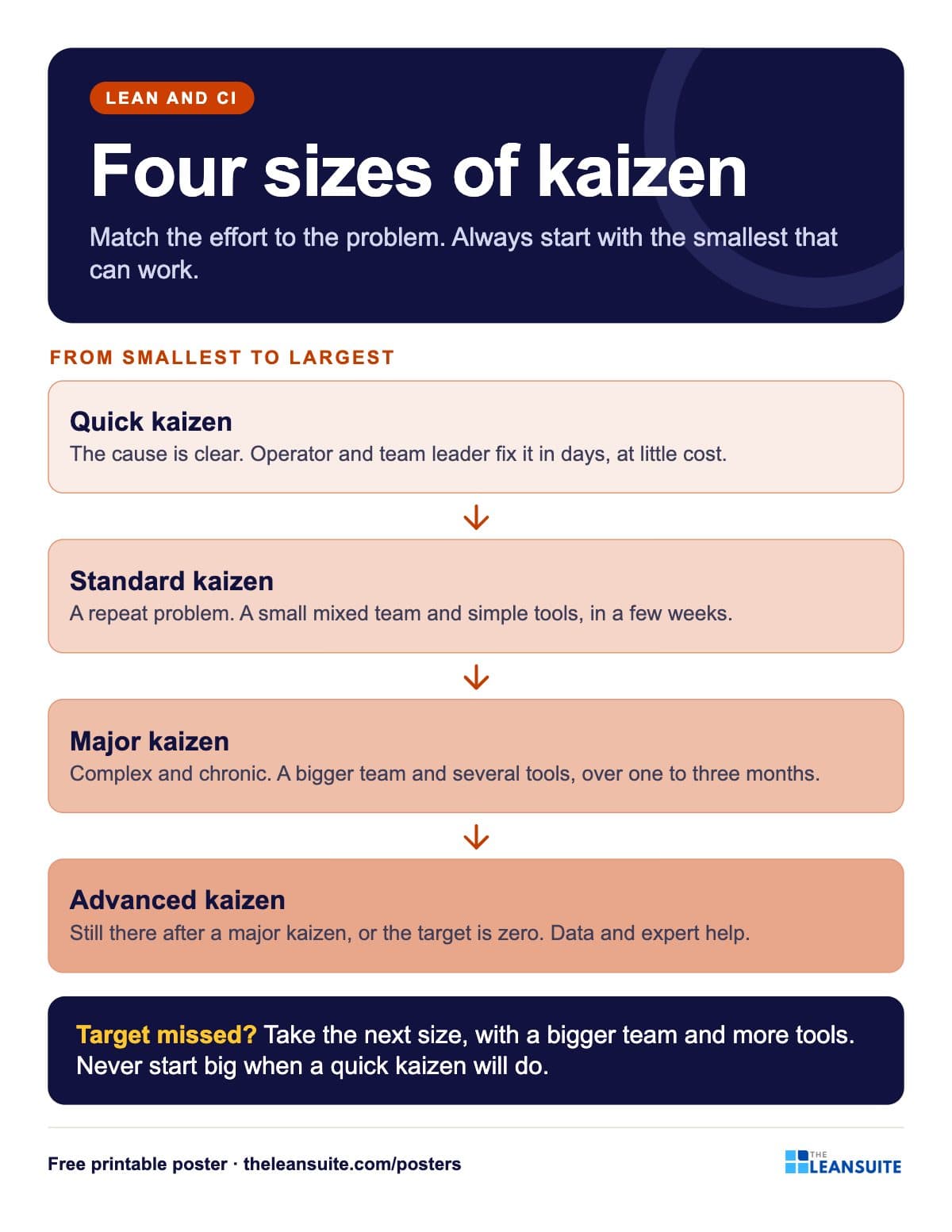 Kaizen sizes poster
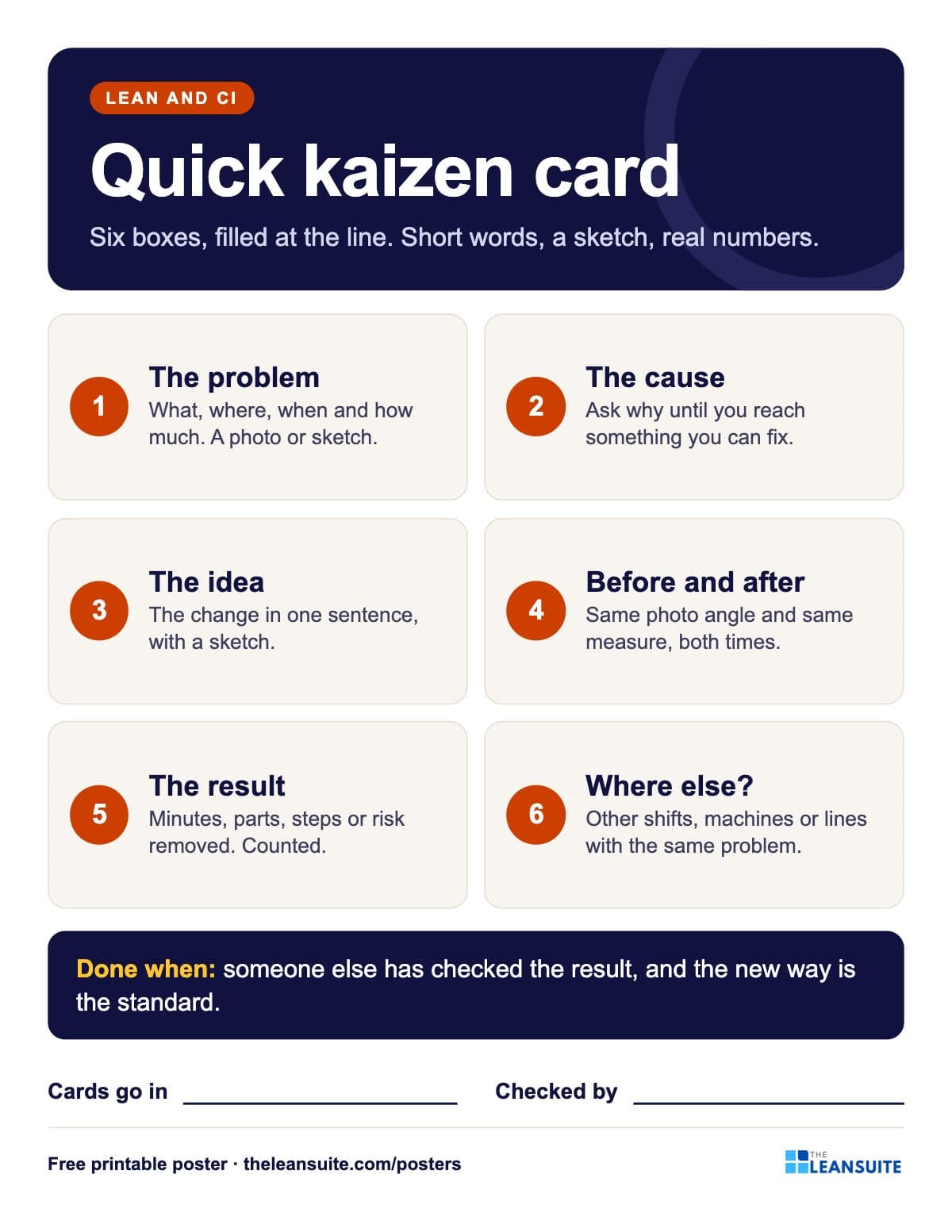 Quick kaizen card poster
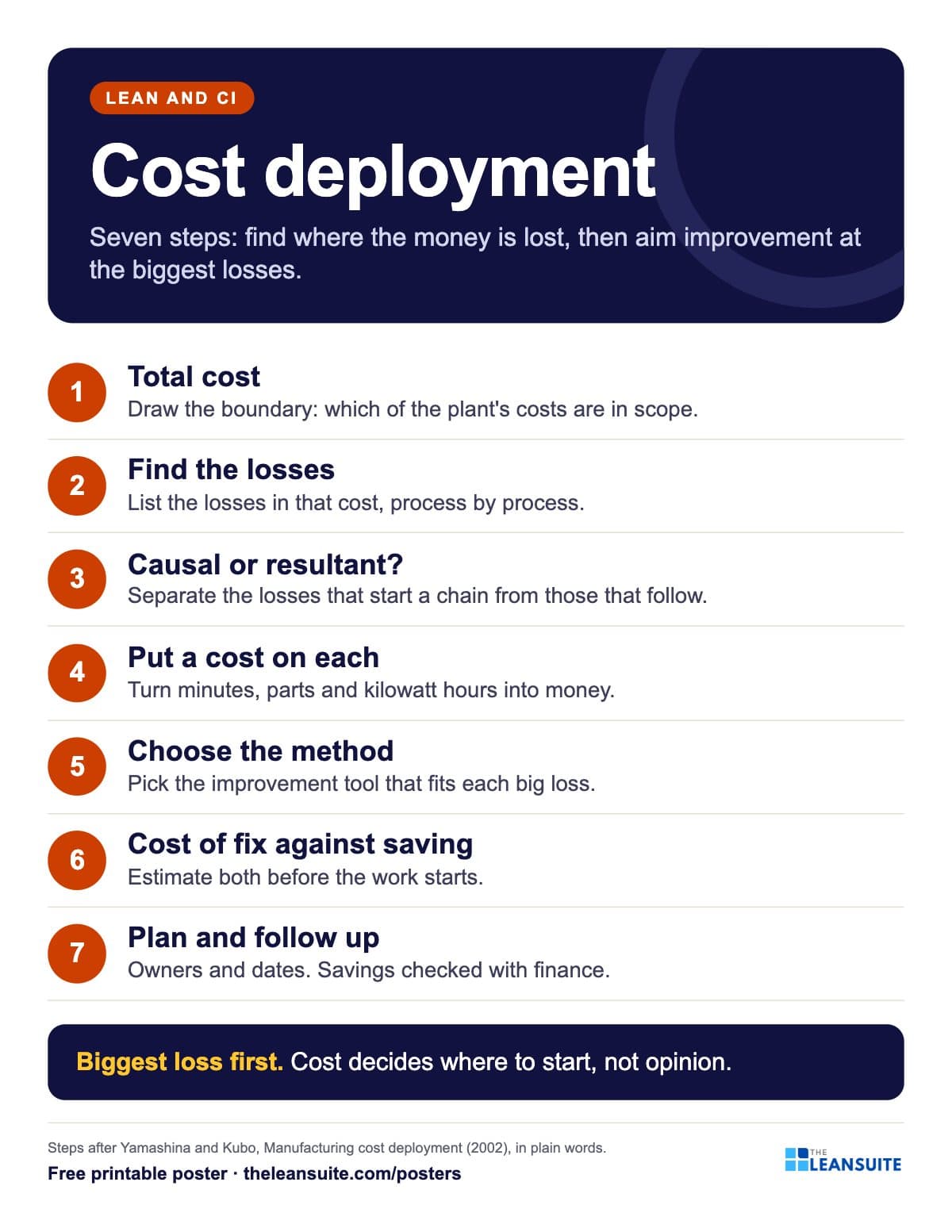 Cost deployment 7 steps poster
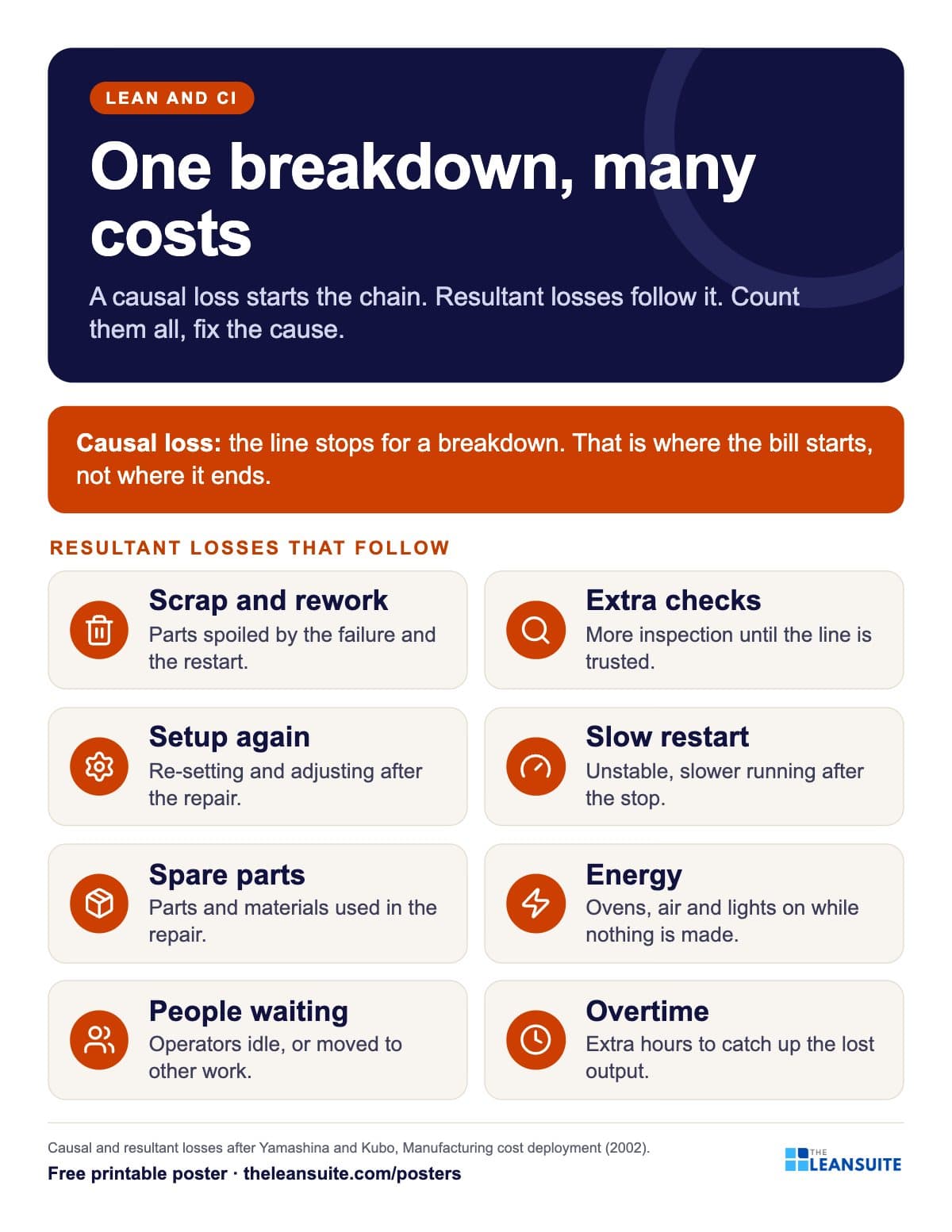 Causal and resultant losses poster
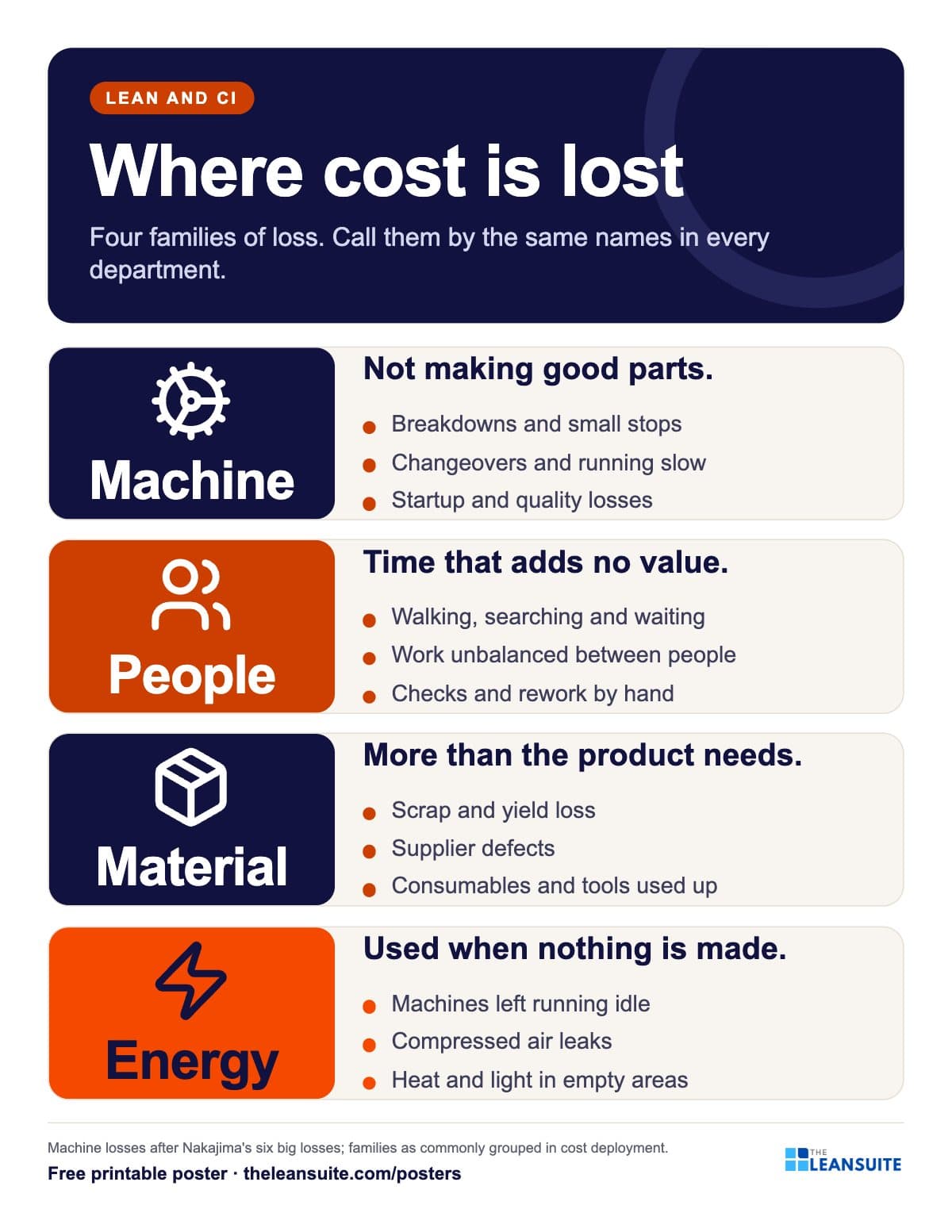 Four loss families poster
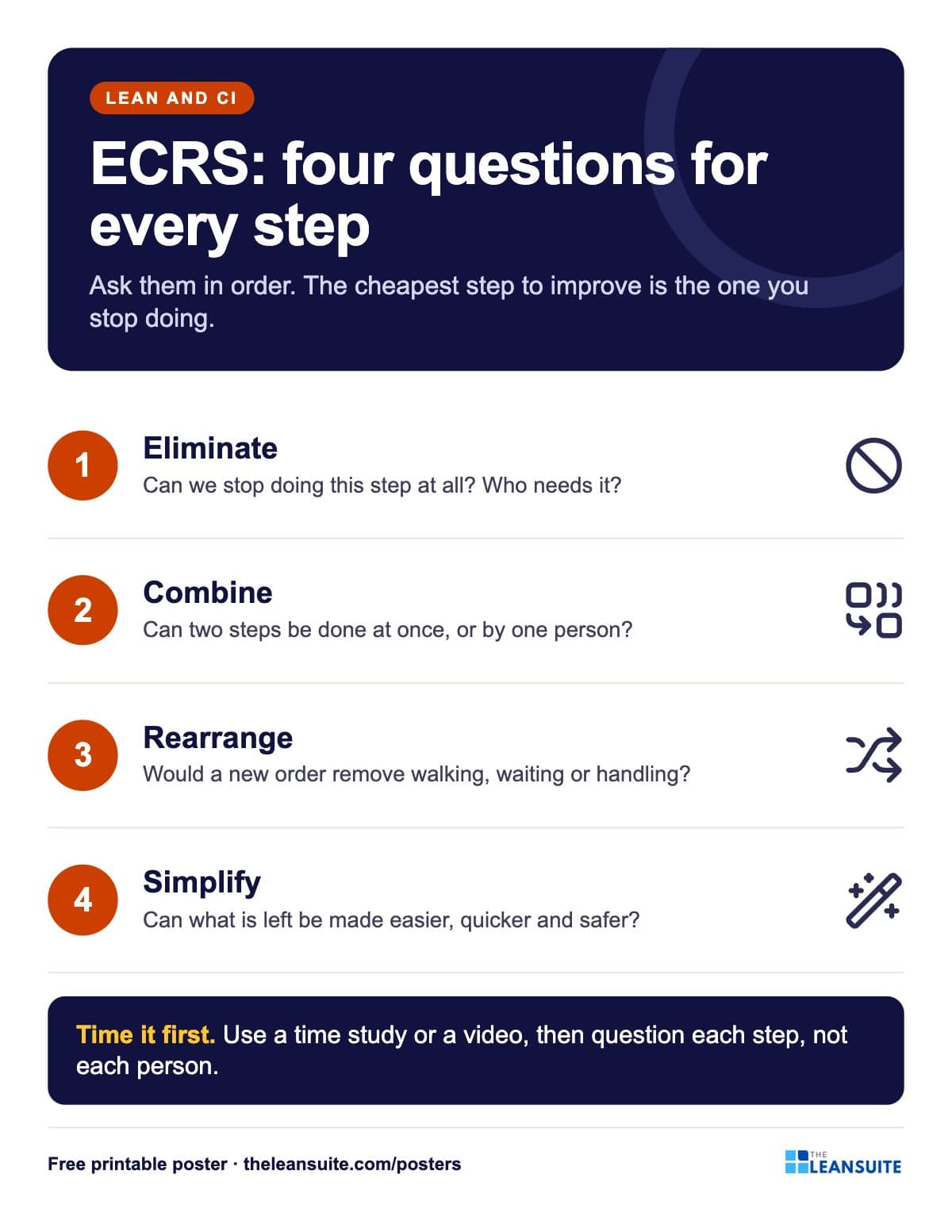 ECRS poster
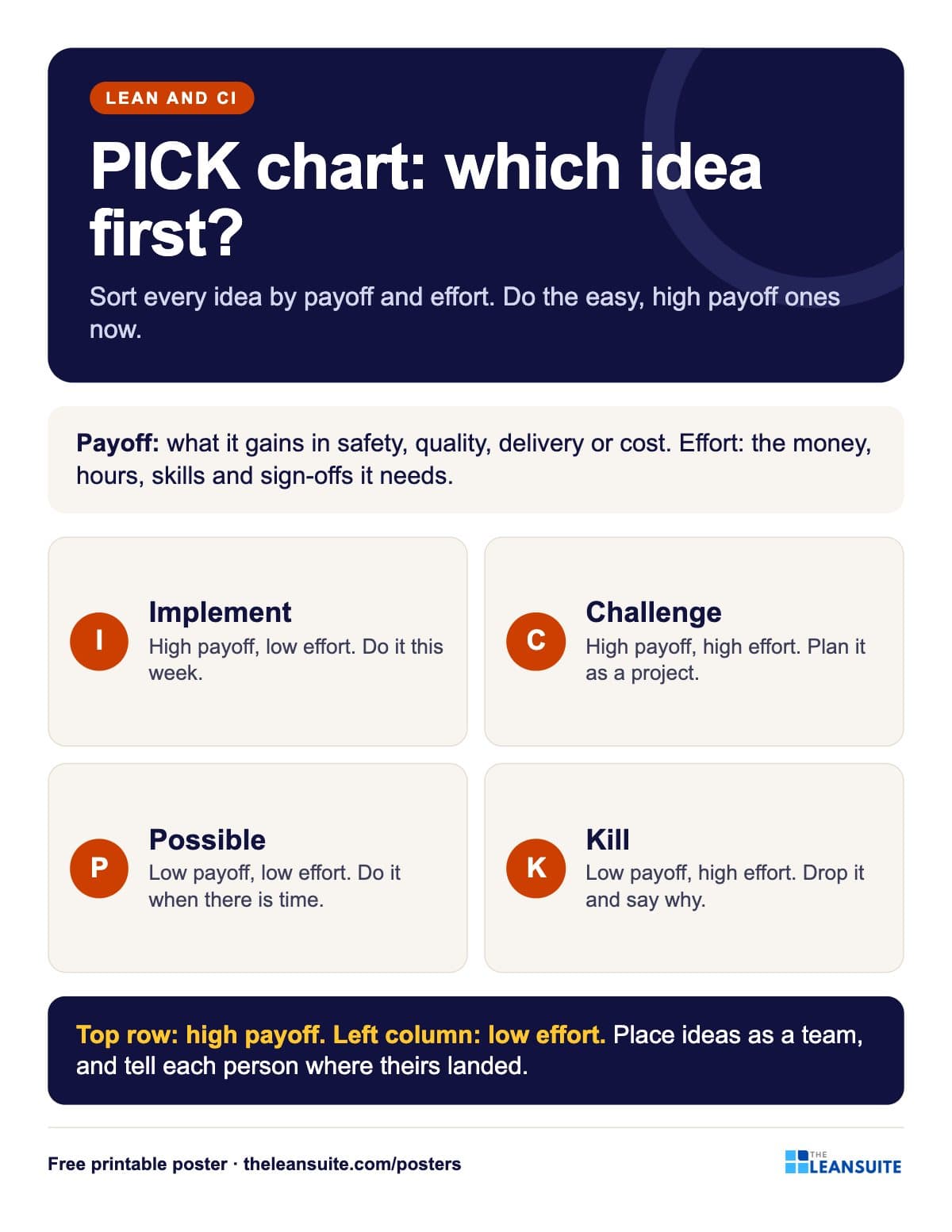 PICK chart poster
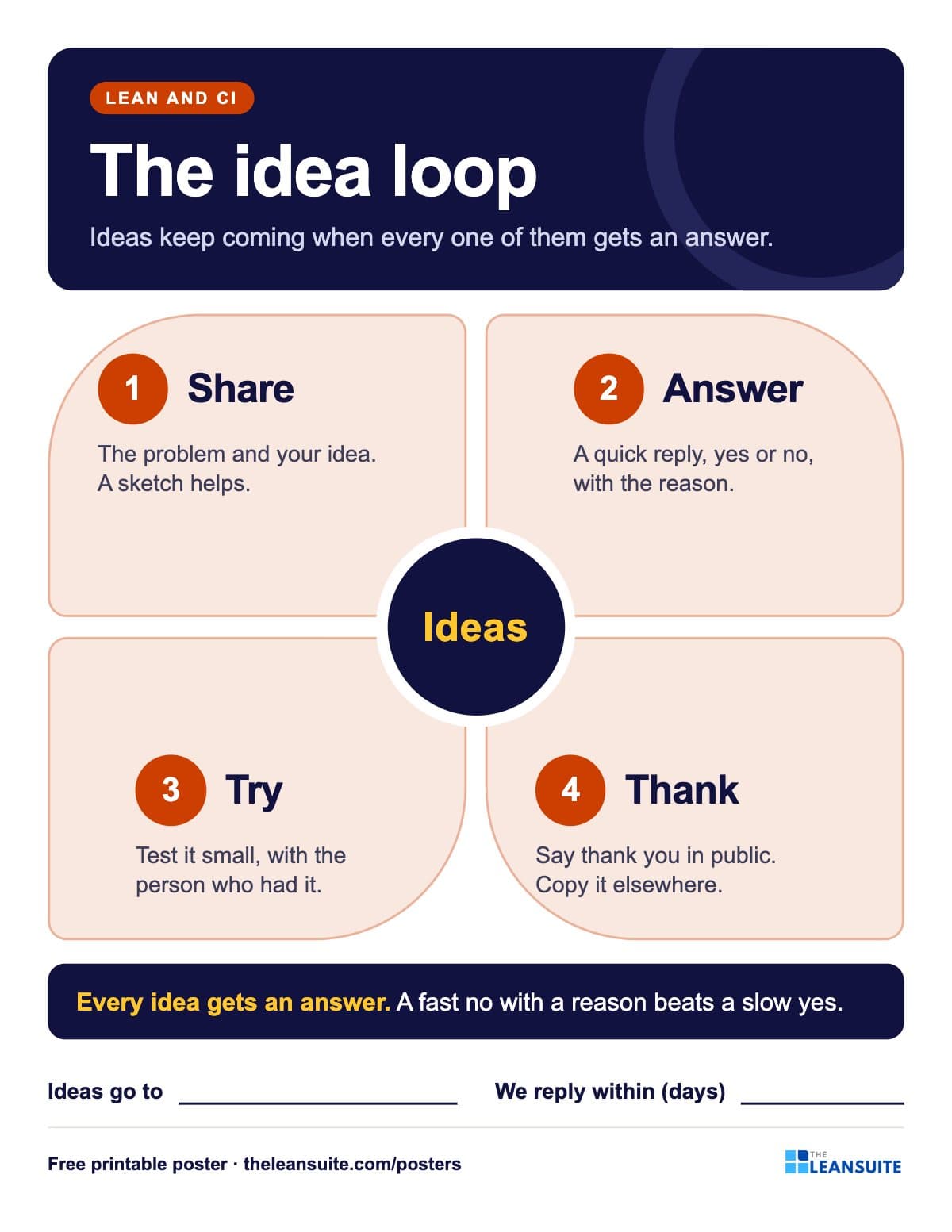 Suggestion system poster
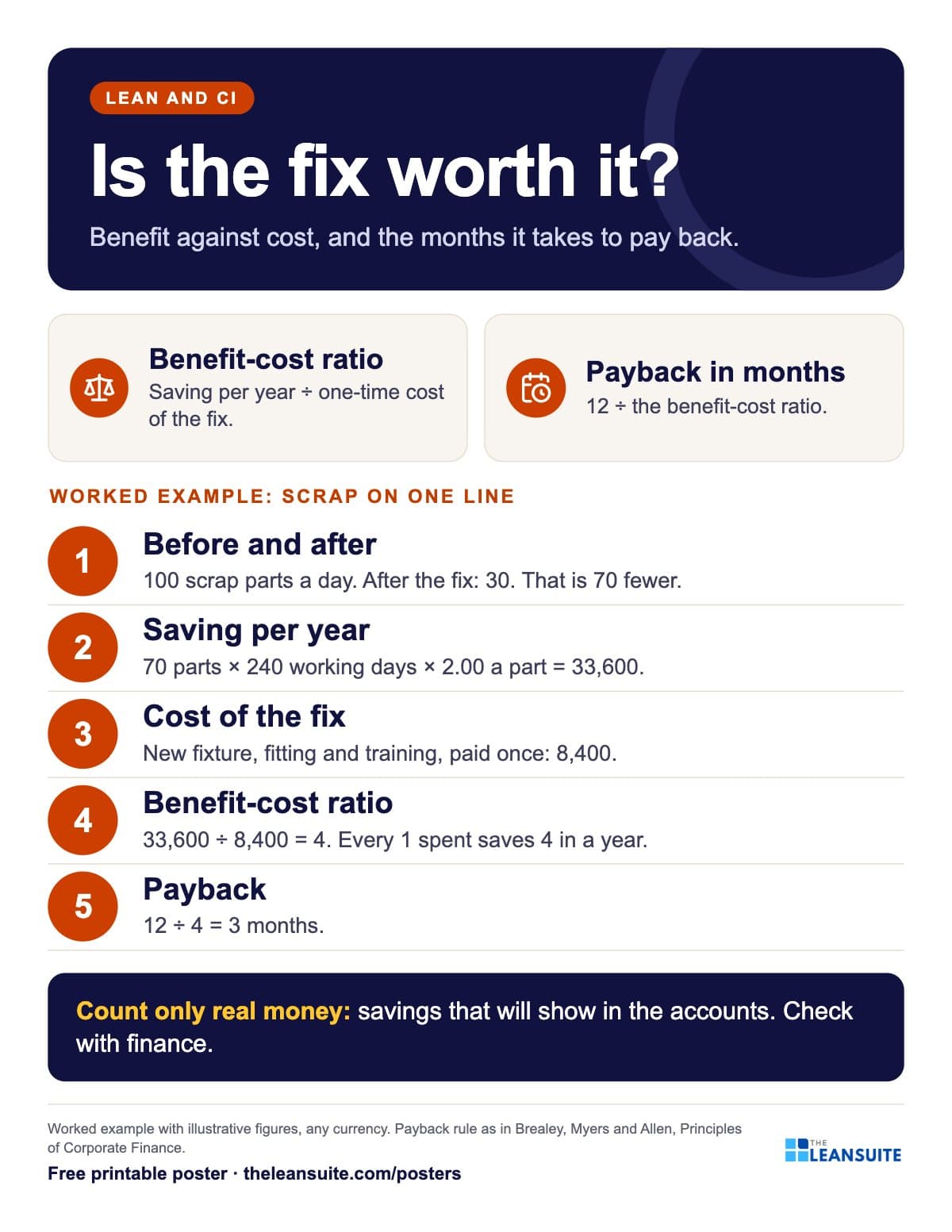 Benefit-cost ratio and payback poster
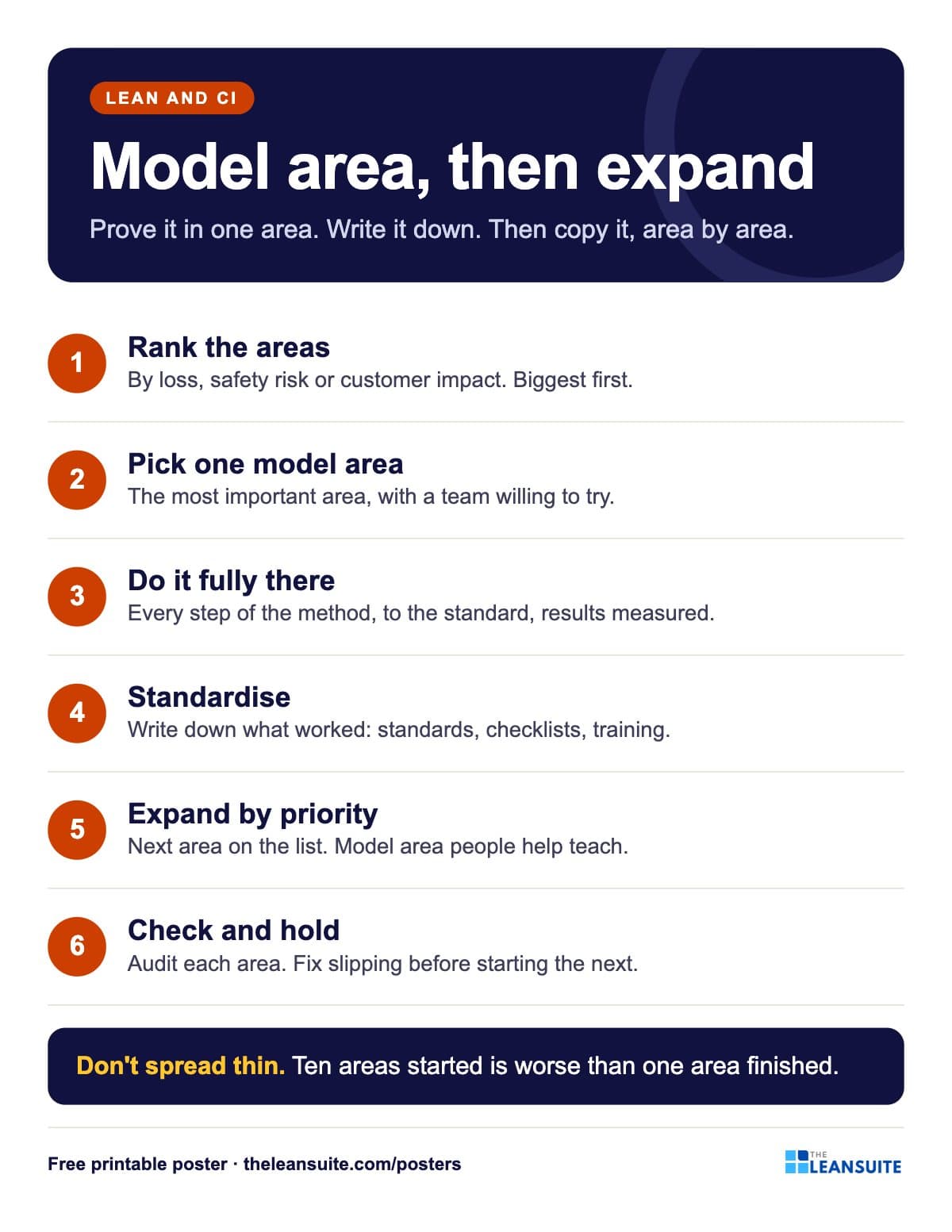 Model area and expansion poster
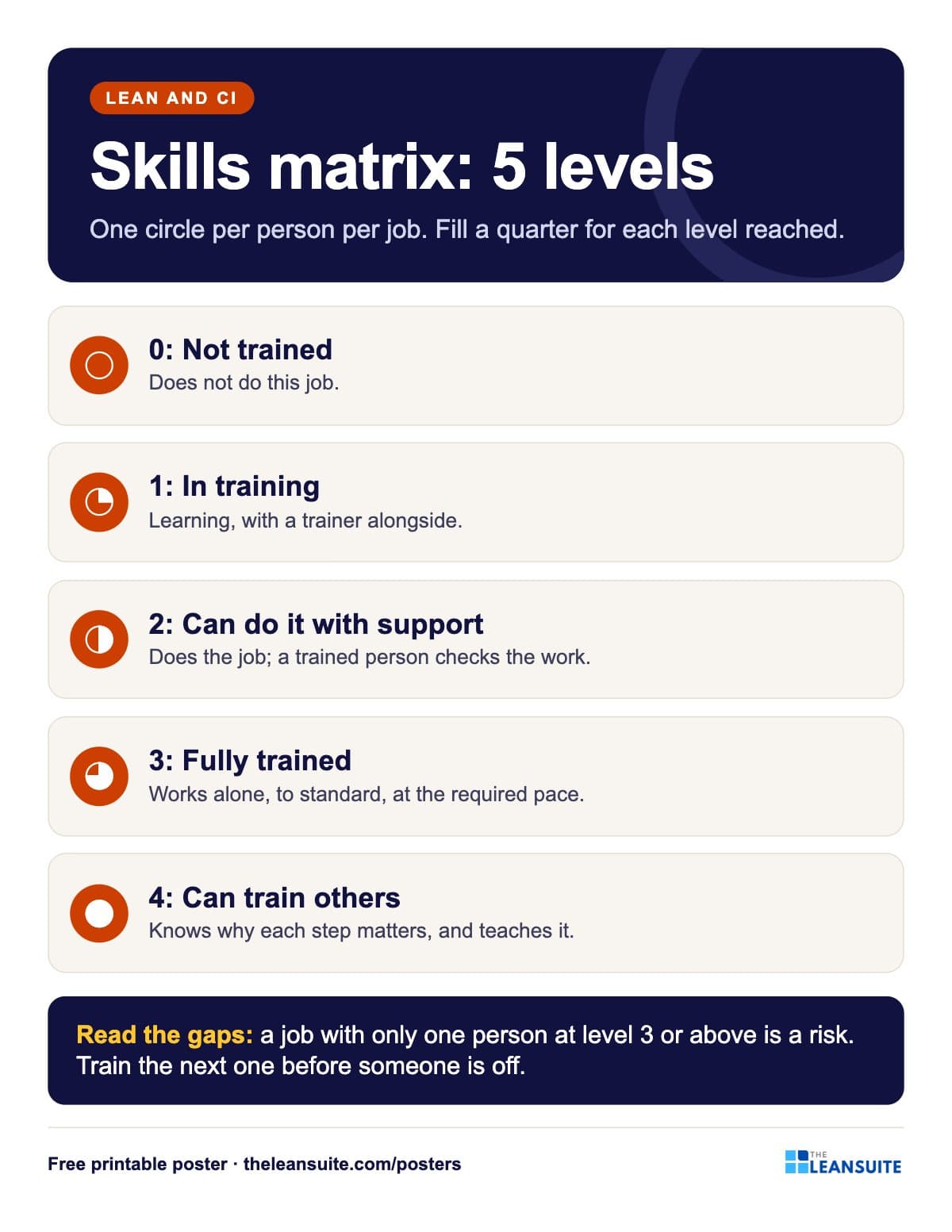 Skills matrix levels poster
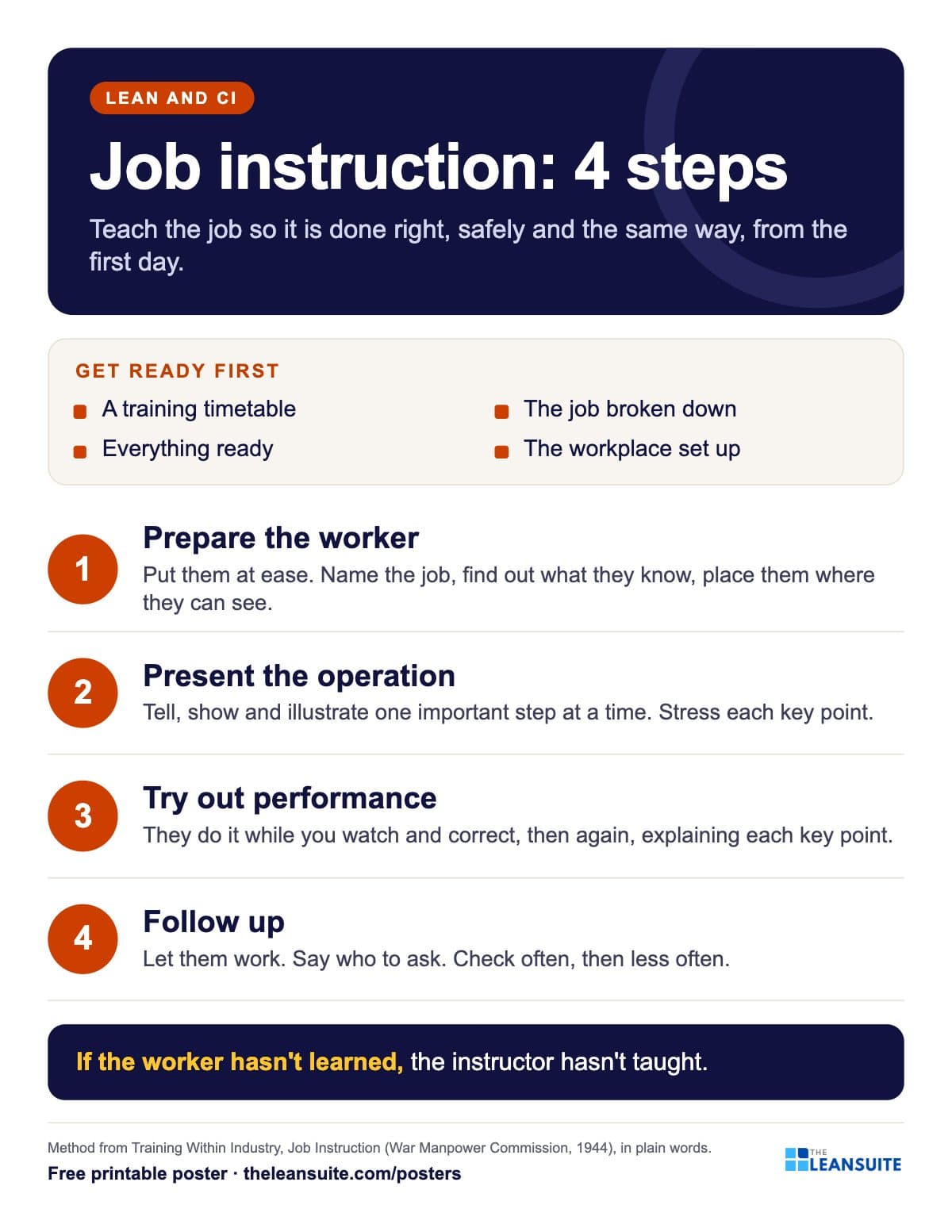 Job instruction 4 steps poster
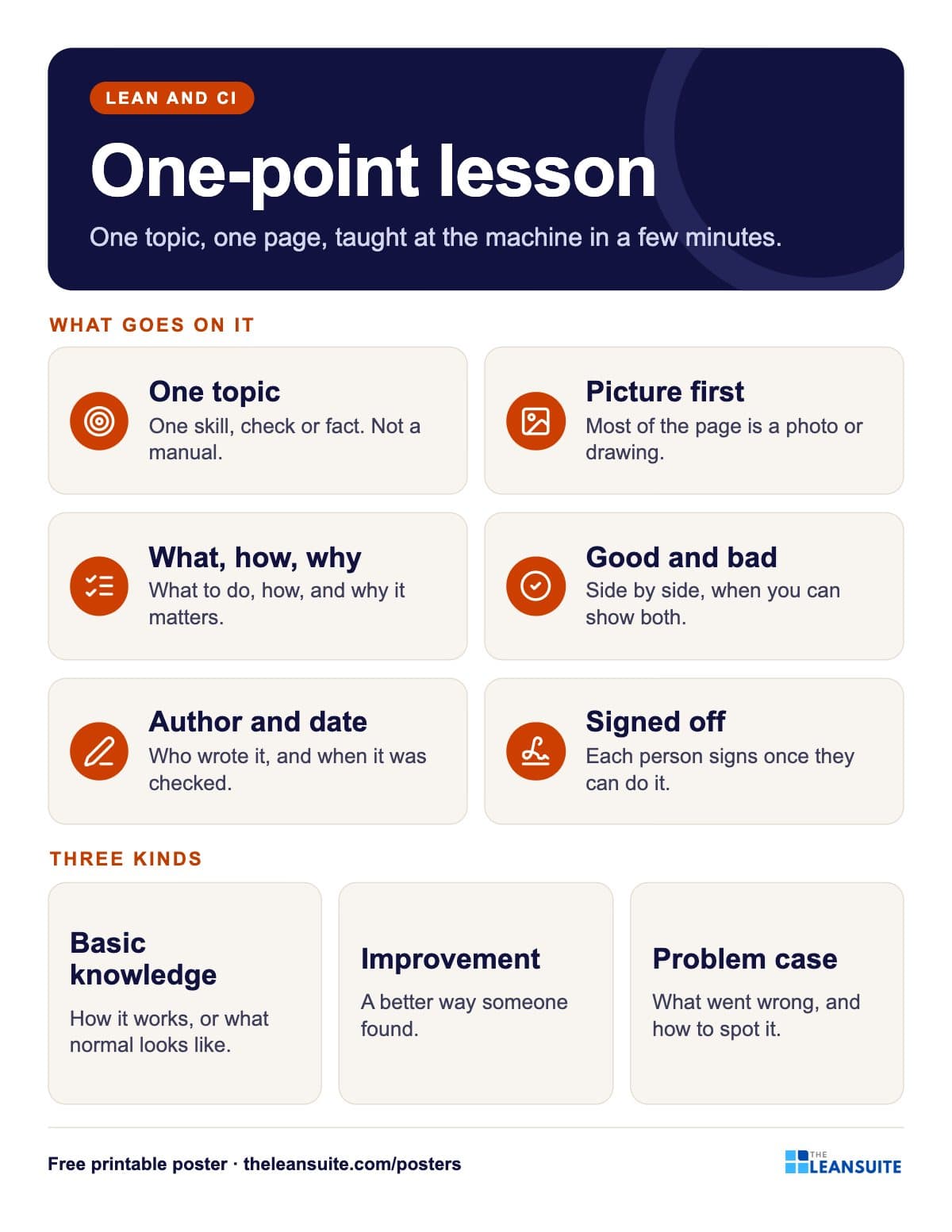 One-point lesson poster
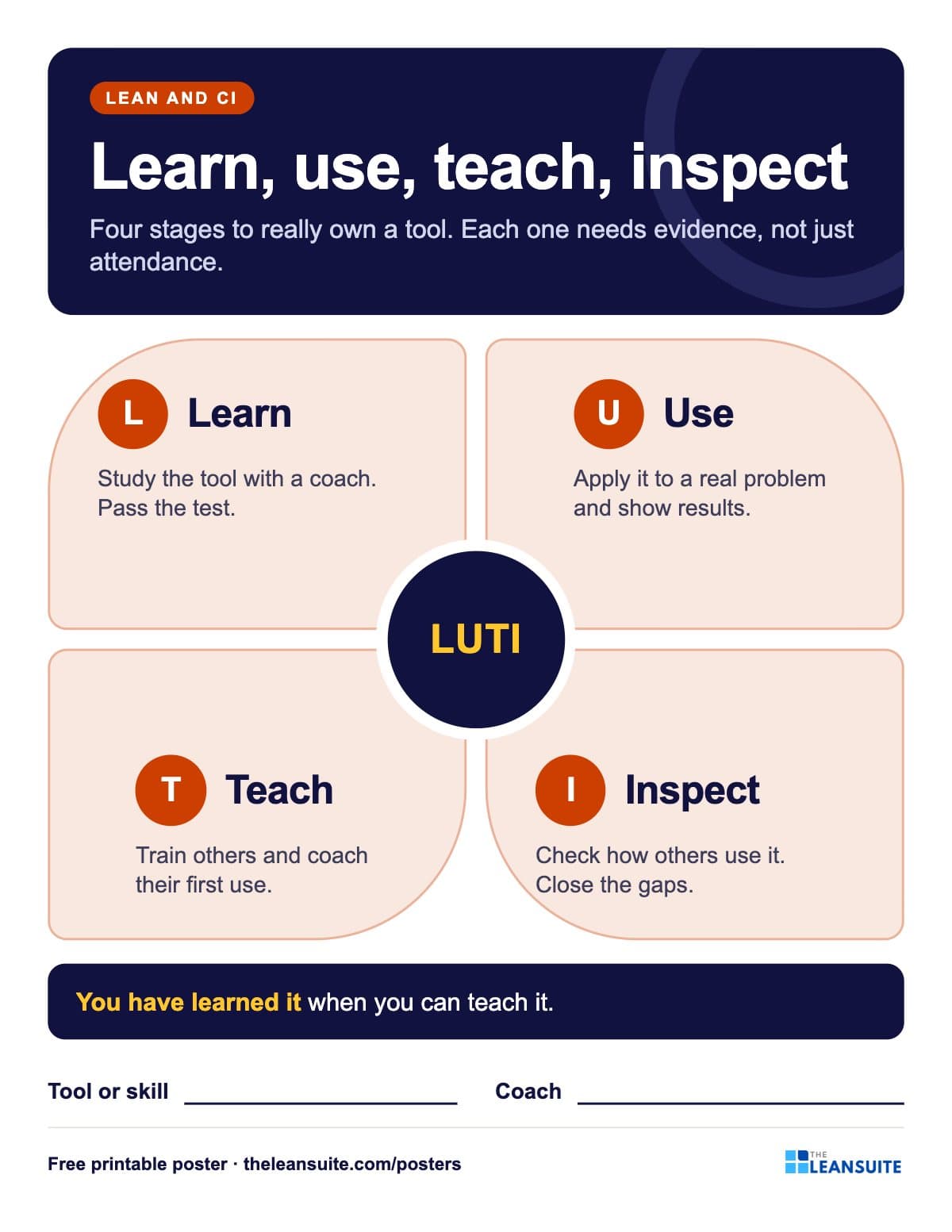 Learn, use, teach, inspect poster
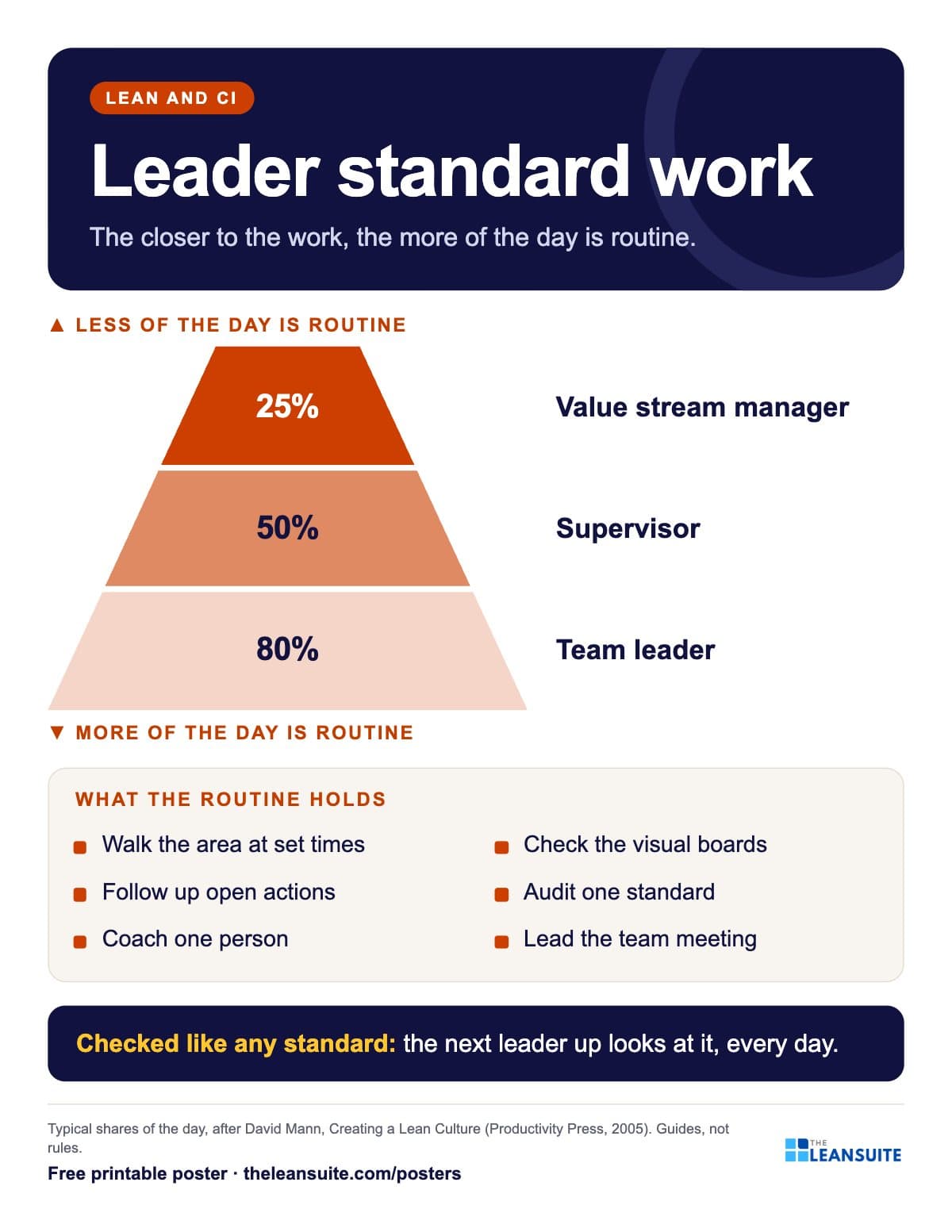 Leader standard work poster
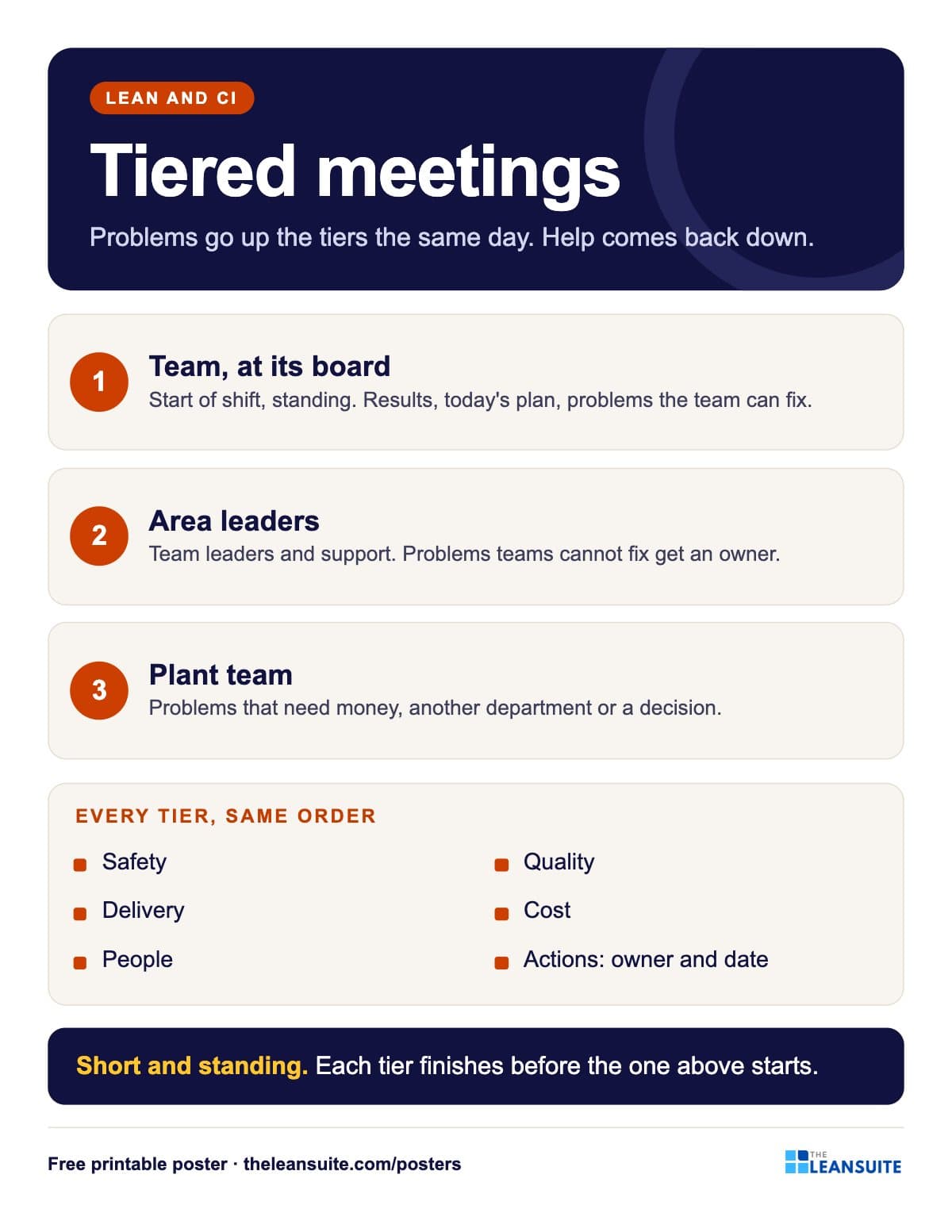 Tiered meetings poster
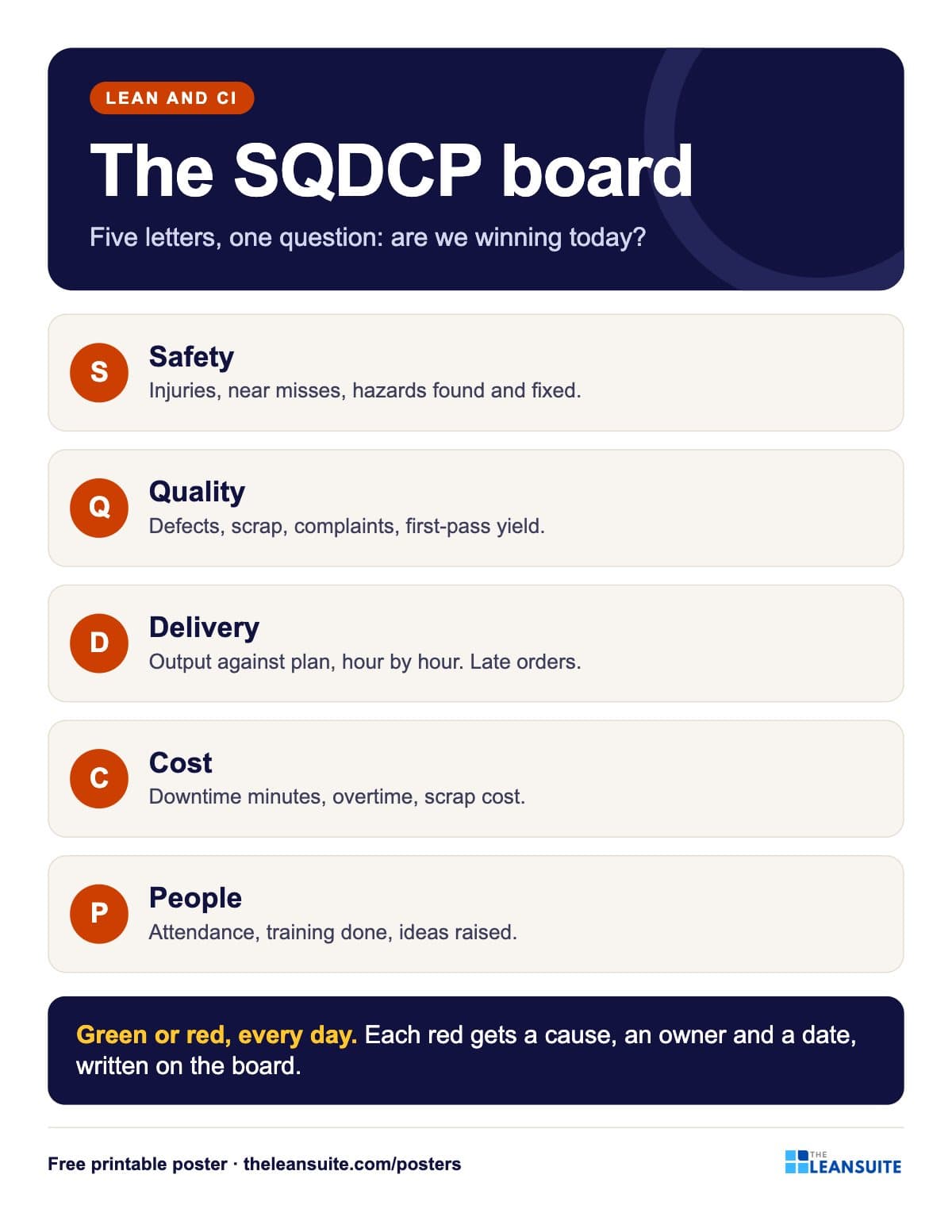 SQDCP board poster
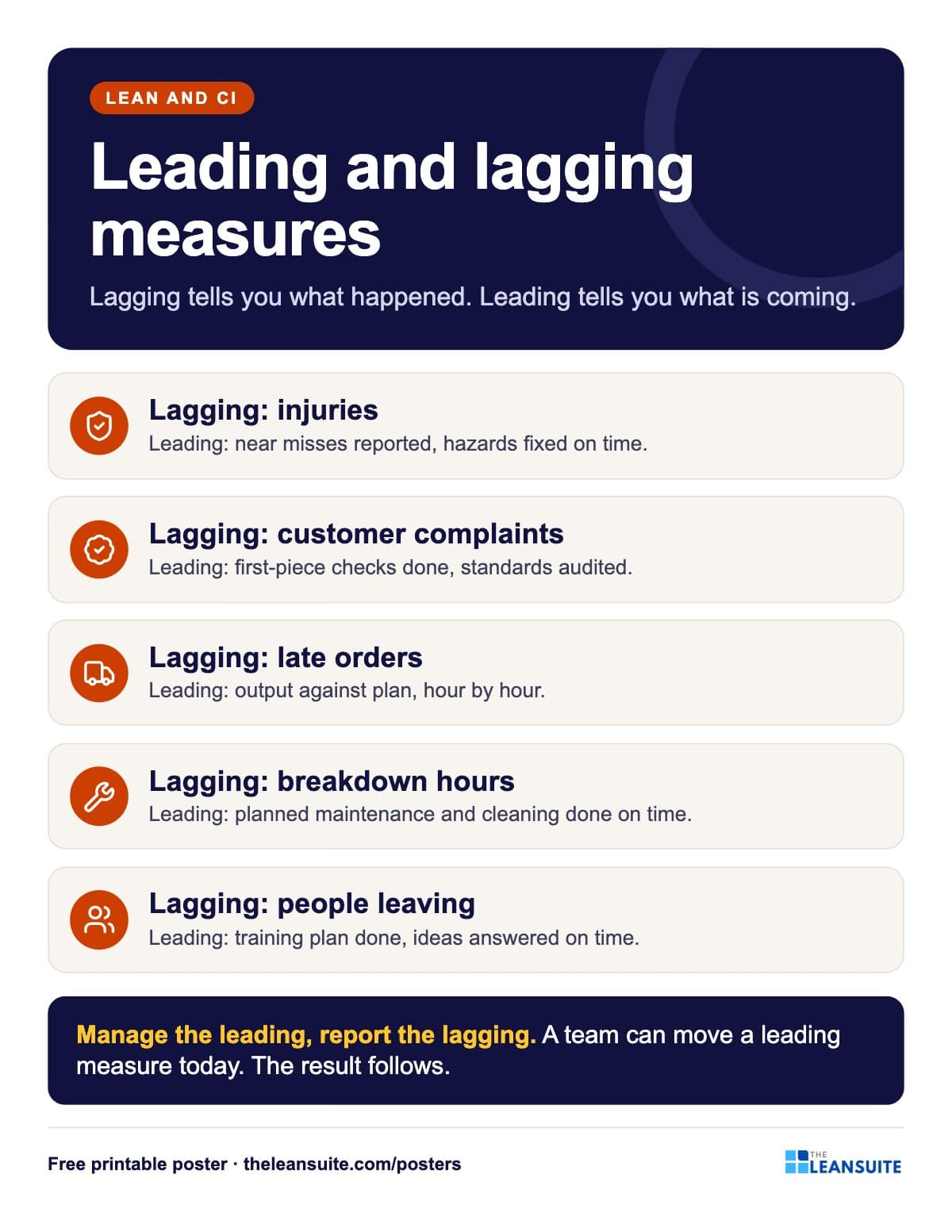 Leading and lagging indicators poster
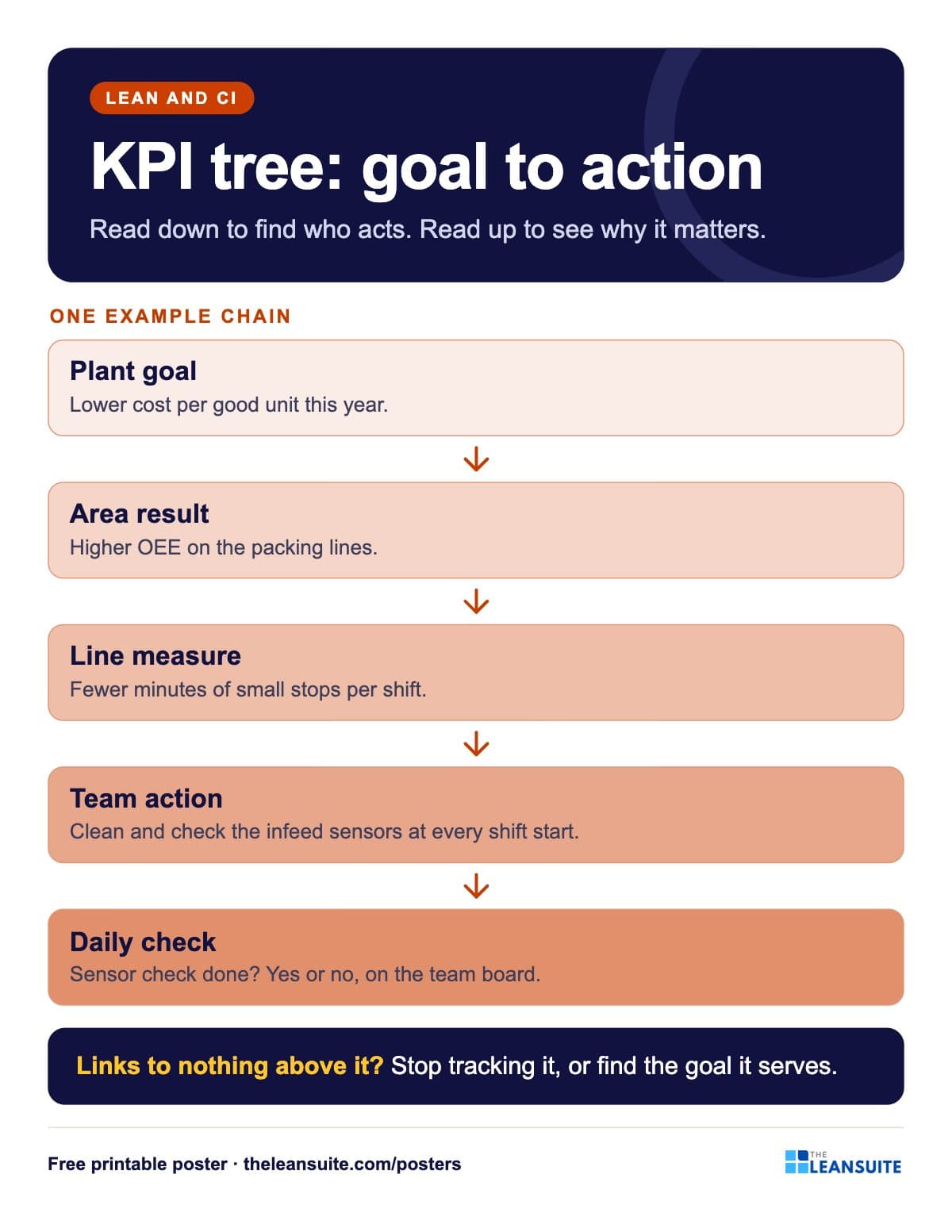 KPI tree poster
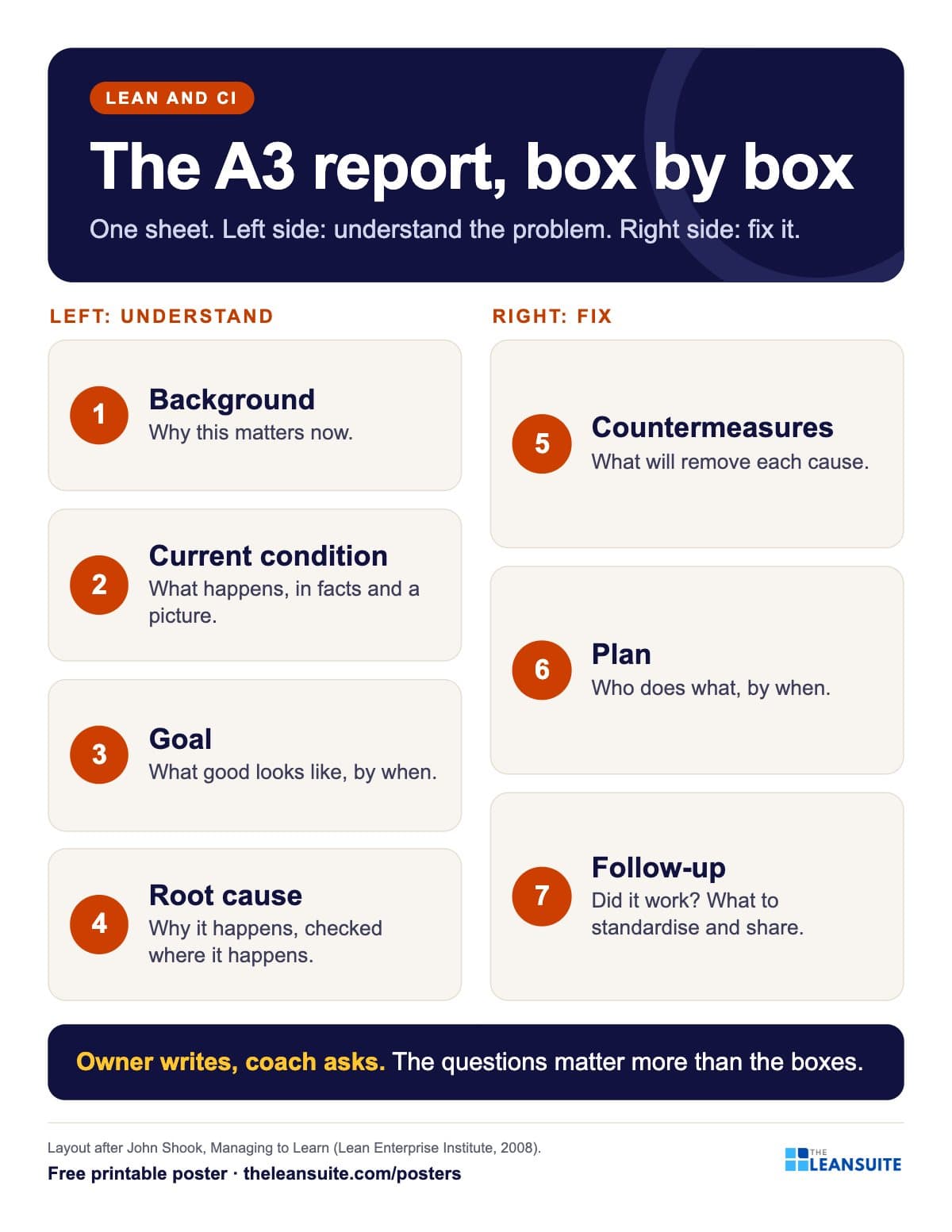 A3 report layout poster
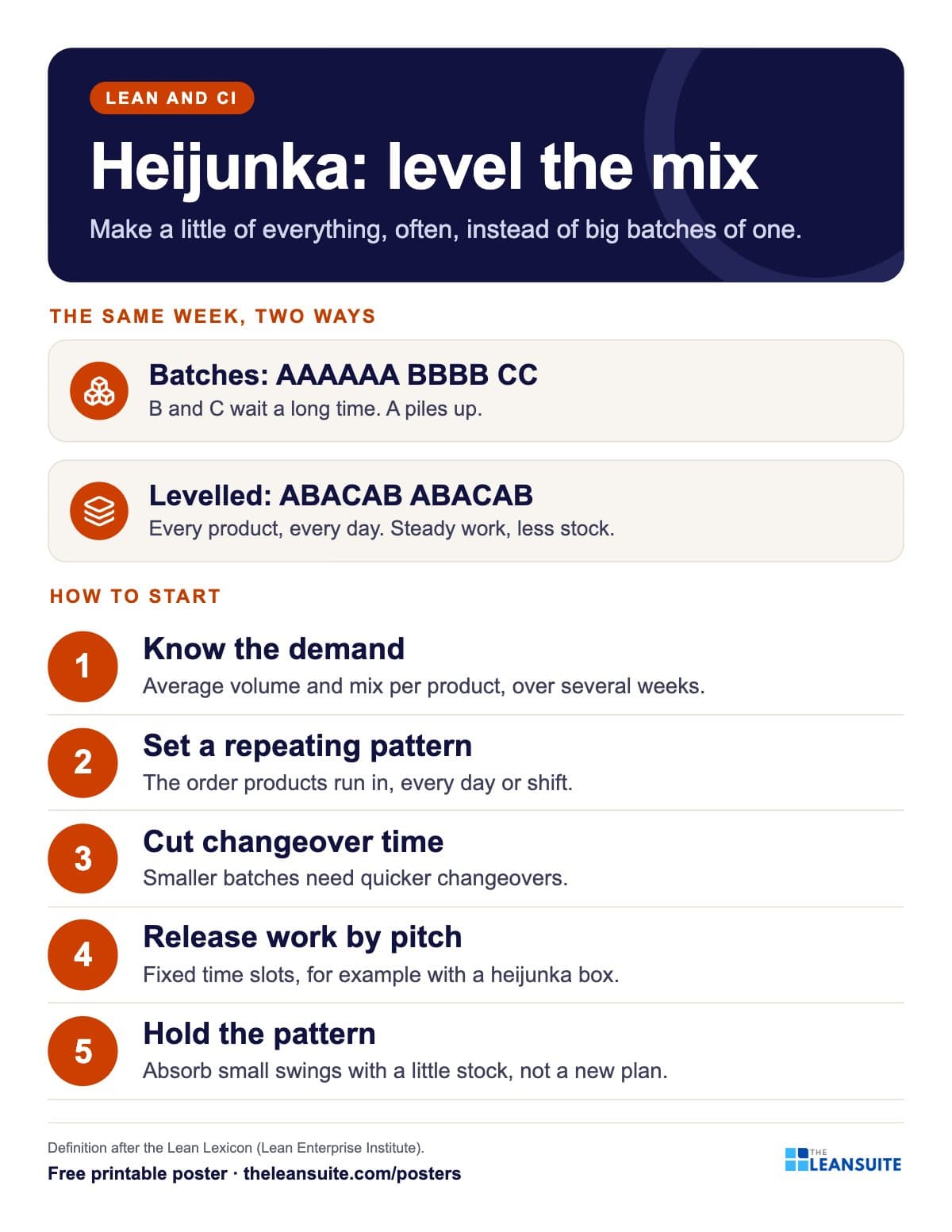 Heijunka production levelling poster
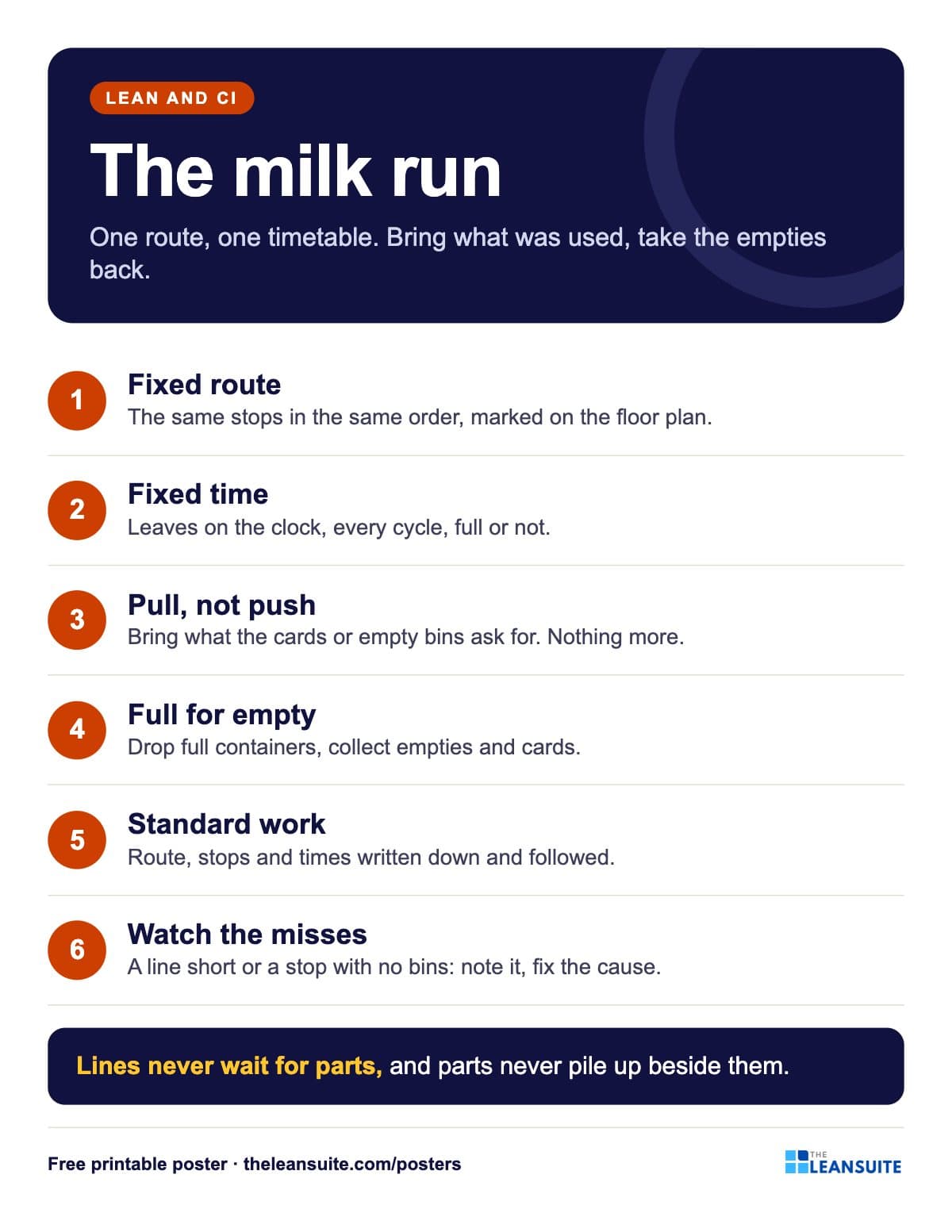 Milk run poster
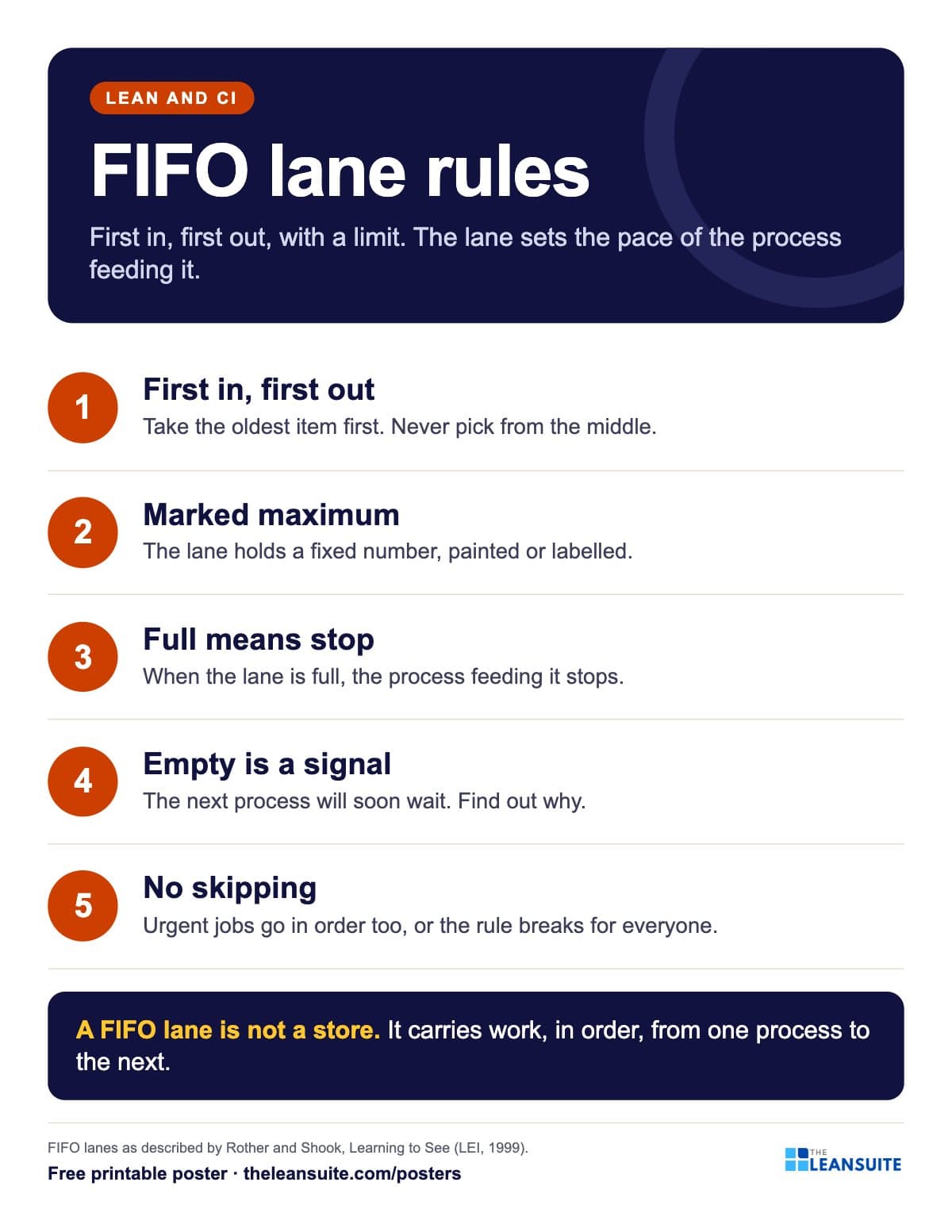 FIFO lane rules poster
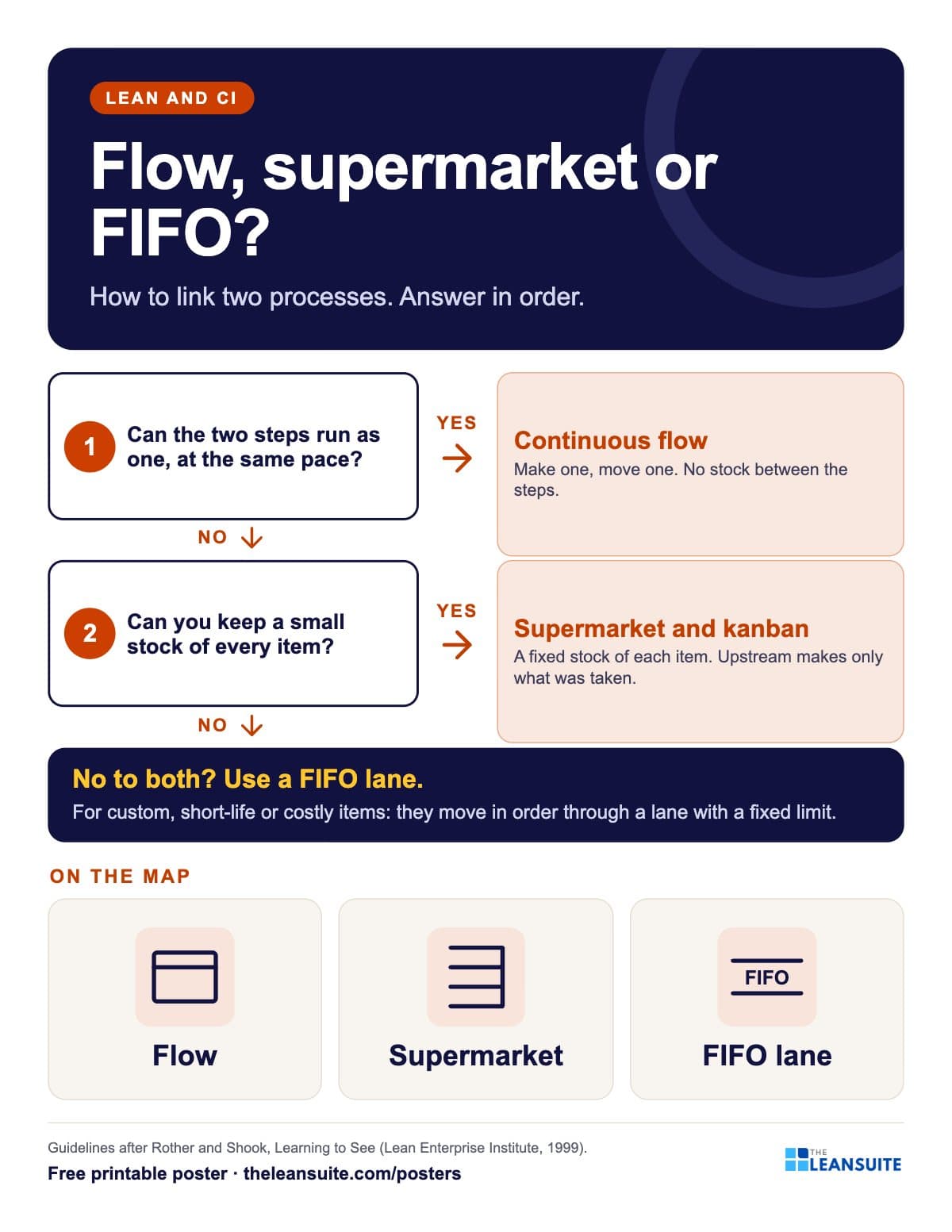 Flow, supermarket or FIFO lane poster
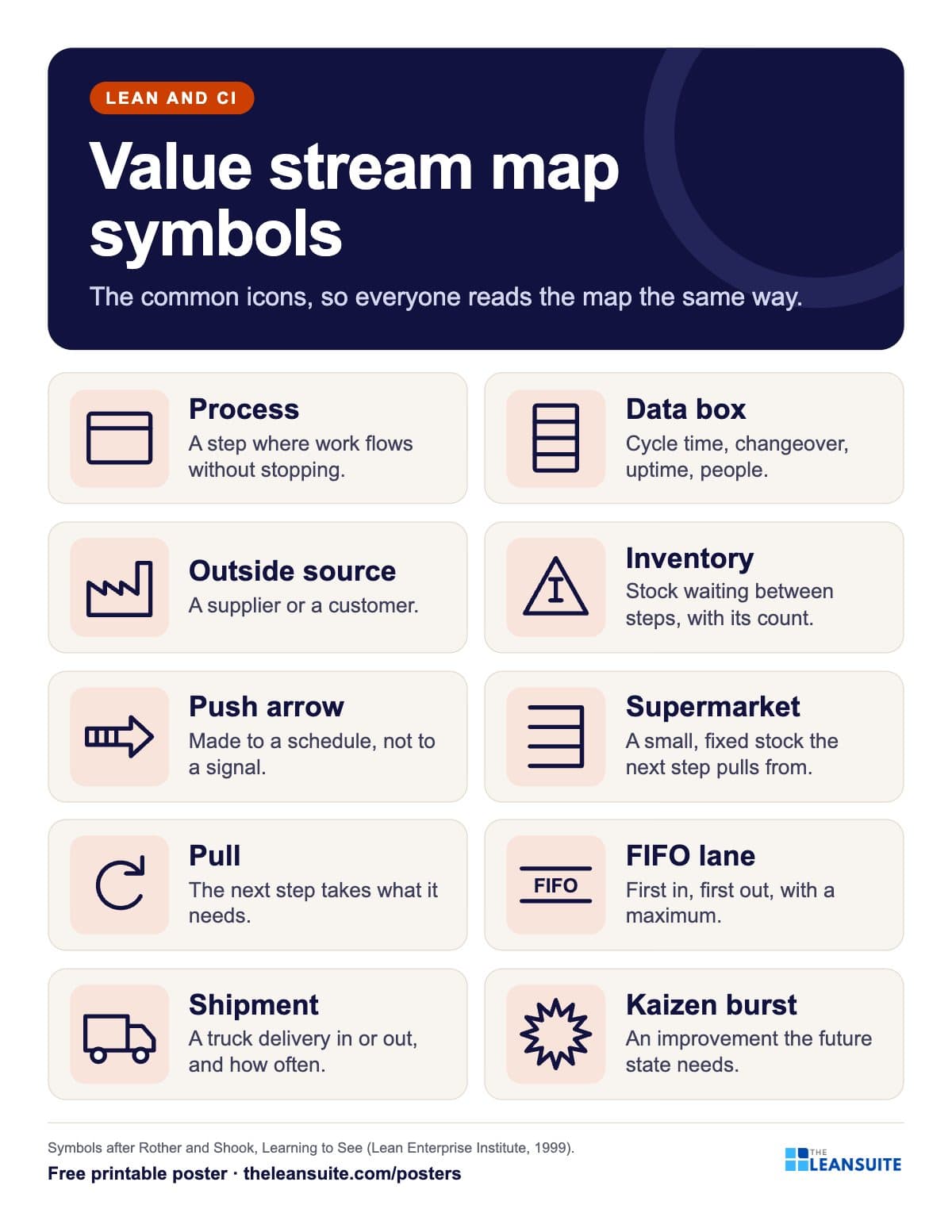 Value stream map symbols poster
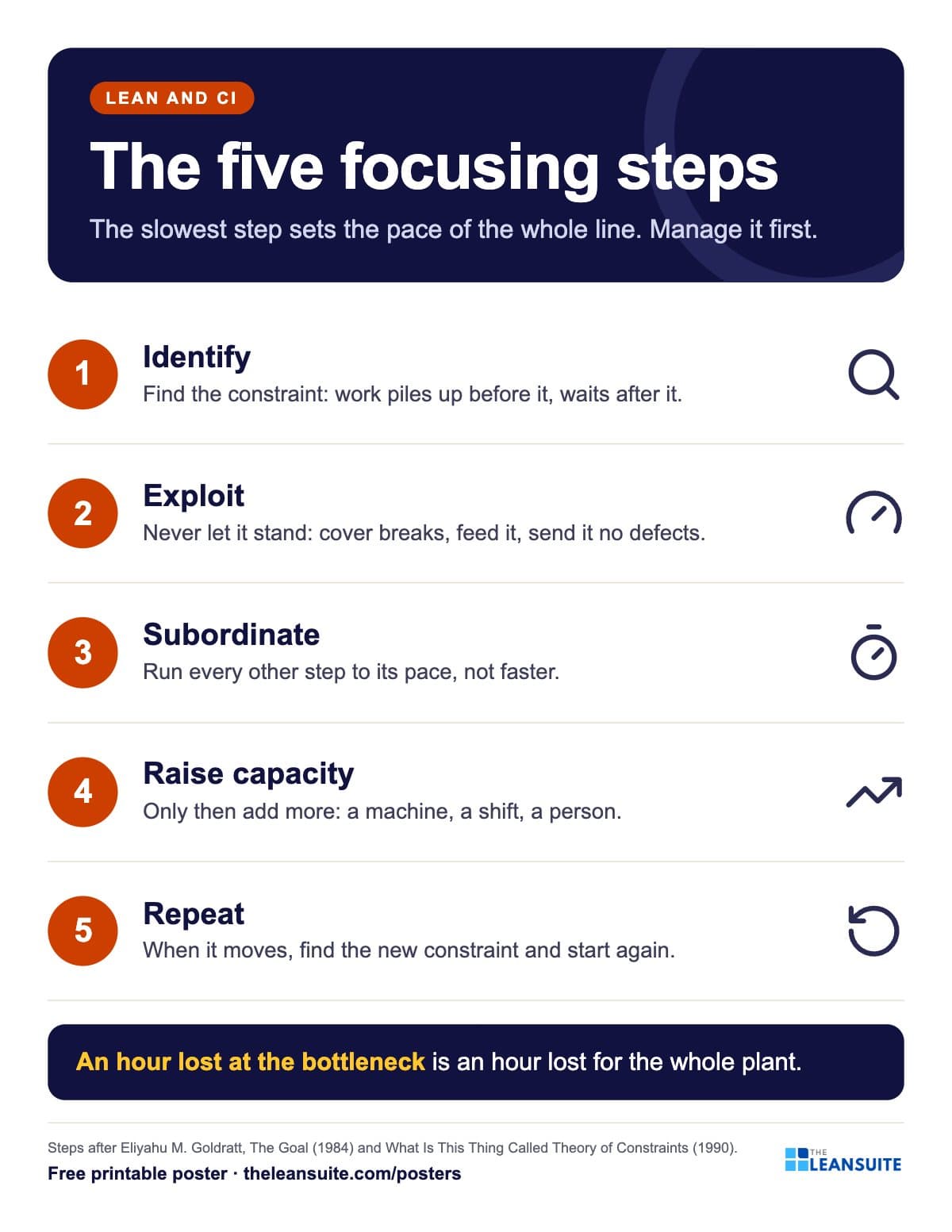 Bottleneck five focusing steps poster
A poster reminds. A routine makes it stick.
See how plants run their audits, improvements and follow-ups in LeanSuite, on a call built around your own problem.
Book a 45-minute demo