

Lean and CI poster
Updated · Free to print and share
Model area and expansion poster
A model area is the one area where a new method is put in fully first, to prove it works and to learn how to do it, before it spreads. The areas are ranked by loss or risk, the most important becomes the model, the method is done there to the standard and written down, and then it is expanded area by area, with people from the model area helping to teach. This poster gives the six steps and the rule that stops a programme spreading too thin.
Download the poster
The PNG is free to download now. The print-ready vector PDFs open after a short form, once.
Free to print and share with your team. Enter your name and work email once to download.
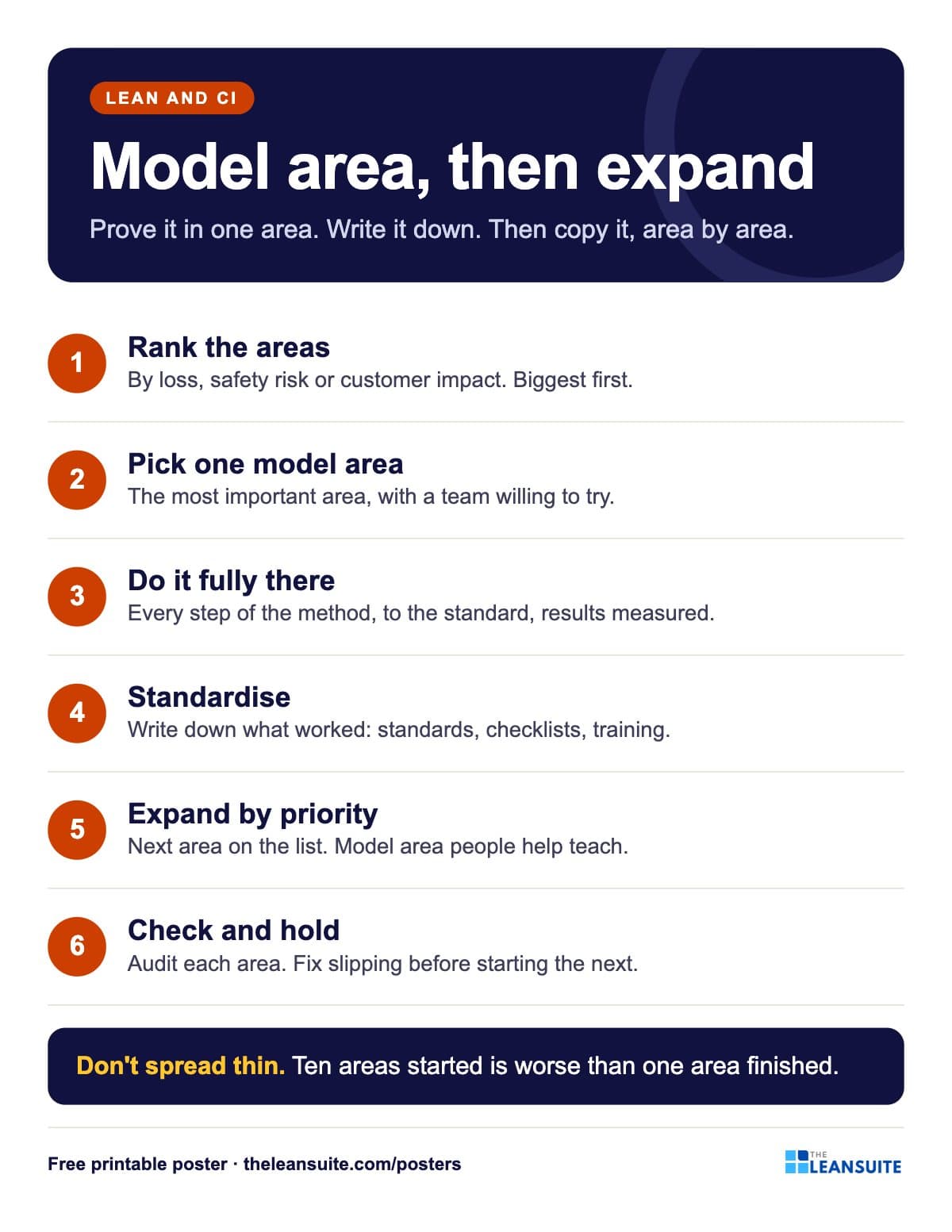 Six numbered steps from ranking the areas to expanding by priority and holding the gains, with a rule against spreading thin.
The words on the poster
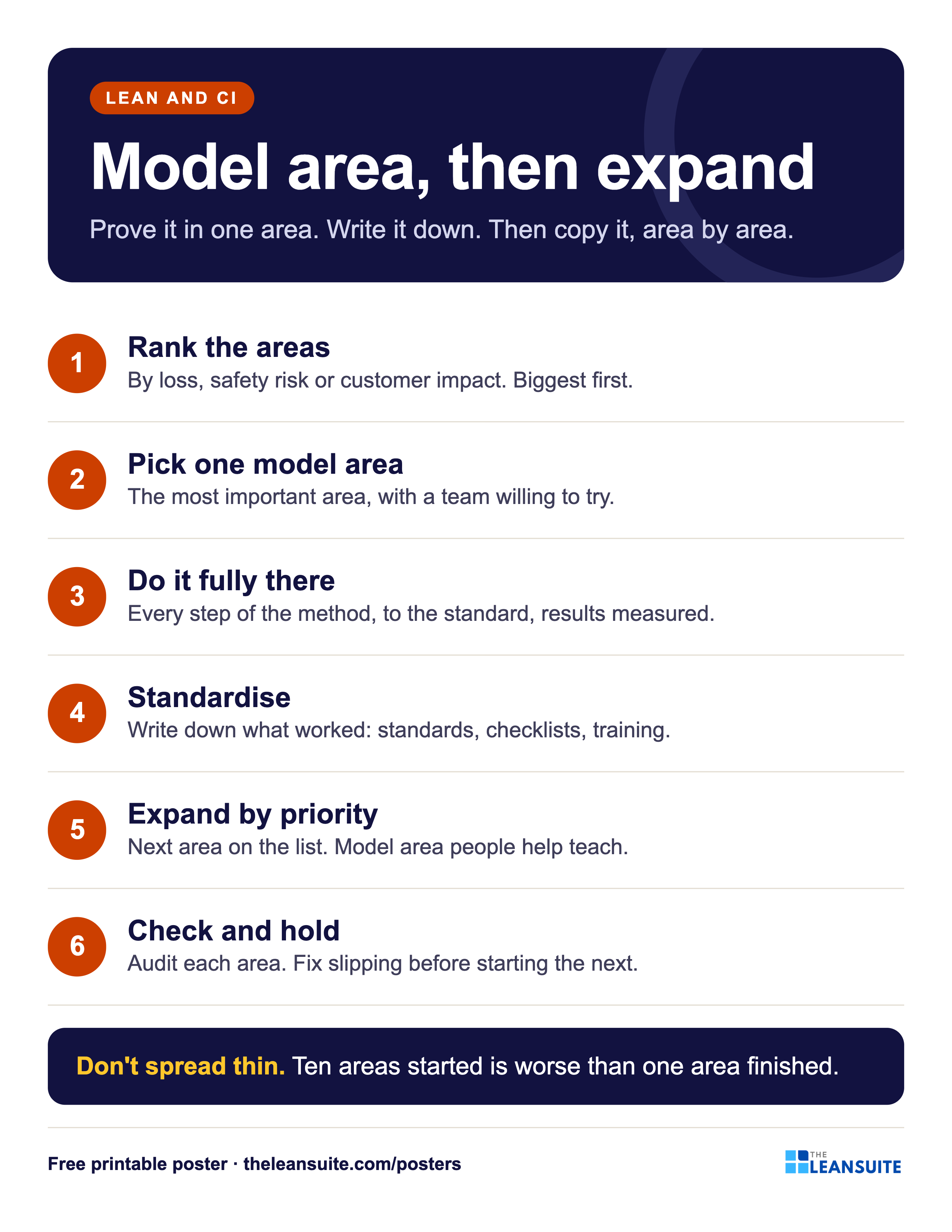
Model area, then expand
Prove it in one area. Write it down. Then copy it, area by area.
- Rank the areas By loss, safety risk or customer impact. Biggest first.
- Pick one model area The most important area, with a team willing to try.
- Do it fully there Every step of the method, to the standard, results measured.
- Standardise Write down what worked: standards, checklists, training.
- Expand by priority Next area on the list. Model area people help teach.
- Check and hold Audit each area. Fix slipping before starting the next.
- Don't spread thin. Ten areas started is worse than one area finished.
On the floor
How to use it
Putting the Model area and expansion poster to work
- 1
Put it in the improvement room next to the plant layout, with the model area marked.
- 2
Use it when someone wants to launch a method everywhere at once.
- 3
Check step six at each review: is any expanded area slipping back?
- 4
Read the free model area guide for a 90-day plan per pillar.
Which size to print
- 24 x 36 in or A2: a main wall or team board, read from a few metres away.
- 18 x 24 in or A3: a station or notice board. The A3 file also fits 11 x 17 in paper.
- Letter or A4: a clipboard, binder or handout, on any office printer.
Every PDF is vector, so it stays sharp at full size. Nothing runs to the edge of the page, so no bleed is needed.
Templates, decks and guides to go with it
- Manufacturing excellence pillars training presentationFree training deck: The 20 pillars, cost deployment, the 7-step approach, model areas and audits, in 17 slides.
- Yokoten tracker (horizontal deployment)Copy a proven improvement line by line: the source result, each candidate's own before and after, its share of the source's improvement and the standard updated.
- People development pillar 90-day model area planThirteen weeks from the skills matrix to trained cover on critical tasks in one model area, a KPI board, the day-90 gate and expansion waves.
- Cost deployment pillar 90-day model area planThirteen weeks from the loss map to costed, ranked projects in one model area, a KPI board, the day-90 gate and expansion waves.
- Autonomous maintenance 90-day model area planAM steps 0 to 3 on one model machine in 13 weeks, a KPI board, the day-90 gate and expansion waves for months 4 to 12.
- Topic: Kaizen and continuous improvementEvery guide we have on the subject, sorted.
- Topic: Lean manufacturing fundamentalsEvery guide we have on the subject, sorted.
More lean and ci posters
All posters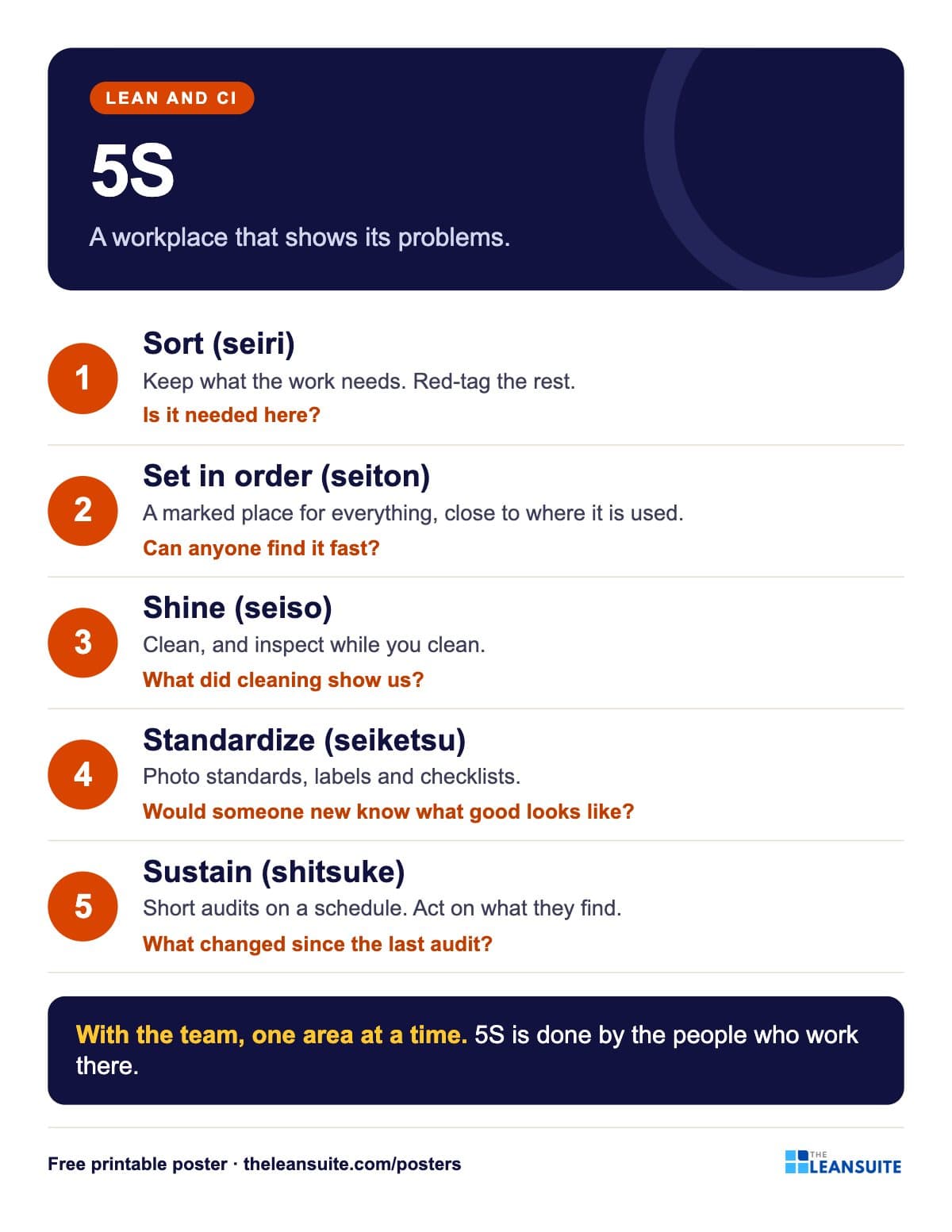 5S poster
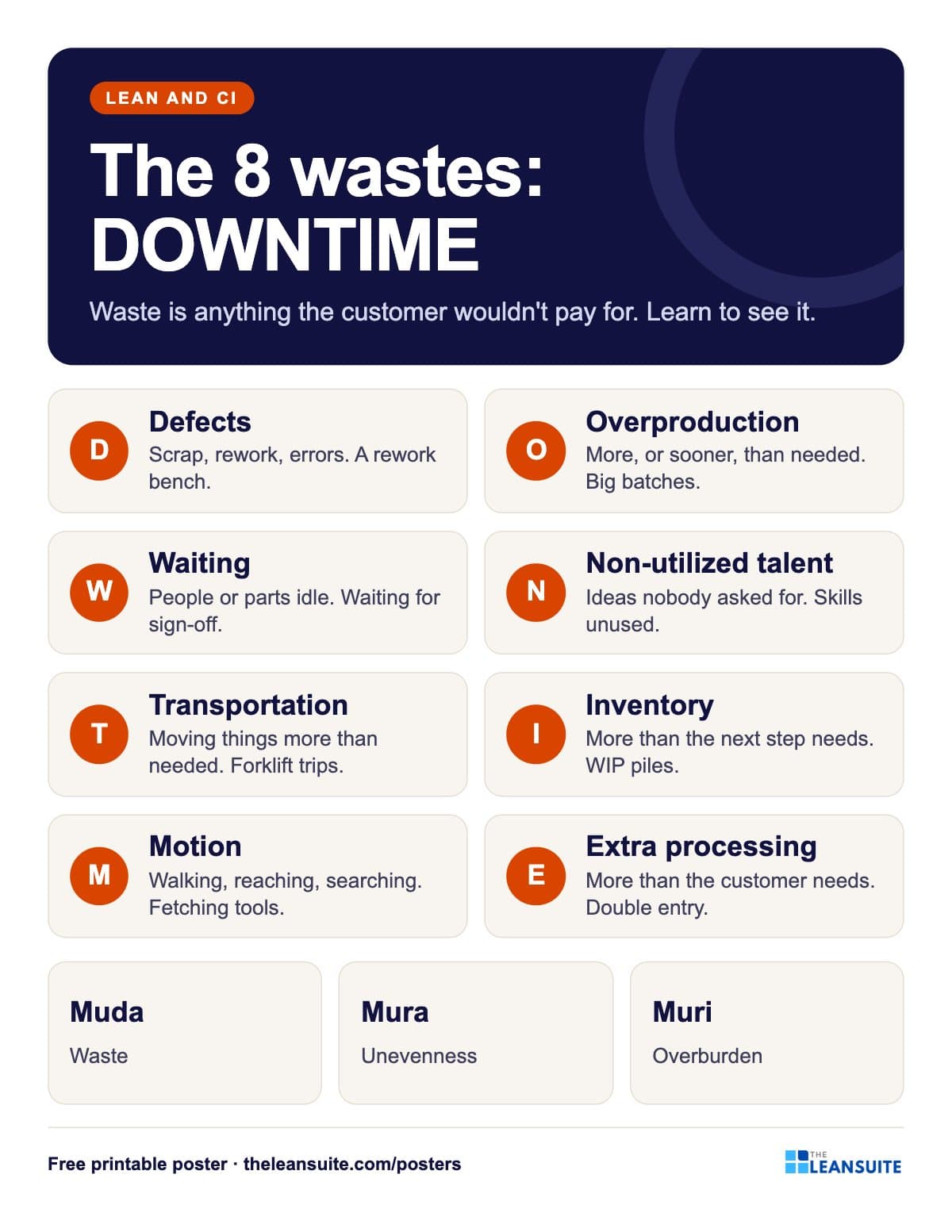 8 wastes of lean poster (DOWNTIME)
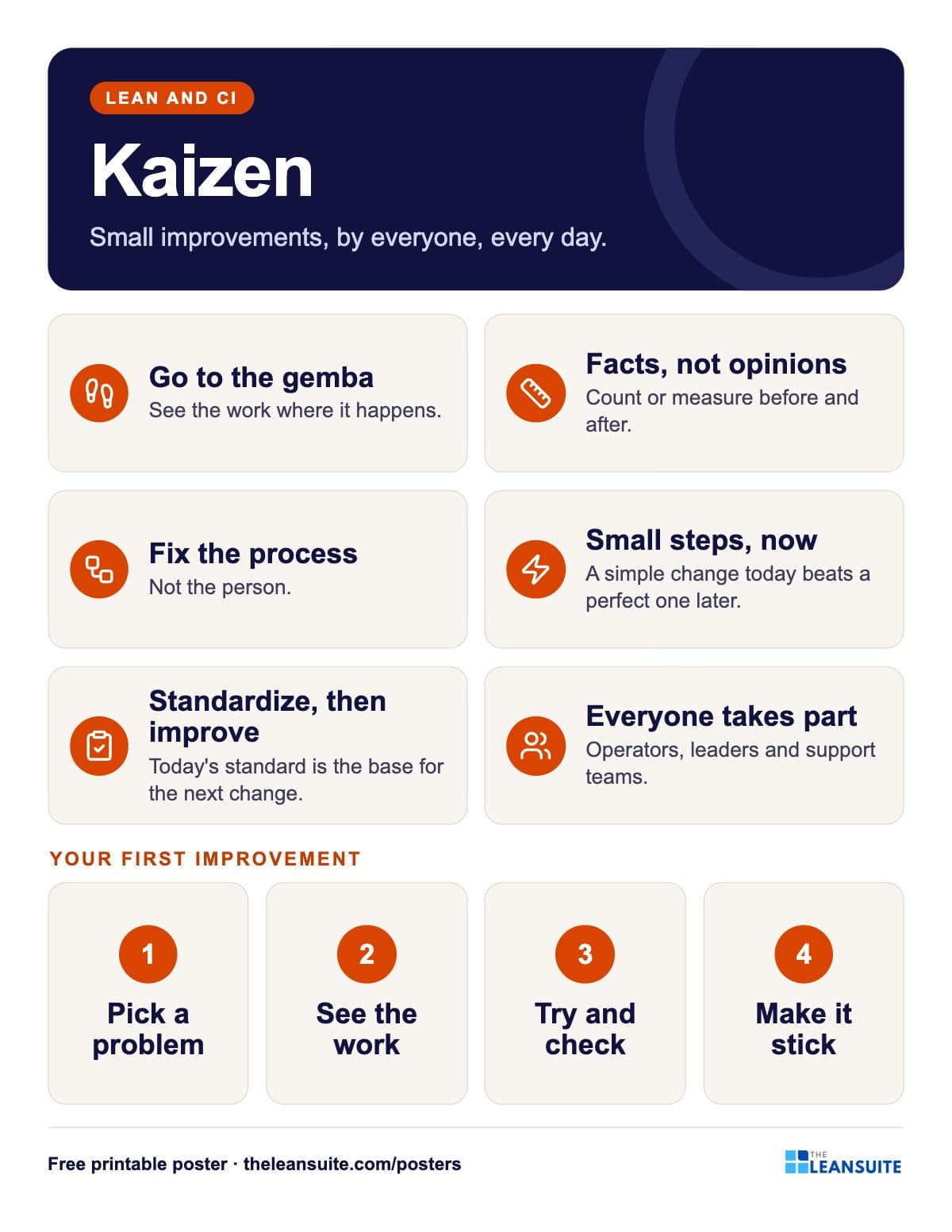 Kaizen principles poster
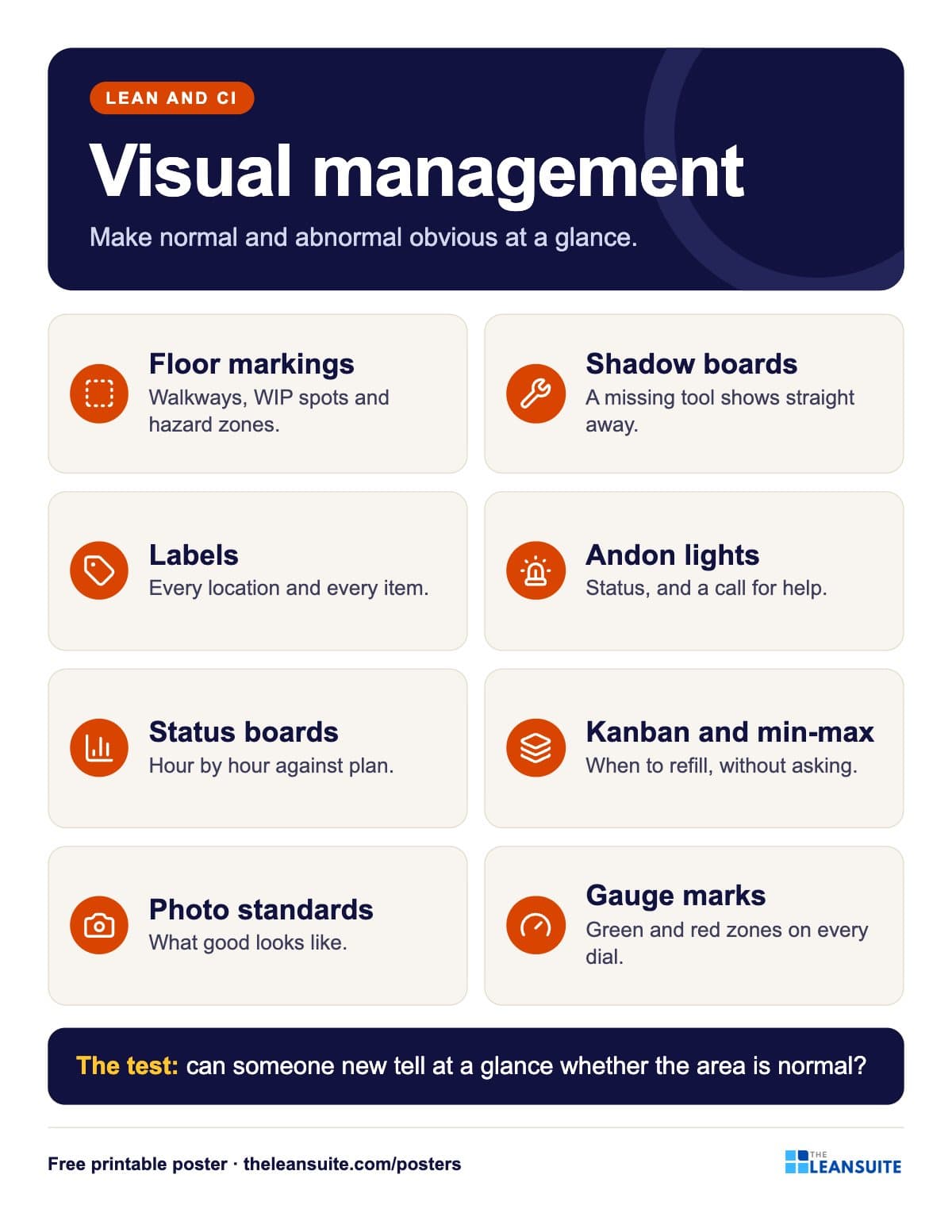 Visual management poster
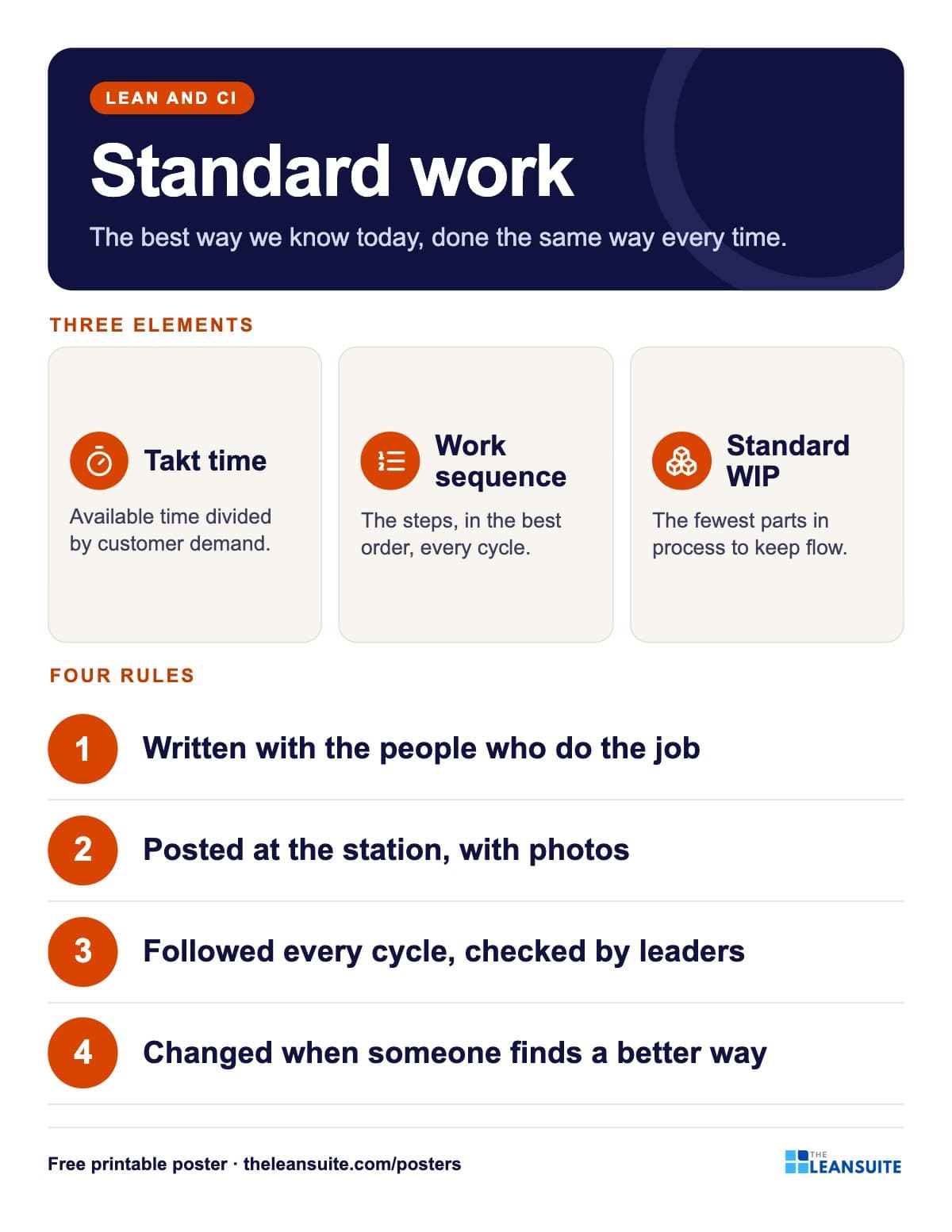 Standard work poster
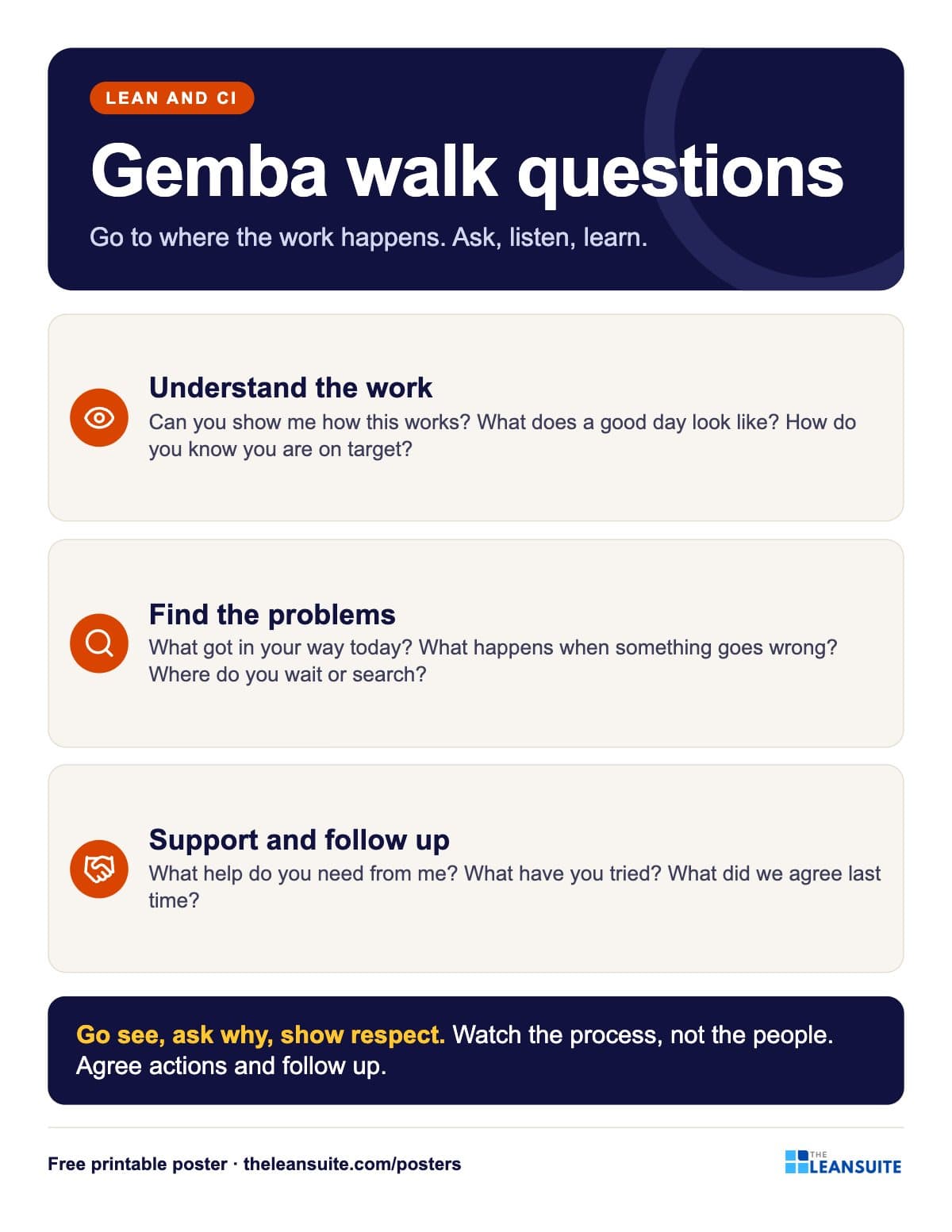 Gemba walk questions poster
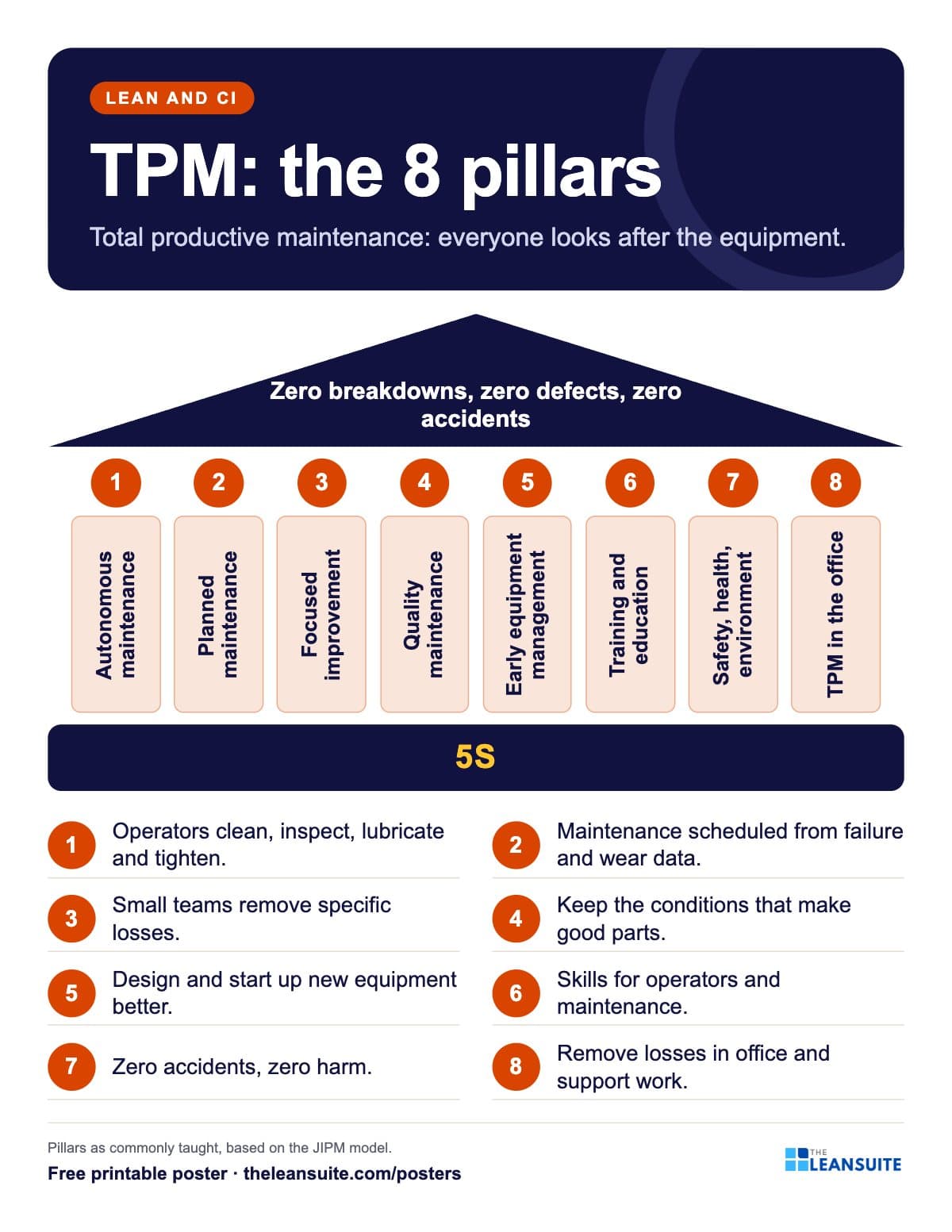 TPM 8 pillars poster
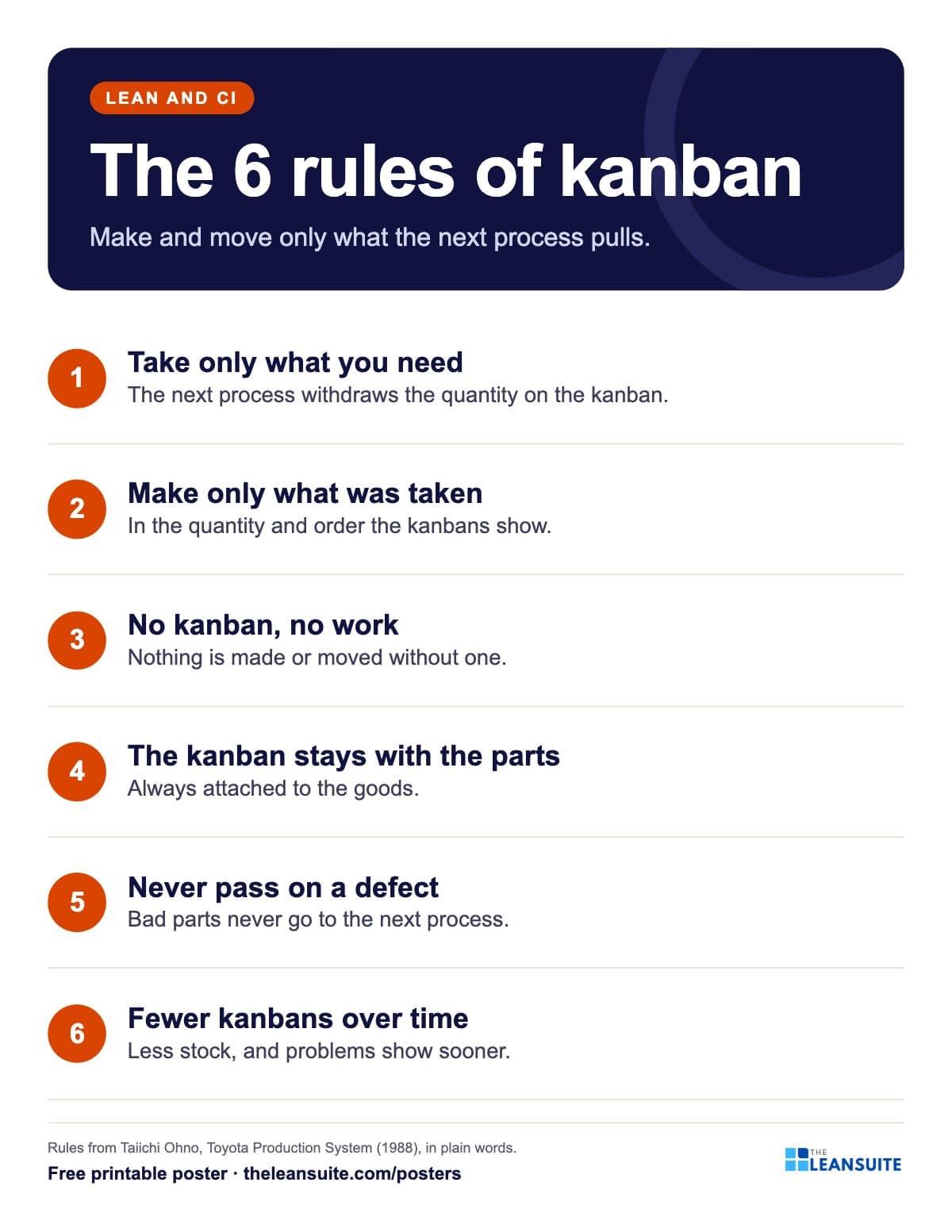 Kanban rules poster
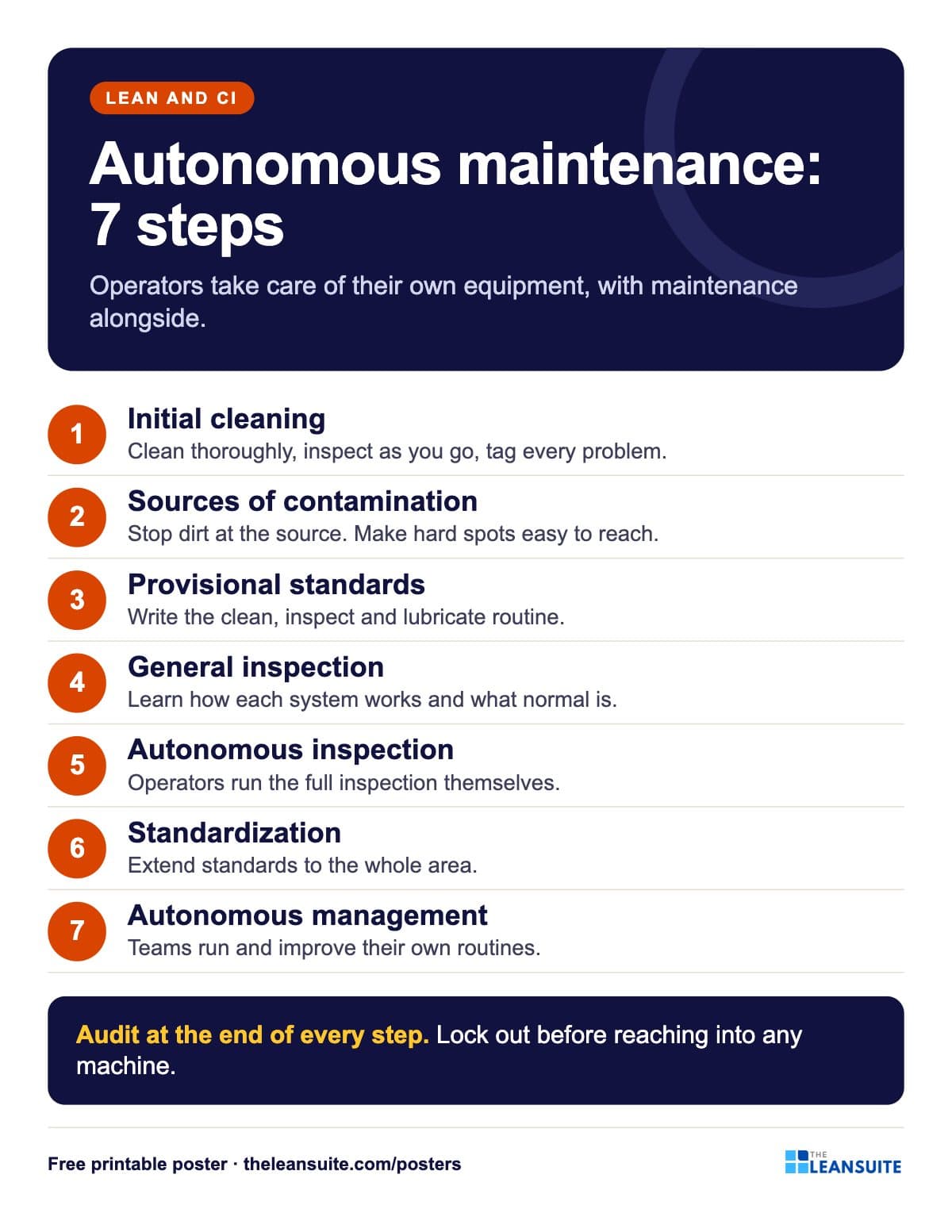 Autonomous maintenance 7 steps poster
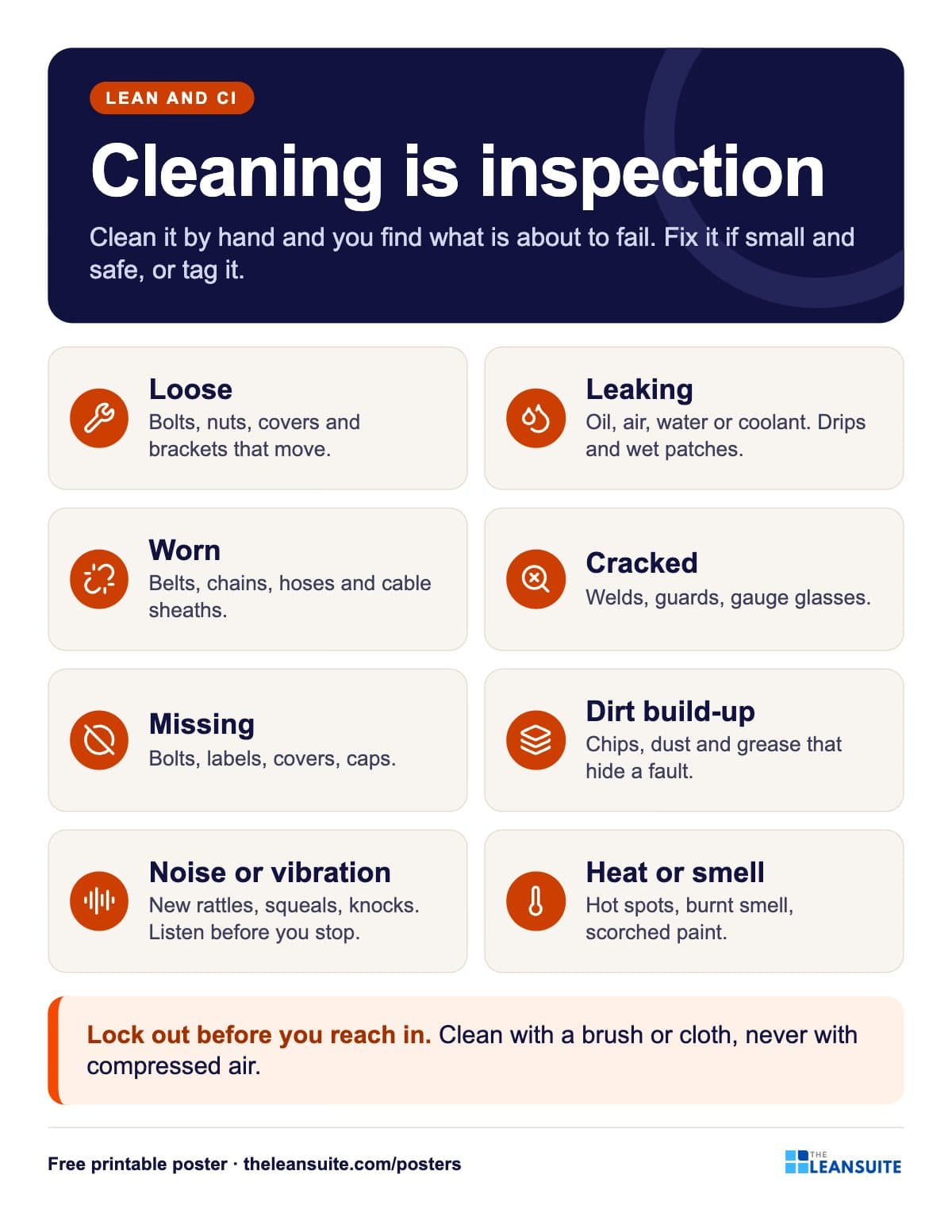 Cleaning is inspection poster
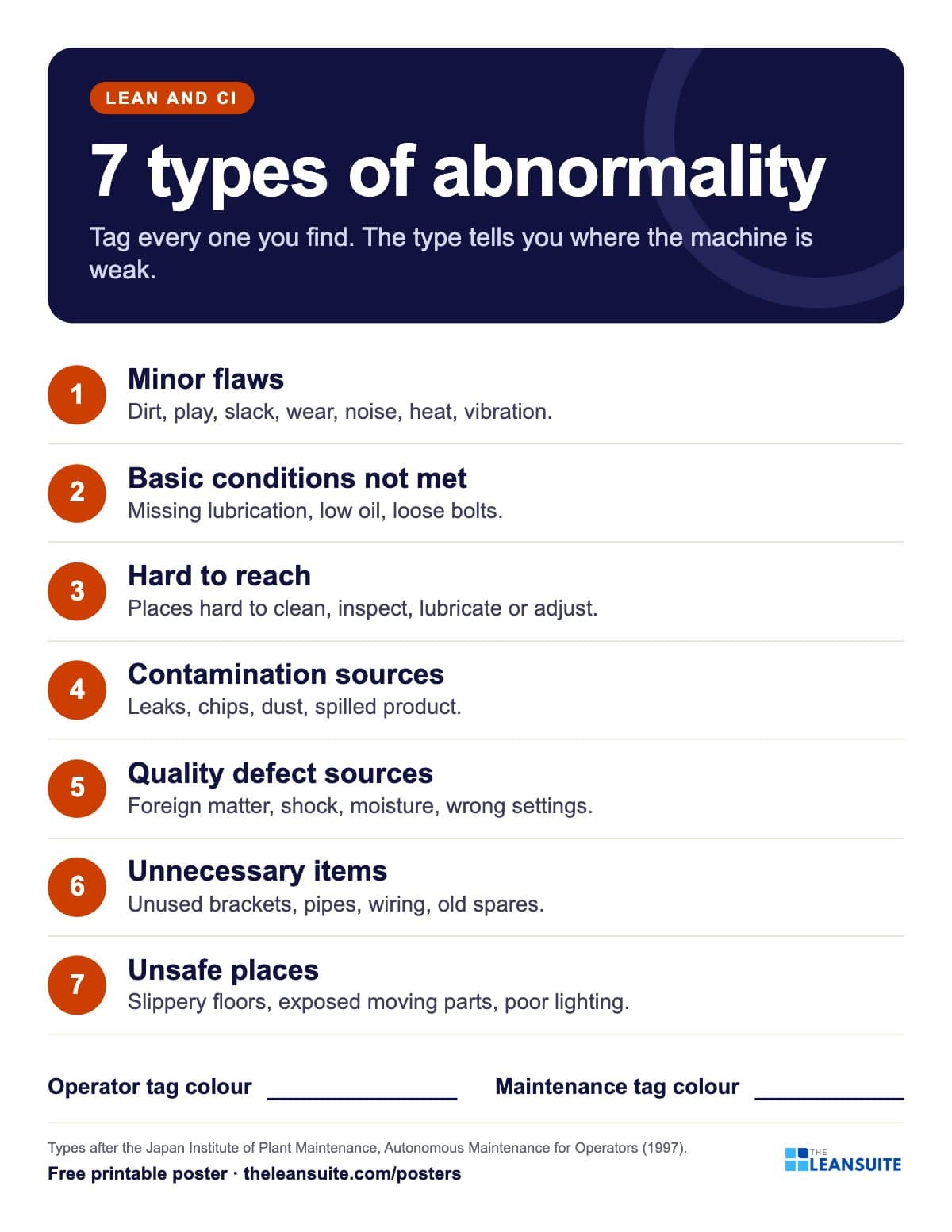 7 types of abnormality poster (TPM tags)
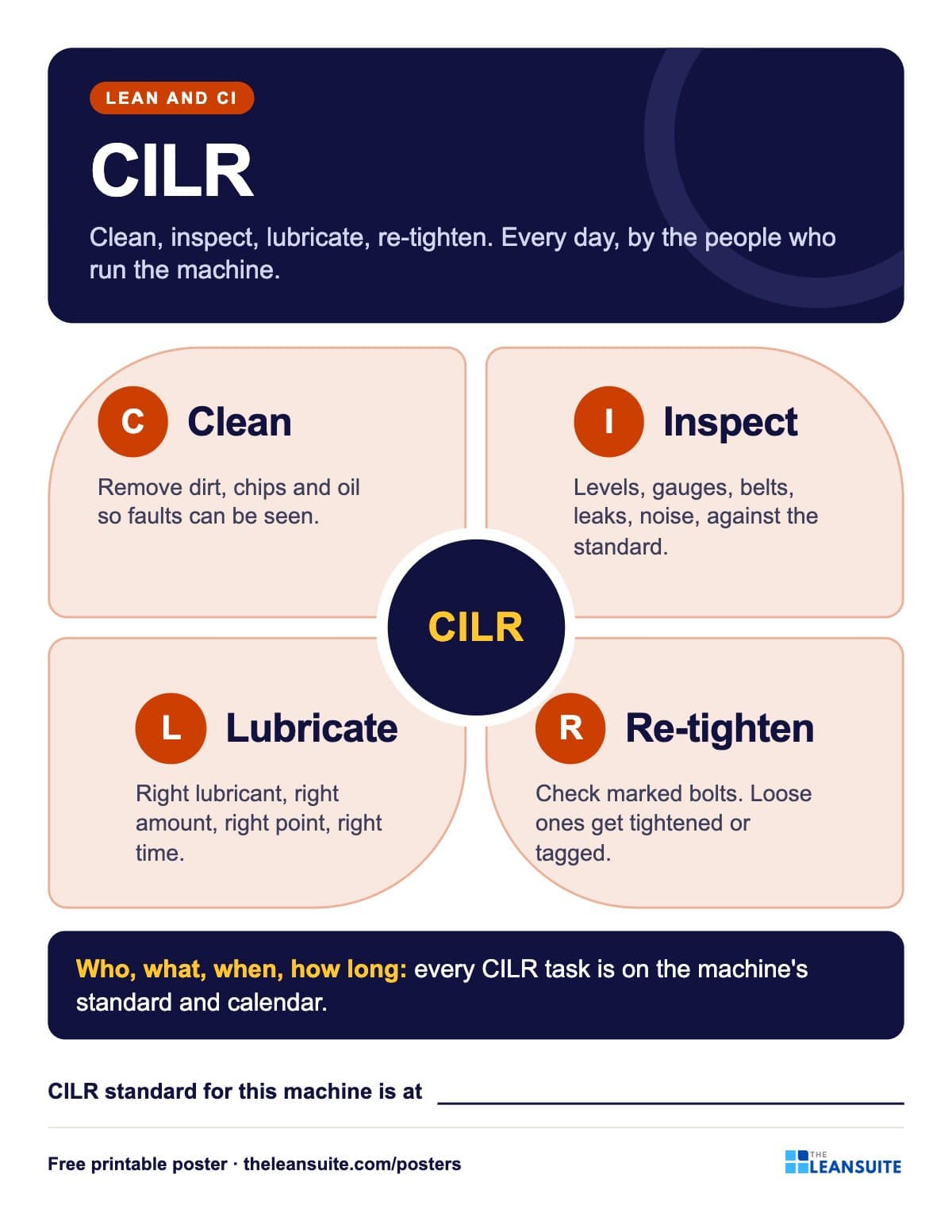 CILR poster: clean, inspect, lubricate, re-tighten
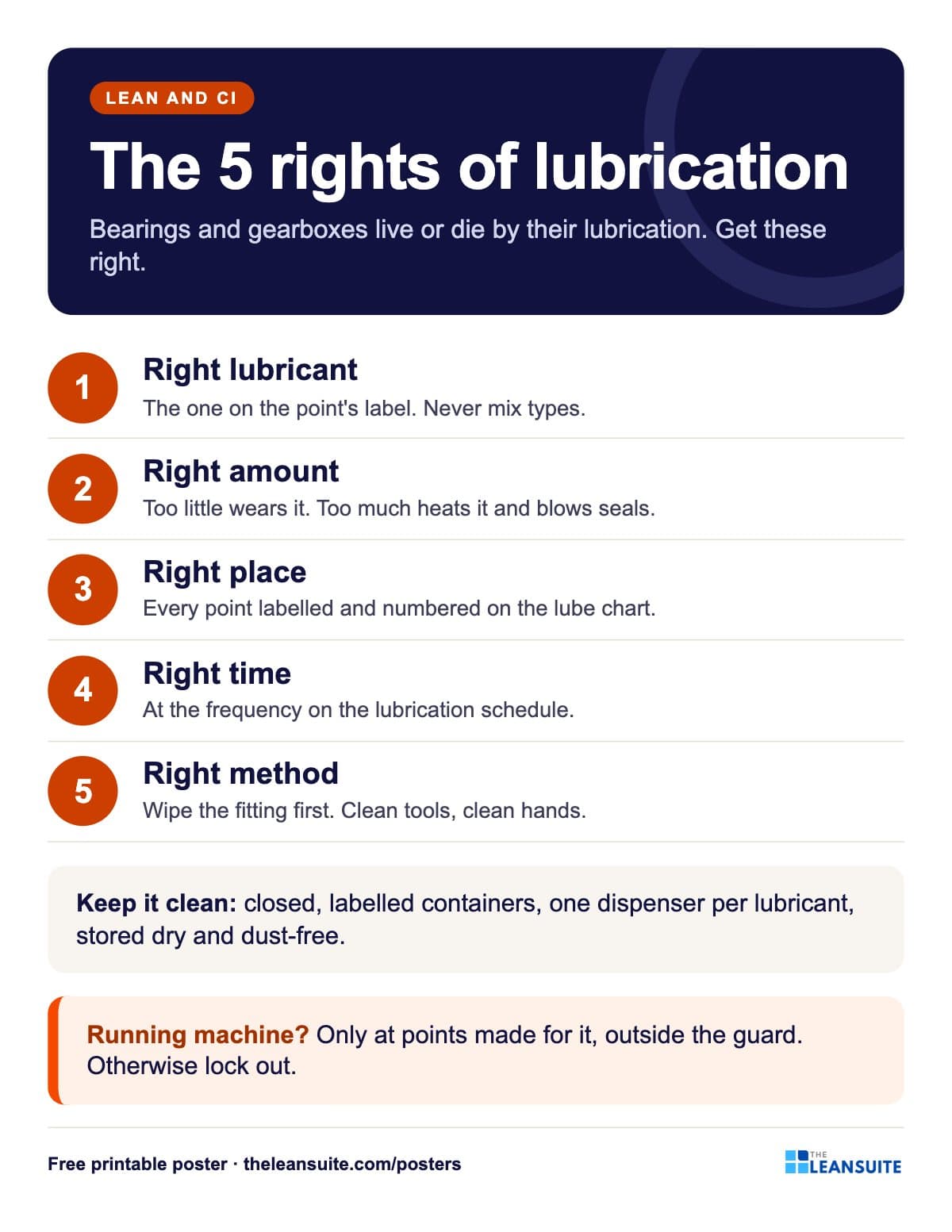 Lubrication basics poster: the five rights
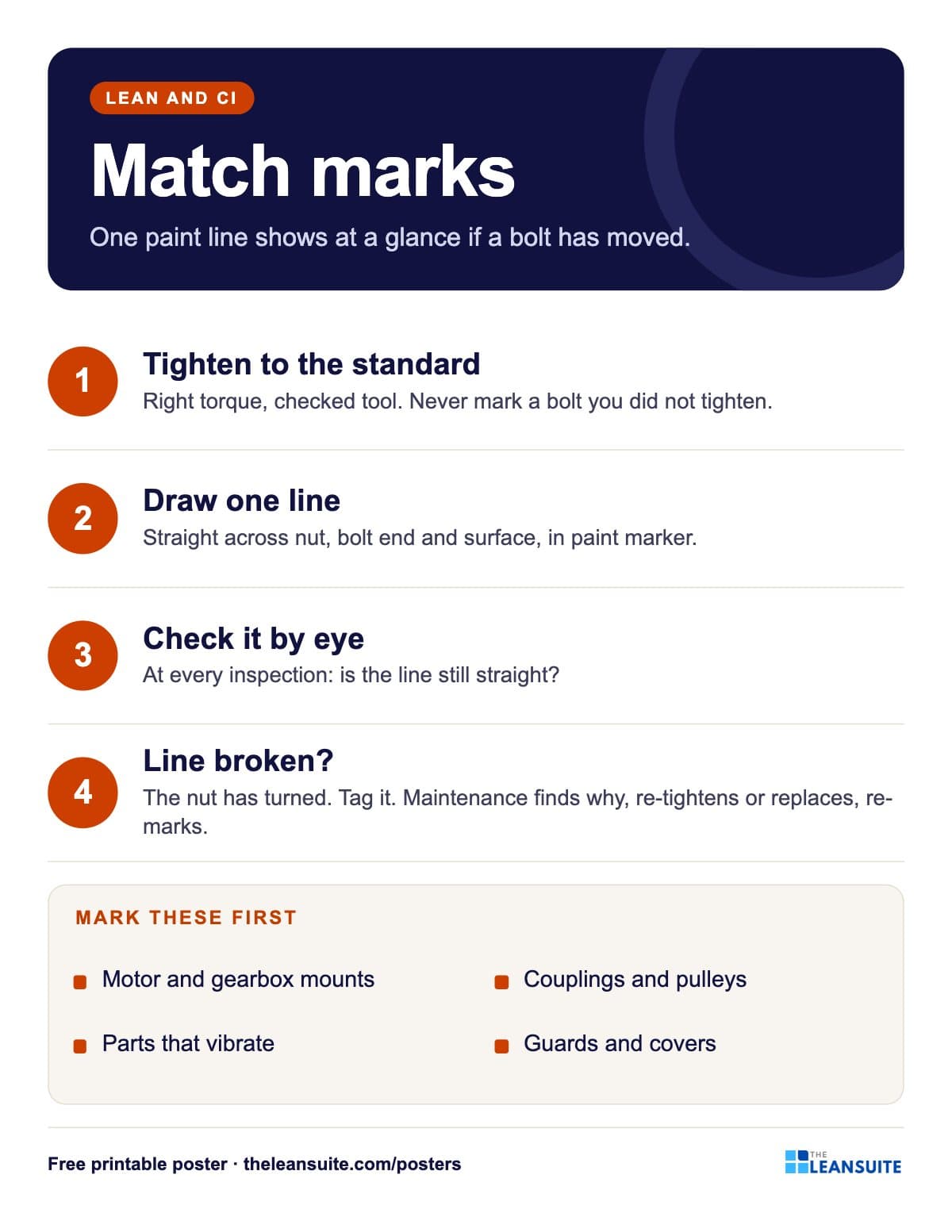 Bolt match marks poster
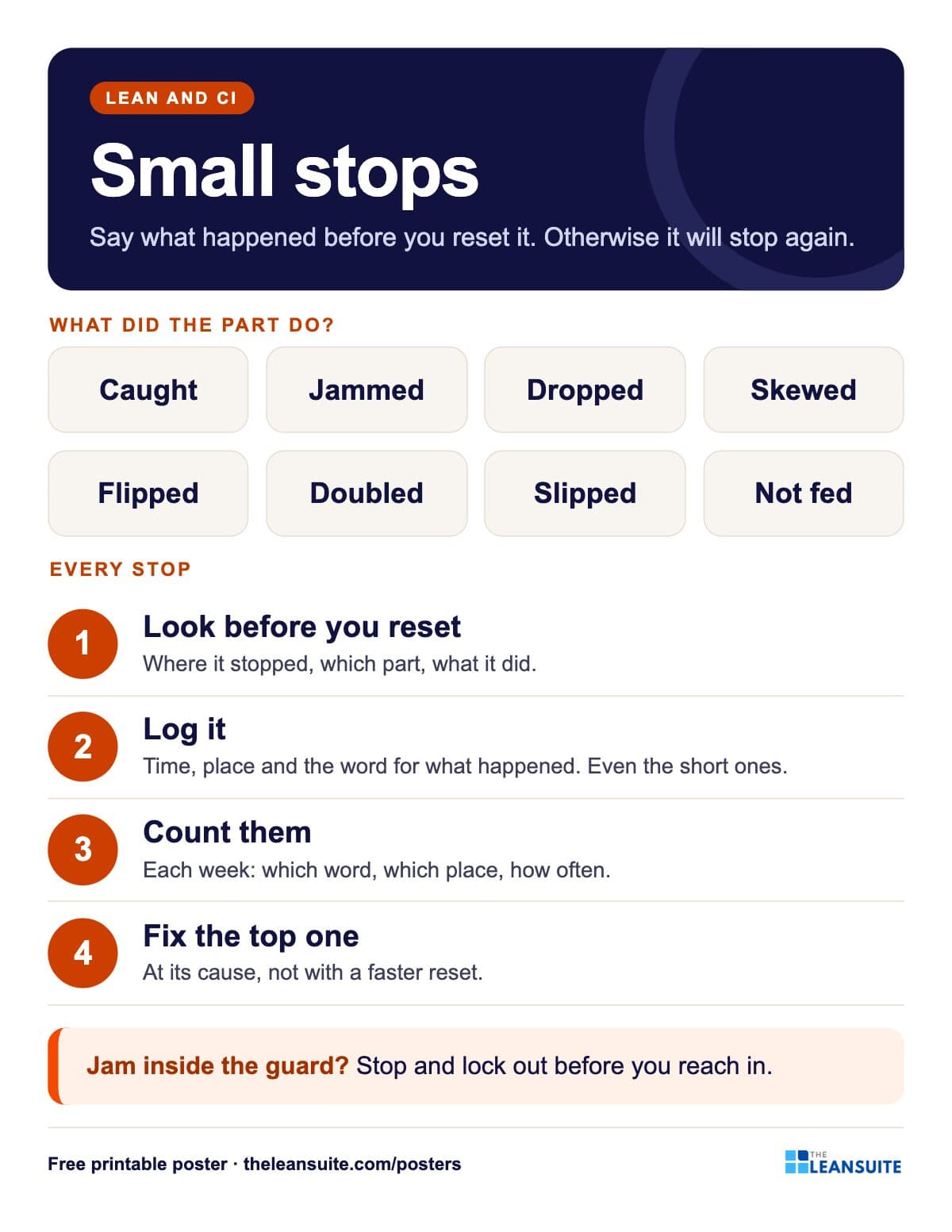 Small stops poster
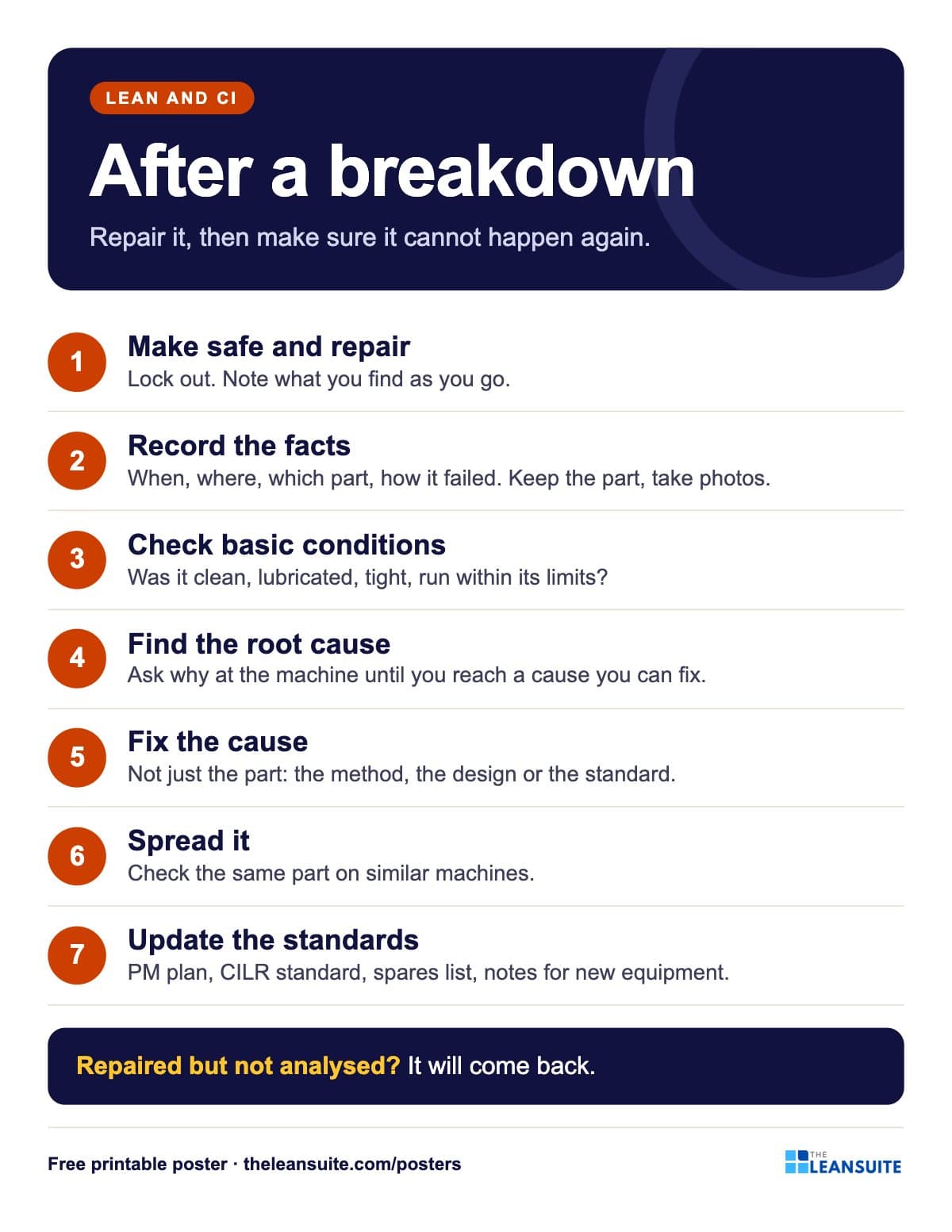 Breakdown analysis poster
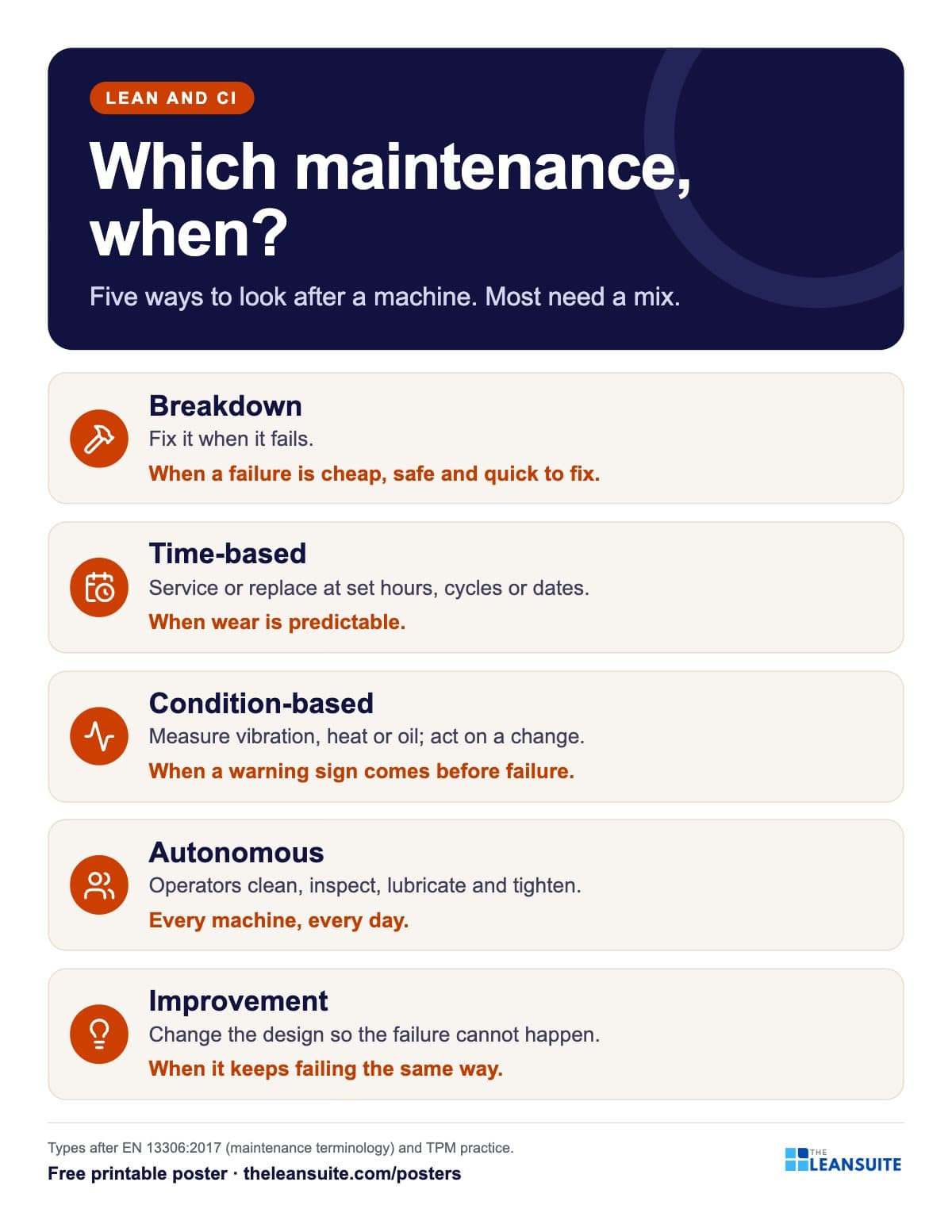 Types of maintenance poster
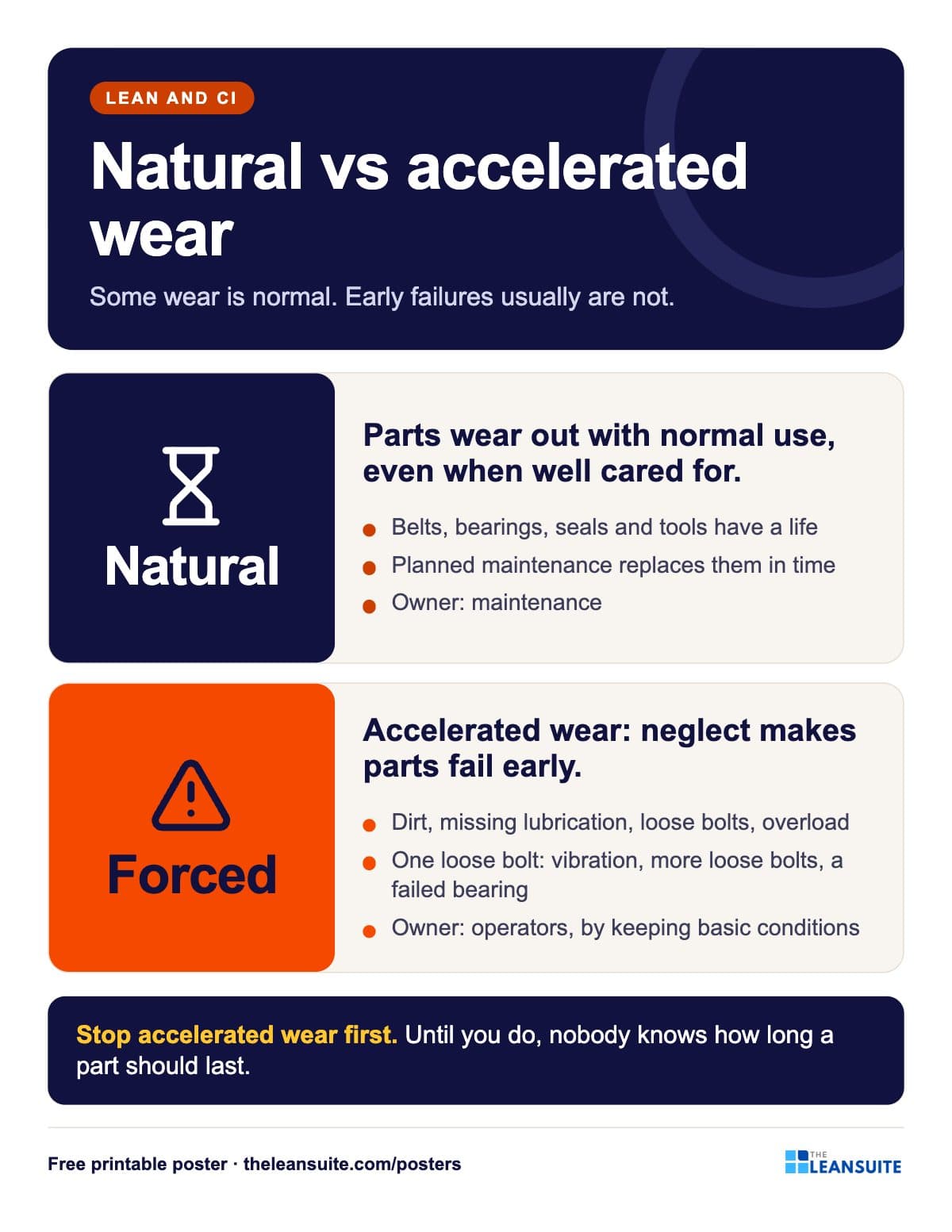 Natural vs accelerated wear poster
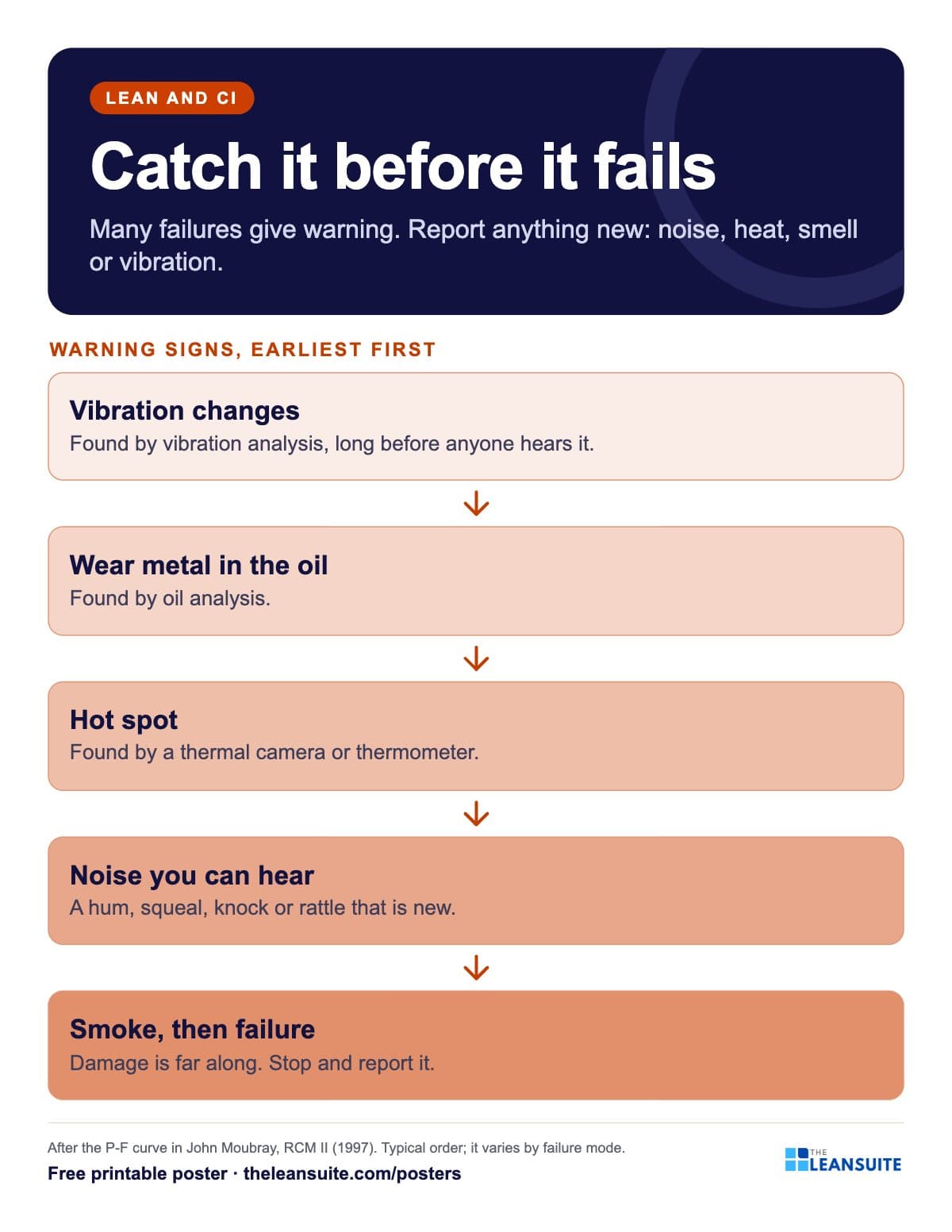 Failure warning signs poster (P-F curve)
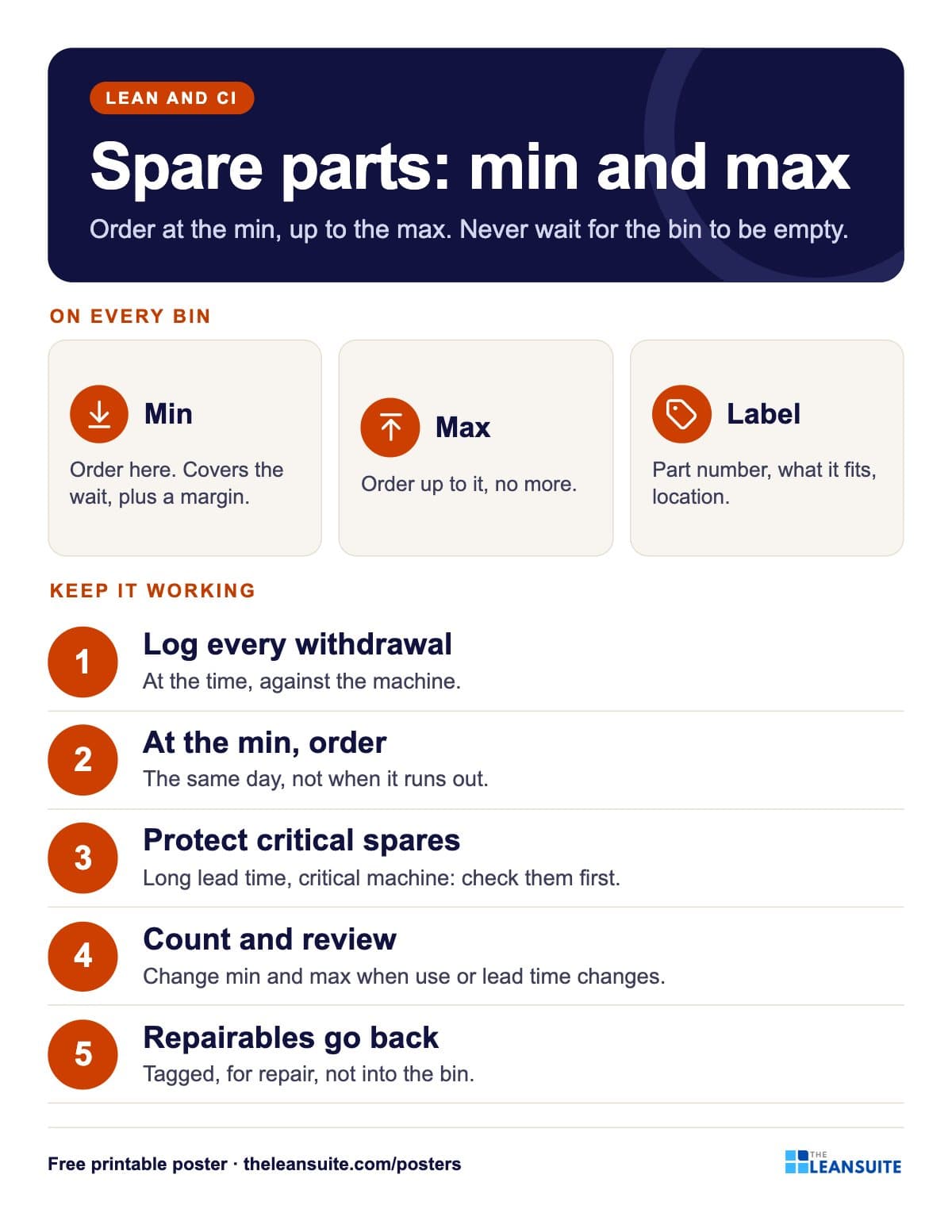 Spare parts min/max poster
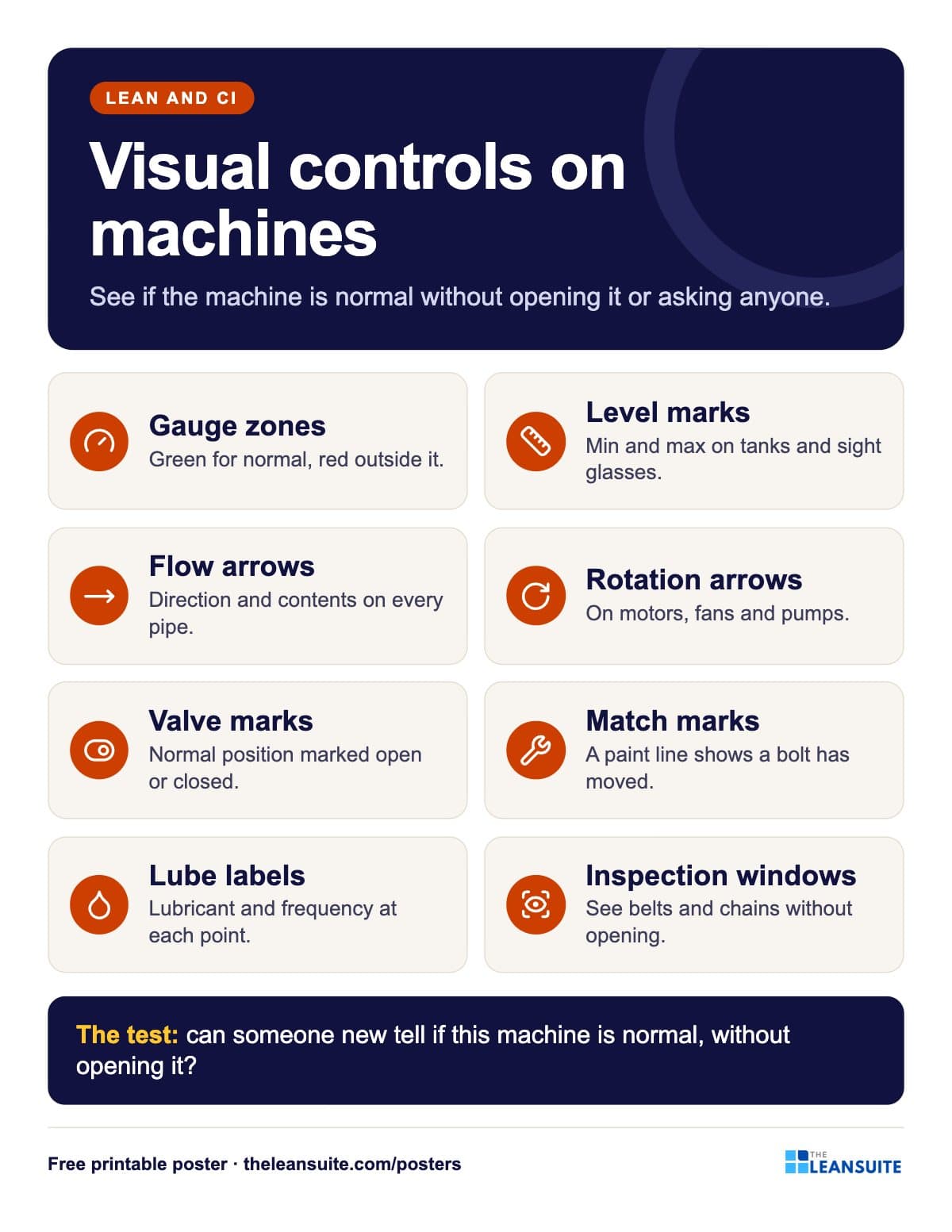 Machine visual controls poster
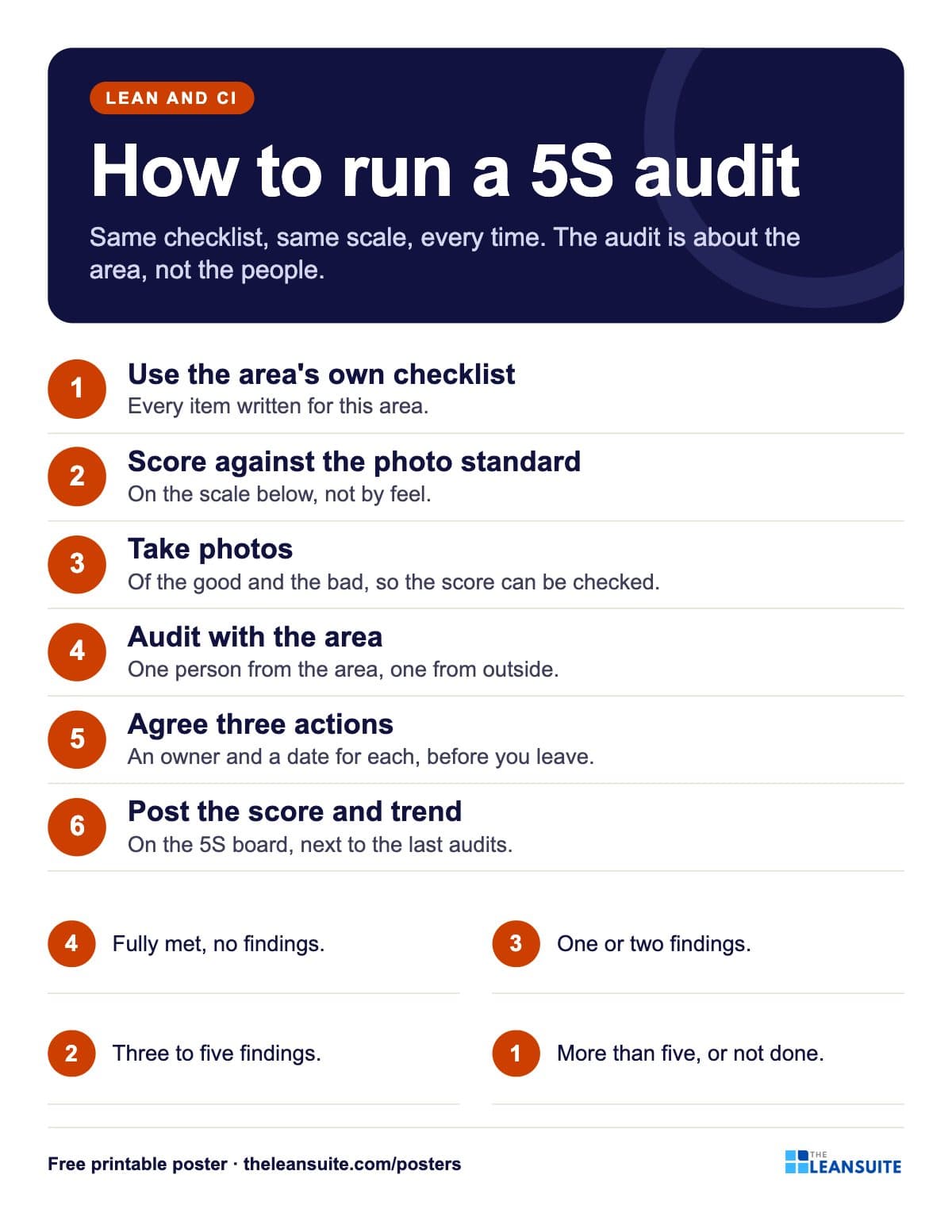 How to run a 5S audit poster
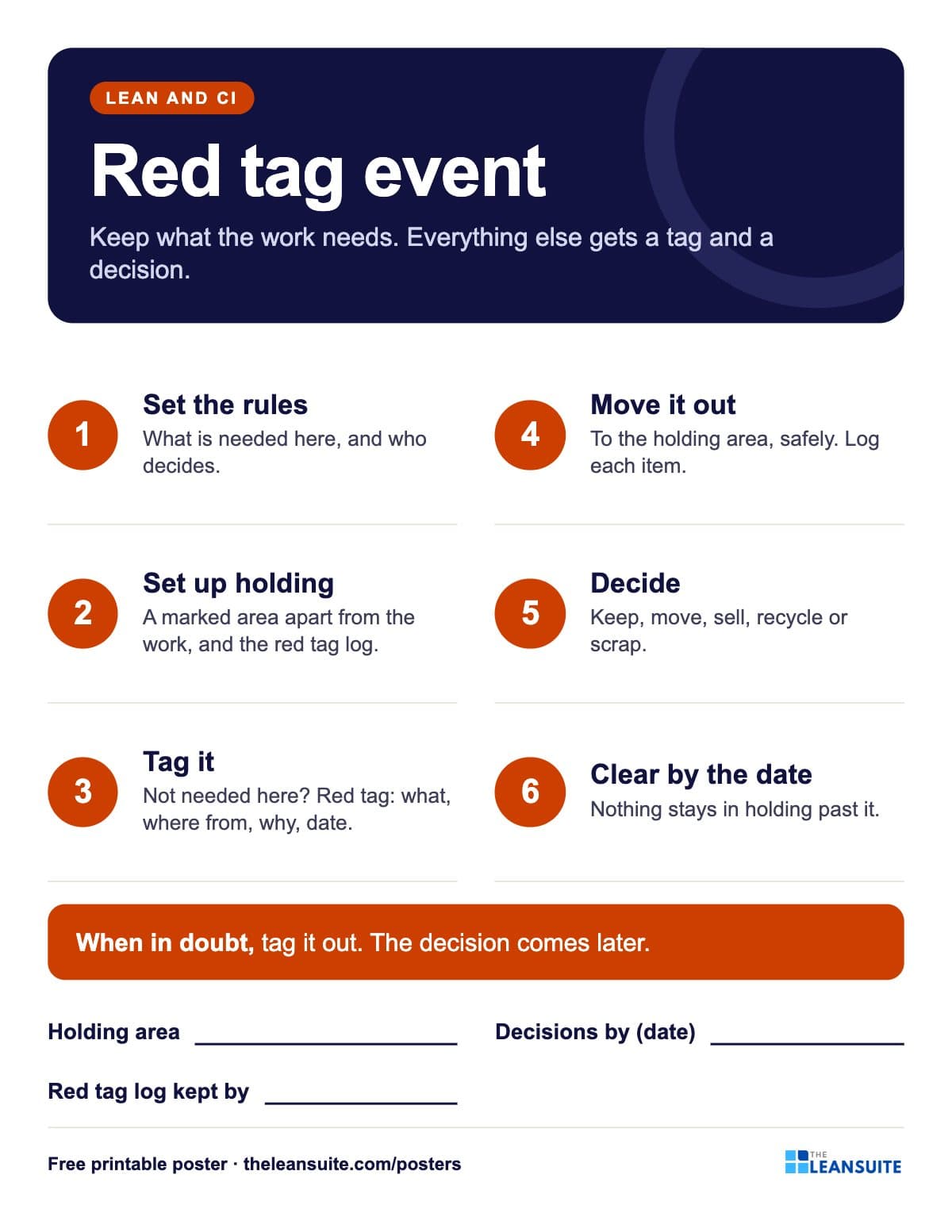 Red tag event poster
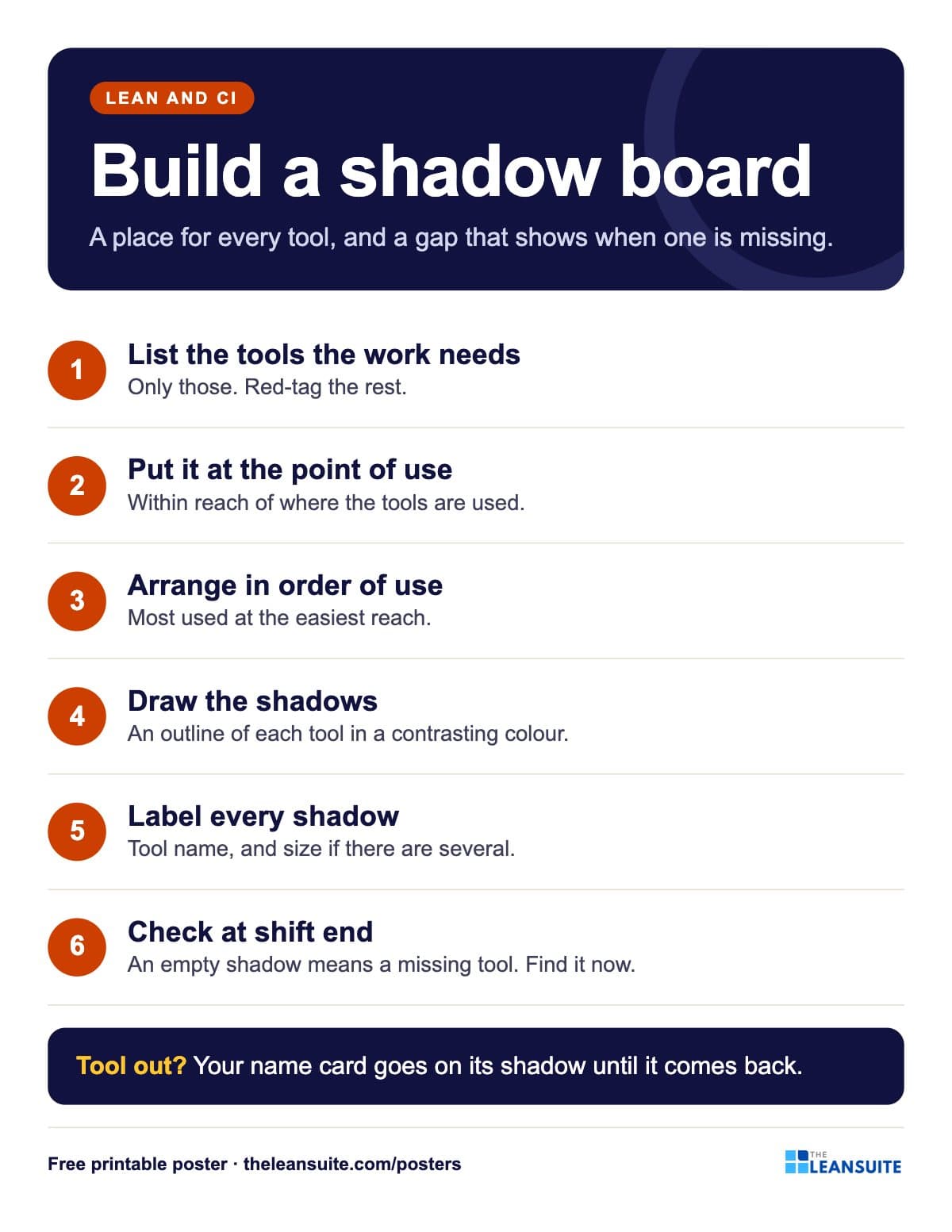 Shadow board poster
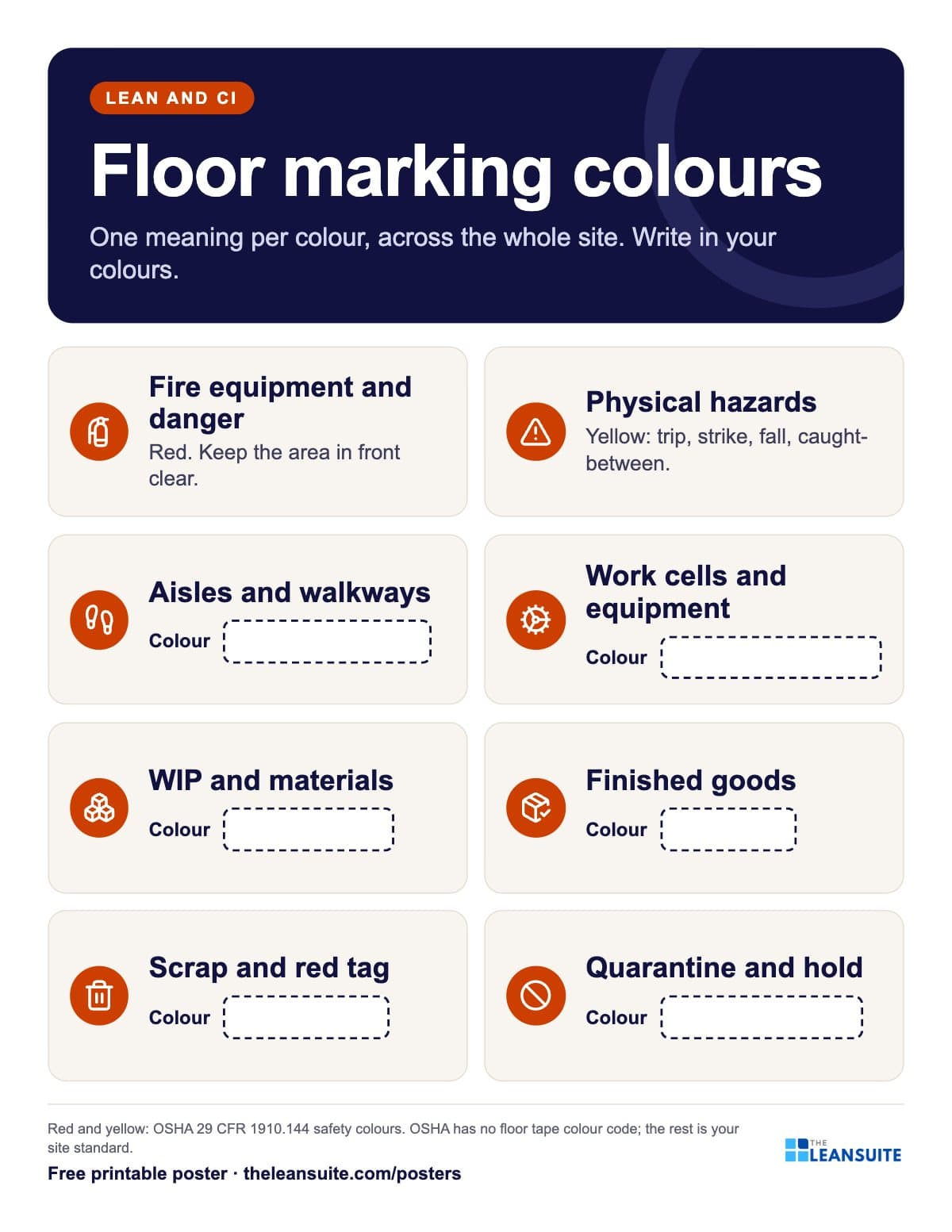 Floor marking colours poster
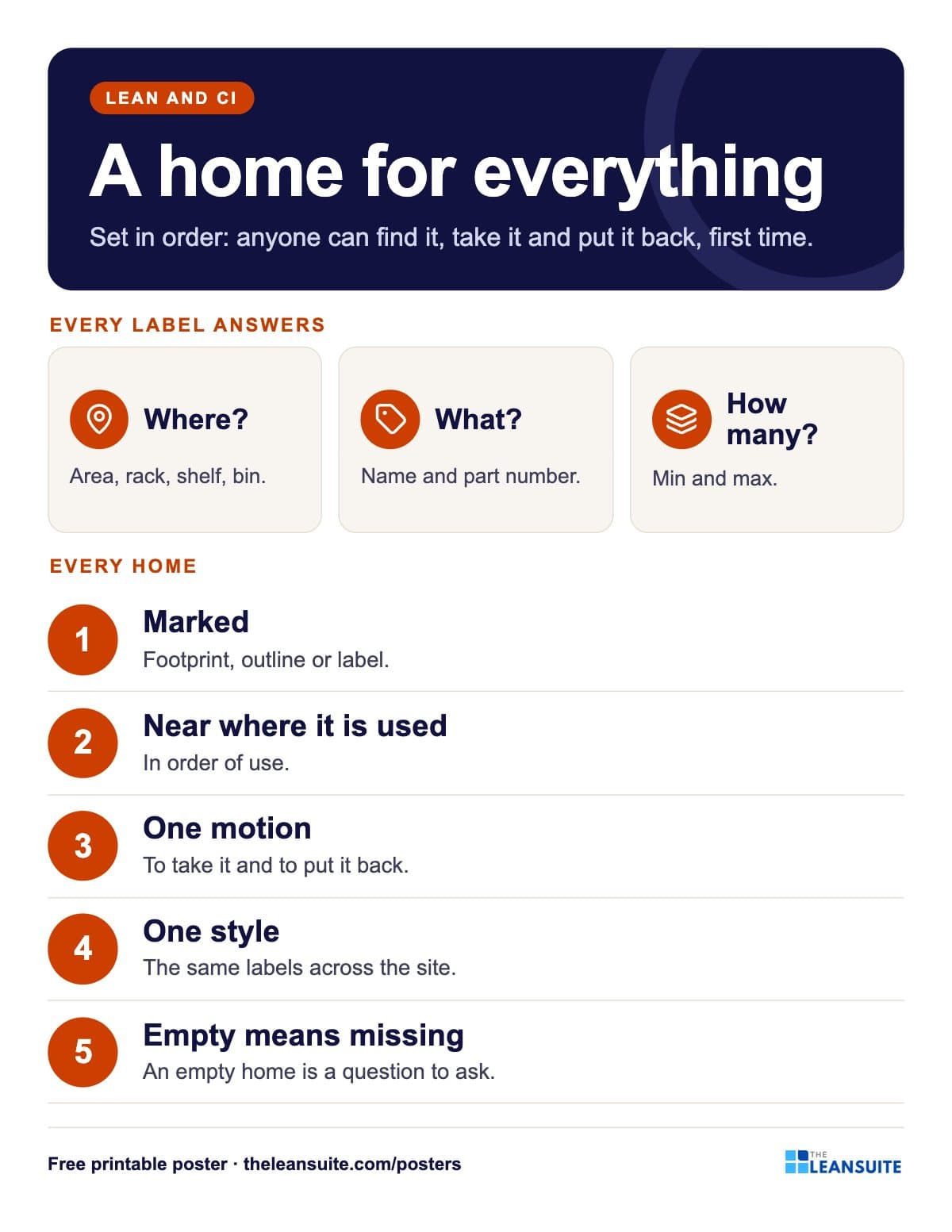 Set in order poster: where, what, how many
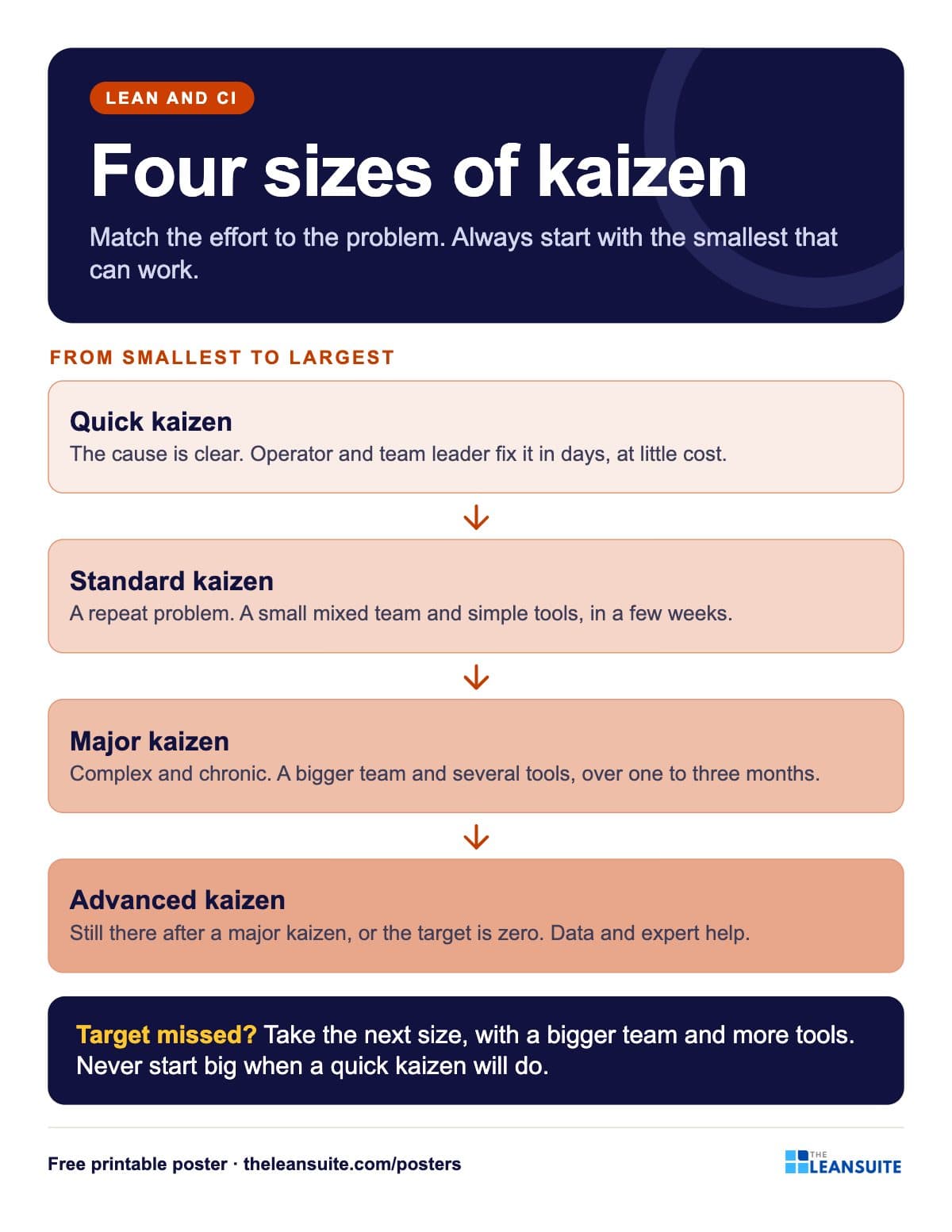 Kaizen sizes poster
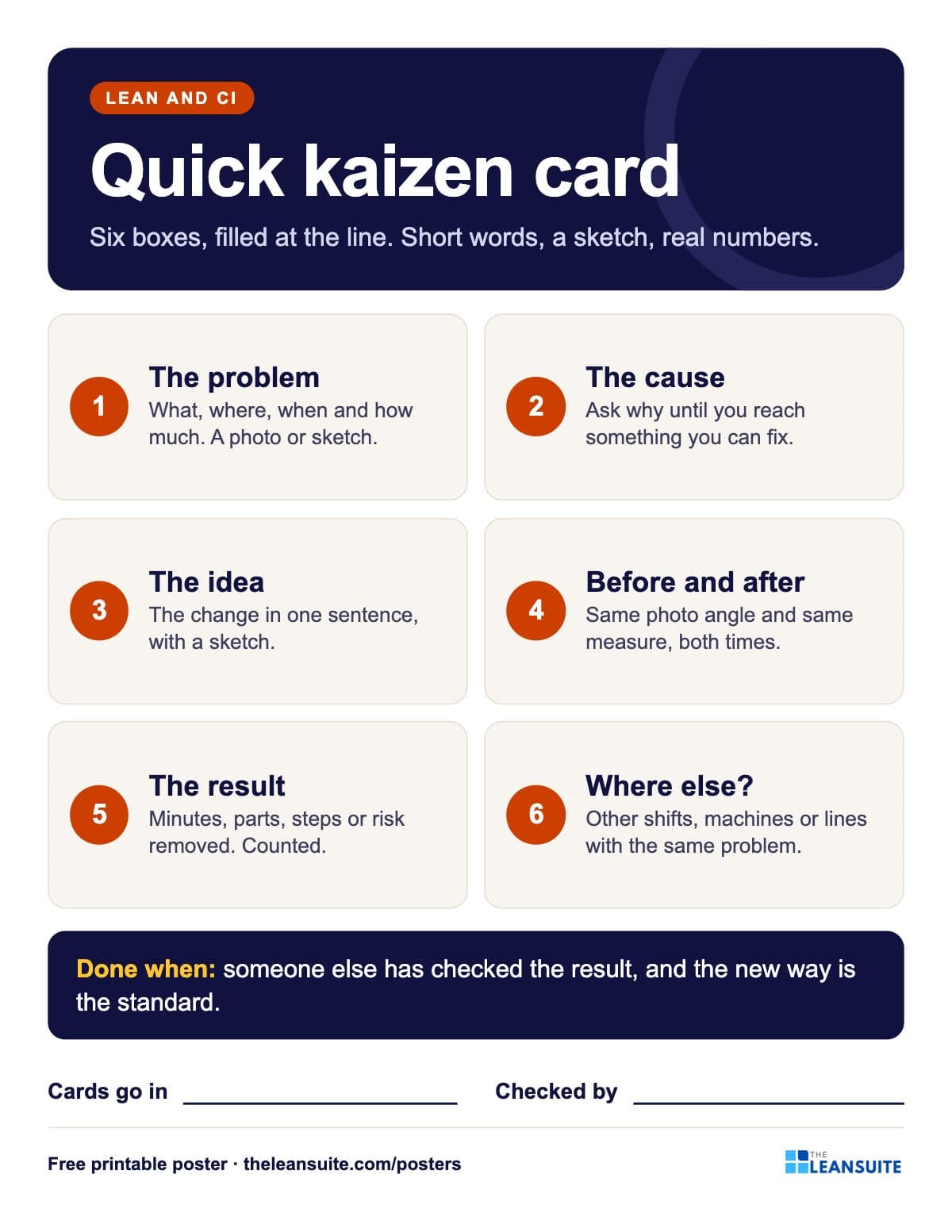 Quick kaizen card poster
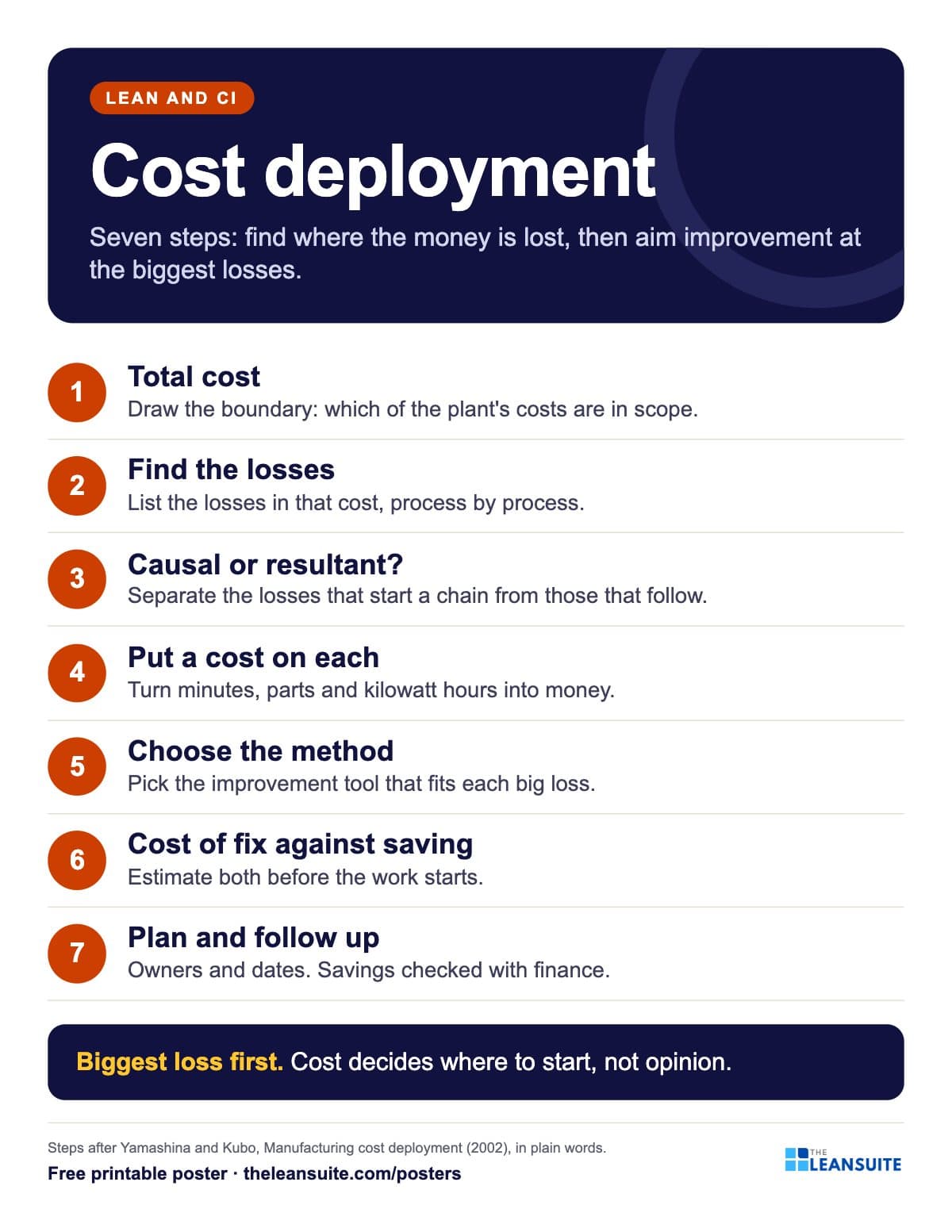 Cost deployment 7 steps poster
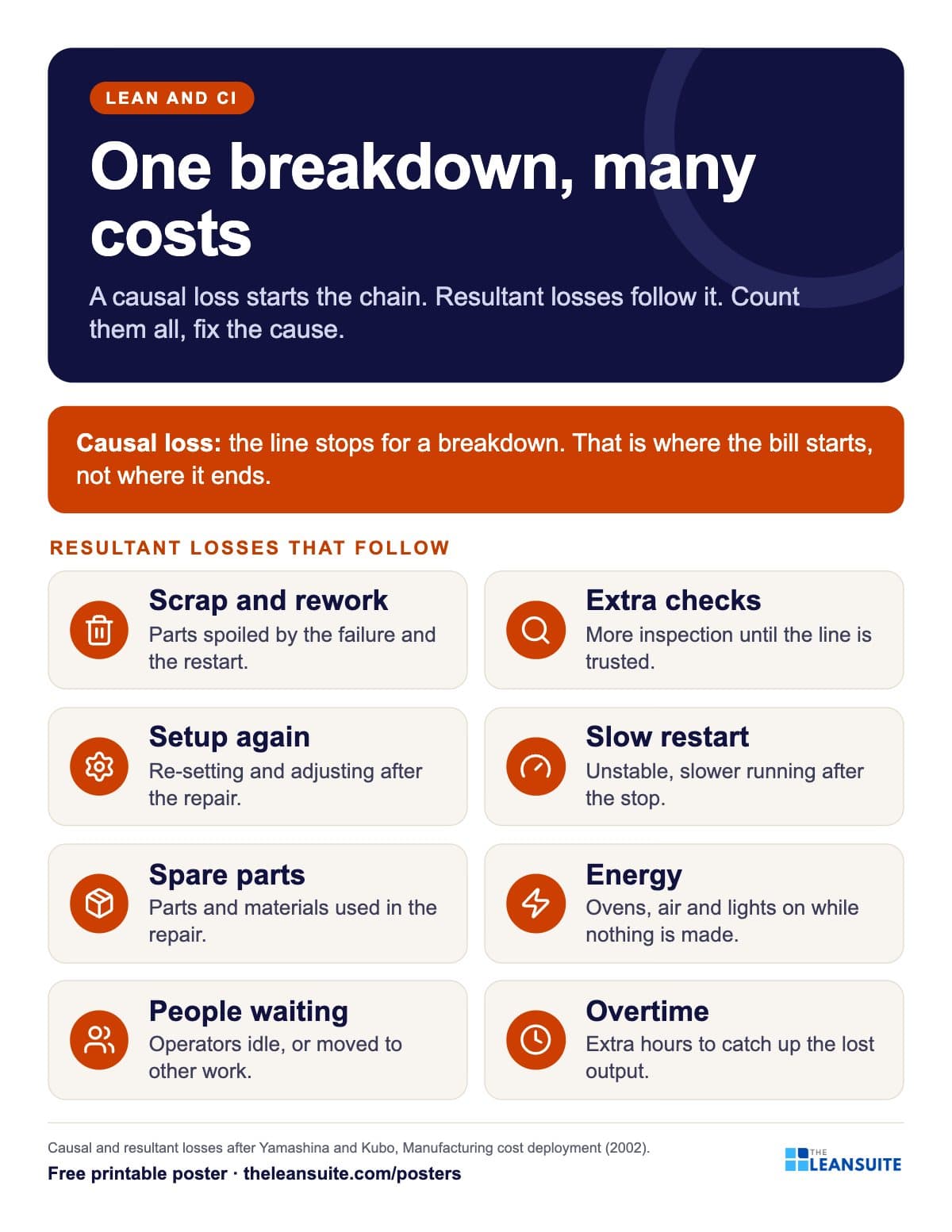 Causal and resultant losses poster
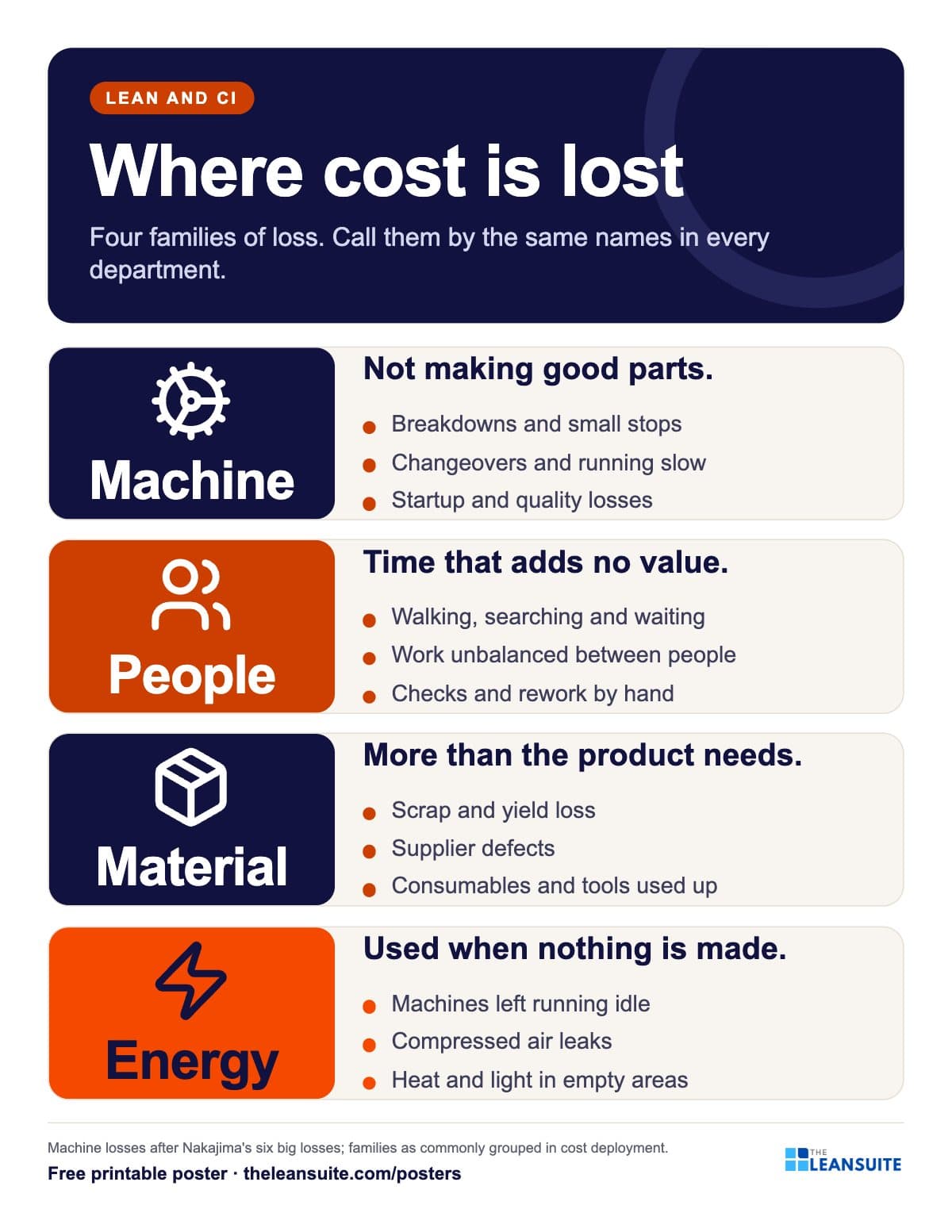 Four loss families poster
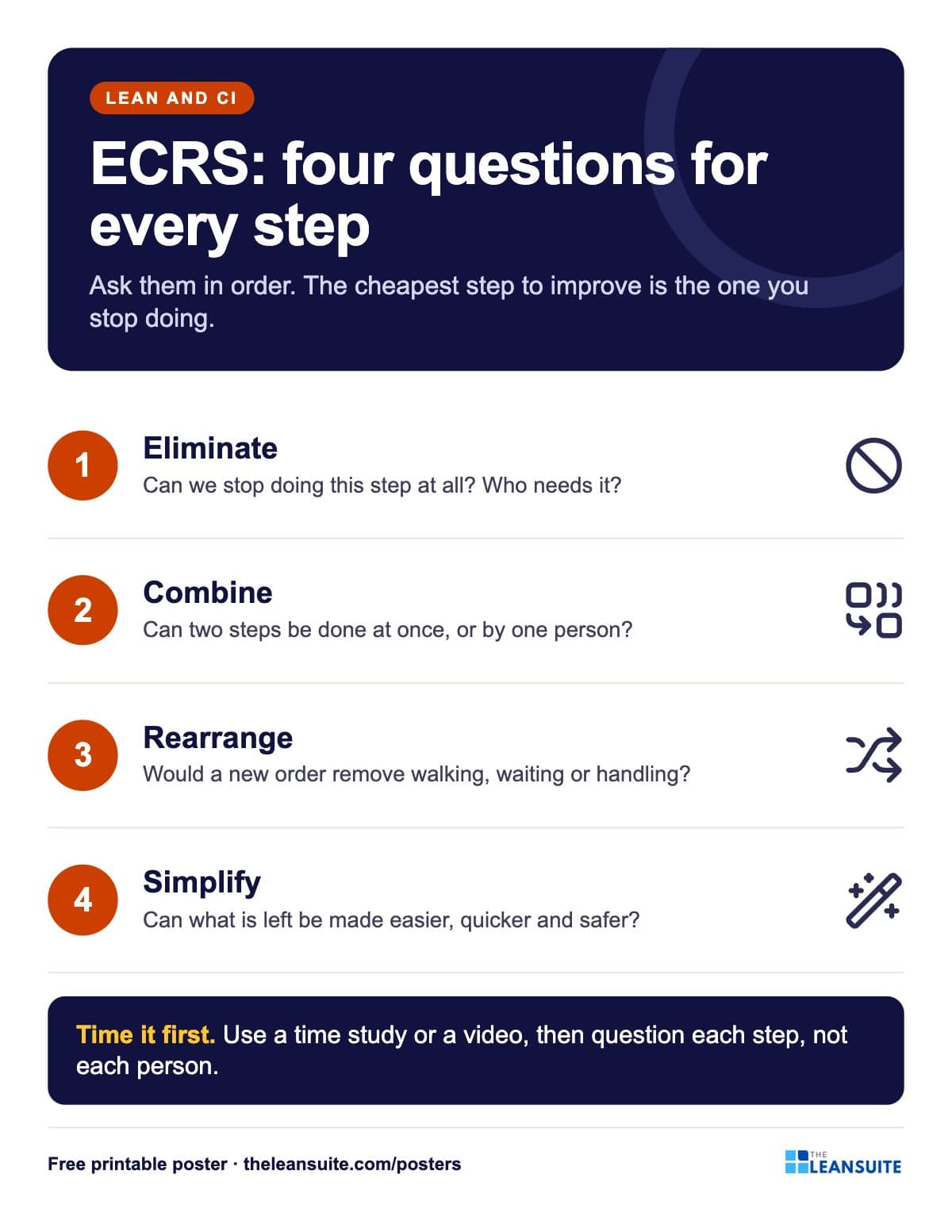 ECRS poster
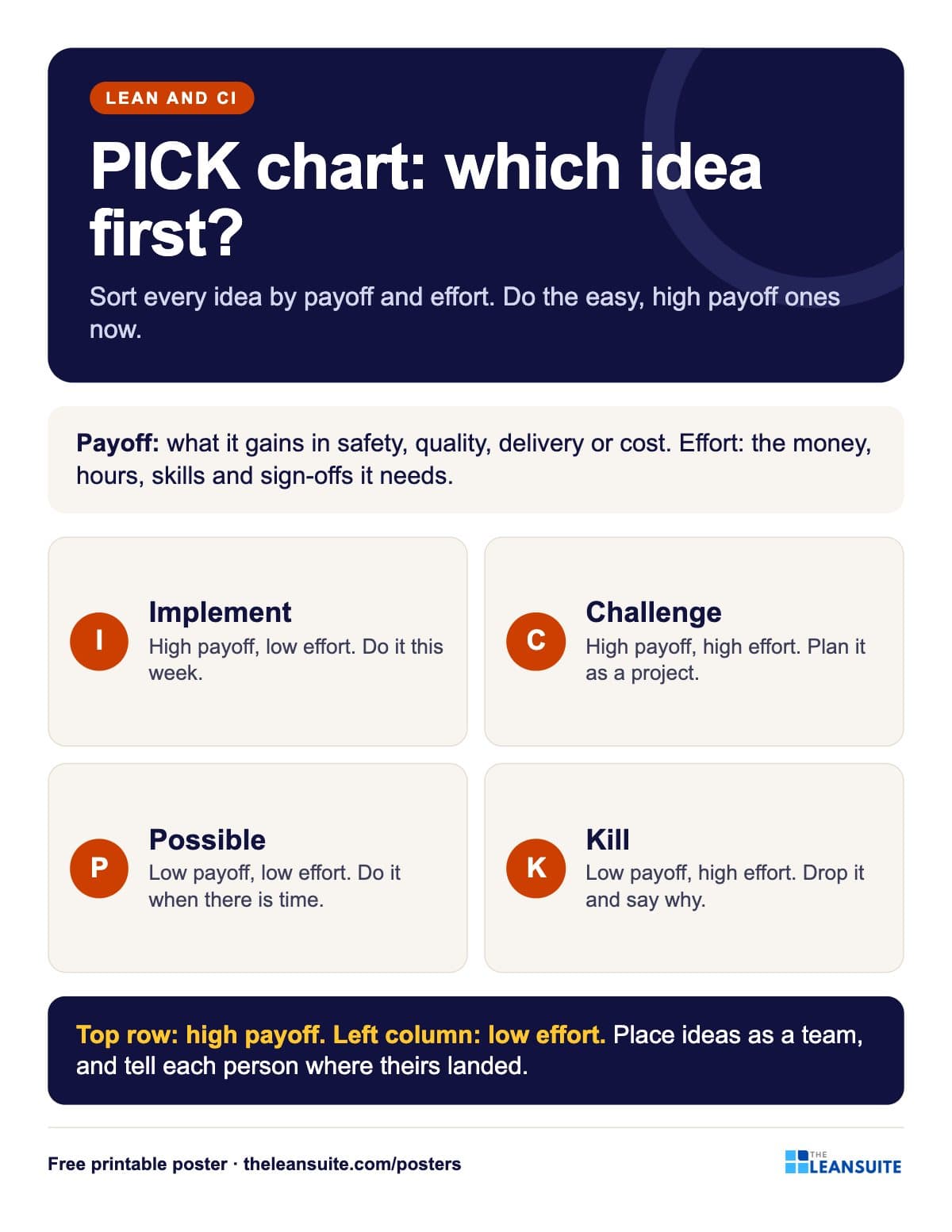 PICK chart poster
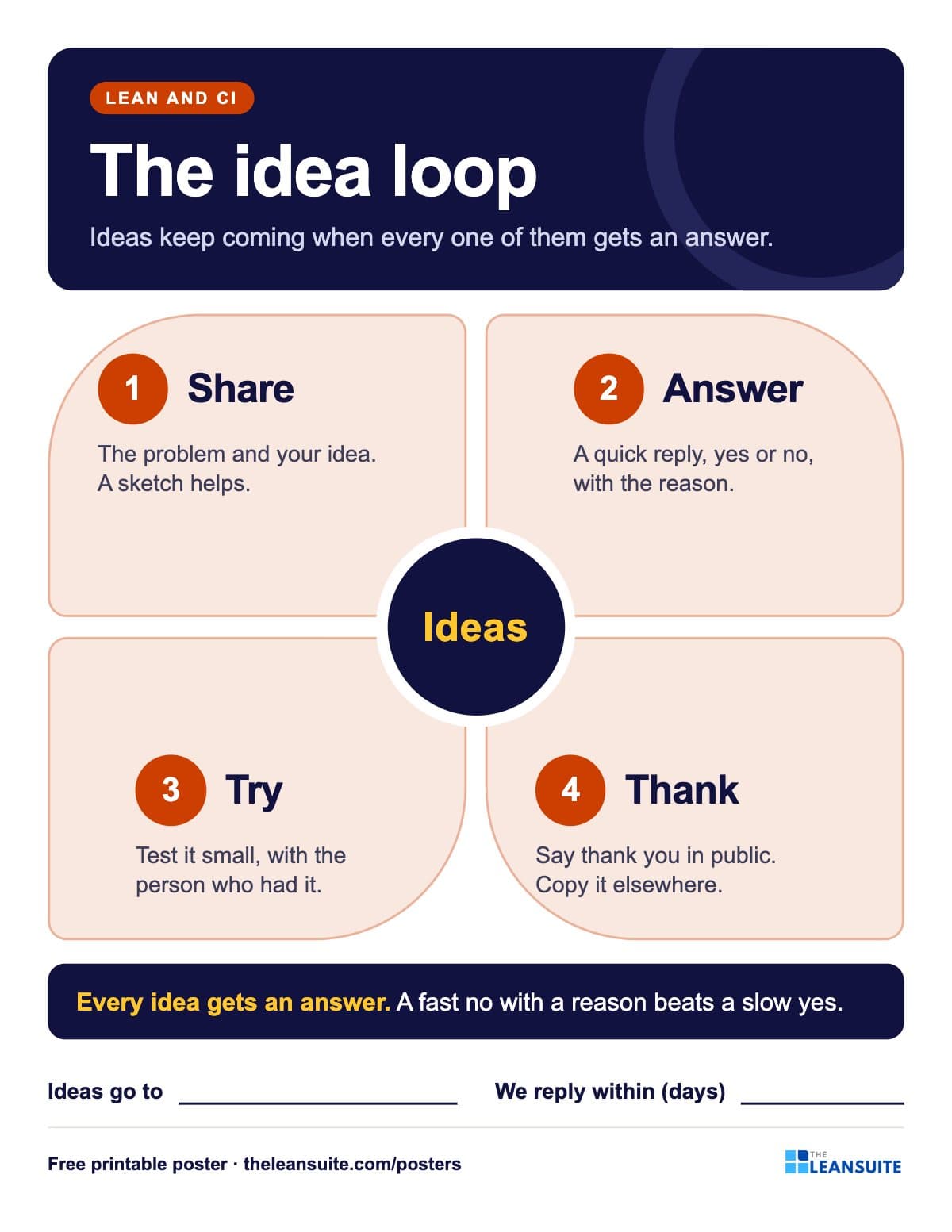 Suggestion system poster
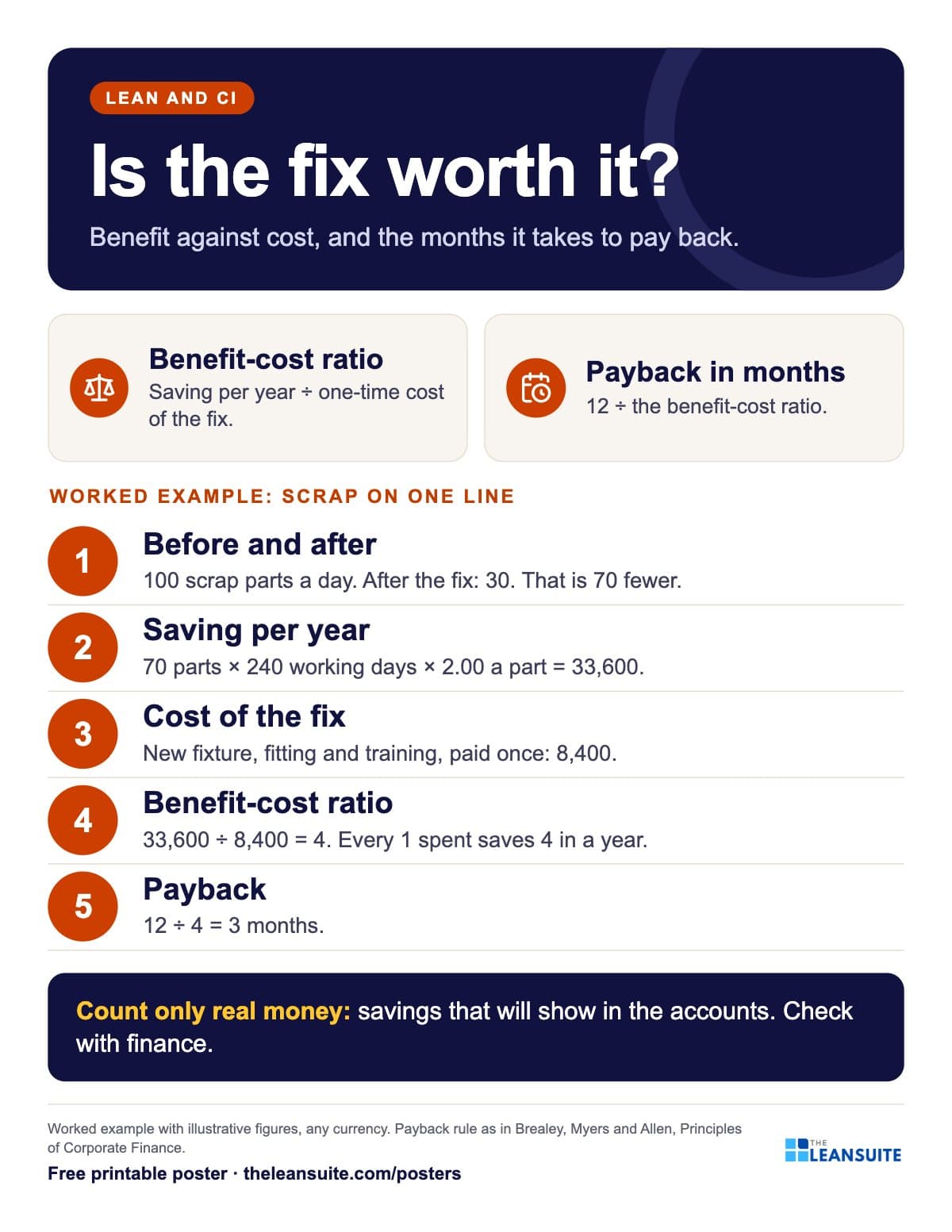 Benefit-cost ratio and payback poster
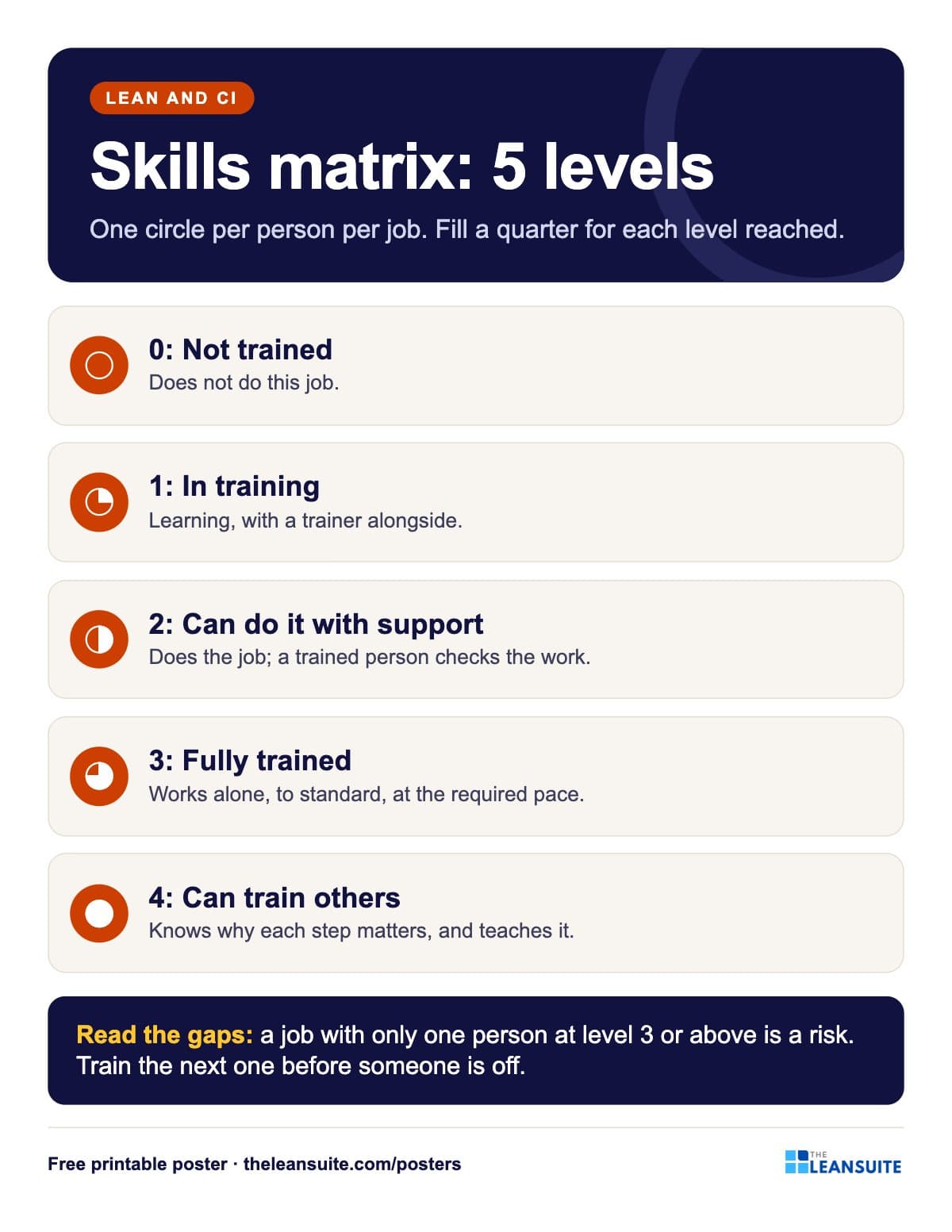 Skills matrix levels poster
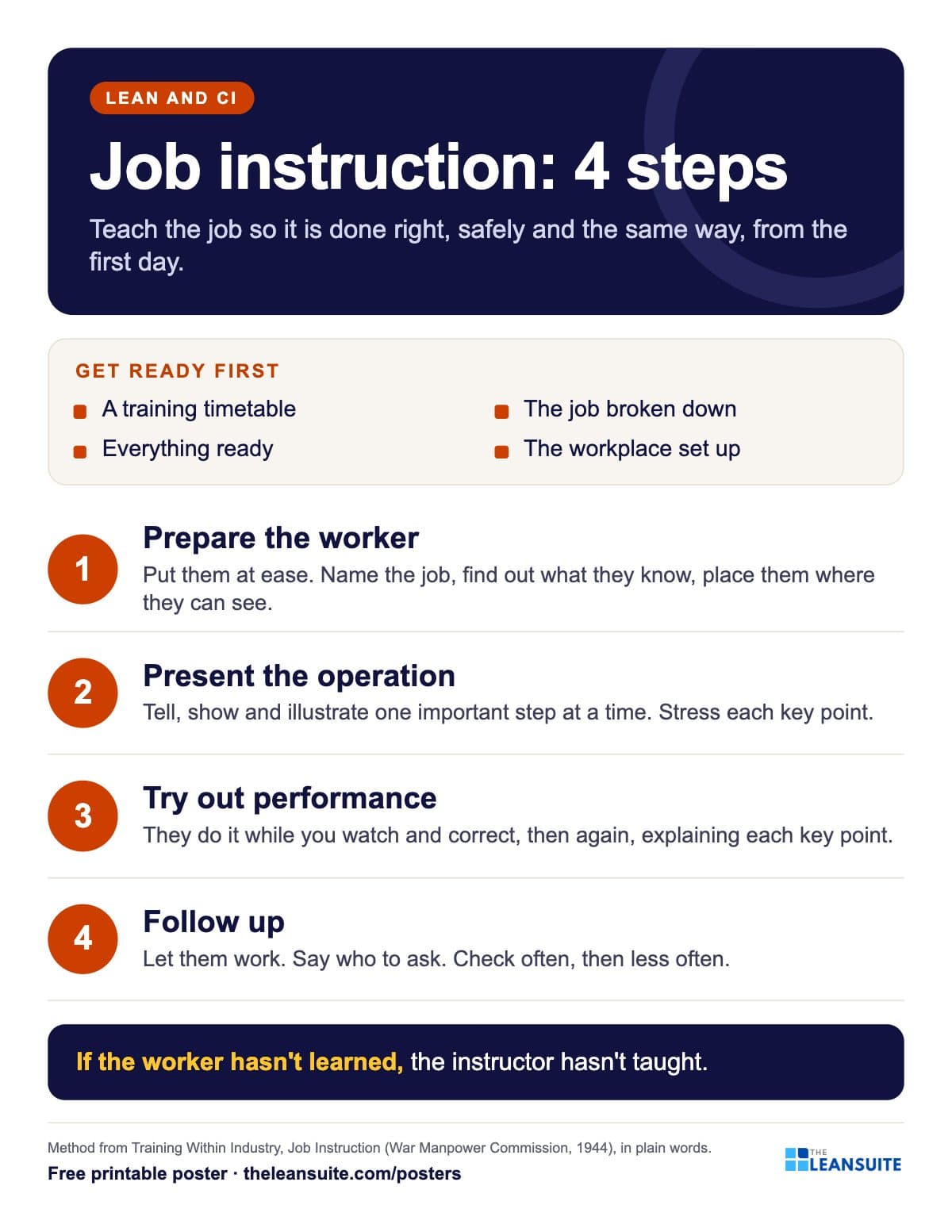 Job instruction 4 steps poster
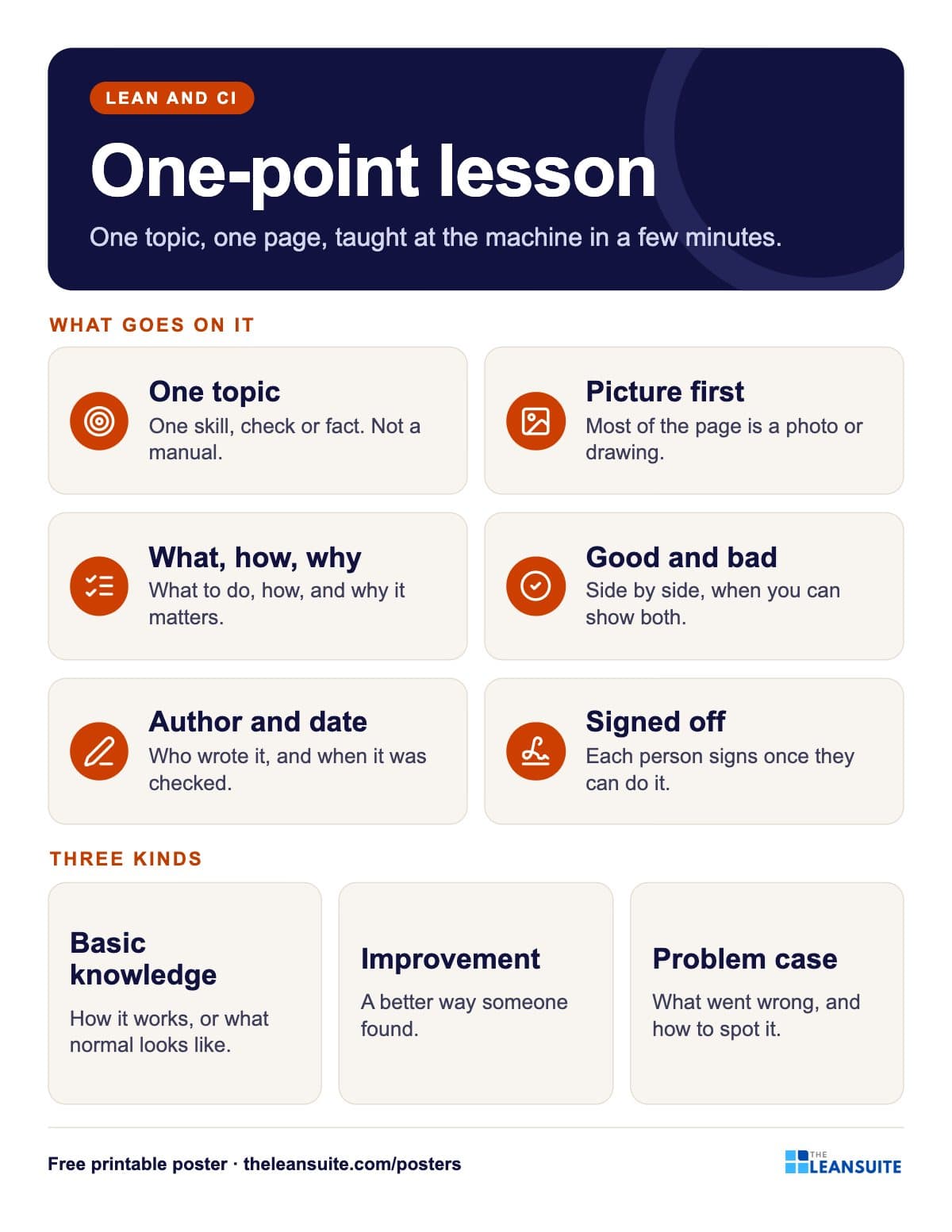 One-point lesson poster
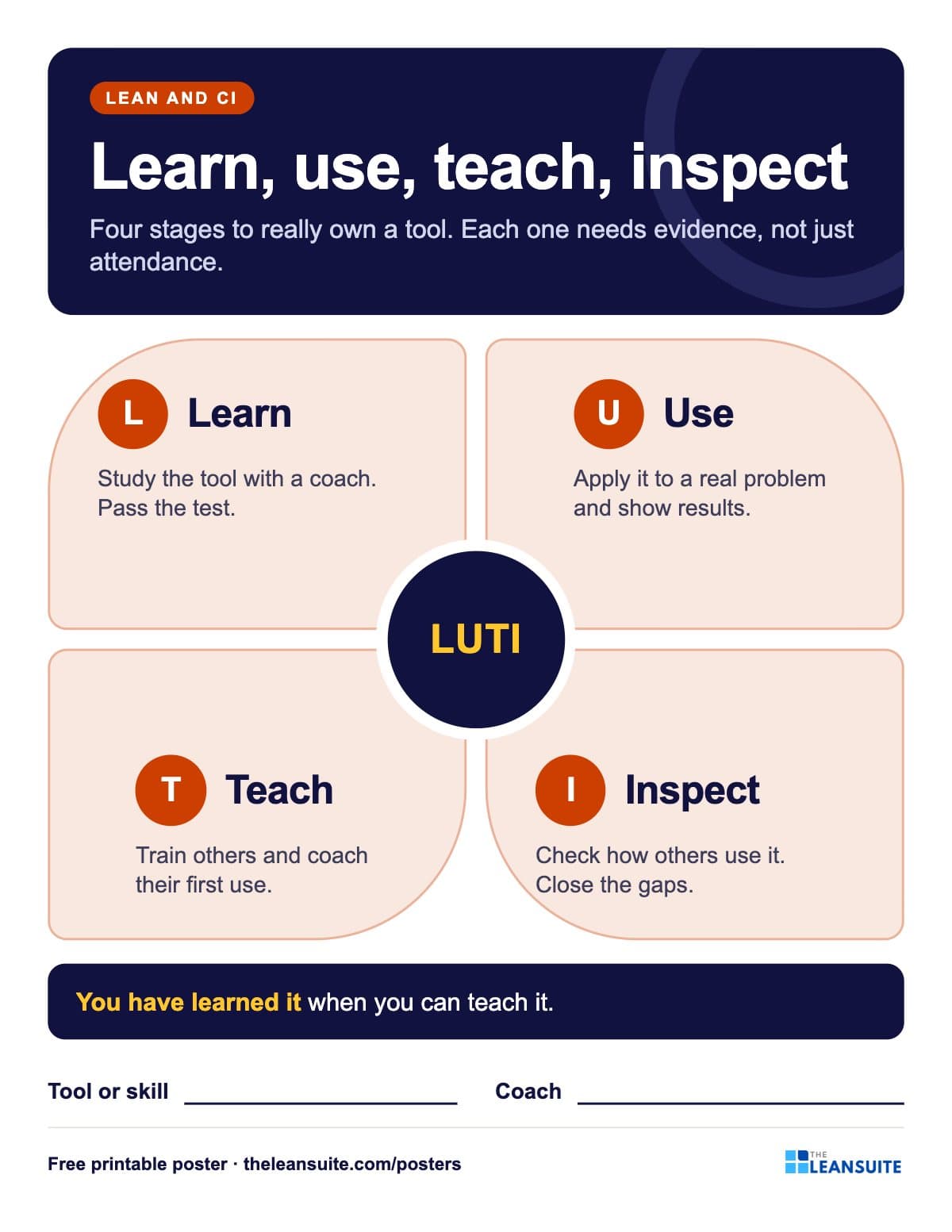 Learn, use, teach, inspect poster
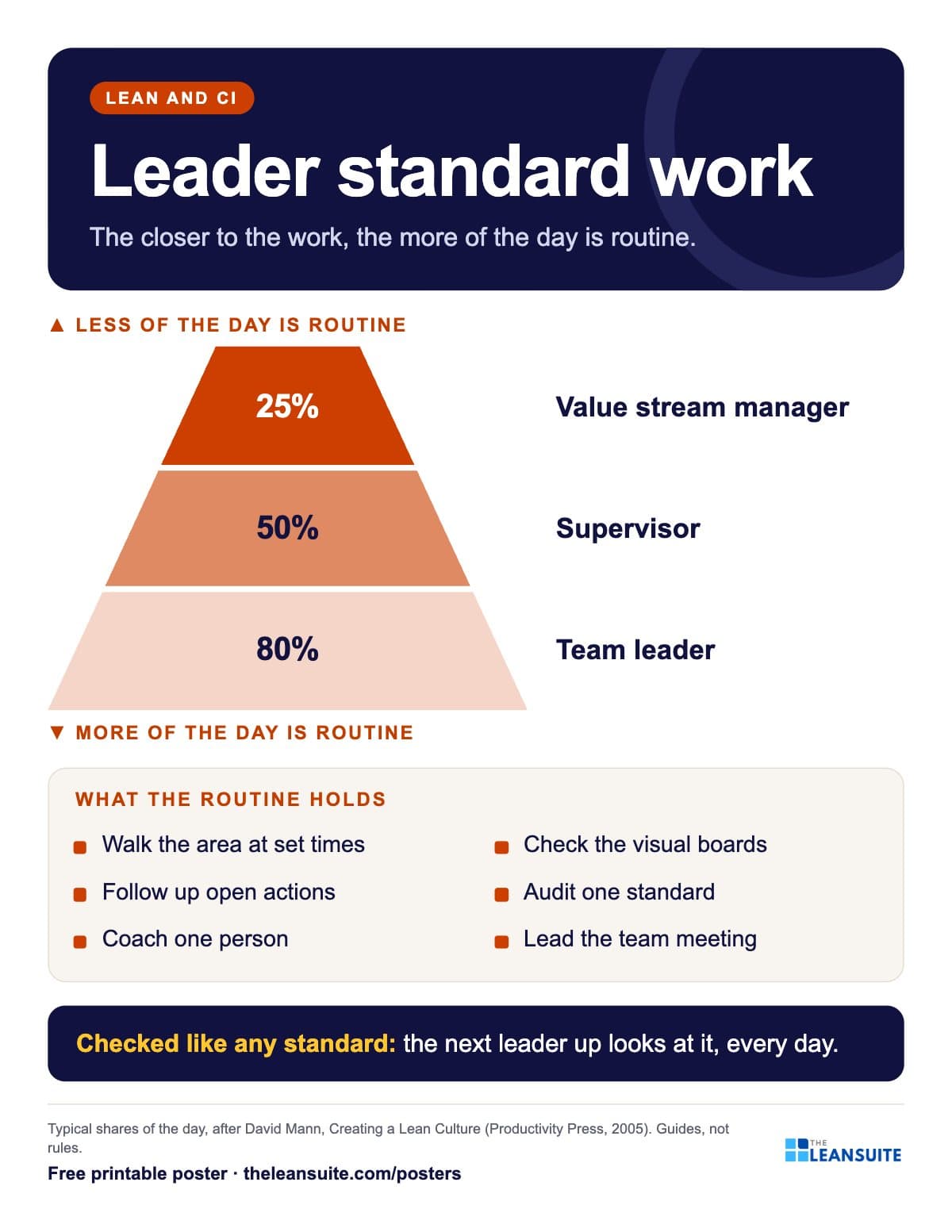 Leader standard work poster
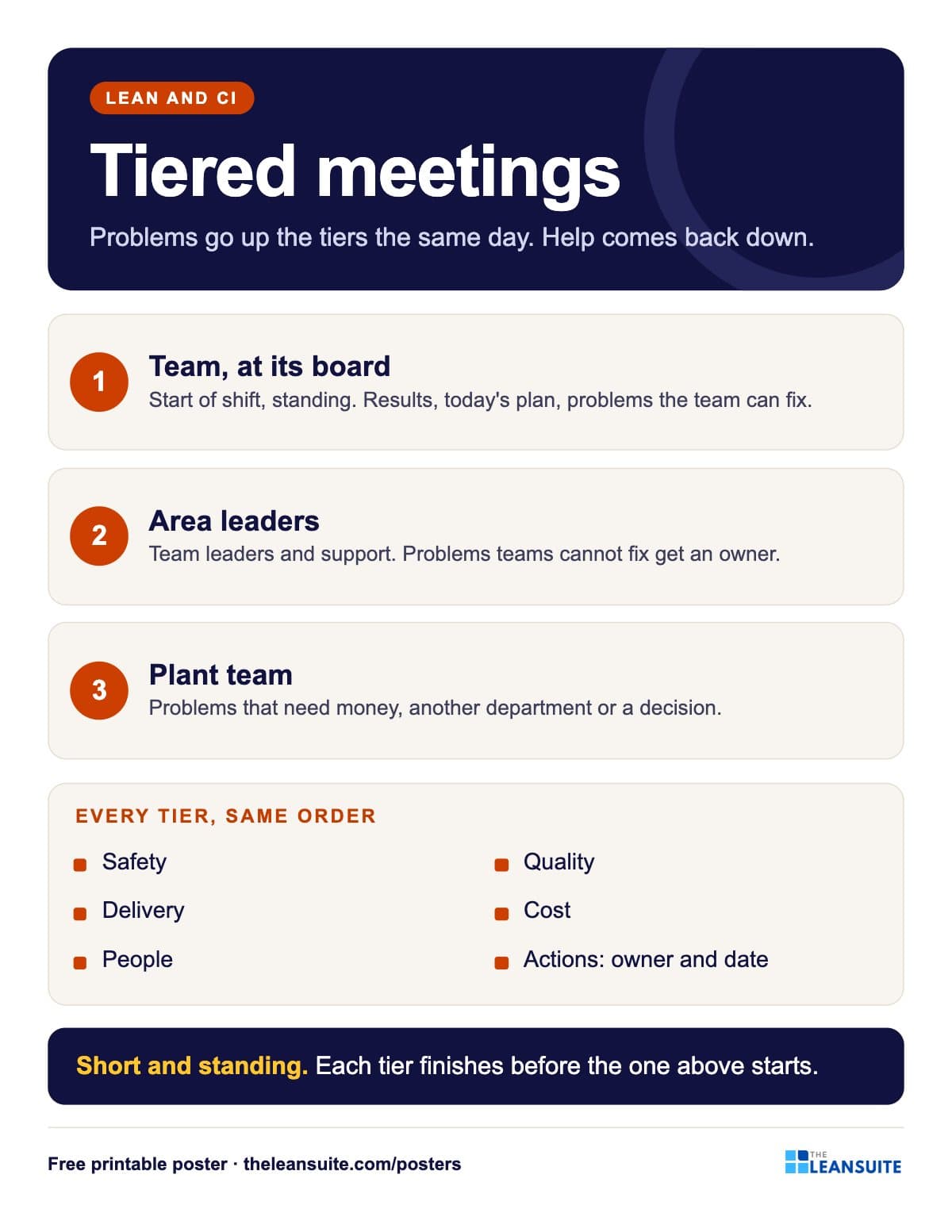 Tiered meetings poster
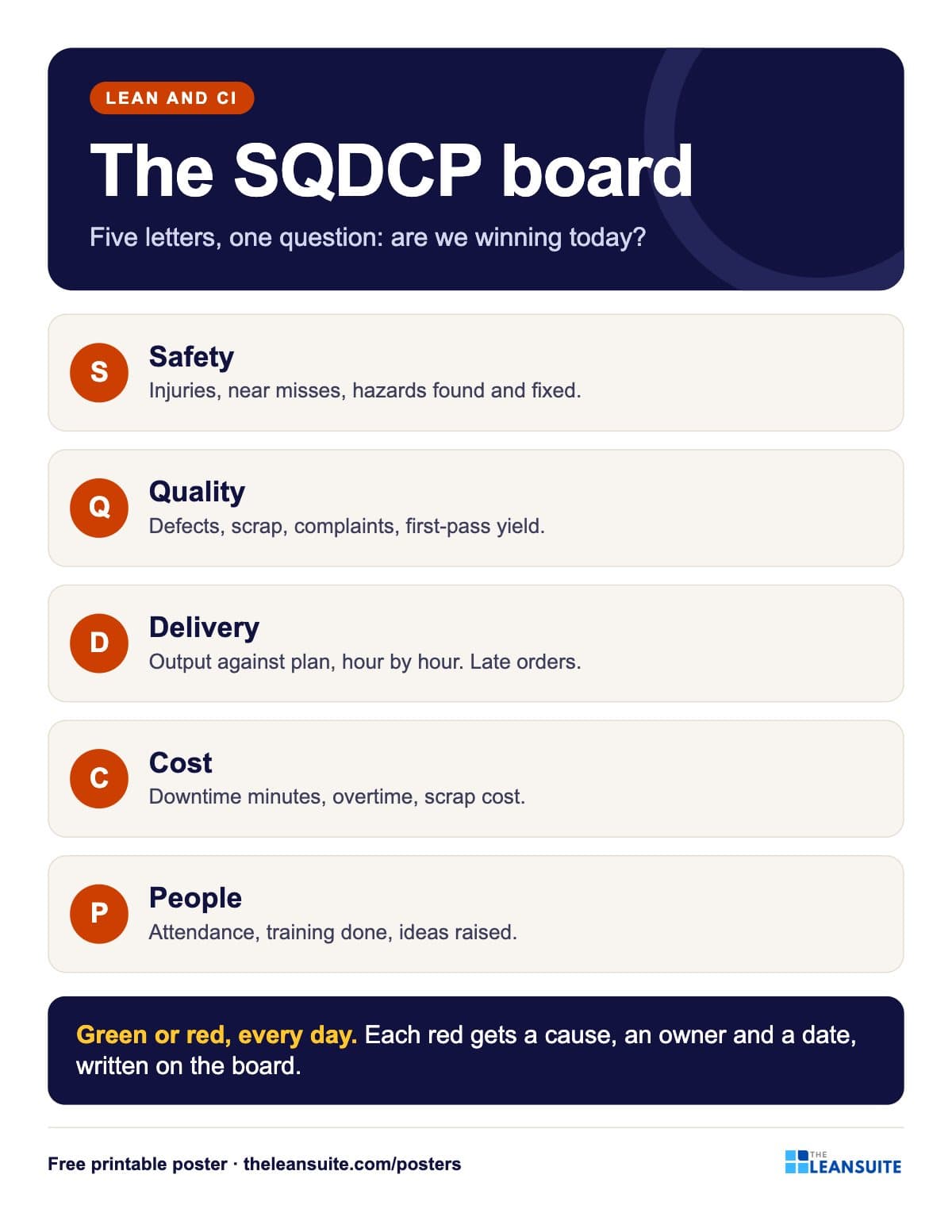 SQDCP board poster
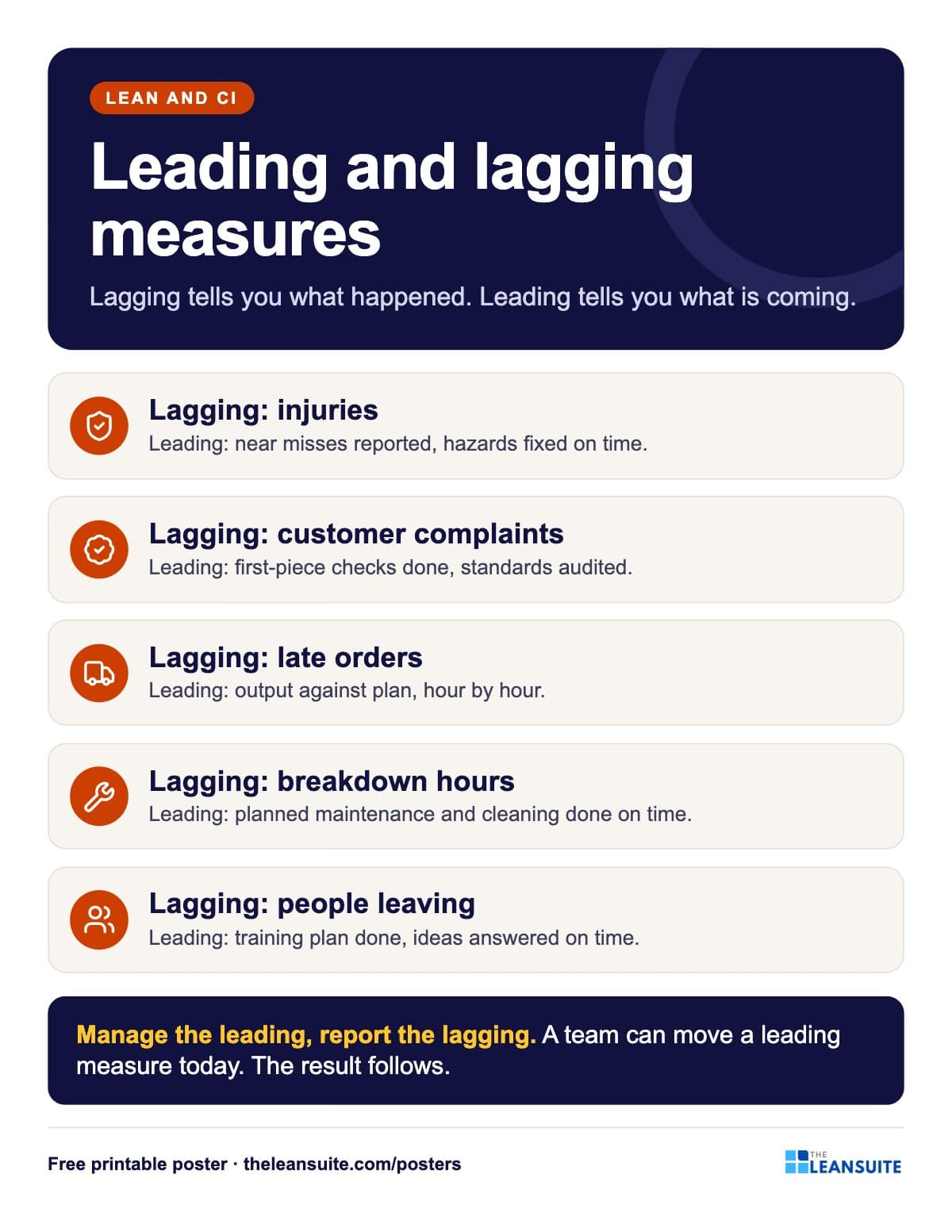 Leading and lagging indicators poster
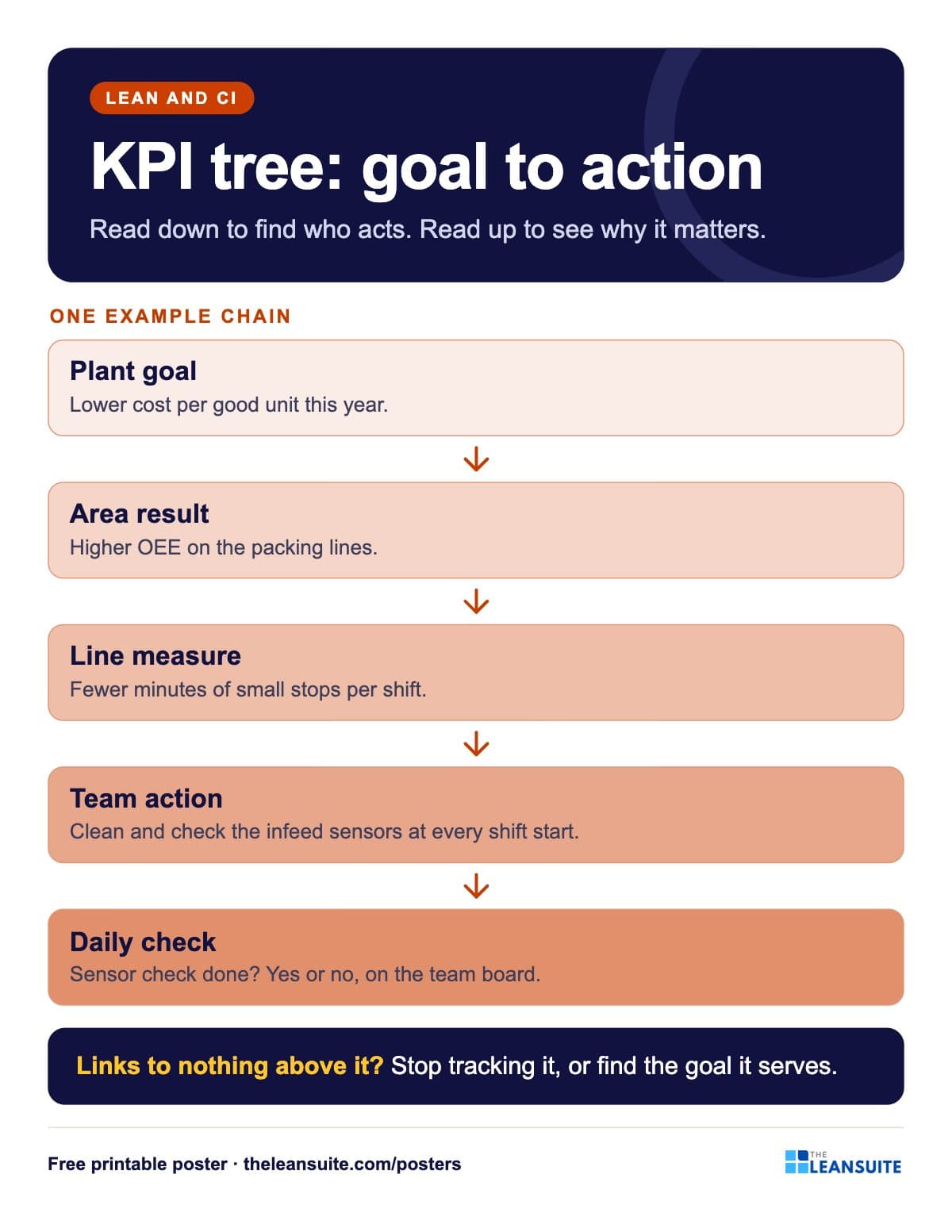 KPI tree poster
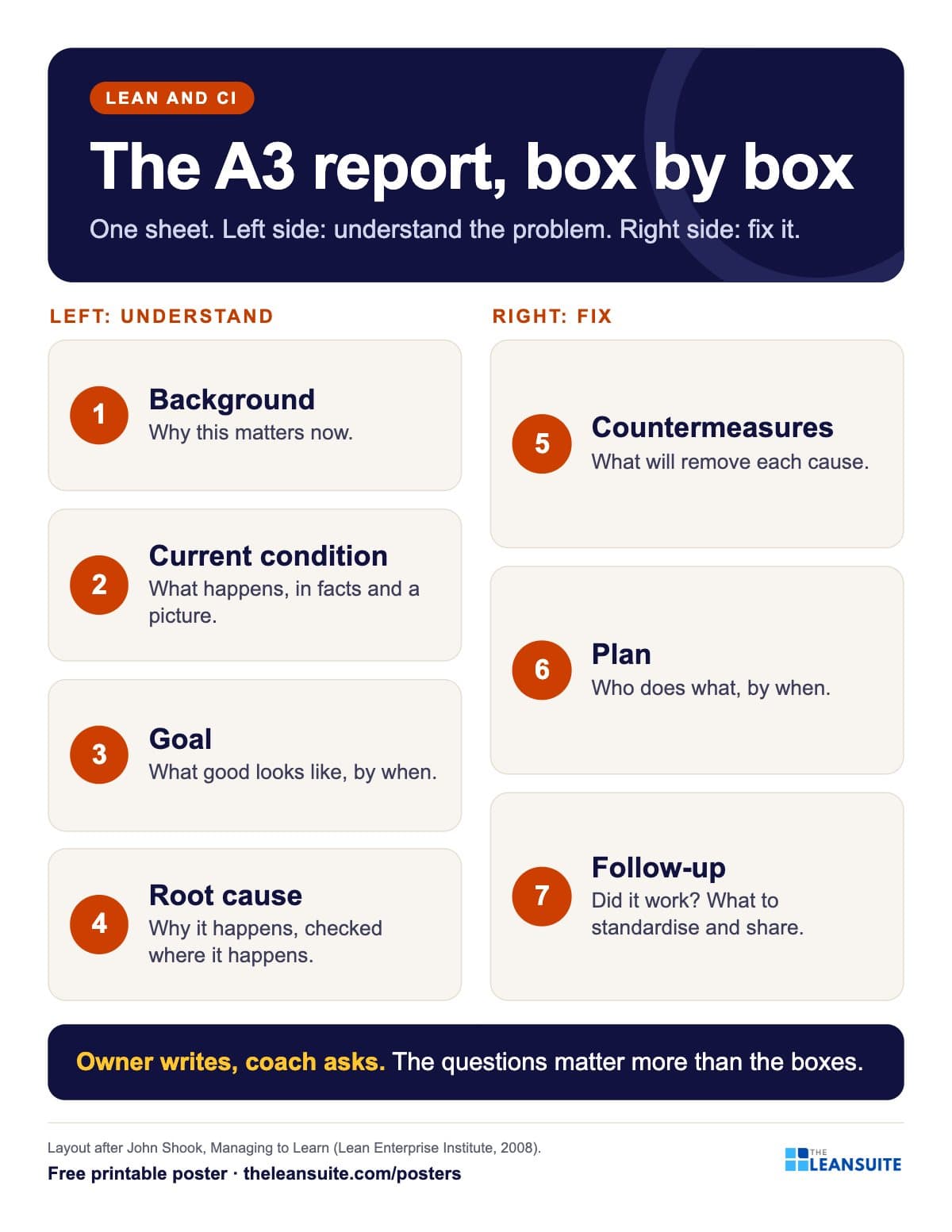 A3 report layout poster
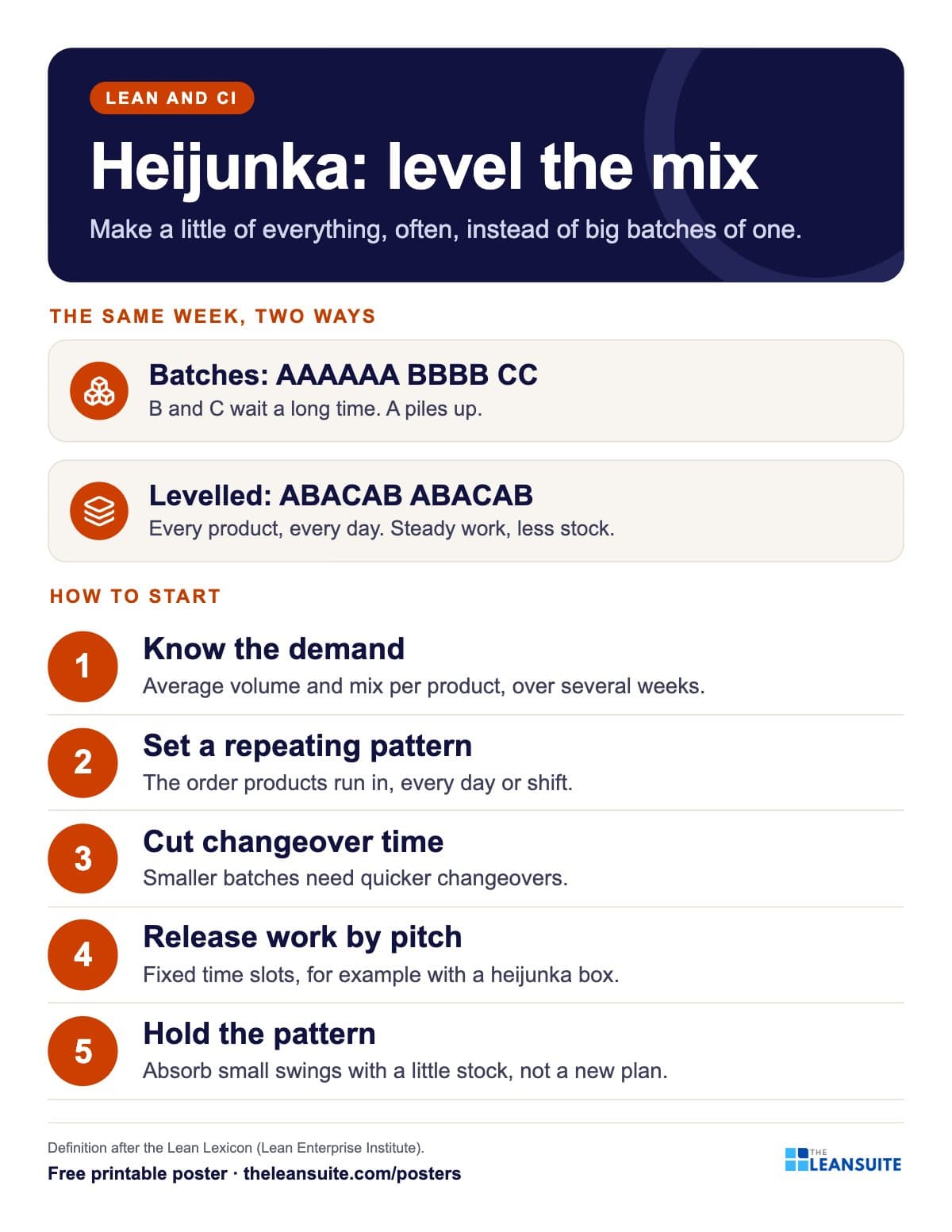 Heijunka production levelling poster
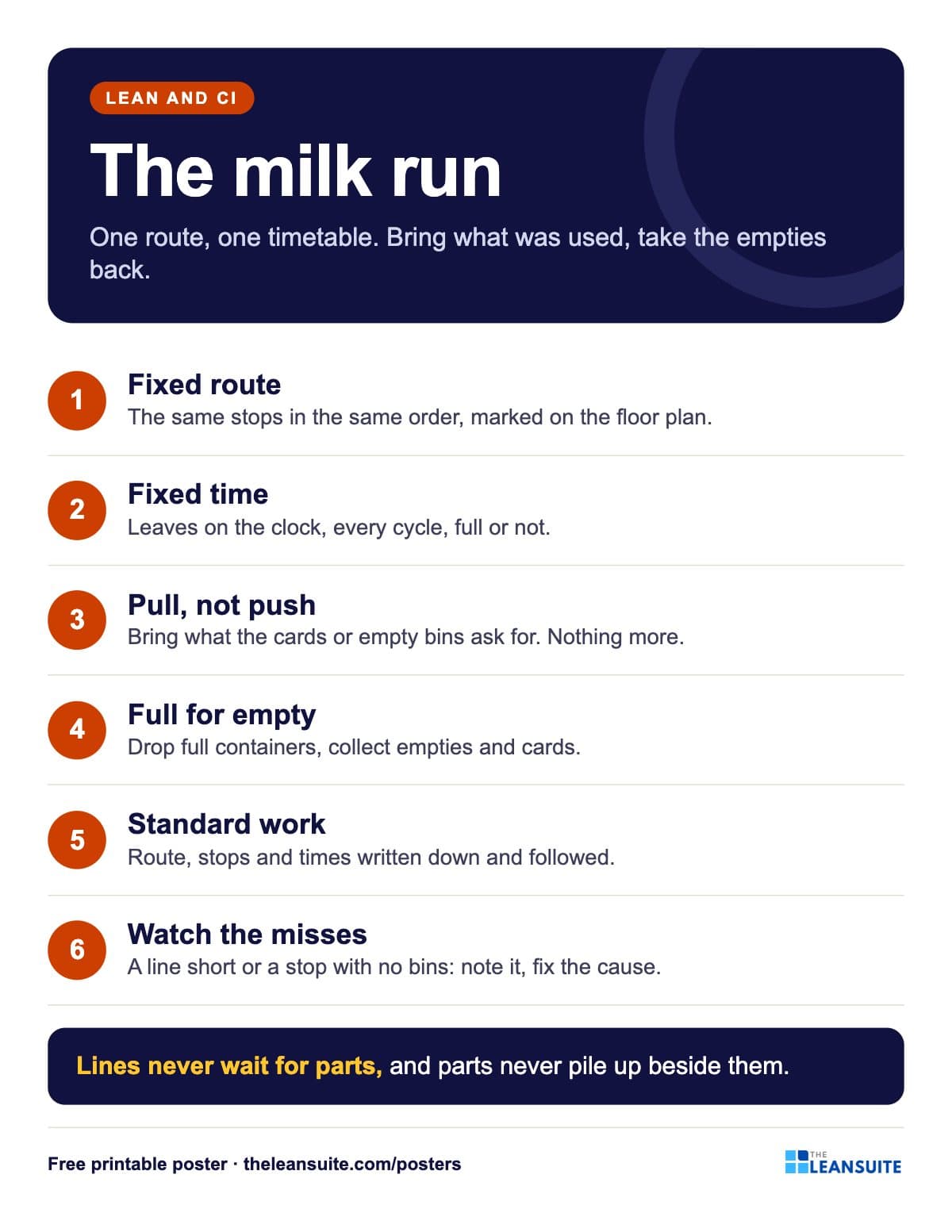 Milk run poster
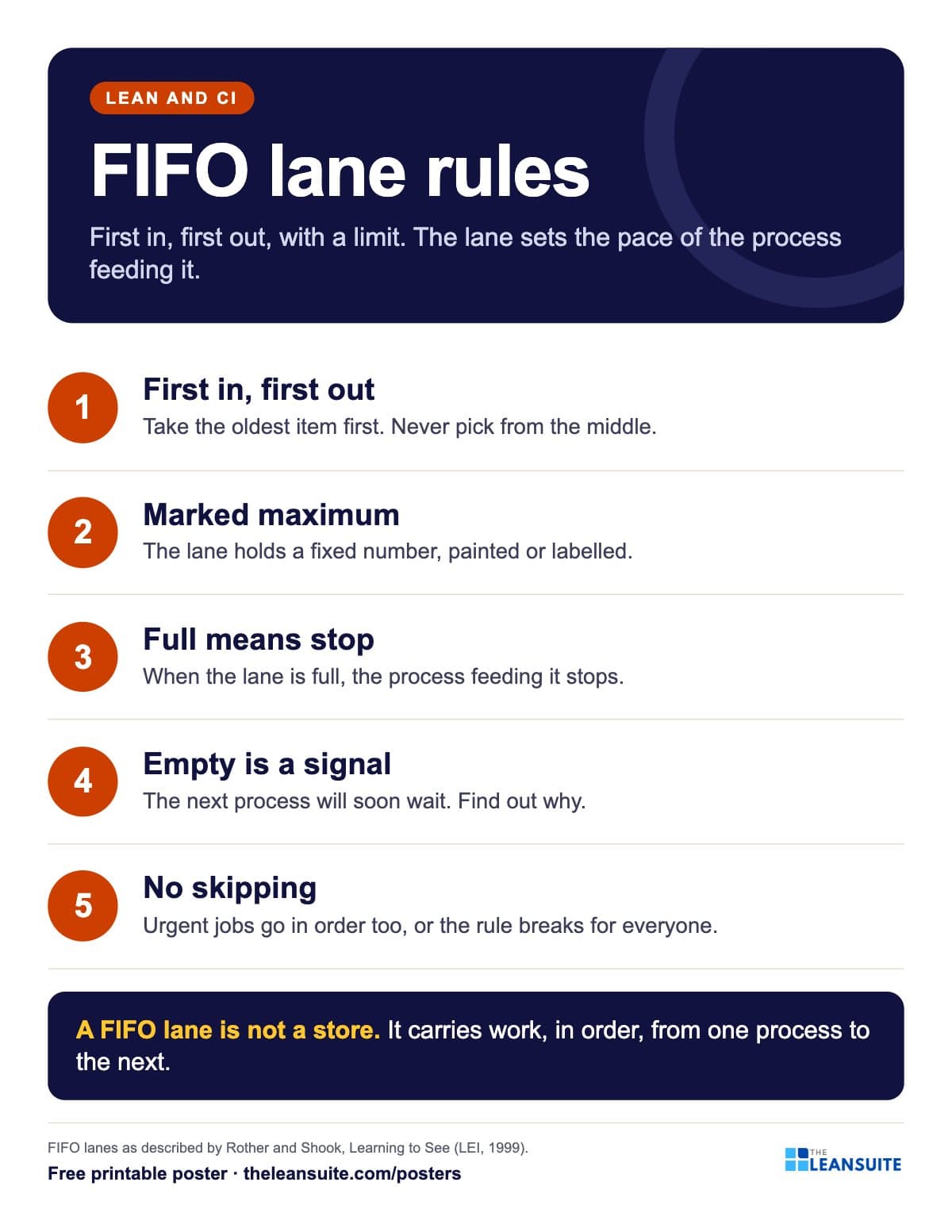 FIFO lane rules poster
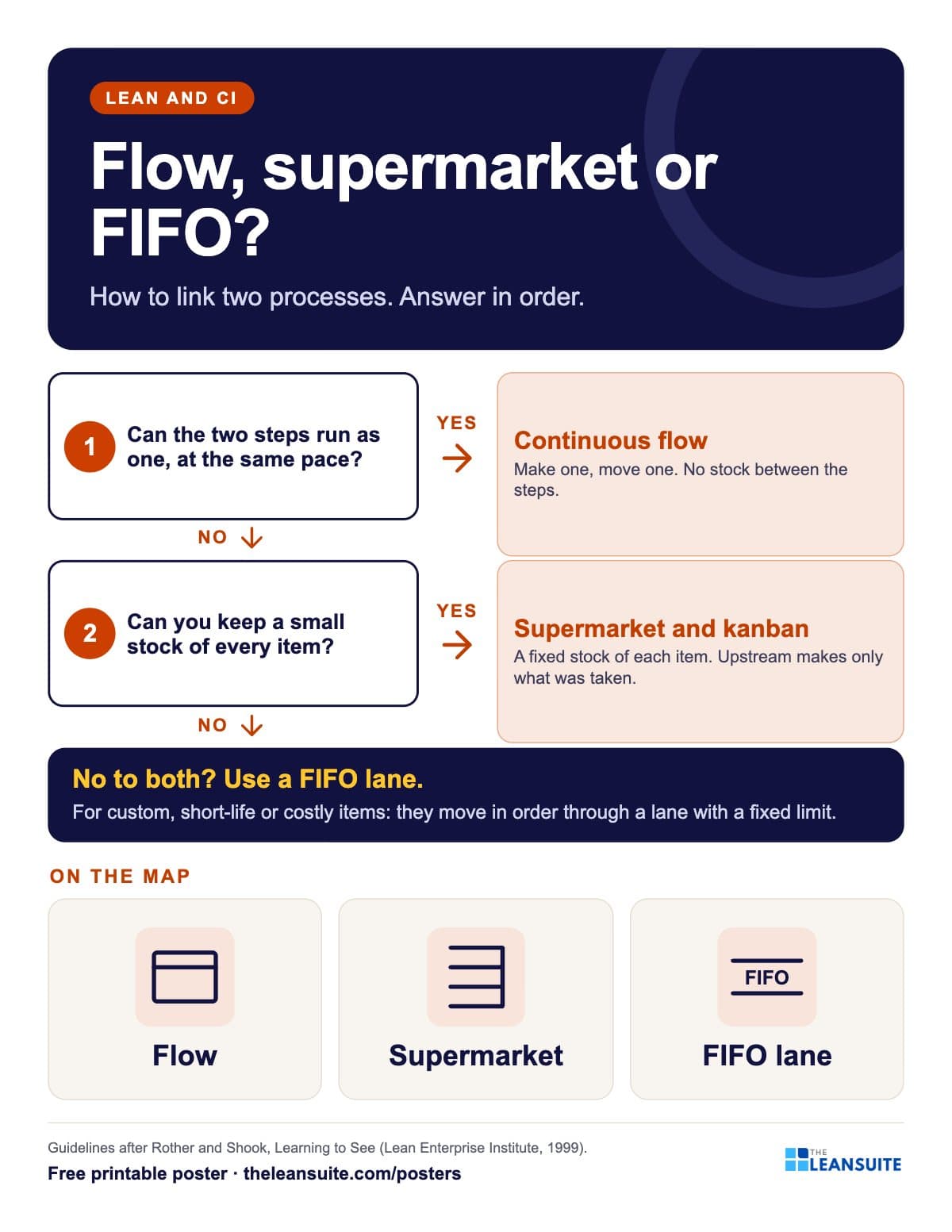 Flow, supermarket or FIFO lane poster
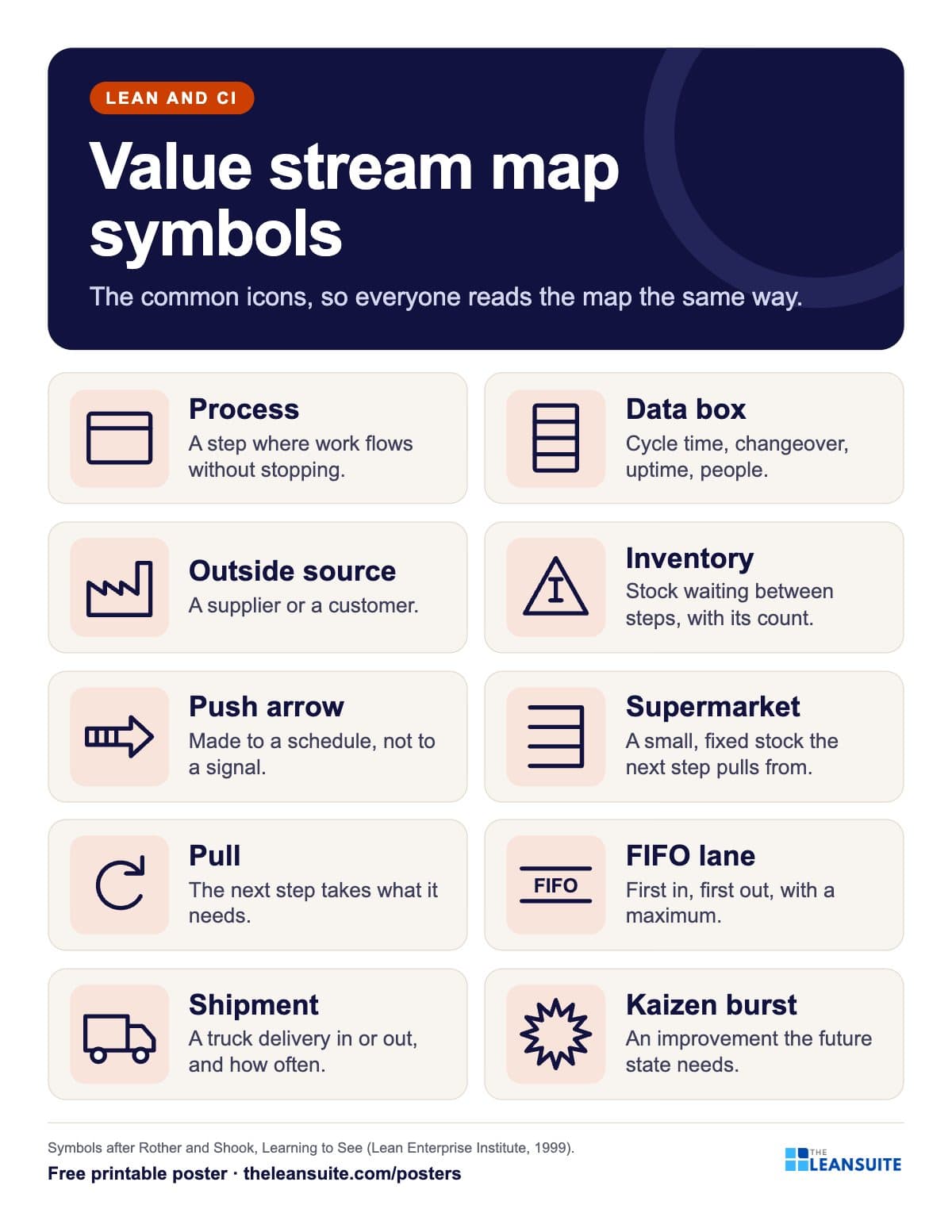 Value stream map symbols poster
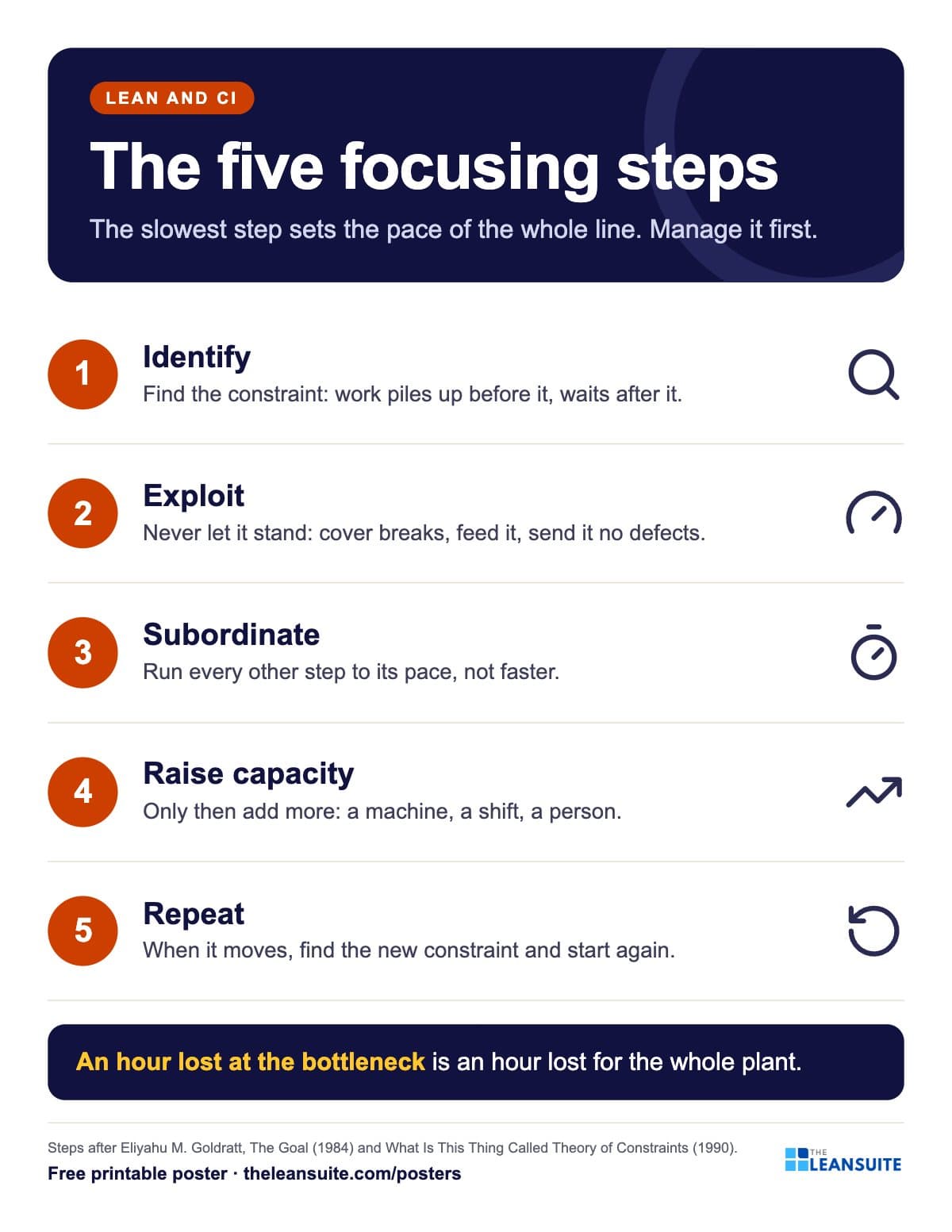 Bottleneck five focusing steps poster
A poster reminds. A routine makes it stick.
See how plants run their audits, improvements and follow-ups in LeanSuite, on a call built around your own problem.
Book a 45-minute demo